Free trial
The homepage repeatedly offers a free way to try MelodyStudio and links signup as the entry point, but it does not state how long the trial lasts or what it includes.
Learn moreMelody ideas for your lyrics, line by line
Own Melody Studio? Verify ownership to get a dofollow link

Melody Studio is a guitar tab generator tool. A songwriting app that takes your lyrics and returns original melody ideas line by line, which you edit, combine and keep royalty free. Aimed at producers, singers and first time writers who want a starting point rather than a full production suite.
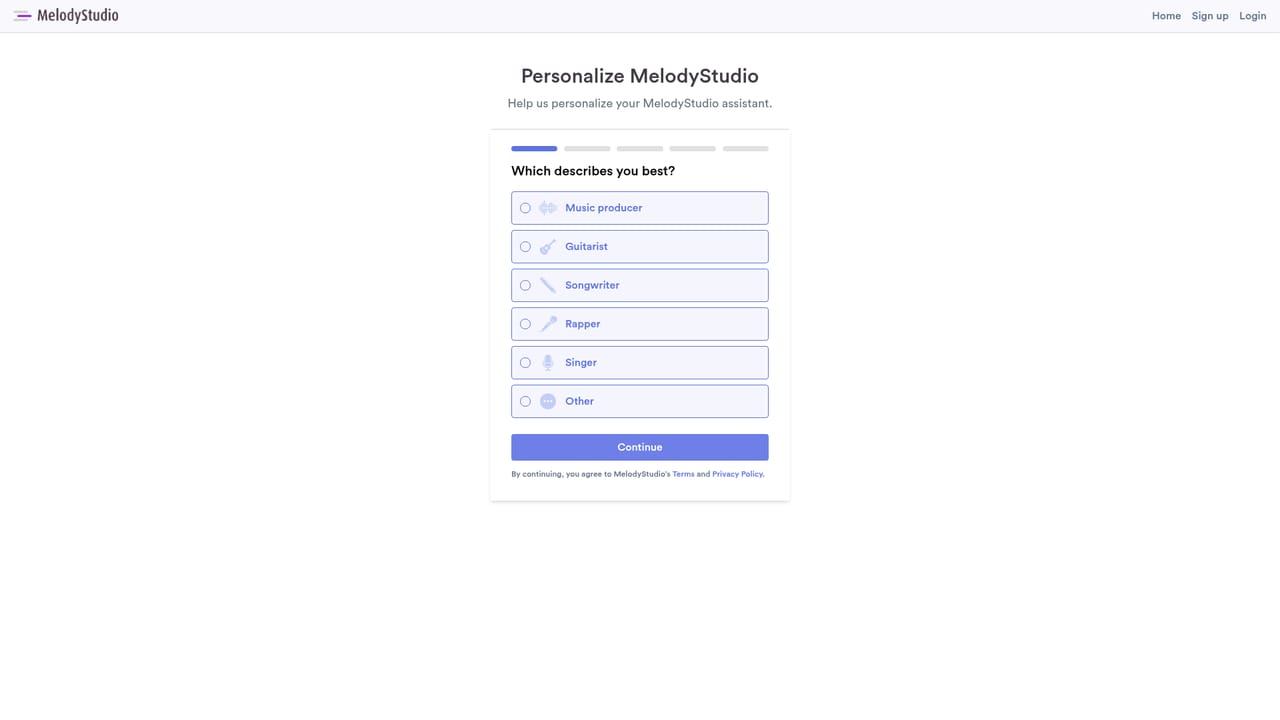
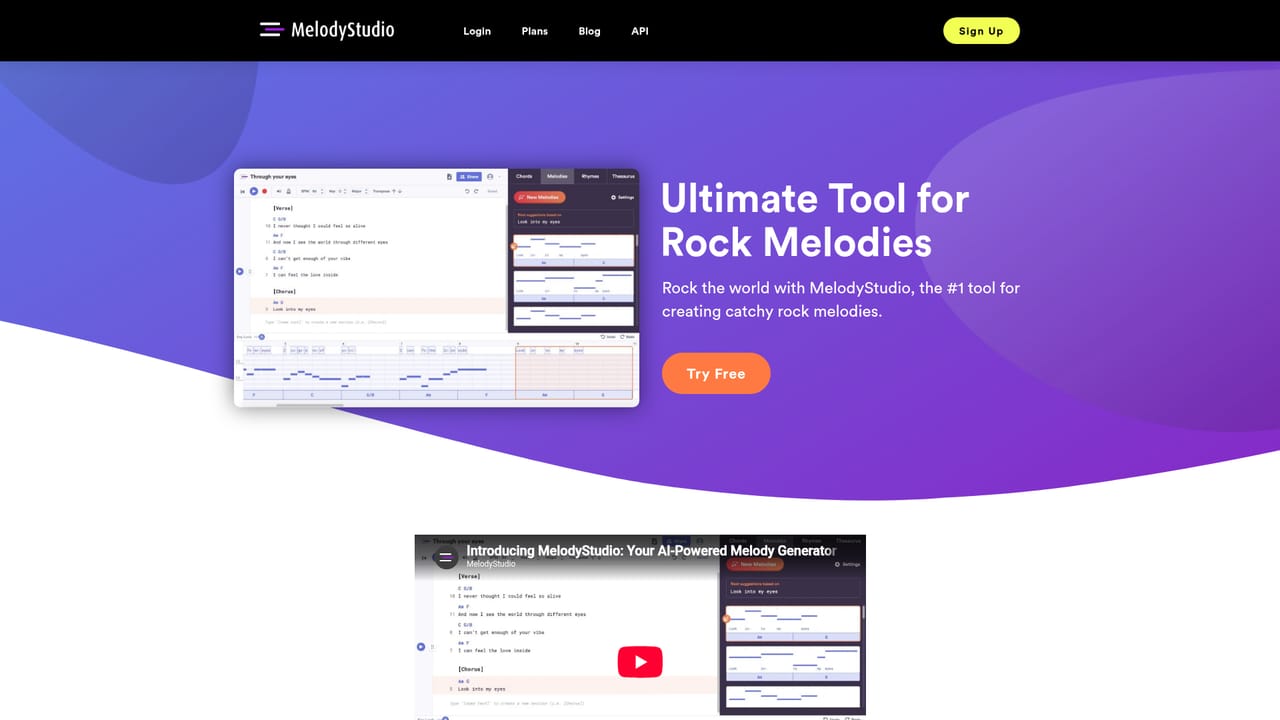
MelodyStudio is a songwriting tool built around one narrow but useful job: turning lyrics into melodic options. You bring the words, type them into the editor or generate them first, and the platform returns original melody ideas for how each line could be sung. Chords or a backing track can be added if the song already has a harmonic direction, but they are optional rather than required. From there you combine the ideas, edit the notes that work, and discard the rest. In practice the tool behaves less like a full production suite and more like a co-writer that never runs out of suggestions. The site frames the output as royalty free, and it states that users keep all rights to the projects they create, which matters if the ideas turn into released songs. The same lyric can be fed through repeatedly to hear several approaches, then the strongest fragments can be stitched into a verse or chorus. Because the app focuses on melody rather than arrangement, drum programming, mixing or mastering, it slots in ahead of a DAW rather than replacing one. The audience spans a wide range. Producers and singers who write their own material get a fast starting point, experienced songwriters get a way to break out of familiar phrasing, and people who have never written a song get a structured first step instead of a blank page. Guitar players and singers have dedicated landing pages, and the site groups genre interests such as rock, country, pop, R&B and gospel. MelodyStudio is separate from LyricStudio, a companion product, and the site says either can be used alone while recommending lyrics from one be carried into the other. There is also a developer API route listed in the footer for teams that want to build on the melody generation rather than use the editor. Pricing tiers are not spelled out on the homepage, so budget conscious writers should check the signup flow before committing.
The homepage repeatedly offers a free way to try MelodyStudio and links signup as the entry point, but it does not state how long the trial lasts or what it includes.
Learn moreMelody generation from typed or generated lyrics, optional chord and backing track input, line by line melody suggestions, editing and combining of ideas, a royalty free model where creators keep project rights, genre specific pages for rock, country, pop, R&B and gospel, and an API route for developers.
Learn more AI Angels400+ customizable AI girlfriends for NSFW chat, voice calls, and roleplay
 Candy AIExperience the future of companionship with AI friends who chat, role-play, and connect with you on a human level.
 ourdream.aiA vast AI roleplay platform with millions of characters for chat, images, video and voiceAI Angels400+ customizable AI girlfriends for NSFW chat, voice calls, and roleplayCandy AIExperience the future of companionship with AI friends who chat, role-play, and connect with you on a human level.ourdream.aiA vast AI roleplay platform with millions of characters for chat, images, video and voice