Free trial
A free account grants 30 credits on signup, enough to fully try text and web page inputs. Long documents and the high-quality model draw on the plan and credit balance.
Learn moreTurn long documents into editable, source-traceable mind maps

MindMapAny is an AI summarizer tool that turns long documents into editable, source-traceable mind maps. MindMapAny builds editable, source-traceable mind maps from pasted text, PDF, DOCX, EPUB, PPTX, TXT, Markdown, web articles and YouTube links.
MindMapAny converts long source material into a hierarchical mind map rather than a compressed summary. You paste text, upload a PDF, DOCX, EPUB or PPTX file, or point it at a public web article or YouTube link. The pipeline extracts the body text, splits it into chunks, anchors each chunk to a location in the original, and then builds a multi-level structure from those chunks. Up to seven input formats share the same four stages, with only extraction changing between them, so a slide deck and a research paper come out with comparable structure. The distinguishing feature is traceability. Each chunk is bound to a page number, slide position, chapter title or section anchor during chunking, and the model only references chunk IDs. Locations are resolved by lookup as the map is assembled, not invented afterwards. PDF nodes carry page numbers, PowerPoint nodes carry slide numbers, and EPUB nodes carry chapter titles, since page numbers shift with font size in an ebook. Output can span up to five levels and 110 nodes per map, with three depth settings controlling the level and node budget. Maps can be produced in more than 30 output languages independently of the source language, which suits readers working through foreign-language papers. The audience is people who have to read carefully and verify: researchers working through papers and reports, analysts handling long PDFs, students mapping textbooks, and teams reviewing specifications or training decks. Editing happens on the canvas with keyboard shortcuts (double-click to rename, Tab for a child, Enter for a sibling, Space to collapse), and layout, theme, typography and branch numbering are adjustable. Exports cover PNG, SVG and Markdown, and a public read-only link can be switched on for people without accounts. Against summarisation tools, the trade-off is deliberate: a summary tells you what was said, a map shows how the argument is arranged, and MindMapAny positions itself on the second job. The limits are concrete. Scanned PDFs need OCR first, DRM-protected EPUBs cannot be opened, PPTX speaker notes and images are ignored, and pages behind logins, bot protection or heavy client-side rendering cannot be read. Files cap at 20MB and legacy DOC, audio and video are unsupported. Generation is credit-based and requires an account, so it is not a zero-friction tool.
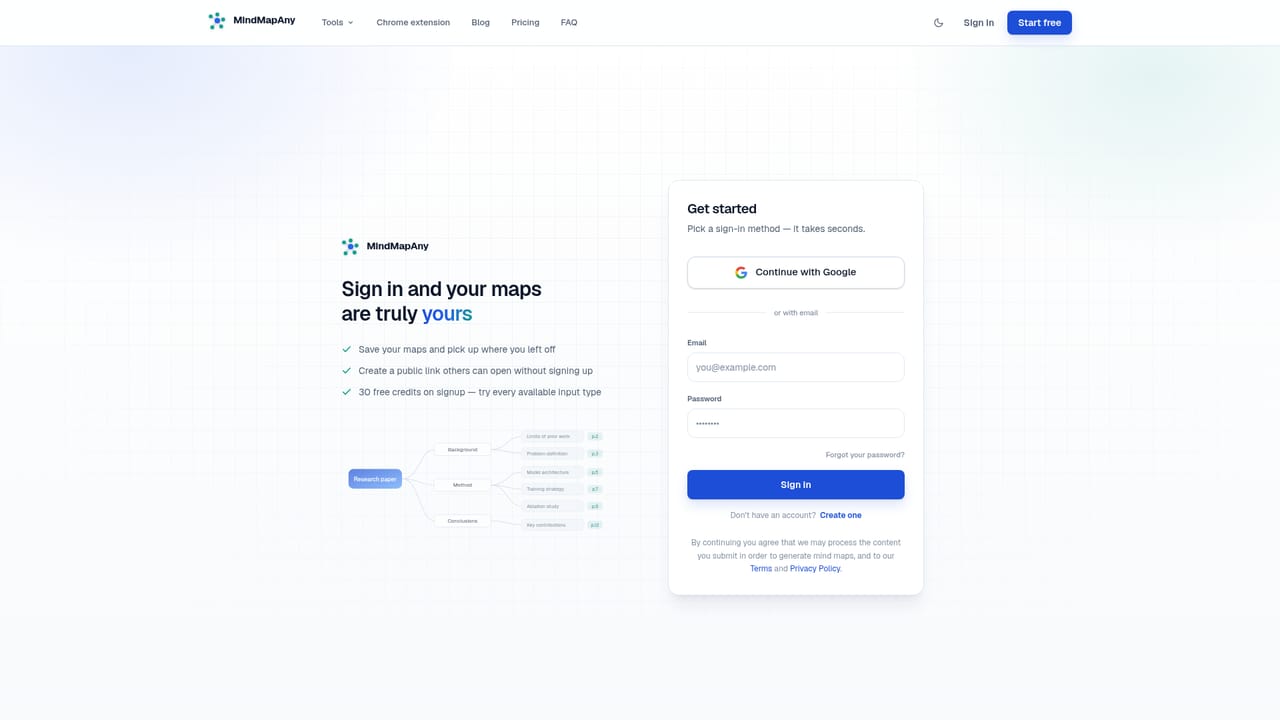
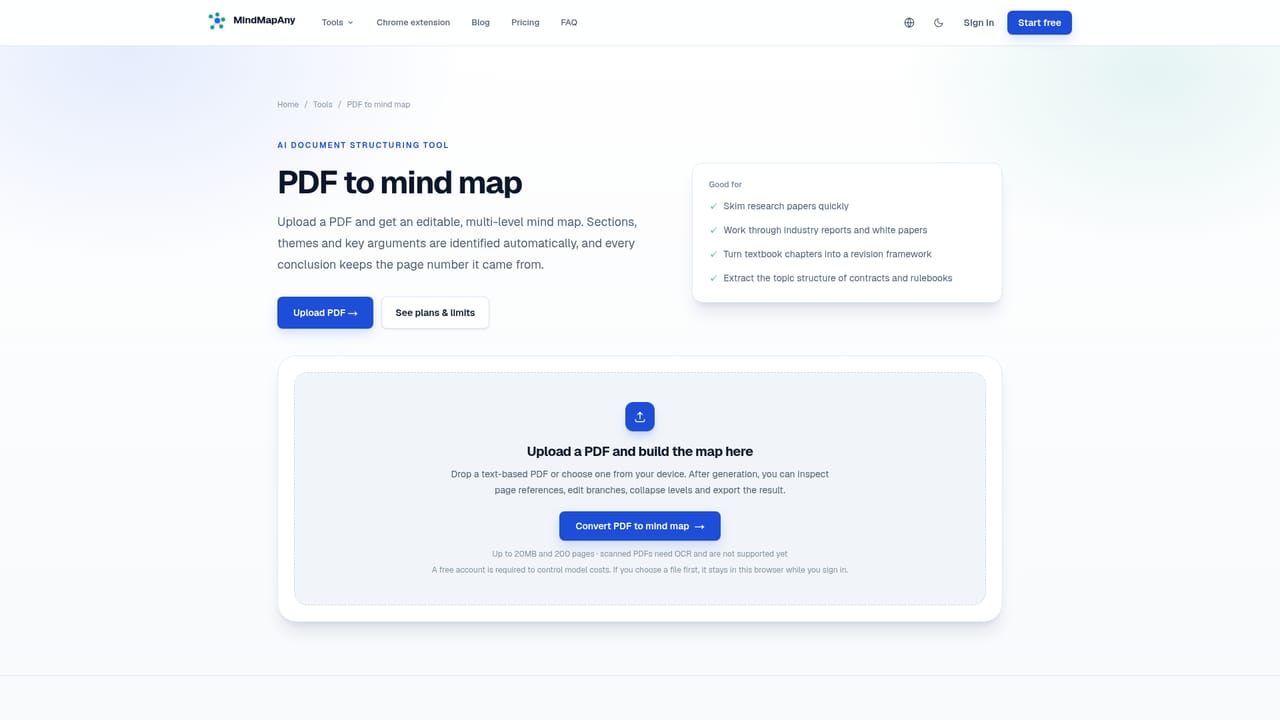
A free account grants 30 credits on signup, enough to fully try text and web page inputs. Long documents and the high-quality model draw on the plan and credit balance.
Learn morePricing runs on credits charged per generation, with cost depending on input type, model tier and content length; a short article costs far less than a long report. A free account grants 30 credits, and failed generations are refunded to the balance.
Learn moreQuestions go to support@mindmapany.com, with replies usually within three business days according to the homepage FAQ.
A Chrome browser extension sends web pages into the tool. YouTube links are handled directly. No other third-party integrations are listed on the homepage.
Learn moreSeven input formats (text, PDF, DOCX, EPUB, PPTX, TXT, Markdown, web links, plus YouTube), a shared extract, chunk, anchor and build pipeline, deterministic page/slide/chapter/section citations, up to five levels and 110 nodes with three depth settings, canvas editing with keyboard shortcuts, 30+ output languages, and PNG, SVG and Markdown export.
Learn more AI Angels400+ customizable AI girlfriends for NSFW chat, voice calls, and roleplay
 Candy AIExperience the future of companionship with AI friends who chat, role-play, and connect with you on a human level.
 ourdream.aiA vast AI roleplay platform with millions of characters for chat, images, video and voiceAI Angels400+ customizable AI girlfriends for NSFW chat, voice calls, and roleplayCandy AIExperience the future of companionship with AI friends who chat, role-play, and connect with you on a human level.ourdream.aiA vast AI roleplay platform with millions of characters for chat, images, video and voice


