Free trial
A free starting point is offered with no credit card required. The homepage does not describe a separate time-limited trial of premium AI features.
Learn moreAn AI-assisted visual canvas where teams think, plan and build together

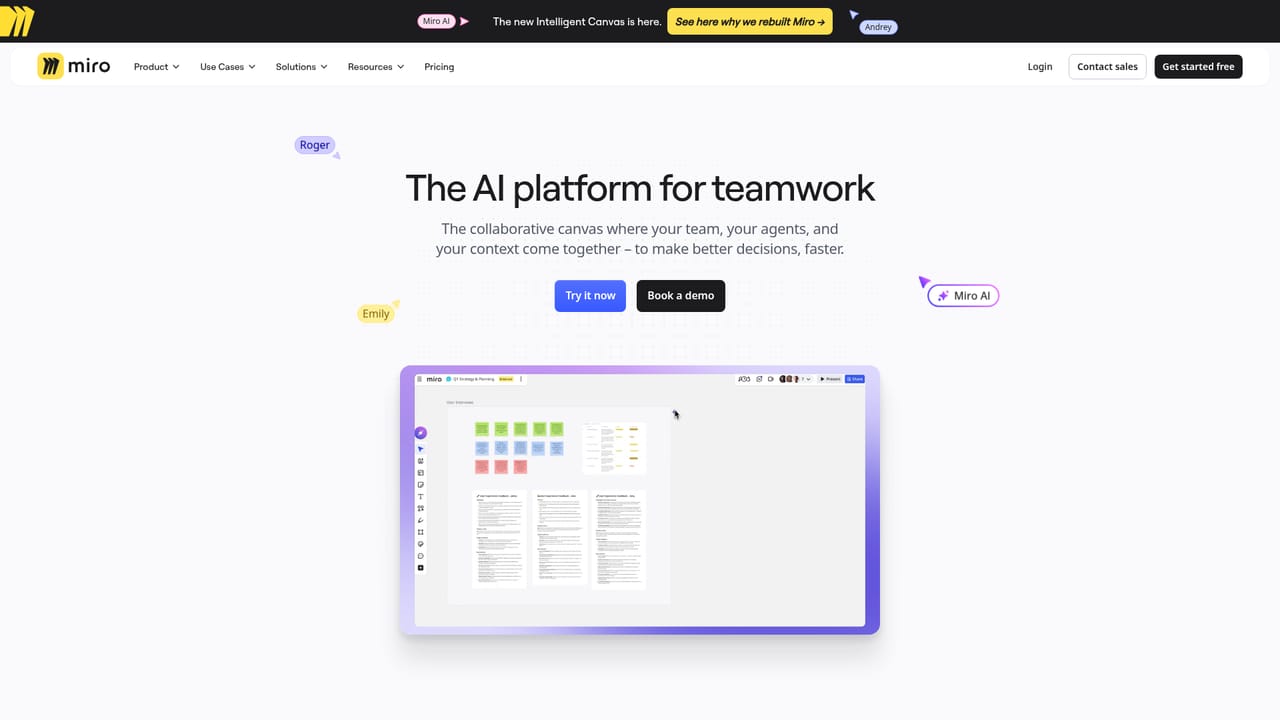
MiroAI is an AI project builder tool. Miro AI adds AI assistance to Miro's visual collaboration canvas, aimed at product, design and research teams that want help moving from workshop notes and diagrams to aligned plans without leaving the board.
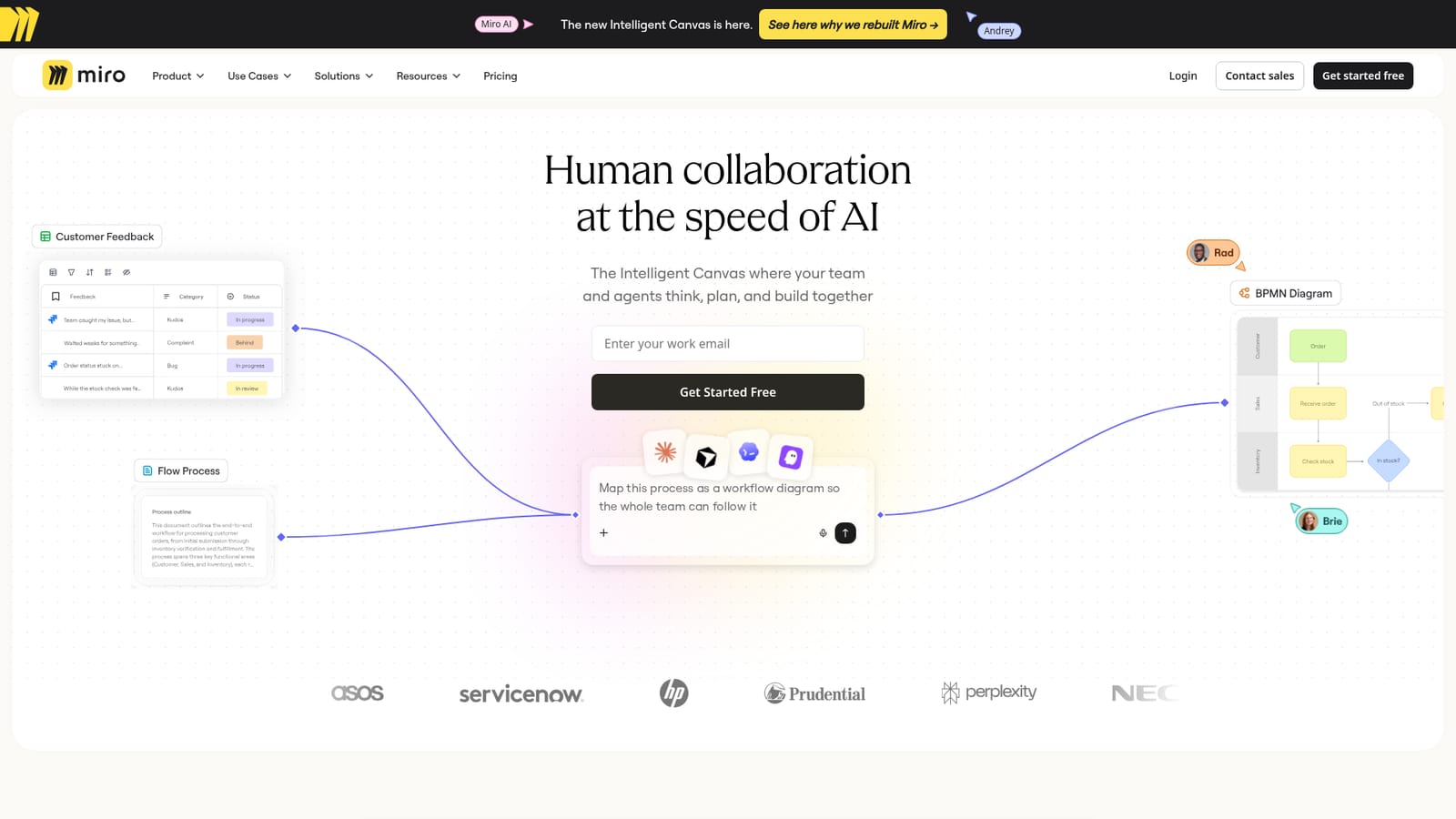
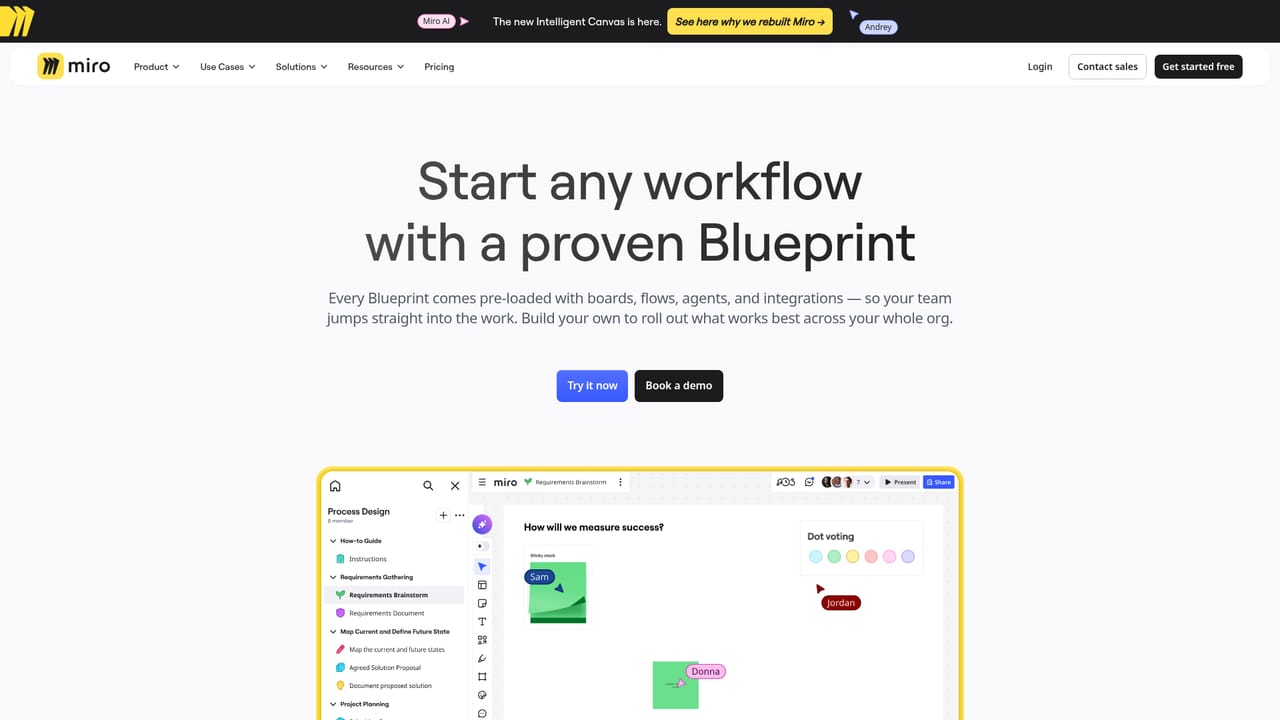
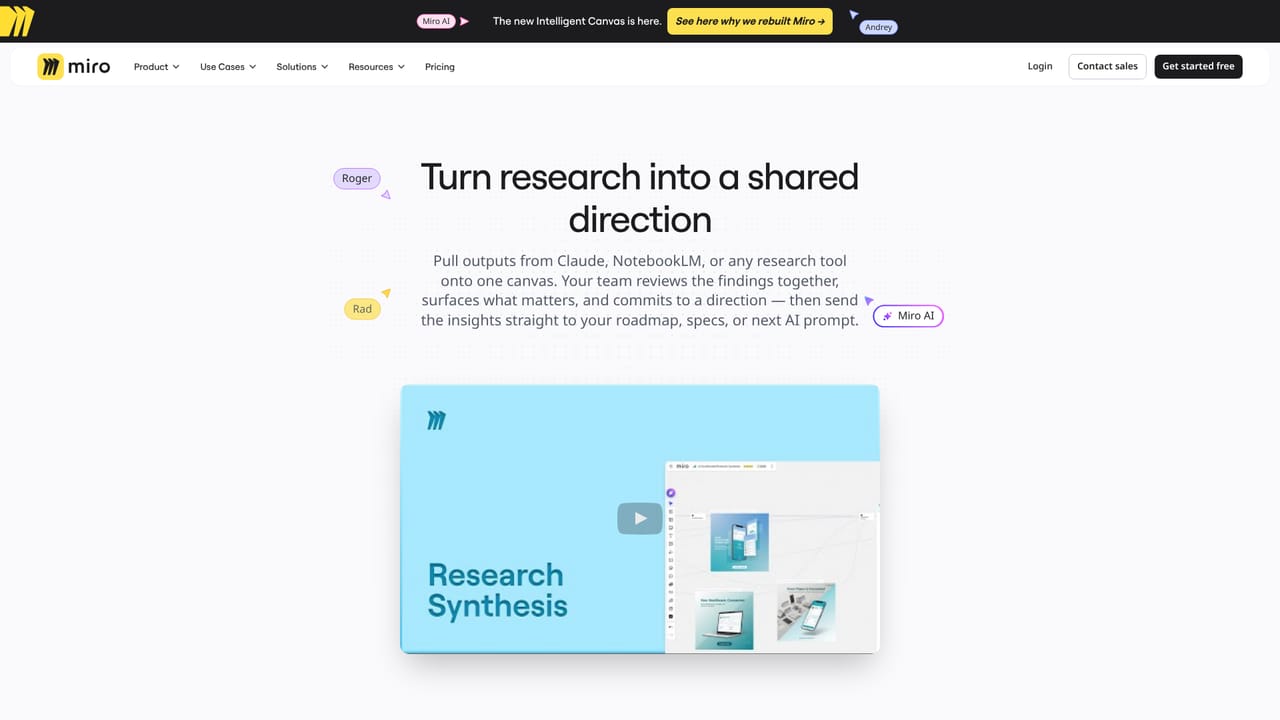
Miro AI sits inside Miro, the visual workspace where teams sketch ideas, map processes and run workshops on a shared board. The AI layer is presented as part of what the company calls the Intelligent Canvas: a surface where people and assistants work in the same space rather than in a separate chat window. Miro frames the pitch around speed of product development, from early ideation through to launch, with team alignment and tool consolidation as the main arguments. In practice the product is a canvas with a growing set of AI helpers attached to it. The site points to research synthesis as one concrete workflow, and to blueprints as reusable starting structures for common work, which suggests AI is meant to shorten the gap between messy input (interview notes, diagrams, tickets) and structured artifacts a team can act on. Because the canvas is visual, the natural users are product managers, designers, researchers and facilitators who already run their thinking in boards and workshops. The wider context matters for evaluation. Miro sells itself as a collaboration platform first and an AI product second, so Miro AI is best judged by how well it fits an existing Miro workflow rather than as a standalone assistant. Teams already standardised on Miro get AI without leaving the board; teams with no Miro footprint are really buying the canvas and the AI is a bonus layer. Separately, Miro states that no credit card is needed to get started free, and publishes pricing, integrations, security and enterprise pages of its own. The homepage is light on specifics: named models, pricing tiers and the exact scope of each AI capability are not spelled out there. Buyers should check the pricing and AI overview pages before committing, particularly around seat costs and which plan tiers unlock the AI features.
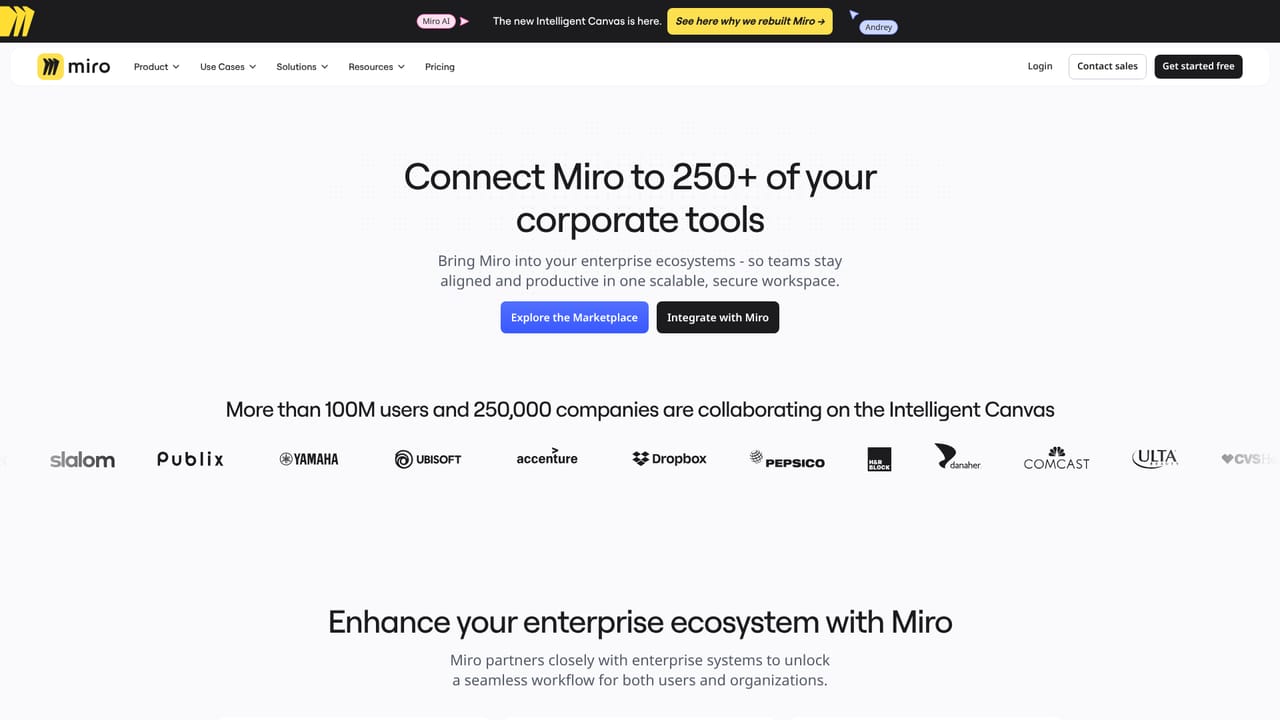
A free starting point is offered with no credit card required. The homepage does not describe a separate time-limited trial of premium AI features.
Learn moreThe homepage does not list prices or tiers. It only states that you can get started free with no credit card needed. Detailed plan costs and which tiers include AI features should be checked on the pricing page.
Learn moreSupport options are not described on the homepage. Miro runs a community forum, an academy with learning resources, a blog and a partner directory, which are the places to look for help and training.
Learn moreMiro maintains a dedicated integrations directory. The specific connectors are not listed on the homepage, so check the integrations page for the current set.
Learn moreAI assistance built into a visual collaboration canvas, framed as the Intelligent Canvas. The site highlights research synthesis, blueprints for reusable board structures, and support for product development from ideation to launch. Specific AI capabilities and model details are not itemised on the homepage.
Learn more AI Angels400+ customizable AI girlfriends for NSFW chat, voice calls, and roleplay
 Candy AIExperience the future of companionship with AI friends who chat, role-play, and connect with you on a human level.
 ourdream.aiA vast AI roleplay platform with millions of characters for chat, images, video and voiceAI Angels400+ customizable AI girlfriends for NSFW chat, voice calls, and roleplayCandy AIExperience the future of companionship with AI friends who chat, role-play, and connect with you on a human level.ourdream.aiA vast AI roleplay platform with millions of characters for chat, images, video and voice


