Free trial
Free to start: new sign-ups receive 110k free credits, which allow testing the multi-model translation workflow before any payment.
Learn moreOne translation box, twenty plus AI models, auto-picked best result
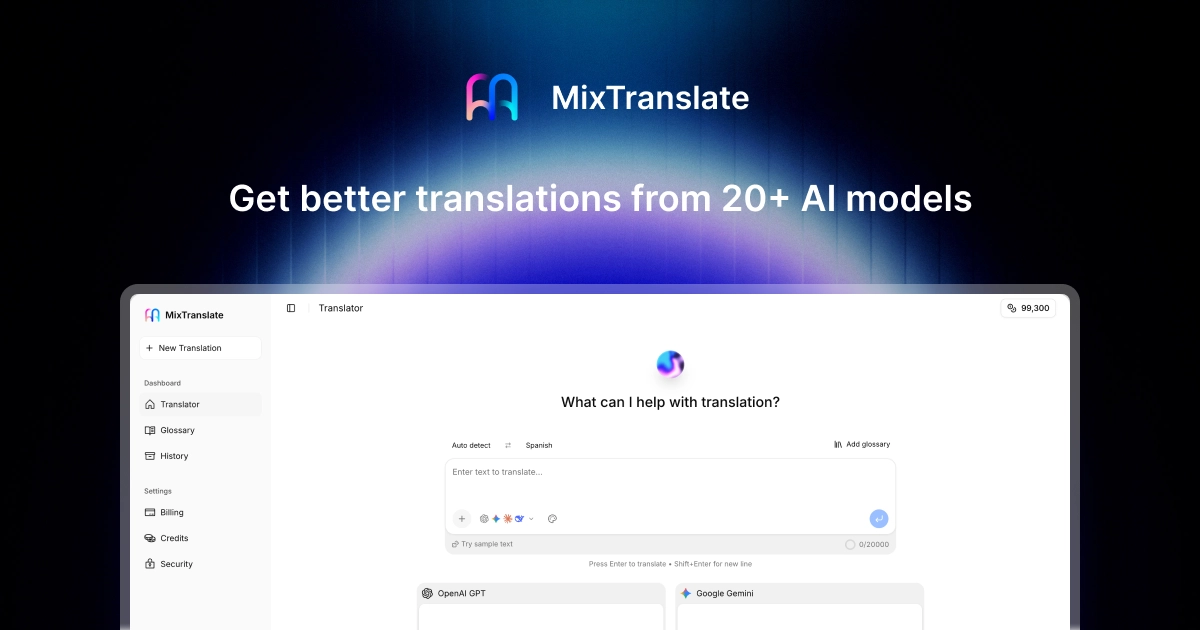
MixTranslate translates text, images, documents, audio and websites by running requests through 20+ AI models and auto-picking the result that best fits the intended tone and context. It targets localization, subtitle and multilingual content work, with a free credit grant to start.
MixTranslate is a translation workspace built around a simple idea: instead of pasting a sentence into one chatbot and accepting whatever comes back, the tool queries more than 20 leading AI models and lets an agent select the version that best matches the requested tone and context. The model roster includes OpenAI, Gemini, Claude, Grok, DeepSeek, MoonshotAI, Qwen, Nova, Mistral and Minimax, so users get a genuine spread of translation styles rather than a single engine's habits. The same comparison approach is applied across formats. Text translation handles a sentence or a full draft up to 2,000 characters in the input box. Image translation covers screenshots, menus, manga and photos while preserving the original layout and design. Document translation accepts Word, PowerPoint, Excel, JSON, Markdown and CSV files and returns a translated file ready to share. Audio translation transcribes a recording first, then produces text or subtitles, including bilingual SRT output. Website translation fetches a live page from a pasted URL and renders the translated content in place. A glossary feature lets users lock down terminology, and history and workspace views keep past jobs accessible. This fits people who care about translation quality enough to compare: localization teams, subtitle editors, ecommerce sellers working across storefronts, researchers reading foreign sources, and anyone who regularly jumps between languages. The workflow also suits casual users who simply want a good result without hunting for the best model themselves. Against single-model translators and generic chatbots, MixTranslate's differentiator is the multi-model comparison layer plus multimodal coverage in one interface, which removes most copy-pasting between apps. The tradeoff is that model comparison adds a step between input and output, and the best result depends on the auto picker's judgment, so users with strict terminology needs will still lean on glossaries and manual review. Pricing beyond the advertised credit grant is not spelled out on the homepage.
Free to start: new sign-ups receive 110k free credits, which allow testing the multi-model translation workflow before any payment.
Learn moreThe homepage advertises a free start with a 110k credit grant on sign-up and a dashboard with Credits and Billing sections. It does not publish plan tiers or per-run credit costs, so ongoing pricing needs checking inside the account.
Learn moreA contact page is available for reaching the team. The homepage does not describe documentation, live chat or response time commitments.
Learn moreBuilt on 20+ AI models including OpenAI, Gemini, Claude, Grok, DeepSeek, MoonshotAI, Qwen, Nova, Mistral and Minimax. No third-party app integrations are listed on the homepage.
Text translation with tone-matched output, image translation that preserves layout, document translation for Word, PowerPoint, Excel, JSON, Markdown and CSV, audio transcription with text or bilingual SRT output, live website translation from a URL, glossaries, history and a shared workspace.
 AI Angels400+ customizable AI girlfriends for NSFW chat, voice calls, and roleplay
 Candy AIExperience the future of companionship with AI friends who chat, role-play, and connect with you on a human level.
 ourdream.aiA vast AI roleplay platform with millions of characters for chat, images, video and voiceAI Angels400+ customizable AI girlfriends for NSFW chat, voice calls, and roleplayCandy AIExperience the future of companionship with AI friends who chat, role-play, and connect with you on a human level.ourdream.aiA vast AI roleplay platform with millions of characters for chat, images, video and voice