Integrations
Built-in connectors plus an open API, webhooks and a software development kit for custom integrations. Named partners on the site include Tring, GNET, Deepgram, Eccentex and Declar.
Learn moreAI voice and chat agents that take routine business calls 24/7

Monobot builds AI voice and chat agents for scheduling, bookings, reservations and product consultations, with a knowledge base, flow builder, analytics dashboard and a live agent workspace, plus vertical templates and API access for custom integrations.
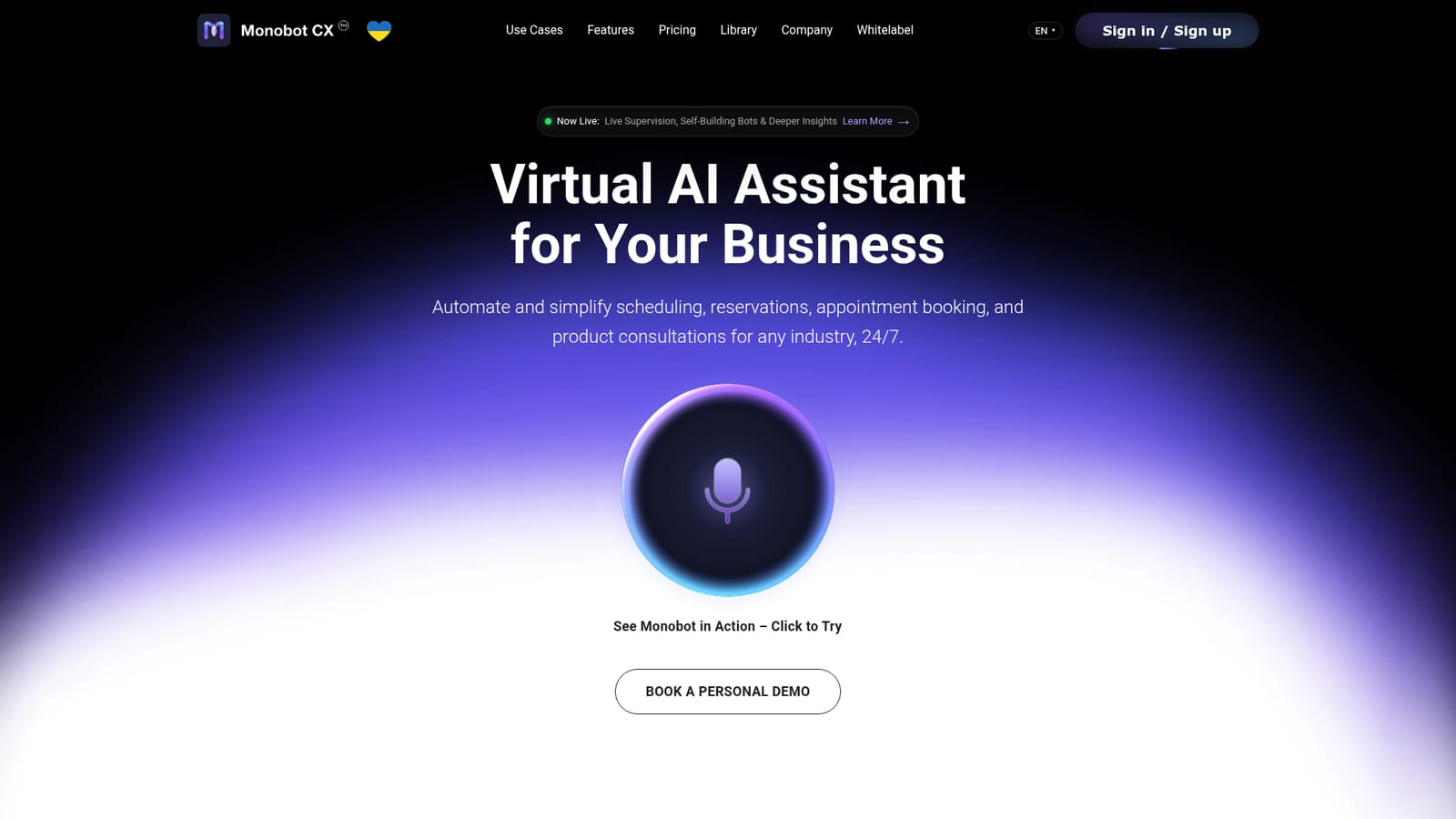
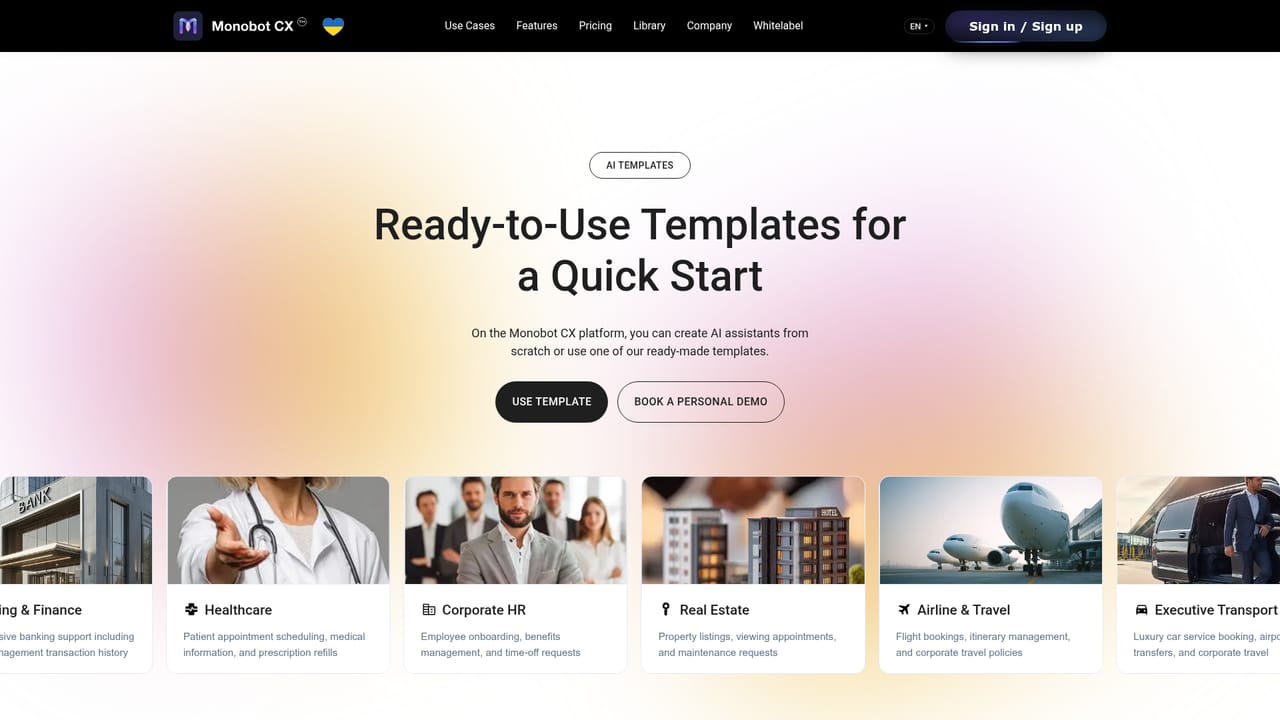
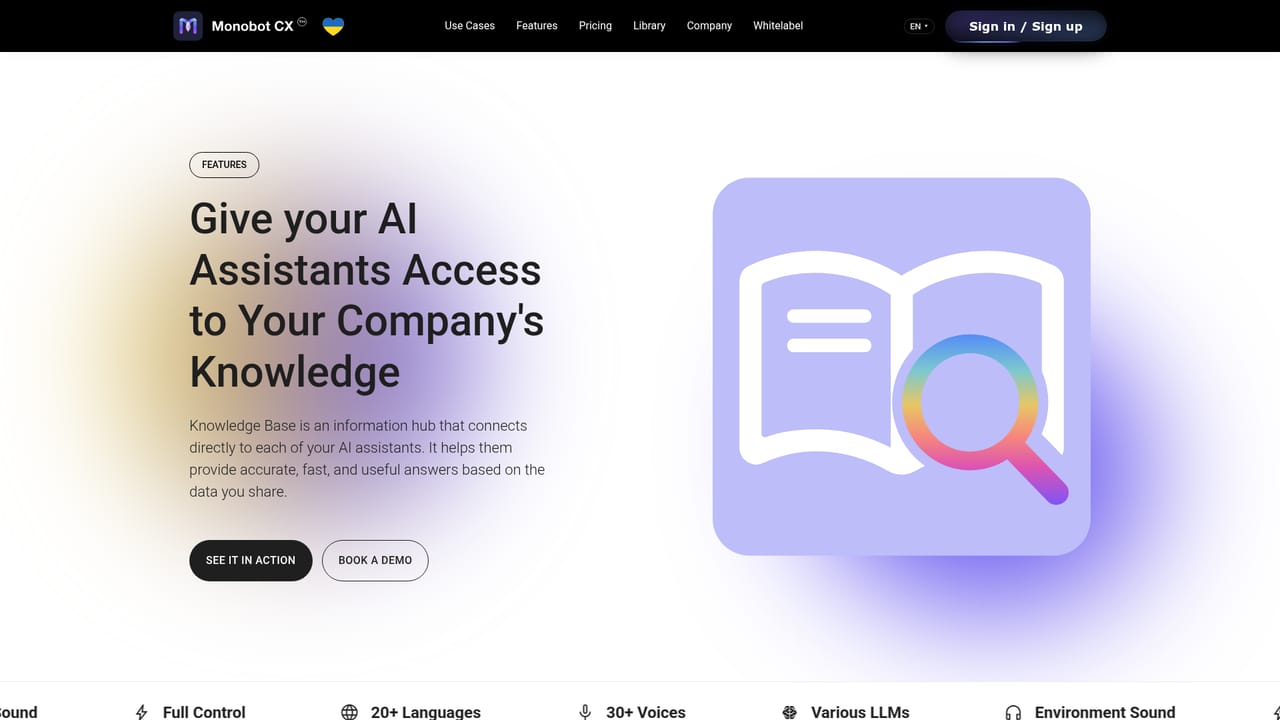
Monobot is an AI platform for building voice and chat agents that handle the repetitive side of customer contact: scheduling, reservations, appointment booking, product consultations, identity verification and order status checks. The company positions the product around contact centres and service teams, claiming that agents built on the platform can absorb up to 80 percent of inbound requests. Setup is pitched as a no-code, minutes-long process, which puts it closer to a vertical bot builder than to a general purpose assistant. The platform bundles several working parts. A knowledge base holds articles, policies and product details that the bot draws on during a conversation, while automation flows let you diagram how a call should branch and where sentiment or other metrics get tracked. A dashboard reports on interactions across web call, text chat and cell call channels, and an interaction detail view exposes transcripts, latency figures and detected keywords. A separate agent workspace sits alongside the bots, feeding human representatives real time suggestions, automated summaries and sentiment signals during live conversations. Templates cover the verticals Monobot targets: executive transport, corporate HR, banking and finance, healthcare, real estate and property management, airline and corporate travel, plus lighter presets for insurance, retail, IT support, education, utilities, government, logistics and manufacturing. Teams can start from one of these and adjust, or connect their own systems through built-in connectors, an open API, webhooks and a software development kit. The obvious comparison is with general voice agent frameworks and with contact centre suites that have added AI. Monobot's edge in its own telling is the blend of self-service bots and human agent tooling in one product, with published claims of 92 percent first call resolution and 40 percent lower support costs. Buyers should treat those figures as vendor claims. The fit is strongest for operations with high volumes of predictable, scriptable calls, not for teams wanting an open-ended conversational assistant or a developer-first orchestration layer.
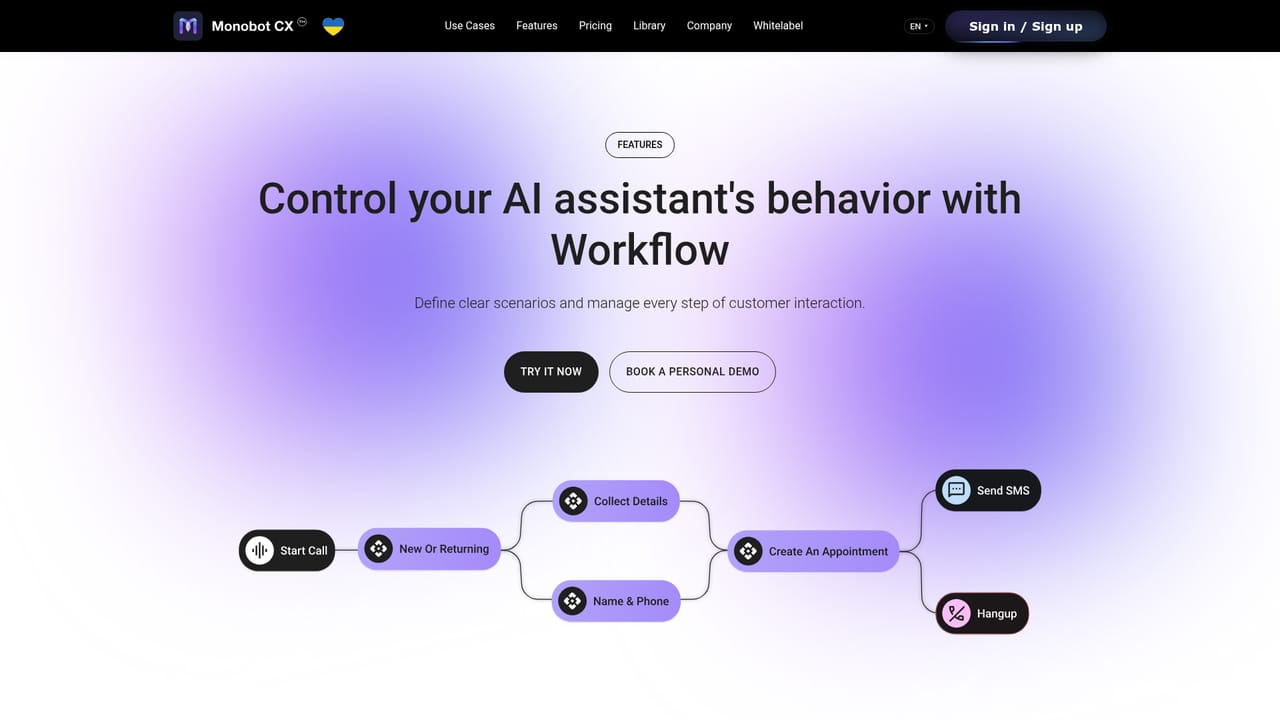
Built-in connectors plus an open API, webhooks and a software development kit for custom integrations. Named partners on the site include Tring, GNET, Deepgram, Eccentex and Declar.
Learn moreVoice and chat agents with a no-code flow builder, a knowledge base for grounded answers, a dashboard covering web call, text chat and cell call channels, interaction detail views with transcripts, latency and keywords, and an AI workspace that gives human agents live suggestions, summaries and sentiment. Vertical templates span transport, HR, finance, healthcare, real estate, travel and more.
Learn more AI Angels400+ customizable AI girlfriends for NSFW chat, voice calls, and roleplay
 Candy AIExperience the future of companionship with AI friends who chat, role-play, and connect with you on a human level.
 ourdream.aiA vast AI roleplay platform with millions of characters for chat, images, video and voiceAI Angels400+ customizable AI girlfriends for NSFW chat, voice calls, and roleplayCandy AIExperience the future of companionship with AI friends who chat, role-play, and connect with you on a human level.ourdream.aiA vast AI roleplay platform with millions of characters for chat, images, video and voice


