Integrations
The site names Slack, email, Linear, Jira, Asana, Zendesk and Discord, and says it works with any data source. Other integrations are not enumerated.
Turns scattered customer feedback into prioritized product insight

Monterey is a pattern recognition tool that turns scattered customer feedback into prioritized product insight. An AI copilot that ingests customer feedback from tickets, chat, email and calls, classifies and routes it, answers plain language questions about the data, and pushes findings to Slack, Linear, Jira and Asana.
Monterey is an AI copilot for product insights: it pulls customer feedback out of support tickets, emails, chat threads, calls and spreadsheets, then distills that material into themes, bug reports and feature requests a product team can act on. The premise is that most of the information a product group needs already exists in unstructured form, but reading it at volume is slow and inconsistent. Monterey positions itself as the layer that extracts and organizes it in minutes rather than weeks. The workflow has three stages. Extract ingests feedback from manifold sources and normalizes it into a single stream. Classify and triage then groups problems and subjects, surfaces emerging patterns and routes each item to the right stakeholder, with an auto triage example in the marketing material offering a "Upload Experience" bucket. Q&A and analyze lets team members ask questions of the data in plain language, without writing queries or code, and share the answers. A weekly digest can report totals such as feedback volume, feature requests, questions and bugs, plus top themes with their movement over time. Delivery is deliberately spread across existing tools. Insights can be shared in the app, on Slack, by email or through a Slack integration, and feedback can flow onward to Linear, Jira or Asana as tickets. Monterey Growth adds a feedback widget and requests portal where end users submit and vote on ideas. Teams worried about losing the customer voice inside an ever larger backlog are the core audience, alongside support and product operations groups that own triage. The competitive set is broad: feedback boards like Canny, general purpose analytics suites and the native reporting inside Zendesk or Intercom. Monterey's bet is that AI classification plus a shared question layer are more useful than dashboards you have to build yourself. The site quotes a 40 hour per month productivity gain per user, 65 percent cost savings from automatic routing and support for more than 85 languages, though these are vendor figures rather than independent benchmarks.
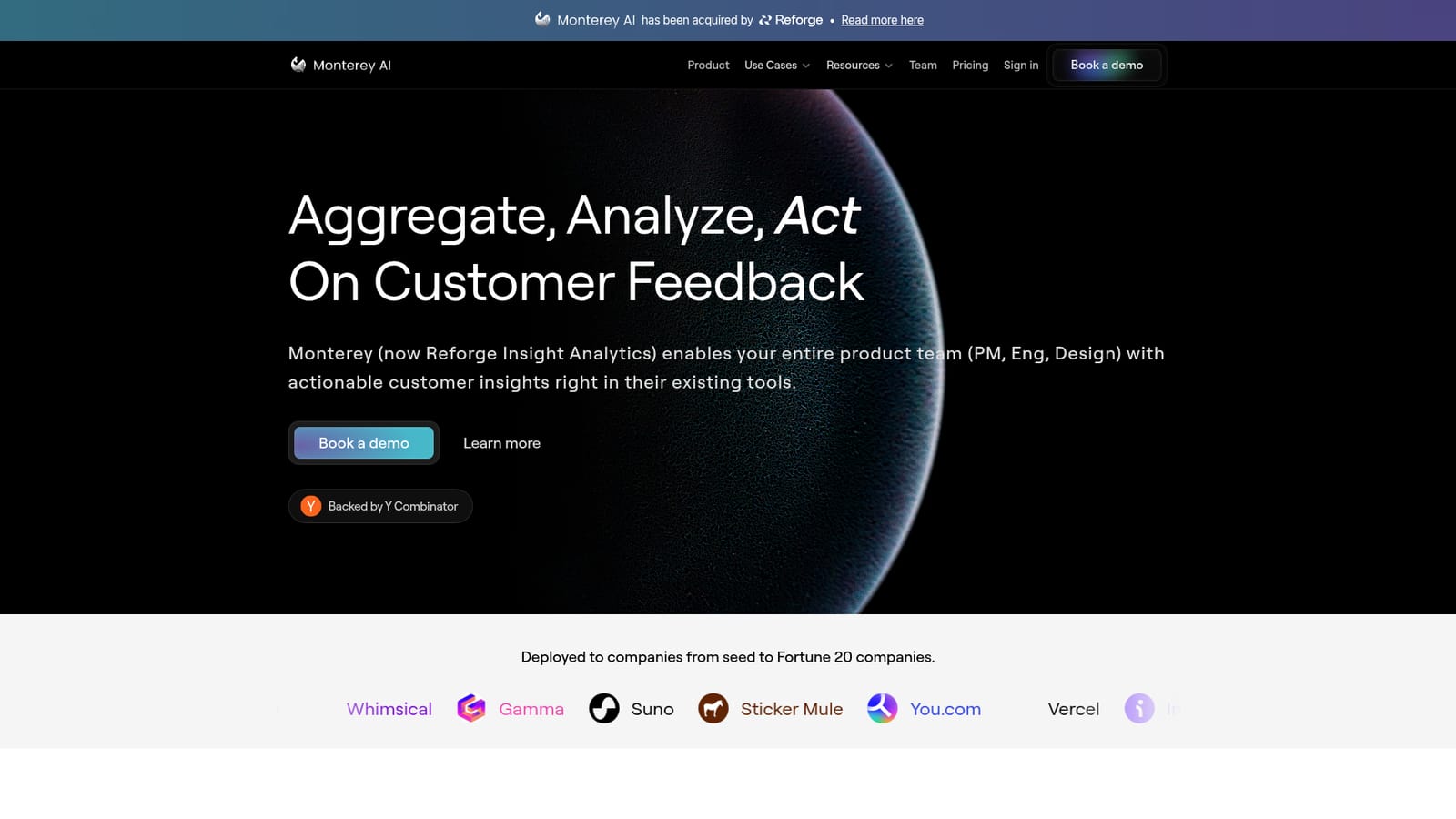
The site names Slack, email, Linear, Jira, Asana, Zendesk and Discord, and says it works with any data source. Other integrations are not enumerated.
Extraction from calls, emails, chat and other sources; automatic classification and triage into themes and problem groups; plain language Q&A over feedback data with shareable answers; scheduled digests of volume, requests, bugs and trending themes; a Growth module with feedback widget and requests portal; routing to Linear, Jira and Asana; collaboration in app, Slack and email.
 AI Angels400+ customizable AI girlfriends for NSFW chat, voice calls, and roleplay
 Candy AIExperience the future of companionship with AI friends who chat, role-play, and connect with you on a human level.
 ourdream.aiA vast AI roleplay platform with millions of characters for chat, images, video and voiceAI Angels400+ customizable AI girlfriends for NSFW chat, voice calls, and roleplayCandy AIExperience the future of companionship with AI friends who chat, role-play, and connect with you on a human level.ourdream.aiA vast AI roleplay platform with millions of characters for chat, images, video and voice


