Free trial
A free starting tier is advertised through the sign up page; no trial length or credit limits are stated on the homepage.
Learn moreAI design canvas that turns an app idea into a full set of screens

Mowgli generates full multi screen app designs from a description or an imported Figma file, then lets you edit through chat and hand off to Figma, React code or a connected coding agent.
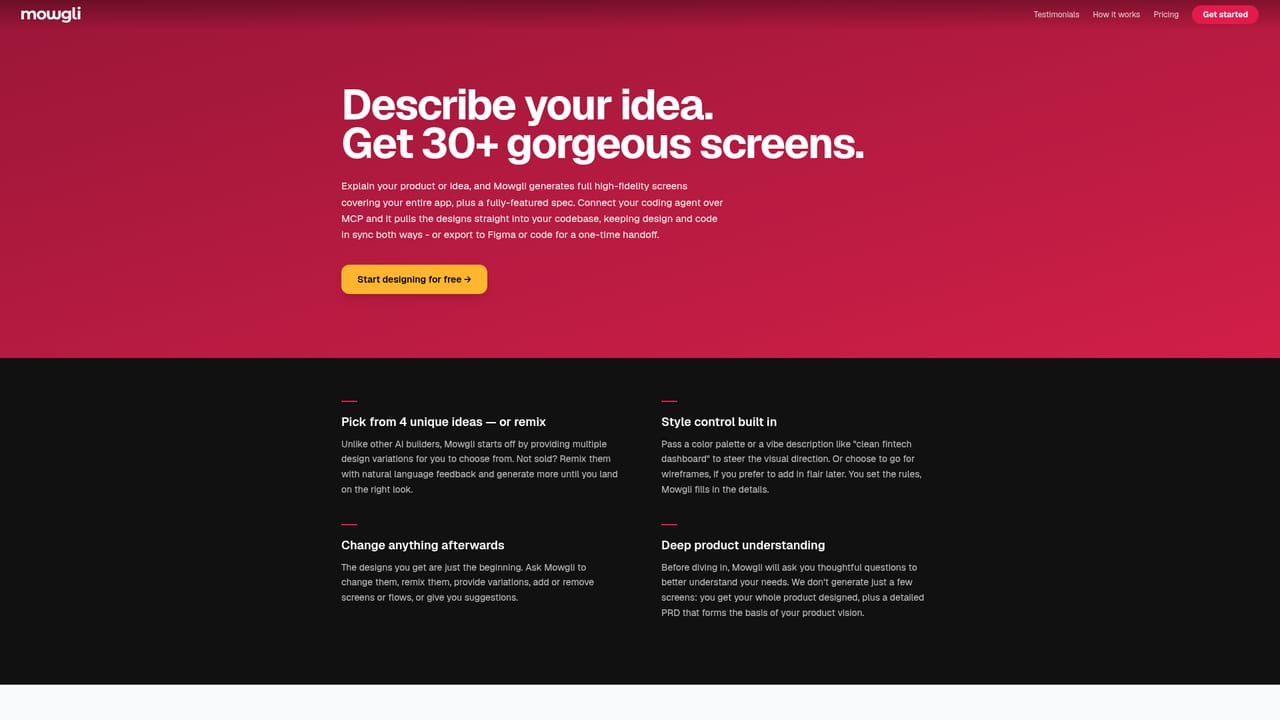
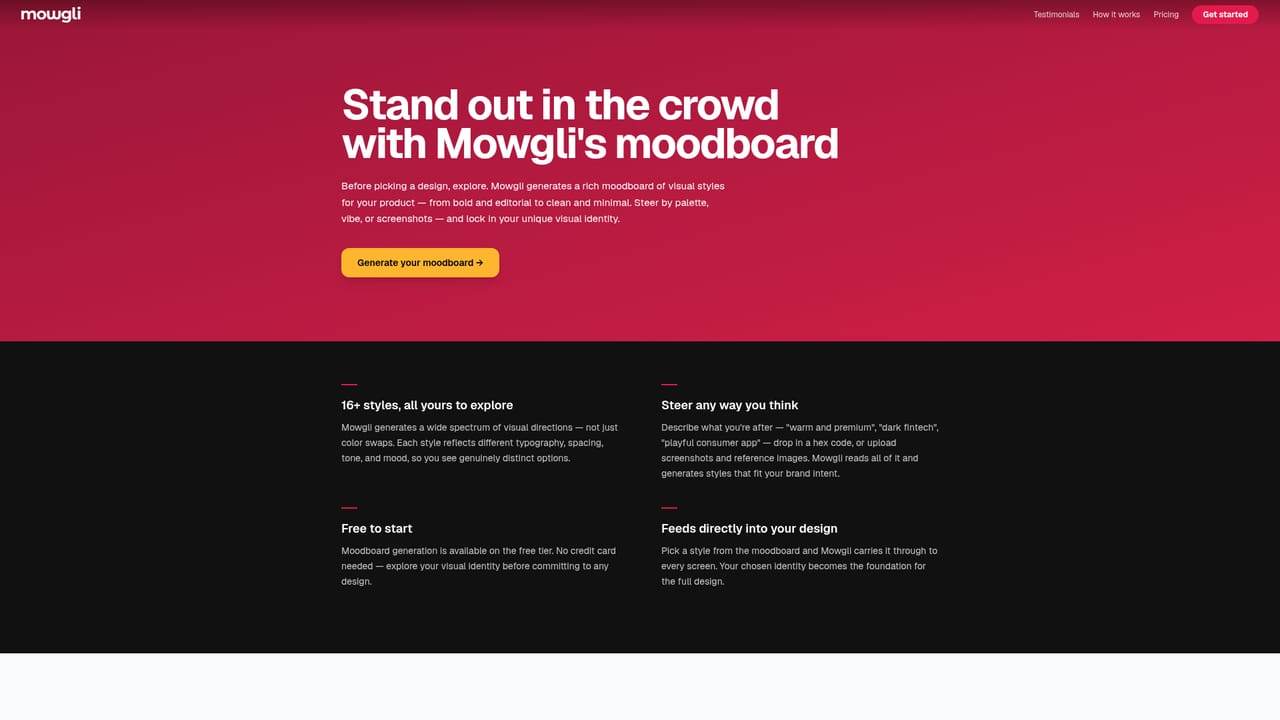
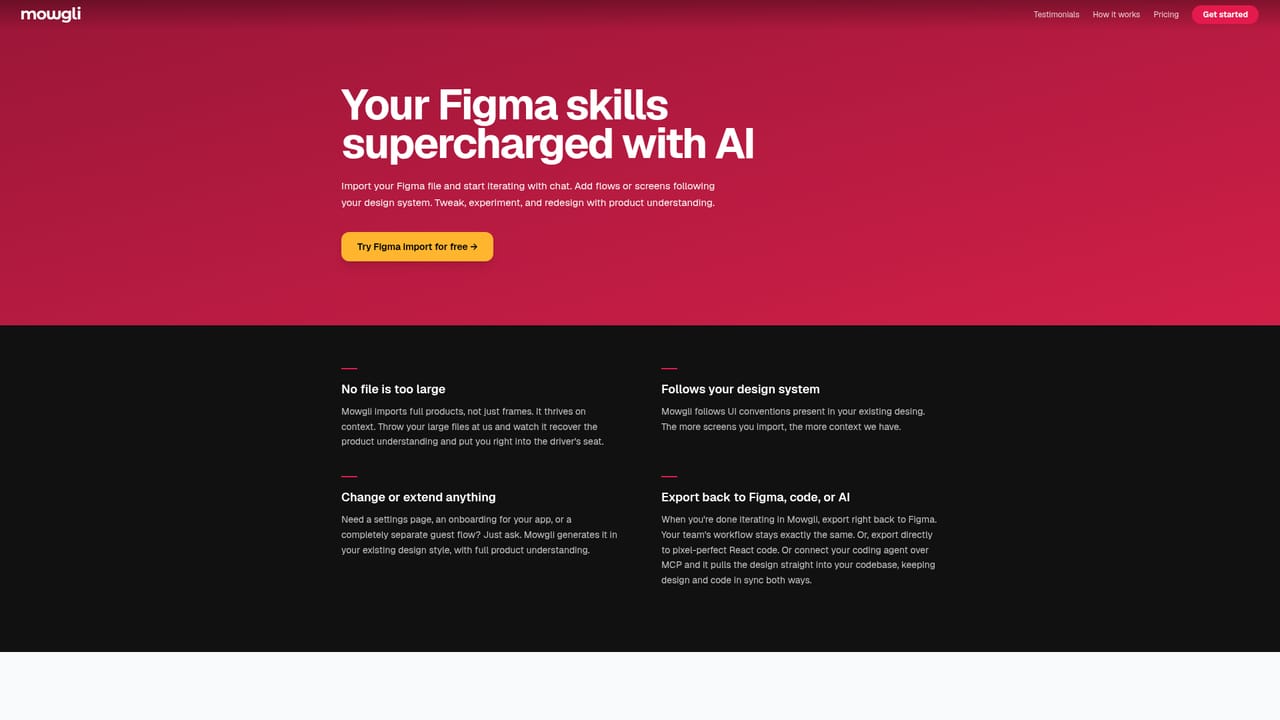
Mowgli is an AI design canvas for mobile, web and desktop apps. It takes a product from a written idea, or from assets you already own, and produces high fidelity designs for every screen in a flow rather than a single sample view. The tool is spec driven: while you work, Mowgli builds a product spec in the background and keeps it synchronized, so later edits have context about what the app is supposed to do. There are two entry paths. Starting from scratch means describing the idea and working through a scoping and understanding questionnaire; Mowgli then generates a moodboard with a large set of tailored design directions you can remix, combine and supplement with your own references. Starting from an existing product means dropping in a Figma file or connecting a coding agent so your current screens are pushed into Mowgli and mapped out. Either way the canvas holds the whole product, including flows and non happy path states, and chat handles surgical tweaks, new flows and redesigns. Handoff is where Mowgli separates itself from pure mockup generators. A connected coding agent (Claude Code, Codex, Cursor, Antigravity or any MCP app) can pull designs into the codebase and keep them in sync in both directions. Teams that prefer manual transfer can push to Figma or download React with Tailwind code, and every export carries a detailed spec and precise styling. Real time collaboration and sharing are built in for teams. Mowgli is aimed at product designers and small product teams, plus developers who want a design layer without a dedicated designer. It sits between prompt to UI tools that output loose mockups and full design suites that assume a human drives every pixel. Buyers should note that the public site presents Mowgli as free to start without publishing plan tiers or limits, so cost at scale needs checking directly.
A free starting tier is advertised through the sign up page; no trial length or credit limits are stated on the homepage.
Learn moreThe homepage states Mowgli is free to start and offers a free sign up route, but it does not publish plan tiers, per seat pricing or usage limits.
Learn moreFigma, Claude Code, Codex, Cursor, Antigravity and other MCP capable apps, with React code export as a manual handoff option.
Learn moreDesign generation for mobile, web and desktop apps, moodboard exploration with remixable directions, chat based editing, responsive adaptation and style steering, Figma import, prototyping, export to React and Tailwind, and two way sync with coding agents.
Learn more AI Angels400+ customizable AI girlfriends for NSFW chat, voice calls, and roleplay
 Candy AIExperience the future of companionship with AI friends who chat, role-play, and connect with you on a human level.
 ourdream.aiA vast AI roleplay platform with millions of characters for chat, images, video and voiceAI Angels400+ customizable AI girlfriends for NSFW chat, voice calls, and roleplayCandy AIExperience the future of companionship with AI friends who chat, role-play, and connect with you on a human level.ourdream.aiA vast AI roleplay platform with millions of characters for chat, images, video and voice


