Free trial
Paid plans start with a 14-day trial. A card is required and the subscription renews at the selected price unless cancelled. One paid trial per account. A $5 Trial Pass is offered as an alternative.
Learn moreLiving codebase docs that follow your GitHub commits

Moxie Docs turns a GitHub repository into source-cited documentation that updates as code changes, and exposes the same context to AI agents over MCP. Doc fixes arrive as human-reviewed pull requests, with an optional hosted public knowledgebase and a weekly Friday Cleanup recap on paid plans.
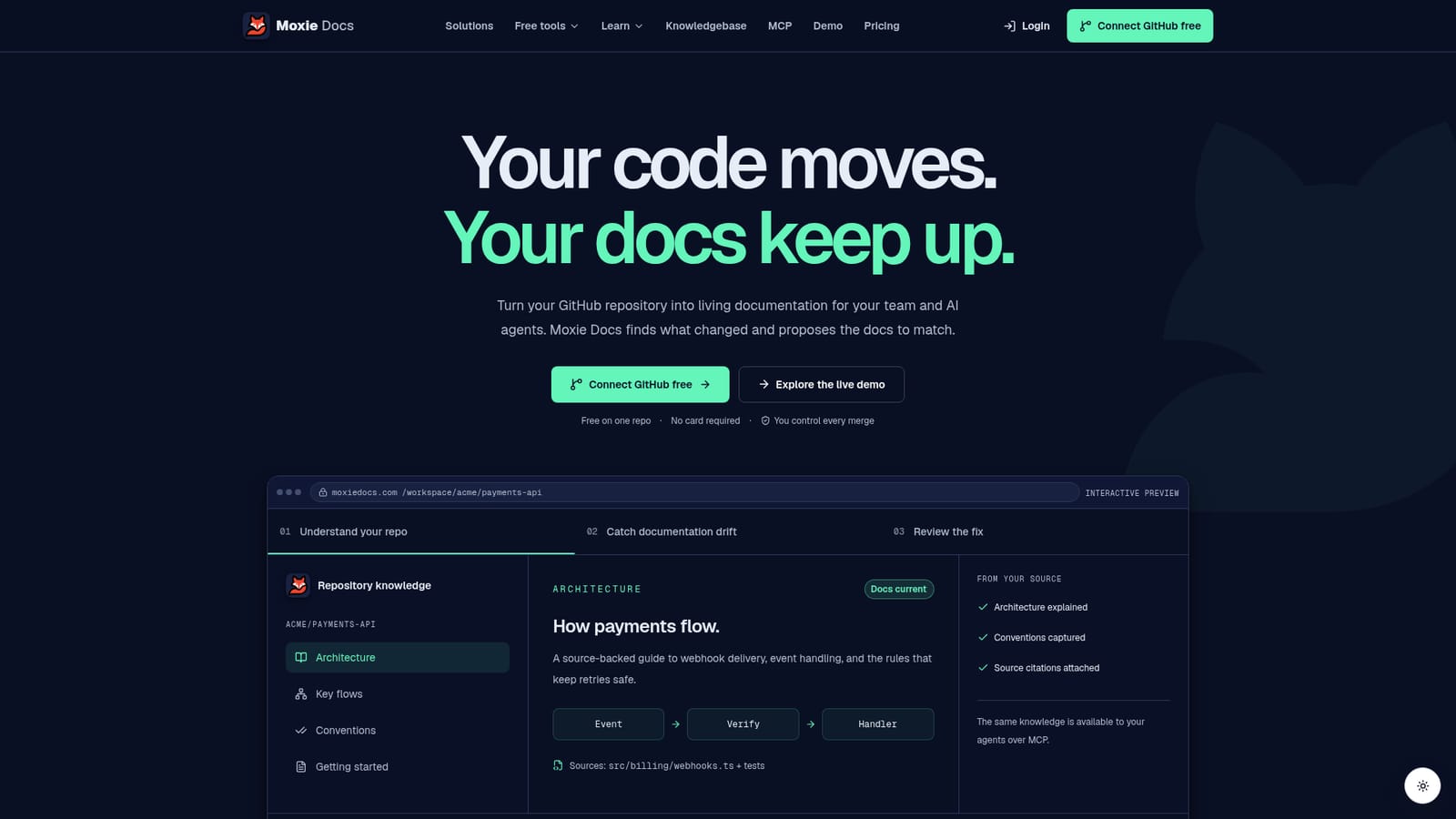
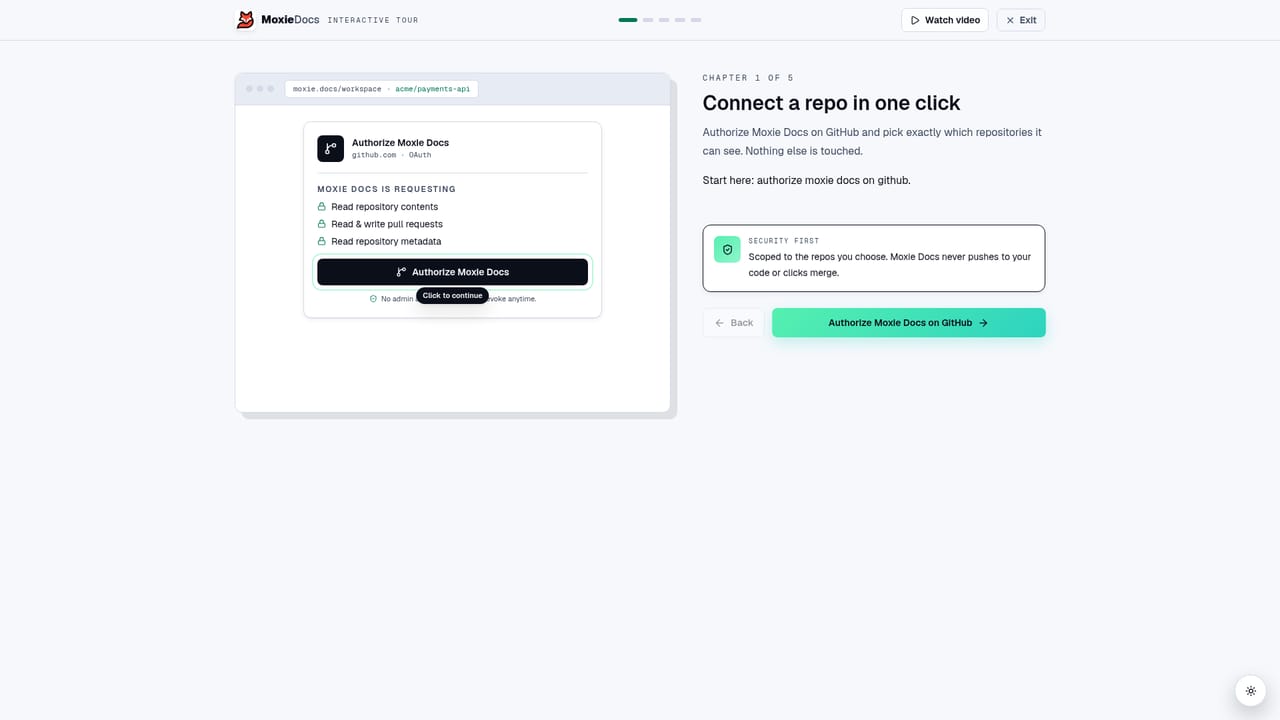
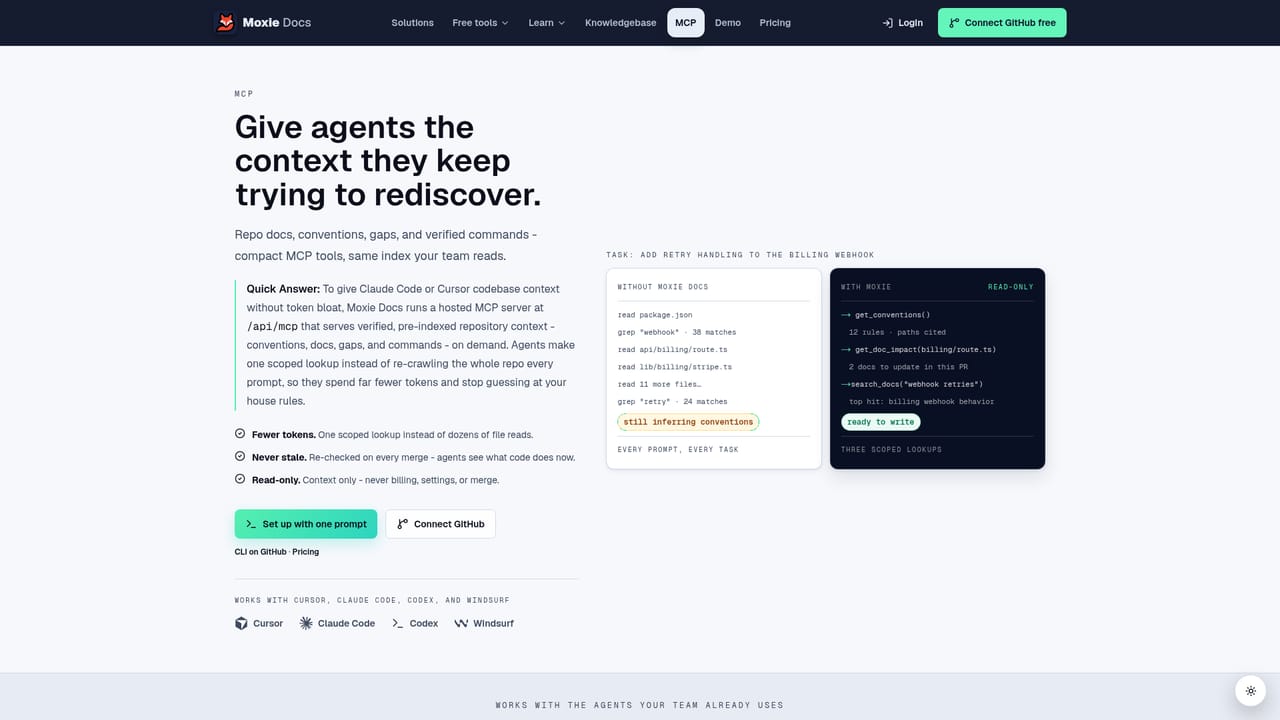
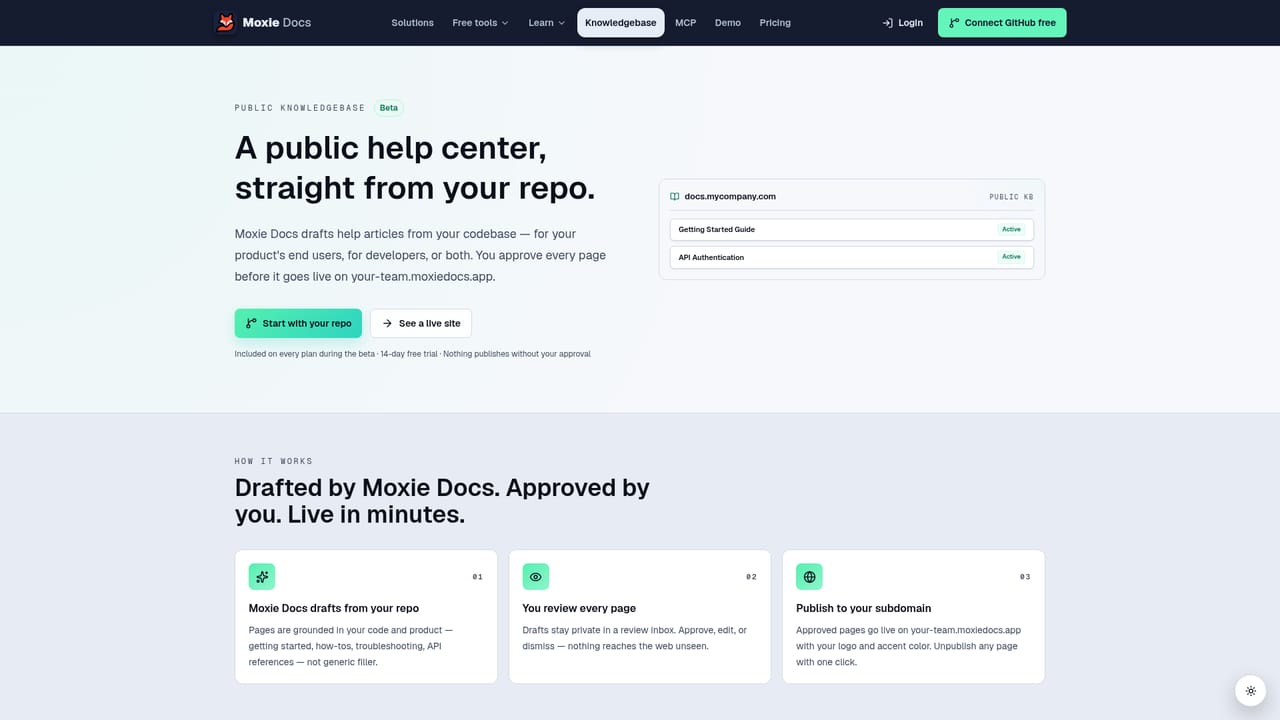
Moxie Docs is a documentation layer for GitHub repositories. It reads the source code, produces explanations of architecture, key flows and conventions, and attaches citations back to the files and tests each explanation draws on. When code changes, the tool detects the resulting documentation drift and proposes updates as pull requests rather than silently rewriting pages. The stated purpose is to give teammates and AI coding agents a shared, current picture of how a codebase actually works. The agent angle is the differentiator. Moxie Docs exposes repository context over MCP, so assistants such as Claude, Cursor and Codex can pull current conventions and architecture at the start of a session instead of rediscovering them. The site frames this as reduced rediscovery cost and fewer tokens spent re-learning the same patterns. For humans, the same knowledge base becomes a searchable onboarding path: architecture explained, key flows mapped, conventions captured with source references. In daily use the workflow is deliberately conservative. After a repository is connected through a scoped GitHub App, the tool indexes it and generates docs. Documentation fixes arrive as pull requests that a person reviews and merges; application code is not touched and nothing auto-merges. On Pro and Team plans a weekly Friday Recap batches the drift into a Cleanup PR, and users still receive the recap even when no useful doc changes were found. A separate public knowledgebase can be published to a hosted subdomain with search, a changelog and llms.txt, gated behind human approval. It fits teams that treat documentation as maintenance work nobody owns, and smaller groups already using AI coding agents that lack repository context. It is not a general wiki or a writing tool: the product is bound to GitHub, and the value depends on accepting a pull request review habit. Compared with hand-written docs sites it trades editorial control for continuous freshness; the pricing ladder from a free single-repo tier through Starter, Pro and Team scales by repositories, seats, indexed files and monthly doc PRs.
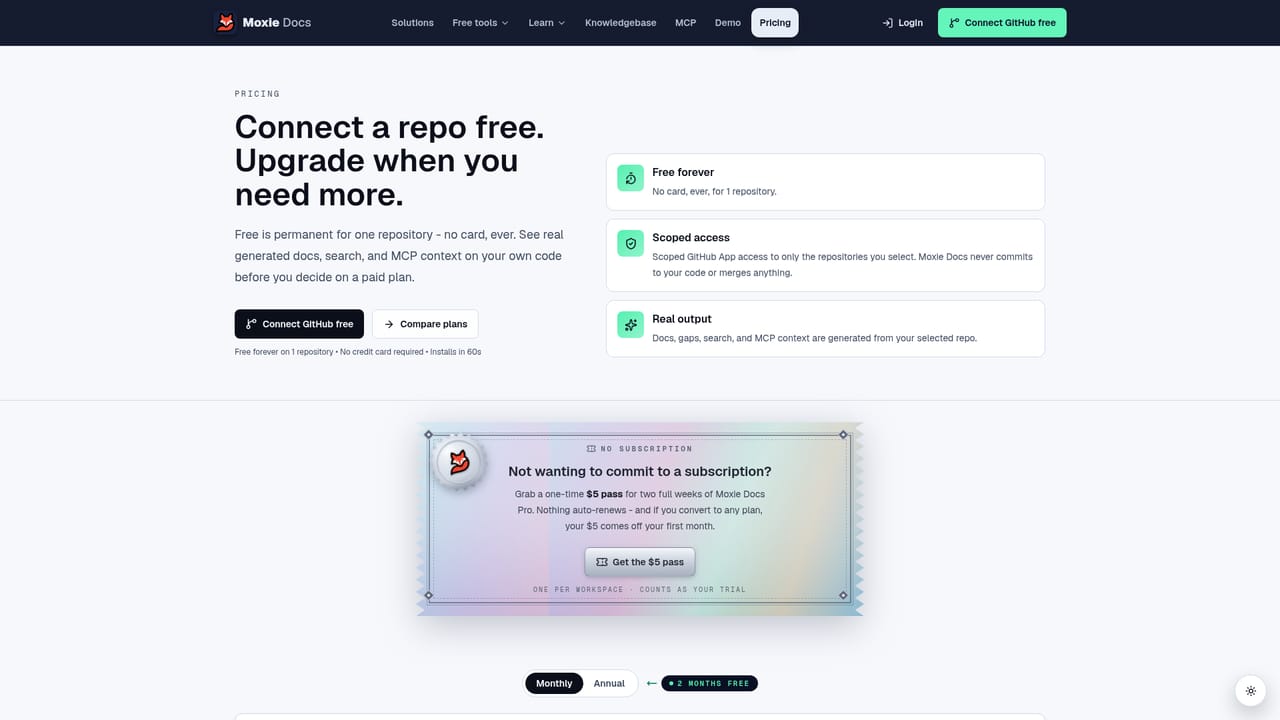
Paid plans start with a 14-day trial. A card is required and the subscription renews at the selected price unless cancelled. One paid trial per account. A $5 Trial Pass is offered as an alternative.
Learn moreFree forever on one repository, one seat, 500 indexed files and 2 doc PRs per month, no card. Paid tiers: Starter $29/mo (5 repos, 1 seat), Pro $79/mo (15 repos, 10 seats, weekly Cleanup), Team $199/mo (50 repos, unlimited seats); annual billing gives two months free.
Learn moreThe site offers a FAQ page covering what Moxie Docs reads and writes, PR check behavior, agent cost and indexing, plus a contact route for team rollouts. No dedicated help centre is listed.
Learn moreConnects through a scoped GitHub App for repository access; agent context is served over MCP to Claude, Cursor and Codex. No other integrations are described on the homepage.
Learn moreSource-cited architecture guides, key flow and convention capture, drift detection on merge, documentation pull requests for human review, MCP context for Claude, Cursor and Codex, generated onboarding paths, a Friday Recap with weekly Cleanup PR on Pro and Team, and an approval-gated public knowledgebase with search, changelog and llms.txt.
Learn more AI Angels400+ customizable AI girlfriends for NSFW chat, voice calls, and roleplay
 Candy AIExperience the future of companionship with AI friends who chat, role-play, and connect with you on a human level.
 ourdream.aiA vast AI roleplay platform with millions of characters for chat, images, video and voiceAI Angels400+ customizable AI girlfriends for NSFW chat, voice calls, and roleplayCandy AIExperience the future of companionship with AI friends who chat, role-play, and connect with you on a human level.ourdream.aiA vast AI roleplay platform with millions of characters for chat, images, video and voice


