Support
Support is handled through the Moxso team, with a demo booking route on the simulation page; no help centre or documentation portal is listed on the site pages provided.
Adaptive phishing simulations that reshape themselves around each employee's risk

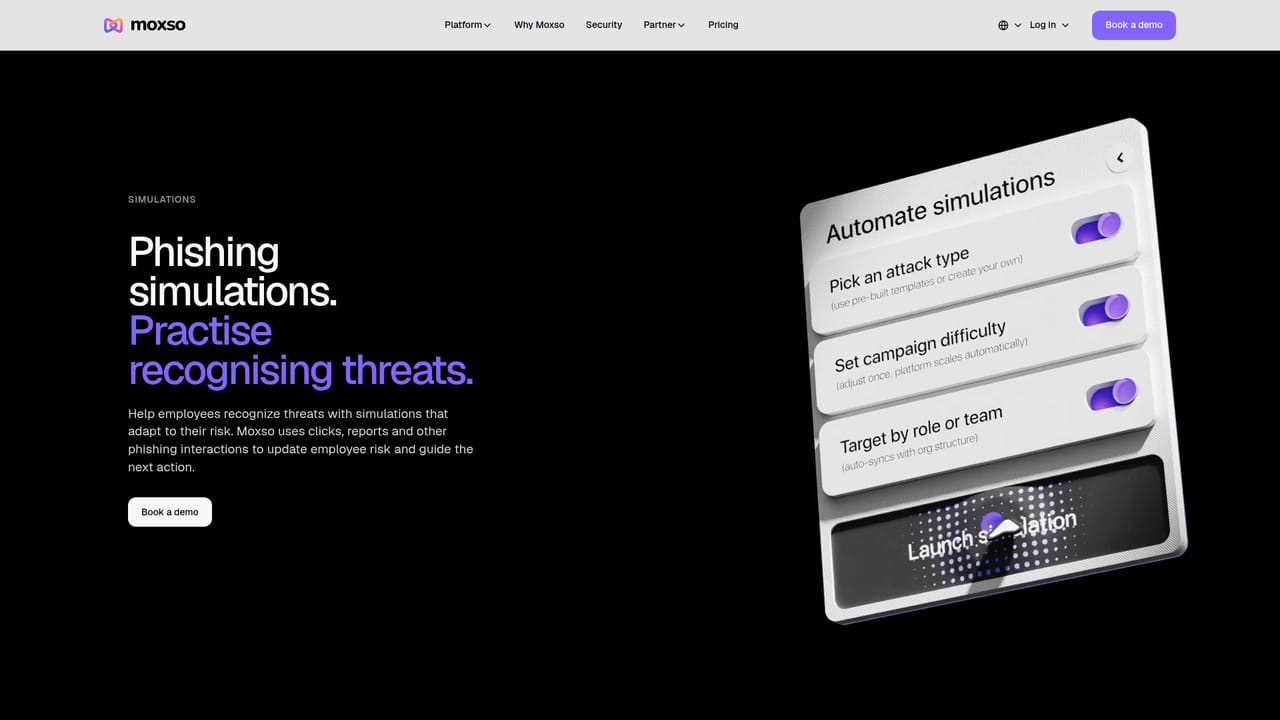
Moxso is an AI simulation generator tool. Moxso runs phishing simulations that adapt to each employee's behaviour, adjusting difficulty, frequency and targeting based on clicks, reports and ignored messages. It covers email, SMS, voice, WhatsApp, QR code and web channels, with spear phishing scenarios, an AI-assisted template builder and follow-up training tied to risk.
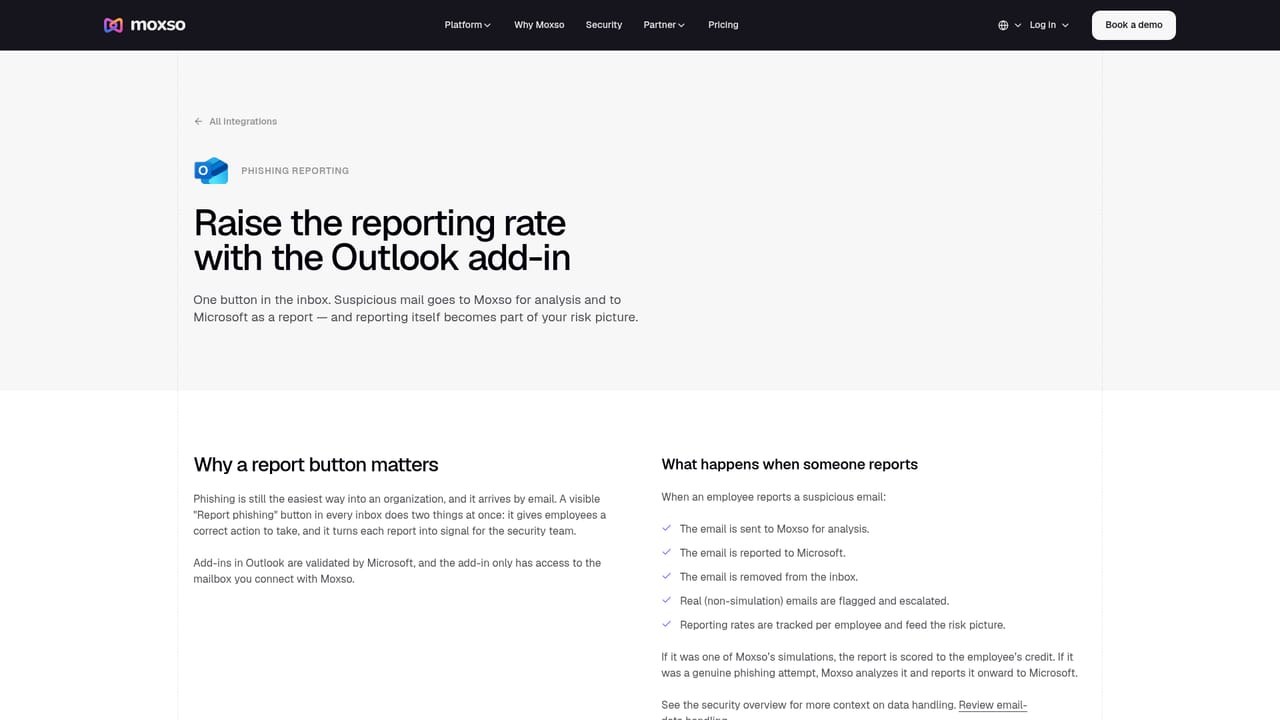
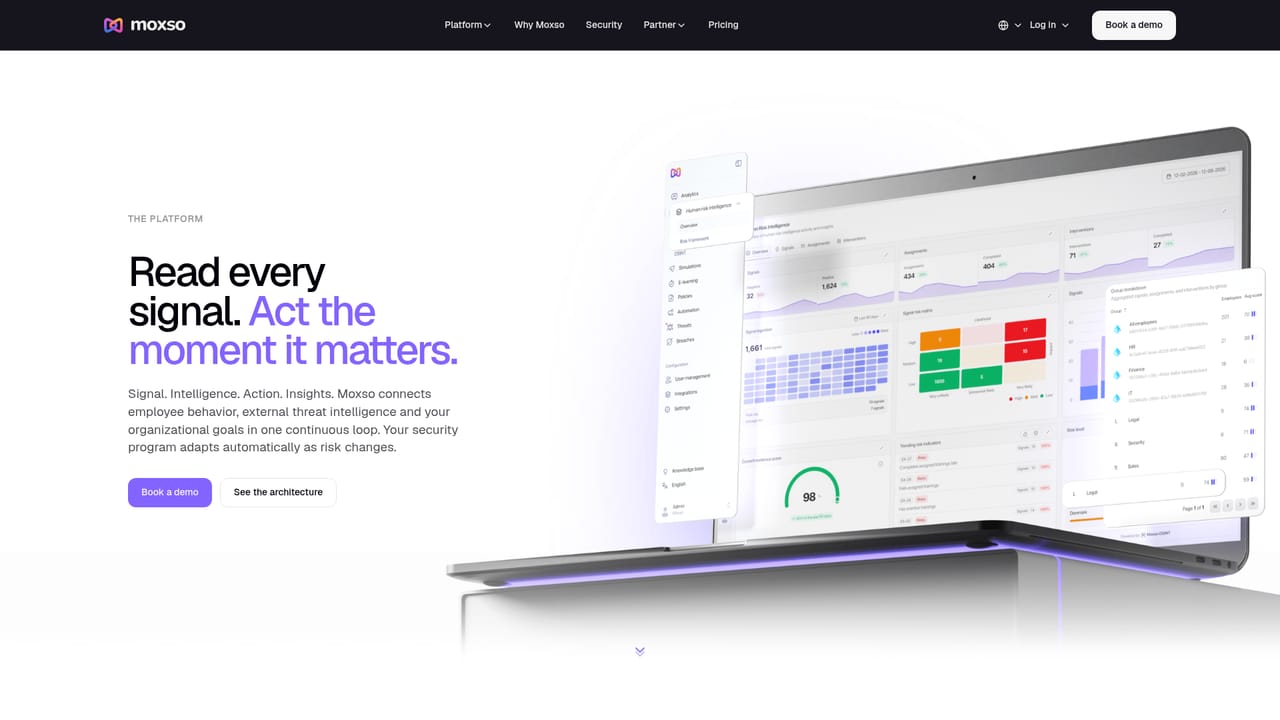
Moxso is a phishing simulation platform built around a simple premise: a click, a report or a silent ignore should change what happens next. Every interaction an employee has with a simulated attack feeds a live risk profile. Click a credential harvesting link and the profile updates, a harder scenario gets queued, and the difficulty climbs. Report the email and testing pressure eases off. Ignore the message entirely and the system adjusts which scenario types get sent. The result is a training programme that reacts to behaviour instead of running a fixed calendar of generic tests. The product covers more than inbox drills. Simulations can be dispatched by email, SMS, voice call, WhatsApp, QR code and web, so organisations can see how staff react to requests arriving on a phone or through a scanned code rather than only in Outlook. For roles exposed to targeted social engineering, Moxso offers spear phishing scenarios covering executive impersonation, credential theft and lookalike software notifications, with recognisable signals such as an urgency window or a deceptive sender highlighted in the scenario design. Custom templates can be generated with AI assistance from a short description of the scenario, and built-in language options include English, Danish, German, Norwegian and Swedish. The tool is aimed at security teams, IT administrators and compliance leads in mid-sized and larger organisations who need continuous testing rather than an annual exercise. Custom simulations run through the same scheduling and follow-up logic as the built-in library, and responses feed the same risk profiles, so bespoke scenarios do not sit in a separate workflow. Moxso positions itself as part of a broader platform that also covers training, risk scoring and reporting, which means follow-up learning can be triggered by simulation outcomes rather than assigned manually. Reporting integrates with Outlook and Gmail so that employees can flag simulated emails using the same reporting button they use for real ones, which keeps the test closer to genuine working conditions.
Support is handled through the Moxso team, with a demo booking route on the simulation page; no help centre or documentation portal is listed on the site pages provided.
Reporting add-ins for Microsoft Outlook and Google Gmail let employees flag simulated phishing emails through their existing reporting workflow.
Learn moreAdaptive targeting adjusts simulation frequency, difficulty and audience from live risk profiles. Channels include email, SMS, voice, WhatsApp, QR code and web. Spear phishing scenarios cover executive impersonation and credential theft, an AI-assisted builder drafts custom templates in English, Danish, German, Norwegian and Swedish, and responses feed the same profiles used for follow-up training.
Learn more AI Angels400+ customizable AI girlfriends for NSFW chat, voice calls, and roleplay
 Candy AIExperience the future of companionship with AI friends who chat, role-play, and connect with you on a human level.
 ourdream.aiA vast AI roleplay platform with millions of characters for chat, images, video and voiceAI Angels400+ customizable AI girlfriends for NSFW chat, voice calls, and roleplayCandy AIExperience the future of companionship with AI friends who chat, role-play, and connect with you on a human level.ourdream.aiA vast AI roleplay platform with millions of characters for chat, images, video and voice


