Free trial
A free trial of Moz Pro is offered, with a signup page for the monthly Pro Medium plan. The homepage does not state the trial length or whether a card is required.
Learn moreSEO and AI search visibility toolkit built on Moz's own link and keyword data

Moz is an AI search tool. Moz bundles SEO research, rank tracking, site audits, link data and local listing management, with added tracking for brand presence in AI generated answers. Moz Pro covers most day to day SEO work, while STAT and Moz Local serve enterprise rank tracking and multi location businesses.
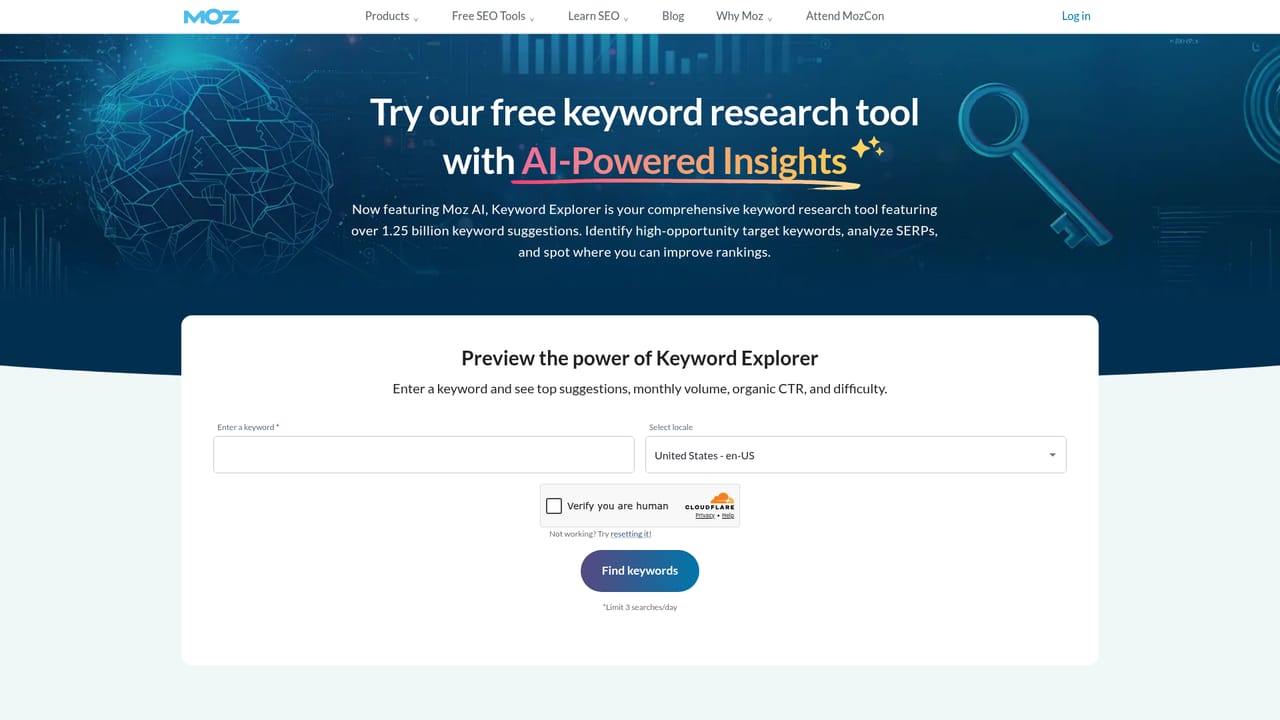
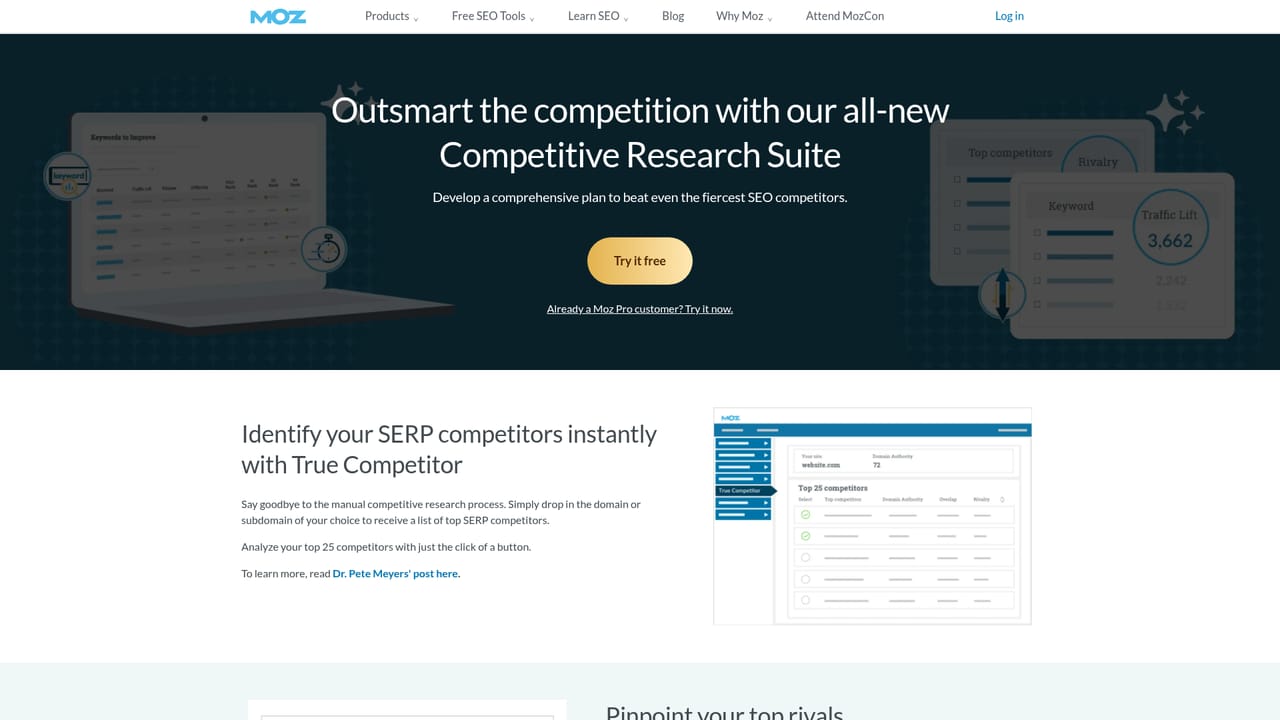
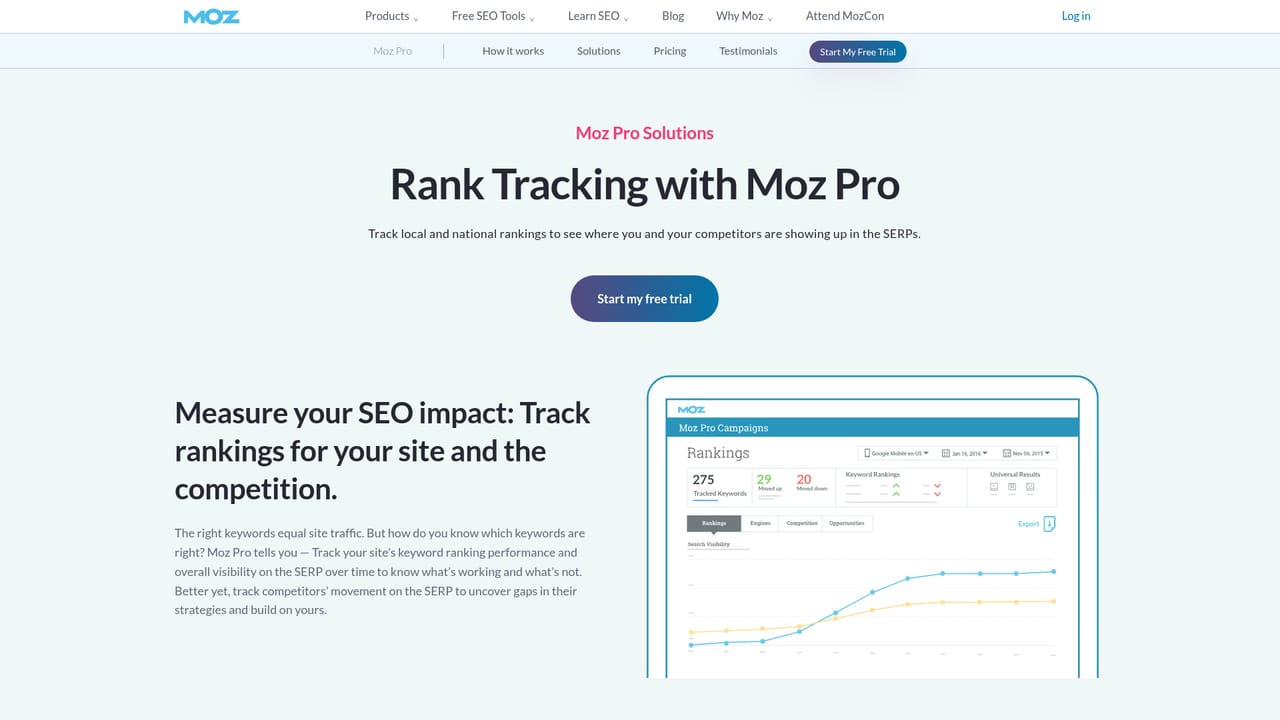
Moz is one of the longest running names in search marketing, and the current product line has expanded from classic rank tracking into monitoring how brands appear inside AI generated answers. The core offering is Moz Pro, a subscription workspace that bundles keyword research, competitive analysis, link research, rank tracking, domain overview and site crawling. Around it sit three separate products: STAT for large scale daily rank tracking across many sites and thousands of keywords, Moz Local for business listing and review management, and a data API that exposes Moz's proprietary metrics to custom tools. The practical workflow usually starts with keyword discovery in Keyword Explorer, where searchers get difficulty scores, volume estimates and SERP analysis before committing to a content plan. From there, competitive research surfaces keyword gaps and link opportunities against rivals, and link research shows the authority and backlink profile of any domain. Rank tracking monitors positions across 170+ search engines, while the site crawl audits a property for technical issues with actionable fixes. Newer features add LLM sentiment tracking and AI answer benchmarking, aimed at teams that want to see whether their brand is cited in generative results as well as in blue links. Moz suits in house SEO teams, agencies managing several clients, and local marketers who need listing consistency at scale. It is less of a pure AI writing tool and more of a measurement and research layer: the AI angle is about visibility in AI answers, not generating copy. Compared with newer entrants, the main draw is the age and breadth of Moz's link index and its Domain Authority metric, which remains a common shorthand in pitches and reports. The tradeoff is a product split across several paid tiers, so buyers should map their needs (single site SEO, enterprise rank tracking, local listings) before choosing a plan.
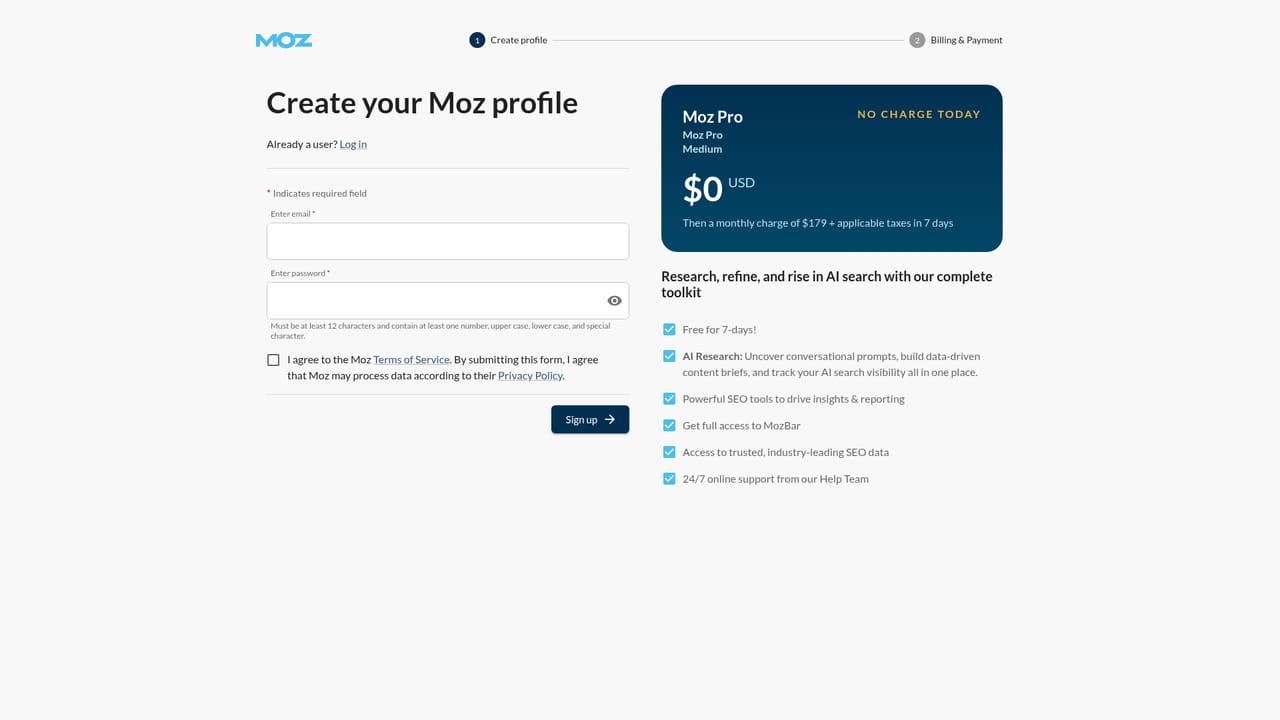
A free trial of Moz Pro is offered, with a signup page for the monthly Pro Medium plan. The homepage does not state the trial length or whether a card is required.
Learn moreMoz sells Moz Pro on subscription plans with a monthly free trial signup flow. Prices are not listed on the homepage; the View Plans link leads to a separate pricing page. STAT, Moz Local and the API are separate paid products, and managed Moz Local clients get advanced analytics and API access.
Learn moreSupport options are not detailed on the homepage. Moz provides self-serve education through the Learn Center, the Beginner's Guide to SEO, Moz Academy courses and certification, plus the MozCon conference and blog.
Learn moreThe homepage mentions one-click CSV reports, APIs and pre-built Looker Studio connectors for STAT, plus directory and social platform posting through Moz Local. No wider integration directory is listed.
Learn moreMoz Pro covers keyword research with difficulty and volume data, competitive research for keyword gaps and link opportunities, link research with authority metrics, rank tracking across 170+ search engines, domain overview dashboards and a technical site crawl. Separate products add STAT for large scale rank tracking with SERP feature insights and reporting exports, Moz Local for listings and reviews, and an API for Domain Authority, Page Authority, Brand Authority, Spam Score and link data.
Learn more AI Angels400+ customizable AI girlfriends for NSFW chat, voice calls, and roleplay
 Candy AIExperience the future of companionship with AI friends who chat, role-play, and connect with you on a human level.
 ourdream.aiA vast AI roleplay platform with millions of characters for chat, images, video and voiceAI Angels400+ customizable AI girlfriends for NSFW chat, voice calls, and roleplayCandy AIExperience the future of companionship with AI friends who chat, role-play, and connect with you on a human level.ourdream.aiA vast AI roleplay platform with millions of characters for chat, images, video and voice


