mTrip Itinerary Builder

Turn supplier bookings into branded, day-by-day client itineraries.

Beginner API
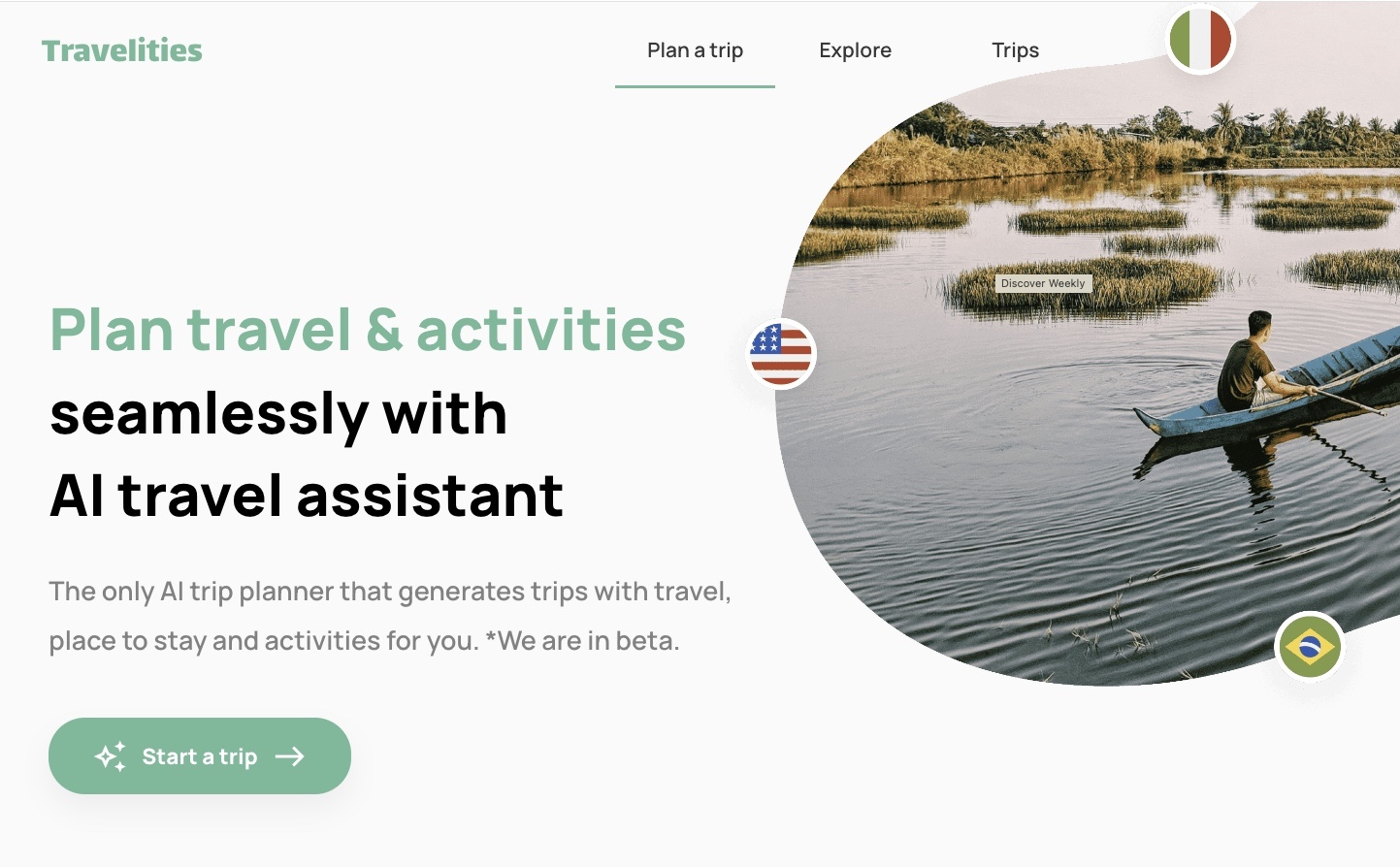
Screenshot of mTrip Itinerary Builder, Turn supplier bookings into branded, day-by-day client itineraries

What is mTrip Itinerary Builder?

mTrip Itinerary Builder is an AI flight planner tool that turns supplier bookings into branded, day-by-day client itineraries. Itinerary builder and planner for travel agencies, tour operators and DMCs. Imports bookings from GDS, mid-office systems or supplier documents with AI, then delivers a branded day-by-day trip by app, web link and PDF, kept in sync on every edit.

mTrip Itinerary Builder is a trip planning and itinerary management workspace aimed at travel agencies, tour operators and DMCs rather than individual travelers. The core promise is removing retyping: reservations arrive from a GDS, a mid-office or back-office system, or a supplier document, and land in one editable day-by-day record instead of being copied into Word. Teams can also open with a proposal that carries itemized pricing and convert it into the confirmed itinerary once the booking closes. The AI Import Wizard handles the messy end of the workflow. Supported PDFs, booking confirmation emails, Word and Excel files, pasted text and booking web pages are parsed into flights, hotels, activities, cruises and transfers. The vendor is explicit that results depend on the source content, so the team still checks dates, names and references before anything reaches a client. A separate planning feature, Trip Genius, suggests daily plans from traveler preferences, opening hours and geography, and agents choose what to keep. Output is where the product separates itself from generic itinerary tools. One edit propagates to the mobile app and the web itinerary, and a fresh branded PDF can be generated from the same data. Vouchers, tickets and insurance documents attach to the specific day or component they belong to. Branding covers logo, colors and content, with a fully white-label app under the agency's own developer accounts available for larger operators. Travelers can open their trip offline. The fit is mid-size to large agencies, group tour operators and DMCs running complex FIT and multi-day programs, especially those working across several brands or languages. mTrip dates to 2009 in Montreal and reports 300+ clients in 35+ countries, with names like Globus, Collette and Abercrombie & Kent on its roster. Smaller agencies are pointed toward a lighter Trip Agent option. Pricing is not published, so budgets need a sales conversation.

How do you use mTrip Itinerary Builder?

  1. 1Book a walkthrough with the mTrip team
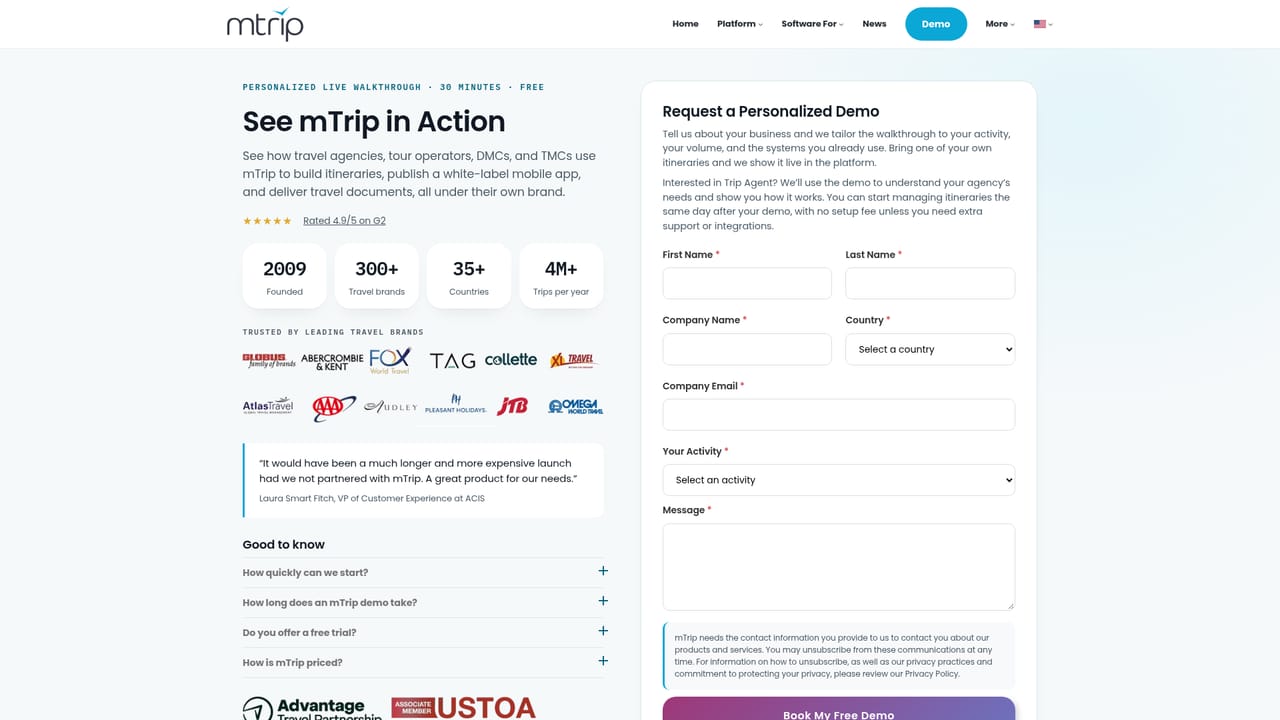
    Start with a demo request. Pricing, plan tiers and white-label scope are discussed with sales rather than listed on the site, so this call sets expectations for the rollout.
    mTrip Itinerary Builder — Book a walkthrough with the mTrip team
  2. 2Connect your booking sources
    Link a GDS such as Amadeus, Sabre or Travelport, or your mid-office system, so confirmed reservations flow into the itinerary record directly.
  3. 3Import a supplier document with the AI Import Wizard
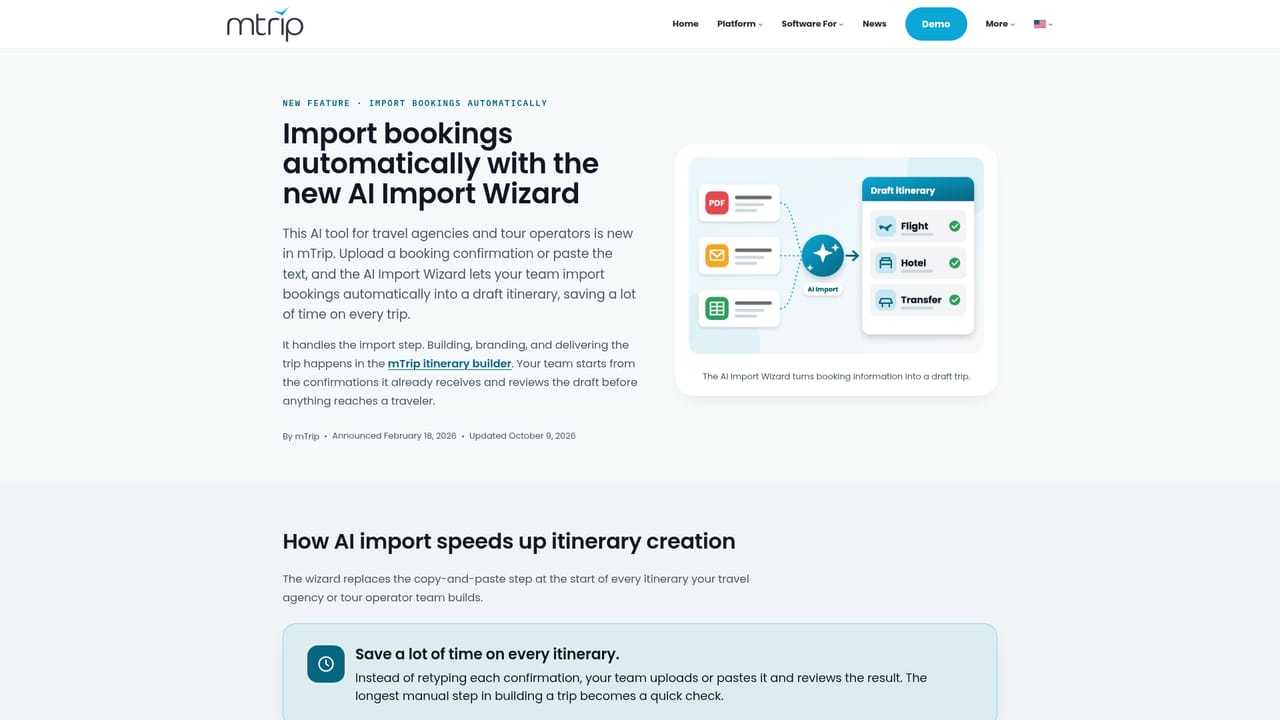
    Upload a PDF, confirmation email, Word or Excel file, or paste text, and let the wizard extract flights, hotels and activities into an editable day-by-day draft.
    mTrip Itinerary Builder — Import a supplier document with the AI Import Wizard
  4. 4Check details and arrange the days
    Verify travelers, dates and references, then move components around with drag and drop and attach vouchers, tickets and insurance to the right day.
  5. 5Apply branding and reuse saved content
    Set your logo and colors, and pull descriptions and images from the shared asset library so each trip matches house style without reformatting.
  6. 6Deliver the trip and keep it current
    Publish to the mobile app and web link, generate a branded PDF, and let later edits sync automatically. Travelers can open the trip offline.

Pros and cons

Pros

  • AI Import Wizard reads PDFs, emails, Word, Excel and pasted text, cutting manual re-entry of supplier confirmations.AI
  • A single edit updates the mobile app and web itinerary together, and flight changes reach travelers without staff action.AI
  • Documents such as vouchers, tickets and insurance attach to the correct day rather than sitting in a separate folder.AI
  • Named GDS connections (Amadeus, Sabre, Travelport) plus mid-office systems like Tourplan, Ezus and Juniper.AI
  • White-label app under the agency's own developer accounts, with multiple brand accounts on one platform.AI

Cons

  • No published pricing, so agencies cannot compare cost against rivals without going through a demo and quote.AI
  • AI import accuracy depends on the source document, and the vendor puts the review burden on the team rather than guaranteeing clean extraction.AI
  • Built for agencies and operators, not independent travelers or solo planners who want a free consumer tool.AI
  • Trip Genius only suggests plans; there is no evidence of deeper automated optimization beyond preferences, hours and geography.AI
  • Custom features and integrations depend on mTrip's in-house developers, which ties unusual workflows to a single vendor.AI

How much does mTrip Itinerary Builder cost?

Integrations

Amadeus, Sabre and Travelport for GDS bookings; mid-office and back-office systems including Tourplan, Moonstride, Ezus, Juniper, Viaxoft, Facilitatrip, Open Destinations and Cornerstone; Zapier and an API for custom connections. More integrations are available on request.

Features

Drag-and-drop day planning for flights, hotels, activities, transfers and free time; a shared library of templates, descriptions and images; team and external partner collaboration on one trip record; documents attached to specific days; proposals with itemized pricing; automatic app and web sync; branded PDFs; nine languages; and multiple brands in a single account.

Frequently asked questions about mTrip Itinerary Builder

  • Does mTrip Itinerary Builder have an API?
    Yes, mTrip Itinerary Builder offers an API.
  • How do you use mTrip Itinerary Builder?
    The walkthrough on this page covers 6 steps: 1. Book a walkthrough with the mTrip team 2. Connect your booking sources 3. Import a supplier document with the AI Import Wizard 4. Check details and arrange the days 5. Apply branding and reuse saved content 6. Deliver the trip and keep it current.
  • What platforms does mTrip Itinerary Builder support?
    mTrip Itinerary Builder is available on Web App, iOS and Android.
  • What does mTrip Itinerary Builder integrate with?
    Amadeus, Sabre and Travelport for GDS bookings; mid-office and back-office systems including Tourplan, Moonstride, Ezus, Juniper, Viaxoft, Facilitatrip, Open Destinations and Cornerstone; Zapier and an API for custom connections. More integrations are available on request.
  • What are the limitations of mTrip Itinerary Builder?
    No published pricing, so agencies cannot compare cost against rivals without going through a demo and quote. AI import accuracy depends on the source document, and the vendor puts the review burden on the team rather than guaranteeing clean extraction. Built for agencies and operators, not independent travelers or solo planners who want a free consumer tool.

Status

StatusActive
Views0
Outbound clicks0
Added10/21/2026

Platforms

Web AppiOSAndroid

Pricing

PaidSubscription