Free trial
Signing in grants 3 free generation attempts per day, usable on the AI song generator before trying a cover. No separate time limited trial is described.
Learn moreReimagine any track as an AI cover, or generate a full song from a prompt.

Musicfy AI is an AI mashup maker tool. Musicfy AI combines an AI cover generator with a prompt based song generator, letting users rework their own tracks with new vocals or build full songs and instrumentals from text. Stem splitting, vocal removal, song extension and audio to MIDI round out the workflow.
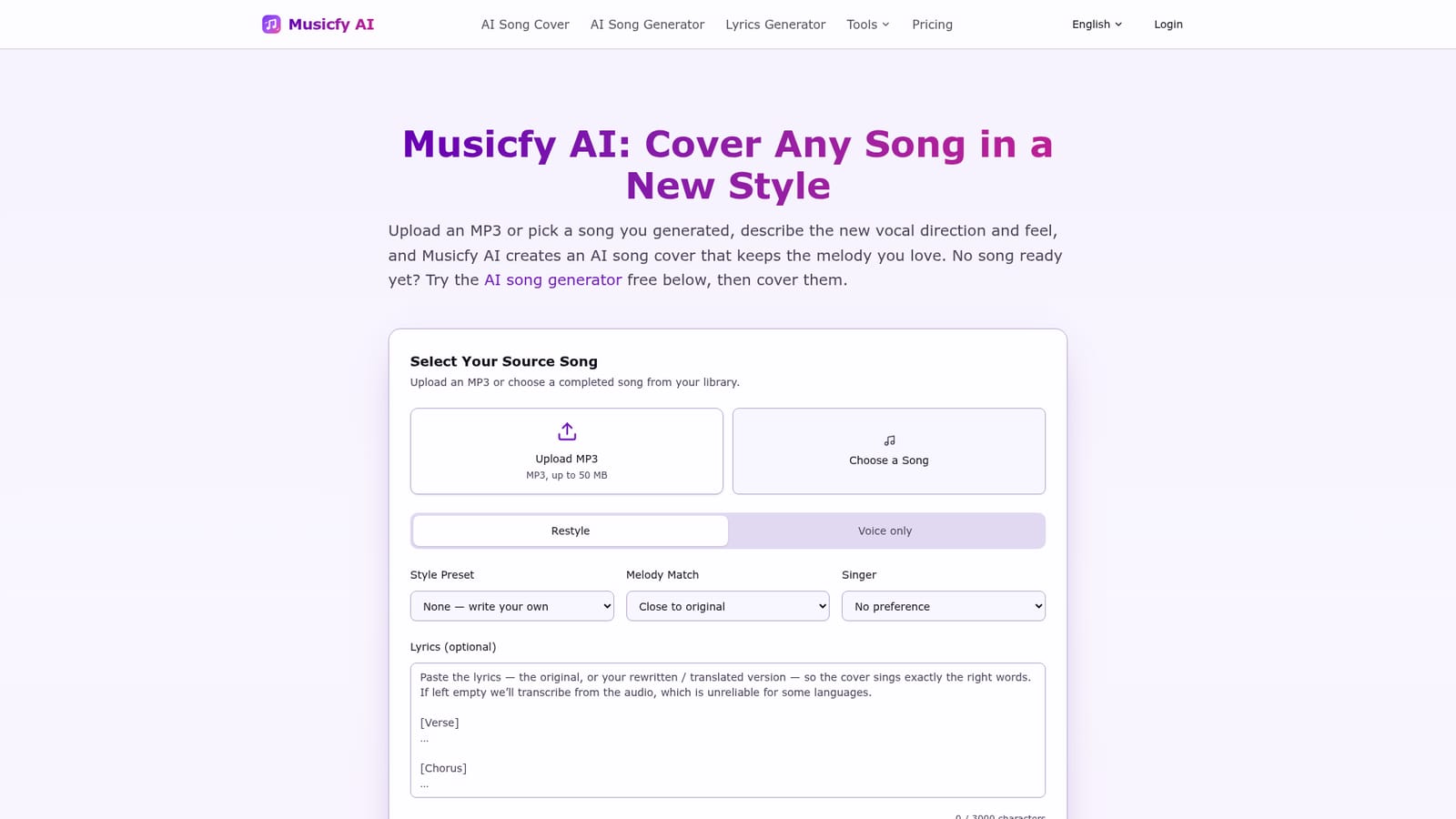
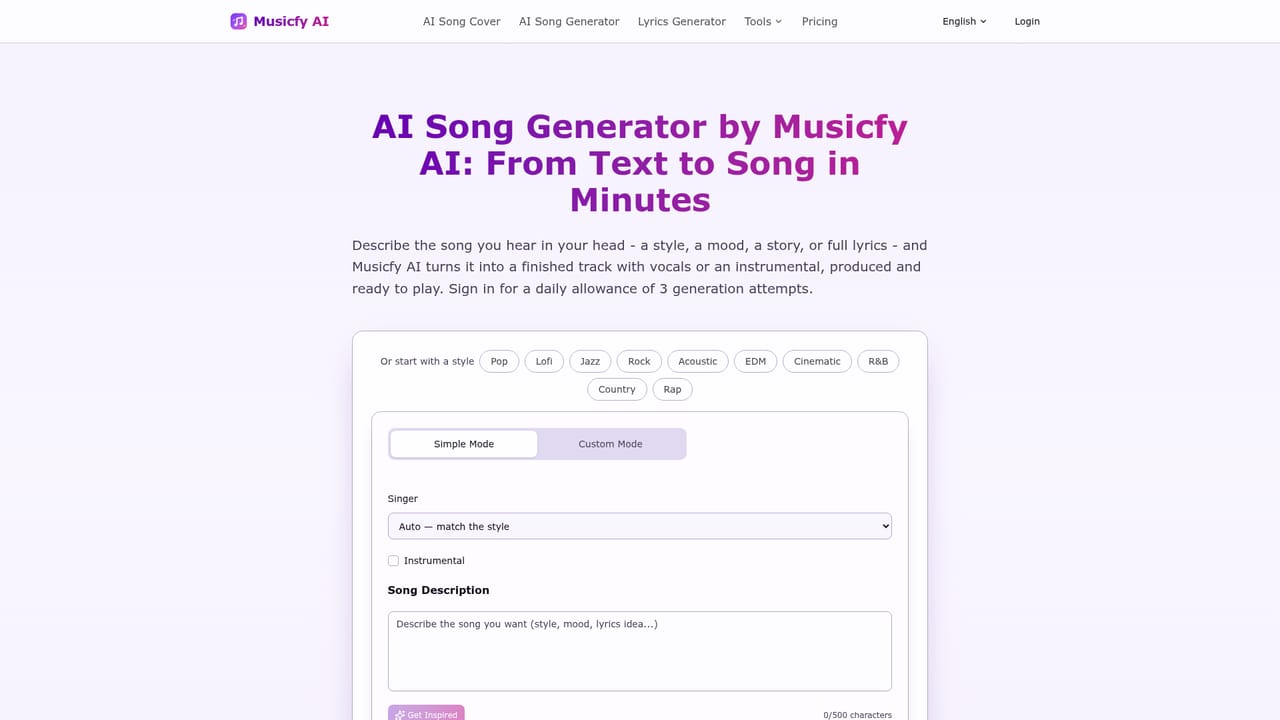
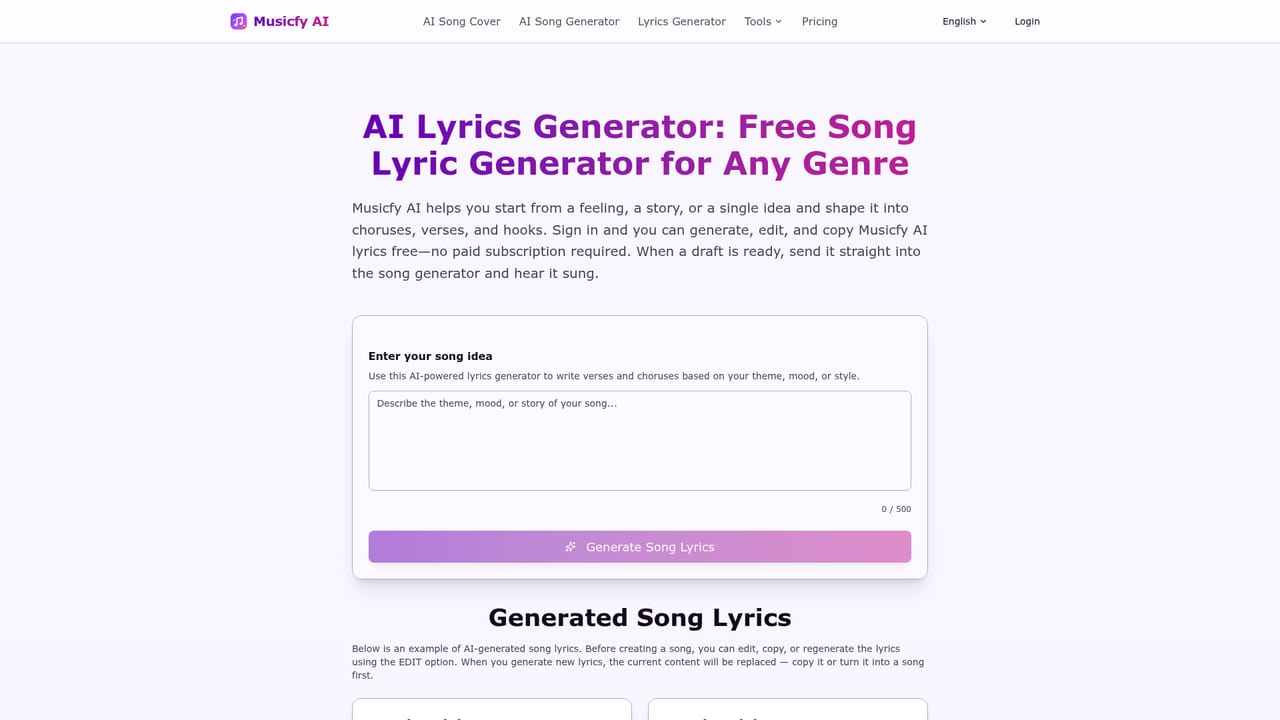
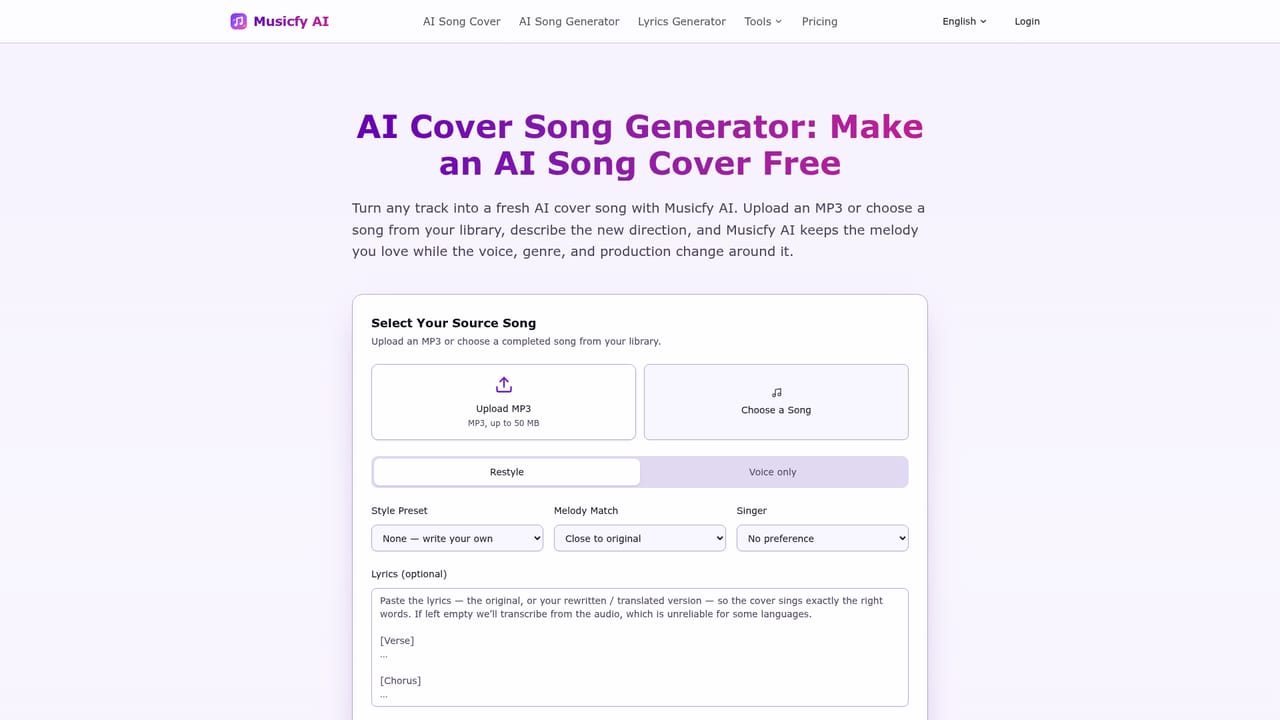
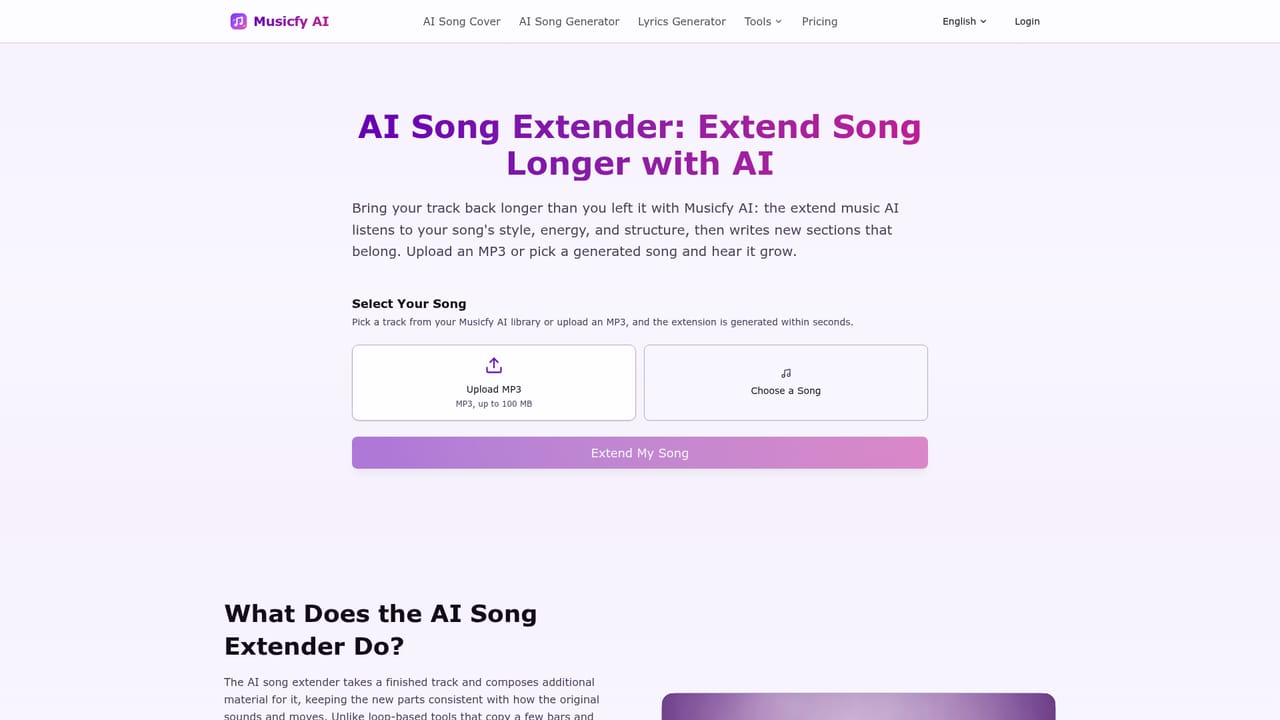
Musicfy AI is a browser based music studio built around two connected jobs: turning an existing song into an AI cover, and generating original tracks from text. The cover workflow takes an uploaded MP3 (one you hold the rights to) or any song you previously generated on the platform, then rebuilds it with a new vocal direction. The melody of the source stays recognizable while style, energy, mood and vocal character shift, so a demo can reappear as a country ballad or a cinematic orchestral piece without rewriting the tune. The generator side works in two modes. Simple Mode asks for a style (pop, lofi, jazz, rock, acoustic, EDM, cinematic, R&B, country, rap and others) plus a description of the song, while Custom Mode gives finer control over the singer, instrumentation and arrangement notes of up to 500 characters. Instrumental only output is available when a project needs atmosphere rather than vocals. A separate lyrics generator helps draft words first, which can then be pasted into the song generator so the melody and phrasing are built around finished lines. What separates Musicfy from a bare cover toy is the finishing toolset. Songs can be extended with the AI song extender, split into vocals, drums, bass and other stems, stripped of vocals for practice or remix work, and converted from audio to MIDI for use in a DAW. A public feed of community tracks shows the prompt behind each result, which is a genuinely useful way to learn how style descriptions translate into sound. The site frames the output for video soundtracks, podcast themes, game audio variations, teaching examples and client work, with commercial rights tied to paid plans. It suits songwriters testing alternate directions for their own material, content creators who need a steady stream of mood matched music, and educators or game teams who want one melody reused across many contexts. Since the whole loop runs in the browser with no plugin install, it is a lighter option than a full DAW, though it is not a replacement for detailed mixing or mastering.
Signing in grants 3 free generation attempts per day, usable on the AI song generator before trying a cover. No separate time limited trial is described.
Learn morePaid plans exist and are the route to commercial rights for songs, covers and instrumentals. The homepage promotes 3 free daily generation attempts and points to a pricing page for a full comparison, but does not list prices or plan tiers in the content available.
Learn moreSupport is limited to a homepage FAQ (what the tool is, whether uploads are allowed) and a step by step guide on how to make an AI cover song. No email or chat channel is stated.
AI covers from uploaded or generated tracks with a chosen vocal direction, prompt and lyric based song generation in Simple and Custom modes, instrumental output, a lyrics generator, song extender, stem splitter, vocal remover and audio to MIDI conversion.
Learn more AI Angels400+ customizable AI girlfriends for NSFW chat, voice calls, and roleplay
 Candy AIExperience the future of companionship with AI friends who chat, role-play, and connect with you on a human level.
 ourdream.aiA vast AI roleplay platform with millions of characters for chat, images, video and voiceAI Angels400+ customizable AI girlfriends for NSFW chat, voice calls, and roleplayCandy AIExperience the future of companionship with AI friends who chat, role-play, and connect with you on a human level.ourdream.aiA vast AI roleplay platform with millions of characters for chat, images, video and voice