Pricing
Browsing the directory and reading guides is free. Featured sponsor placements (homepage slot plus a badge) are listed at $149/mo; standard editorial listings are unpaid and not ads.
Learn moreCurated directory of AI photo, UGC, and ad creative tools for Shopify DTC brands.

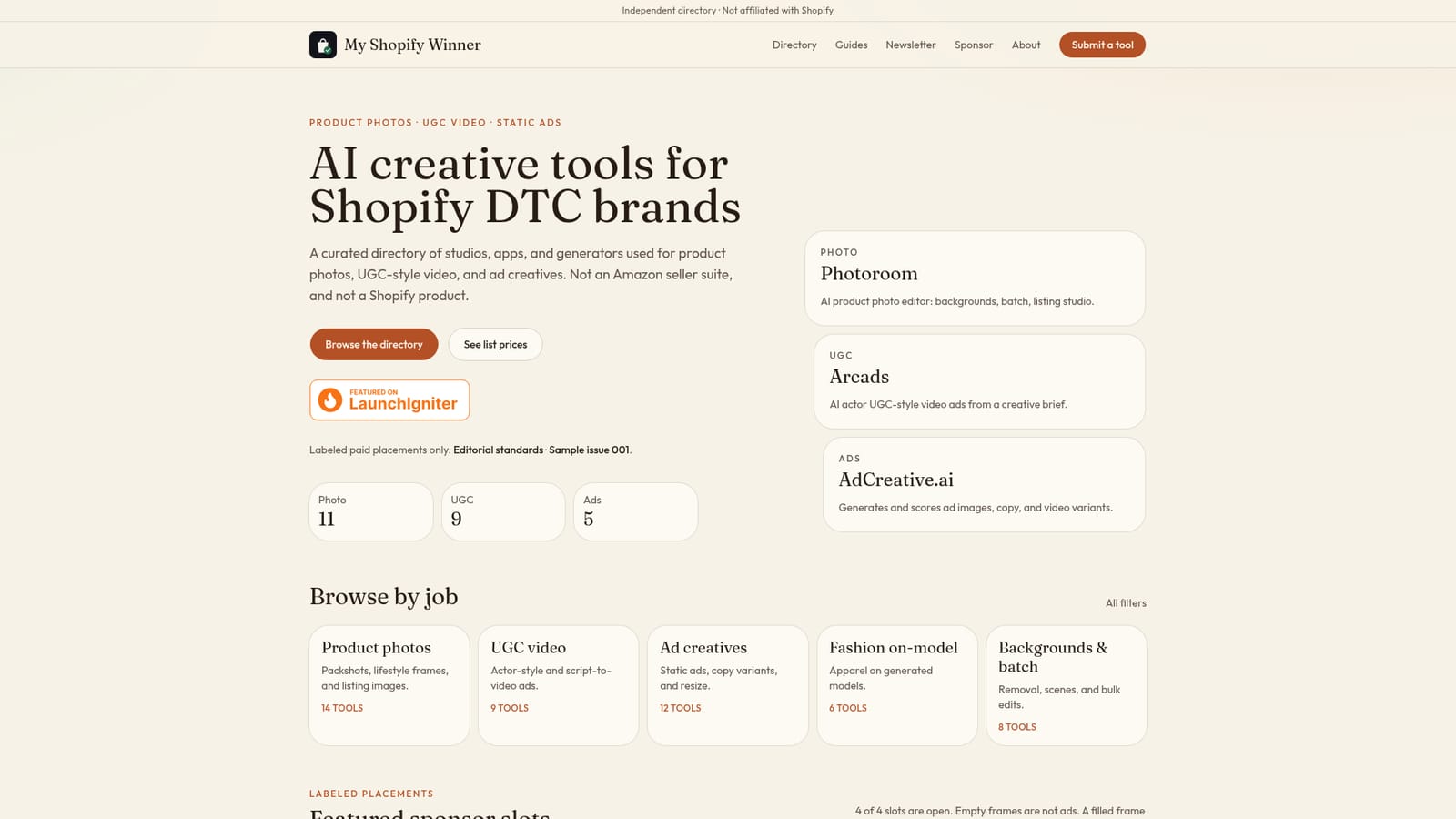
My Shopify Winner is an AI directories tool. An independent, editorially labeled directory that organizes AI tools for Shopify DTC brands by creative job: product photos, UGC-style video ads, and static ad creatives.
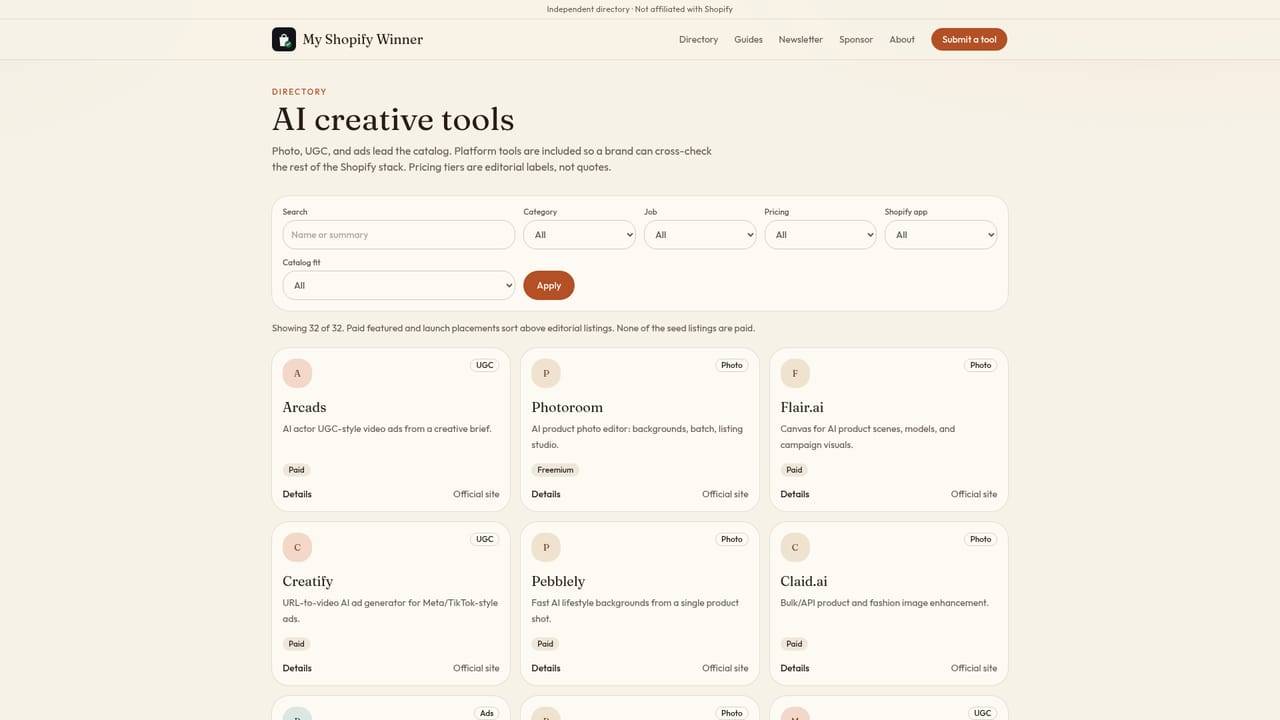
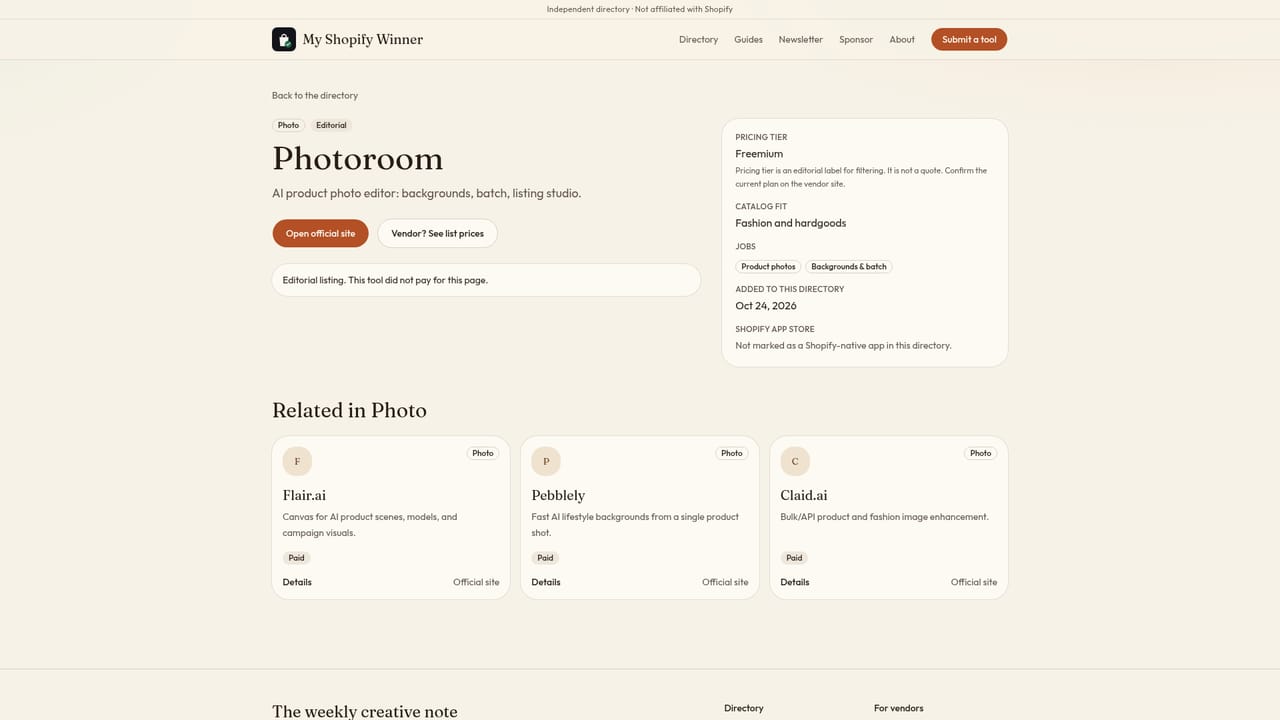
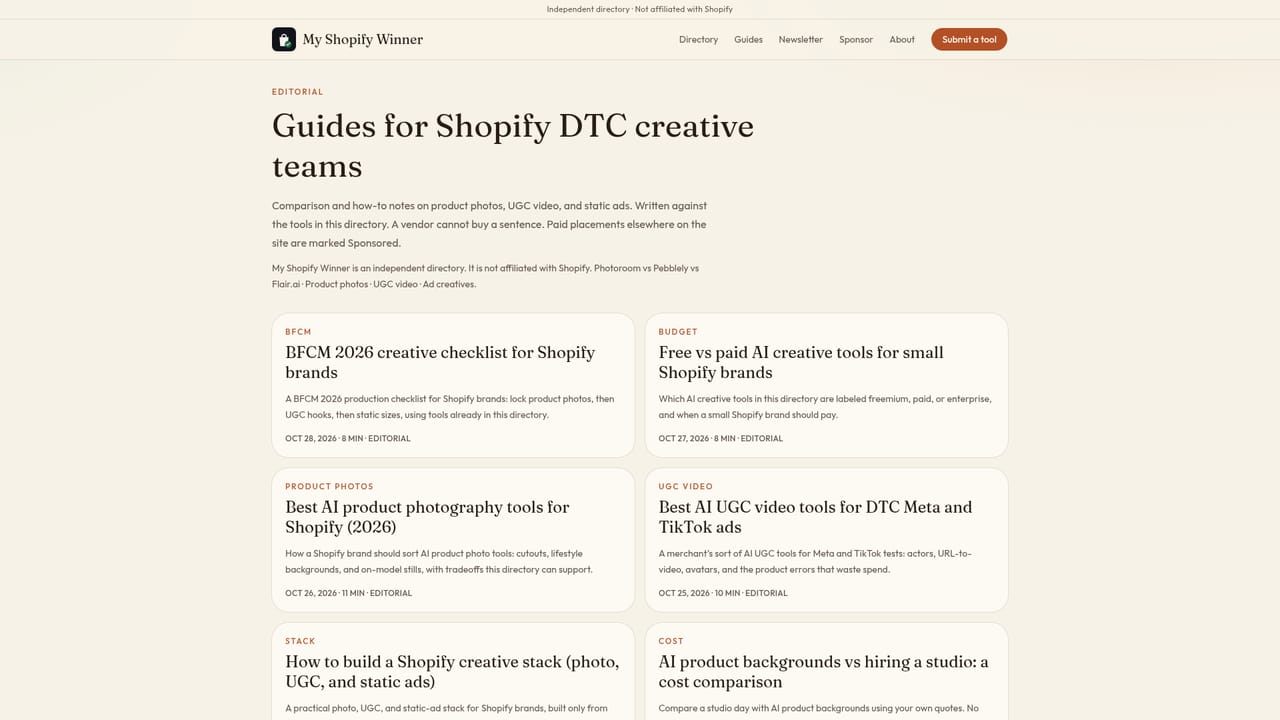
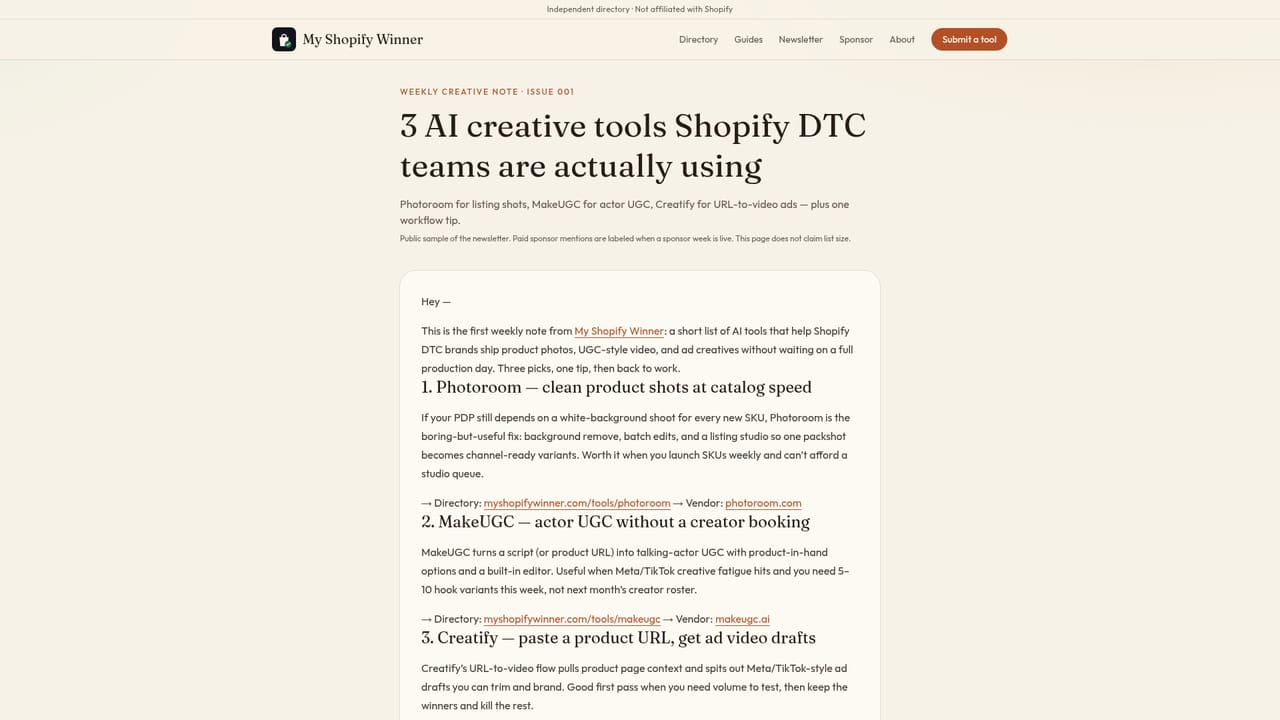
My Shopify Winner is an independent directory that catalogs AI creative tools used by Shopify direct-to-consumer brands for three jobs: product photography, UGC-style video ads, and static ad creatives. Listings are also broken out into narrower jobs such as fashion on-model imagery and background removal or batch editing, so a brand can jump straight to the kind of asset it needs rather than scrolling a generic tool list. The audience is small and mid-size Shopify merchants, in-house marketers, and creative buyers who need to find a usable AI tool quickly without reading through vendor landing pages. It is explicitly not a Shopify app store listing and not an Amazon seller suite; platform and ops tools like Klaviyo or Gorgias are kept separate from the creative-focused directory. In practice, a visitor browses the homepage or the job-based filters (product photos, UGC video, ad creatives, fashion on-model, backgrounds and batch), opens a tool card to see its job tag and pricing type (freemium, paid, and so on), then follows through to a detail page or the vendor's official site. The directory pairs these listings with editorial guides, such as a BFCM production checklist and a free-versus-paid comparison, plus a weekly newsletter that surfaces three tools at a time. Sponsor placements exist (homepage featured slots at a listed monthly price) but are visibly labeled and kept apart from unpaid editorial entries. Among alternatives, it sits between a broad AI tool aggregator and a single-vendor marketing page: narrower in scope than general AI directories, but more neutral than a vendor's own comparison content, since paid placements are marked rather than blended into the rankings.
Browsing the directory and reading guides is free. Featured sponsor placements (homepage slot plus a badge) are listed at $149/mo; standard editorial listings are unpaid and not ads.
Learn moreOrganizes AI creative tools by job (product photos, UGC-style video, static ad creatives, fashion on-model, backgrounds and batch editing), tags each with a pricing type, and links out to tool detail pages, editorial guides, and a weekly newsletter.
Learn more AI Angels400+ customizable AI girlfriends for NSFW chat, voice calls, and roleplay
 Candy AIExperience the future of companionship with AI friends who chat, role-play, and connect with you on a human level.
 ourdream.aiA vast AI roleplay platform with millions of characters for chat, images, video and voiceAI Angels400+ customizable AI girlfriends for NSFW chat, voice calls, and roleplayCandy AIExperience the future of companionship with AI friends who chat, role-play, and connect with you on a human level.ourdream.aiA vast AI roleplay platform with millions of characters for chat, images, video and voice


