Free trial
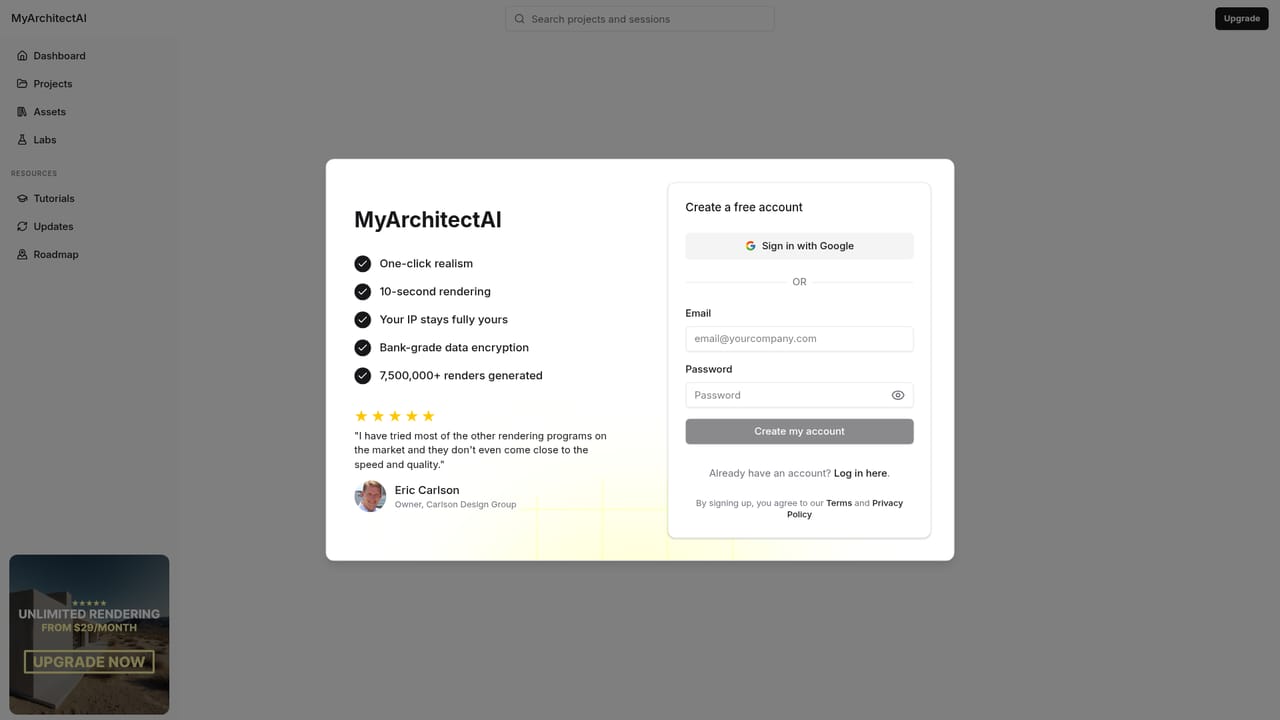
A free account includes 10 renders, created through the signup page. Premium plans with commercial usage rights exist but their prices are not listed on the homepage.
Learn morePhotorealistic architectural renders from your CAD screenshots in under 10 seconds.
Own MyArchitectAI? Verify ownership to get a dofollow link

MyArchitectAI is a generative image tool. Cloud rendering tool that converts CAD screenshots and sketches into photorealistic architectural and interior images in seconds, with style transfer, region-based editing, upscaling and camera-path animations.
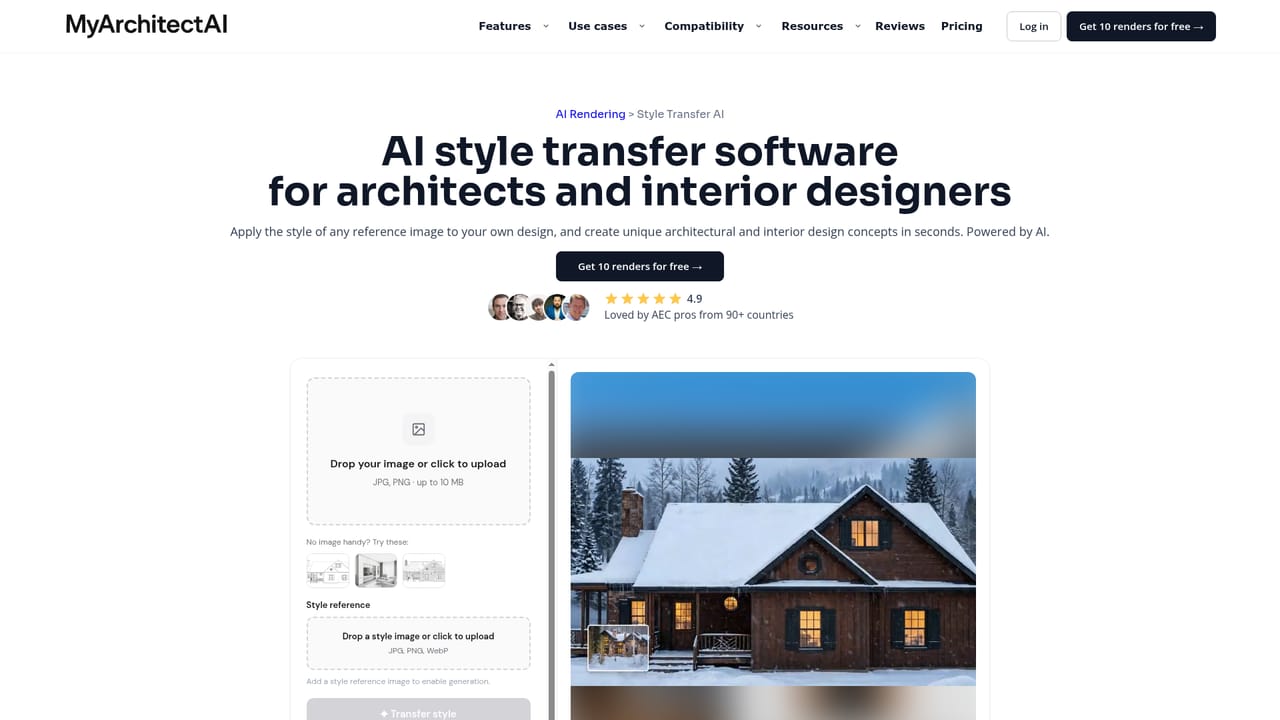
MyArchitectAI is a browser-based rendering engine built for architects, interior designers and visualization artists who need presentable images without a full 3D production cycle. The workflow starts with a JPEG, PNG or WebP export from SketchUp, Revit, Archicad, Vectorworks, Rhino, Chief Architect or any other modeling package. Upload that view, optionally add a text prompt, and the service returns a photorealistic render in roughly ten seconds, downloadable at 4K. The company states that geometry and textures from the source image are preserved while lighting, materials and environment are generated by the model. Beyond the core render button, the platform bundles several adjacent tools. Style transfer takes a rough sketch, line drawing or early massing model and repaints it using a reference image or a preset from a built-in style library, which suits early concept exploration. Render editing lets you swap a material, remove an object or adjust lighting inside an existing image, and a selection tool restricts regeneration to the chosen area so the rest of the frame stays intact. An enhancer cleans up low-resolution output with a creativity slider for how far the AI may drift from the original, and an animation module converts a still render into an MP4 clip using one of thirty-plus camera presets. The audience is practical rather than prestige-driven. The FAQ is candid that the goal is not competition-grade physical rendering but fast iteration through client feedback, claiming about 95 percent of the traditional result in a fraction of the time. Studios that already own V-Ray, Lumion or Twinmotion may treat it as a concept-stage companion; smaller practices and solo designers without GPU workstations get usable visuals from a laptop or phone, since processing happens on remote hardware. Current limits are worth noting: plan drawings are not supported, and native Revit and SketchUp plugins plus scene-to-scene consistency are listed as forthcoming rather than shipped.
A free account includes 10 renders, created through the signup page. Premium plans with commercial usage rights exist but their prices are not listed on the homepage.
Learn moreLive chat and email support are offered, with the founders answering questions directly. No phone support or public documentation portal is described on the homepage.
Accepts image exports from SketchUp, Revit, Archicad, Vectorworks, Rhino and Chief Architect. Dedicated Revit add-on and SketchUp plugin are announced as upcoming, not live.
One-click AI rendering from CAD exports and sketches with geometry and textures preserved, 4K downloads, style transfer from reference images or a preset library, selective render editing for materials and objects, an AI enhancer for low-resolution images with a creativity slider, and MP4 animations built from 30+ camera presets.
Learn more AI Angels400+ customizable AI girlfriends for NSFW chat, voice calls, and roleplay
 Candy AIExperience the future of companionship with AI friends who chat, role-play, and connect with you on a human level.
 ourdream.aiA vast AI roleplay platform with millions of characters for chat, images, video and voiceAI Angels400+ customizable AI girlfriends for NSFW chat, voice calls, and roleplayCandy AIExperience the future of companionship with AI friends who chat, role-play, and connect with you on a human level.ourdream.aiA vast AI roleplay platform with millions of characters for chat, images, video and voice


