Support
The homepage promises expert support as part of the managed service and markets zero DevOps, but no support channels, hours or SLA details are published on the page.
Managed cloud hosting that keeps AI agents running around the clock

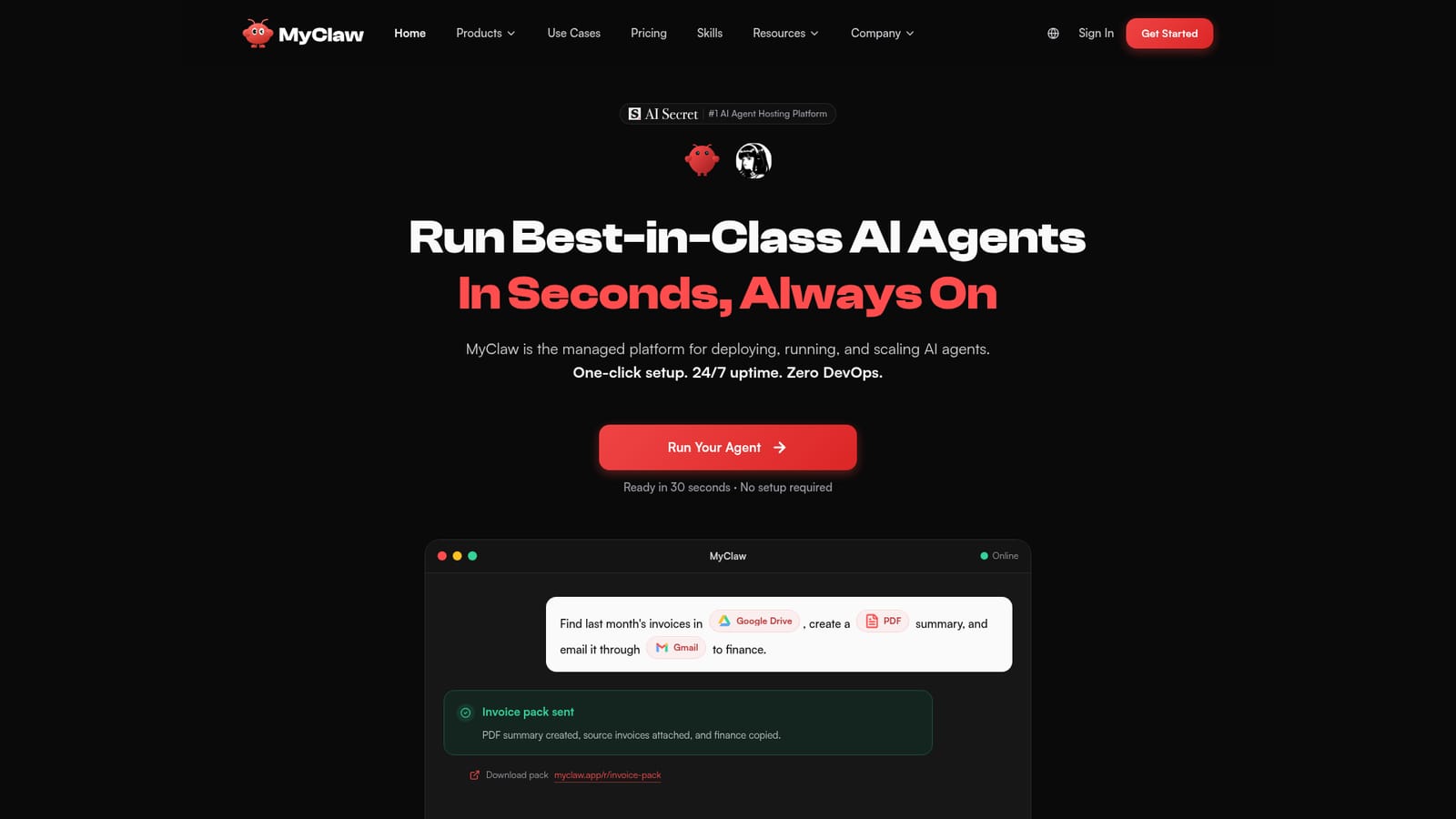
MyClaw.ai is an AI task generator tool. Managed hosting for AI agents such as OpenClaw, Hermes Agent, Claude Code and Codex. One-click deployment, 24/7 uptime, automatic updates and backups, 100+ connectors, 200+ model options, and control from WhatsApp, Telegram, Slack or email.
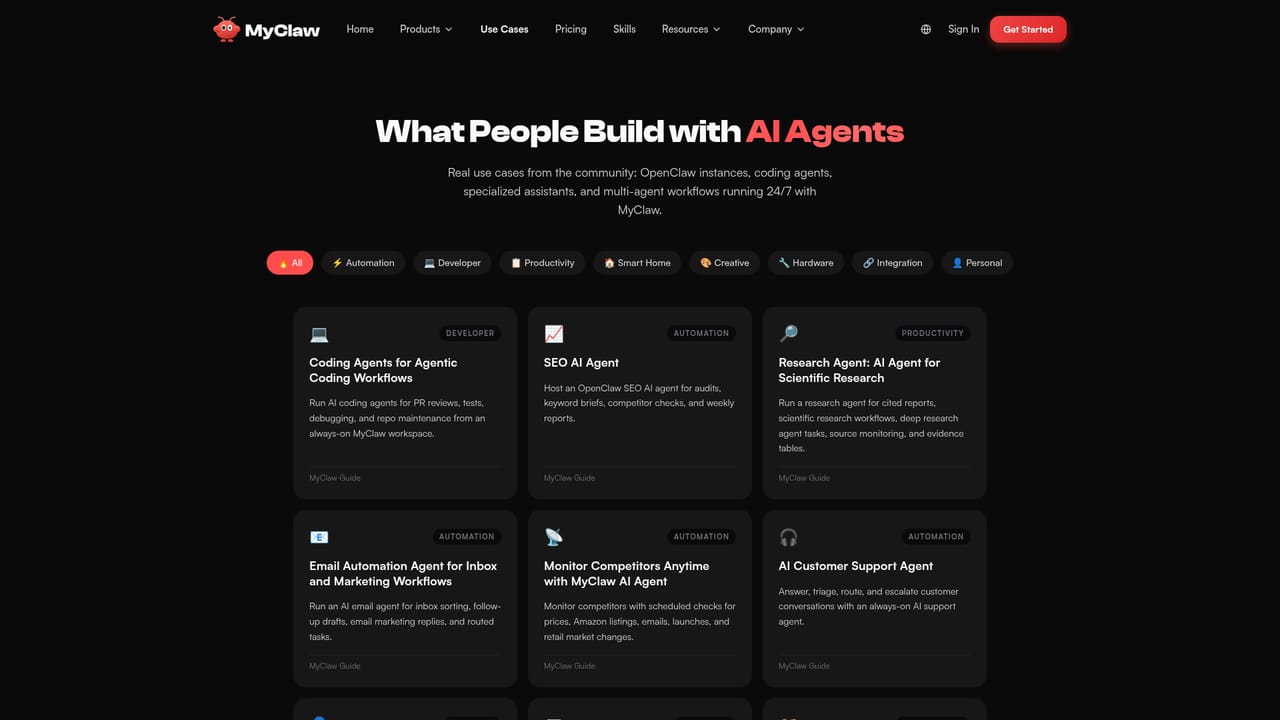
MyClaw is a managed hosting platform for AI agents rather than a chat product. You pick a runtime from a small catalogue (OpenClaw, Hermes Agent, Claude Code, Codex and whatever gets added next), connect your model keys and work tools, and MyClaw provisions a cloud instance that stays online. The pitch is narrow and concrete: the agent keeps working after the browser tab closes, and you never touch servers, gateways or update scripts. The agents themselves are capable of acting, not just answering. They browse sites, fill forms, scrape data, run shell commands, write and review code, generate files and draft pages. Hermes adds a self-improving angle, turning solved tasks into reusable skills and handing work to isolated subagents with their own terminals. Model choice stays flexible: Claude for reasoning, GPT for coding, Gemini for long context, DeepSeek for cost control, with 200+ options and bring-your-own-key support. Around 100 connector integrations cover Gmail, Google Docs, Calendar and Sheets, Slack, Notion, GitHub, Jira, Linear, Salesforce, Shopify and others. In practice you drive the agent from wherever you already talk: WhatsApp, Telegram, Slack, Discord, Signal, iMessage, email or a browser UI. Schedules handle the recurring work (daily briefs, price monitoring, inbox triage, audits) and the agent escalates only when a decision is needed. The published use cases lean toward operations: sales lead checking several times a day, e-commerce marketing jobs running overnight, clinic triage routed every two hours, a daily portfolio run assembled before market open. MyClaw sits between raw self-hosting and general chat assistants. Against ChatGPT the difference is persistence and infrastructure: hosted runtime, managed virtual machines, backups and connectors instead of a session that ends. Against a DIY deployment it trades control for uptime, monitoring and a simpler interface over the underlying console. Teams that want an always-on worker connected to their own stack are the right fit; anyone wanting a cheap chat subscription is not. Pricing figures are not published on the homepage, so plans need checking directly before budgeting.
The homepage promises expert support as part of the managed service and markets zero DevOps, but no support channels, hours or SLA details are published on the page.
Connectors include Gmail, Google Docs, Calendar and Sheets, Slack, Notion, GitHub, Jira, Linear, Trello, ClickUp, Salesforce, Shopify, Canva, Box, Discord, WhatsApp and Telegram. Agents are also controllable from Signal, iMessage, email and a browser UI.
Hosted 24/7 agent runtimes (OpenClaw, Hermes Agent, Claude Code, Codex), one-click deployment, automatic updates, health monitoring and backups, persistent memory, browser control, scheduled jobs, subagents for Hermes, sandboxed execution options, 100+ connectors and 200+ models with bring-your-own-key.
 AI Angels400+ customizable AI girlfriends for NSFW chat, voice calls, and roleplay
 Candy AIExperience the future of companionship with AI friends who chat, role-play, and connect with you on a human level.
 ourdream.aiA vast AI roleplay platform with millions of characters for chat, images, video and voiceAI Angels400+ customizable AI girlfriends for NSFW chat, voice calls, and roleplayCandy AIExperience the future of companionship with AI friends who chat, role-play, and connect with you on a human level.ourdream.aiA vast AI roleplay platform with millions of characters for chat, images, video and voice


