MyRoomDesigner

Redesign any room from a single photo, no measuring tape required

Beginner
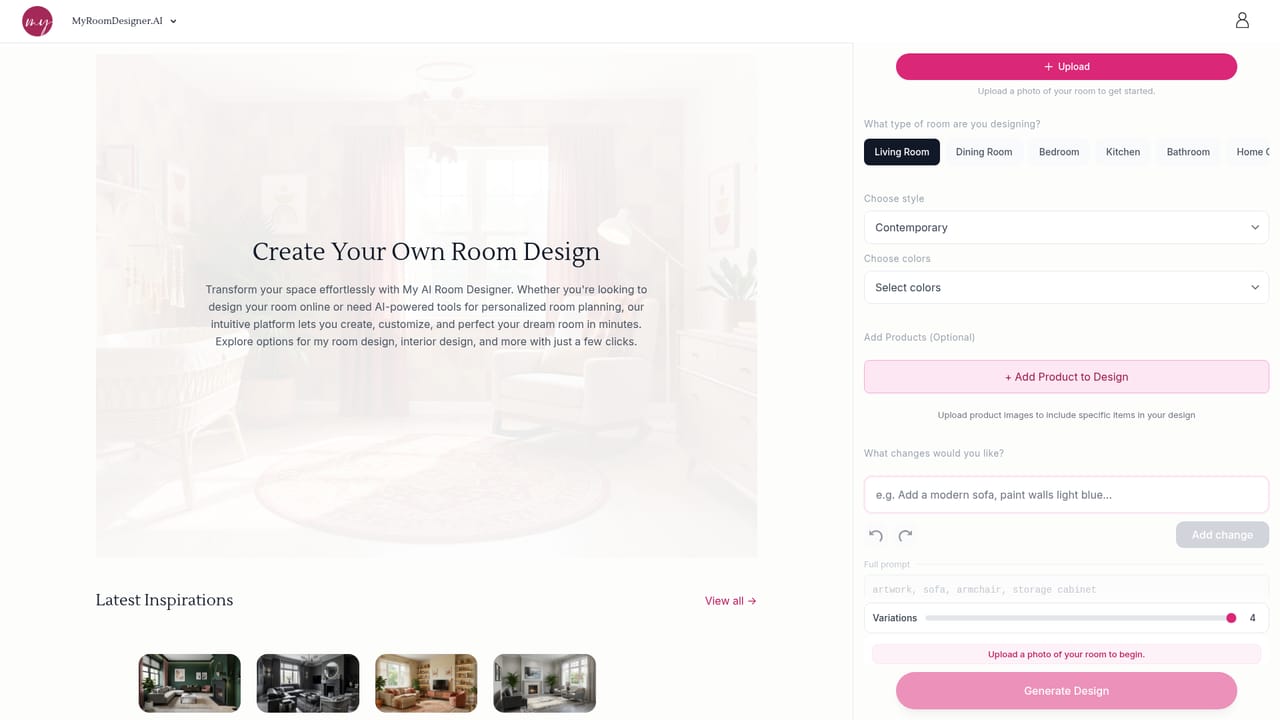
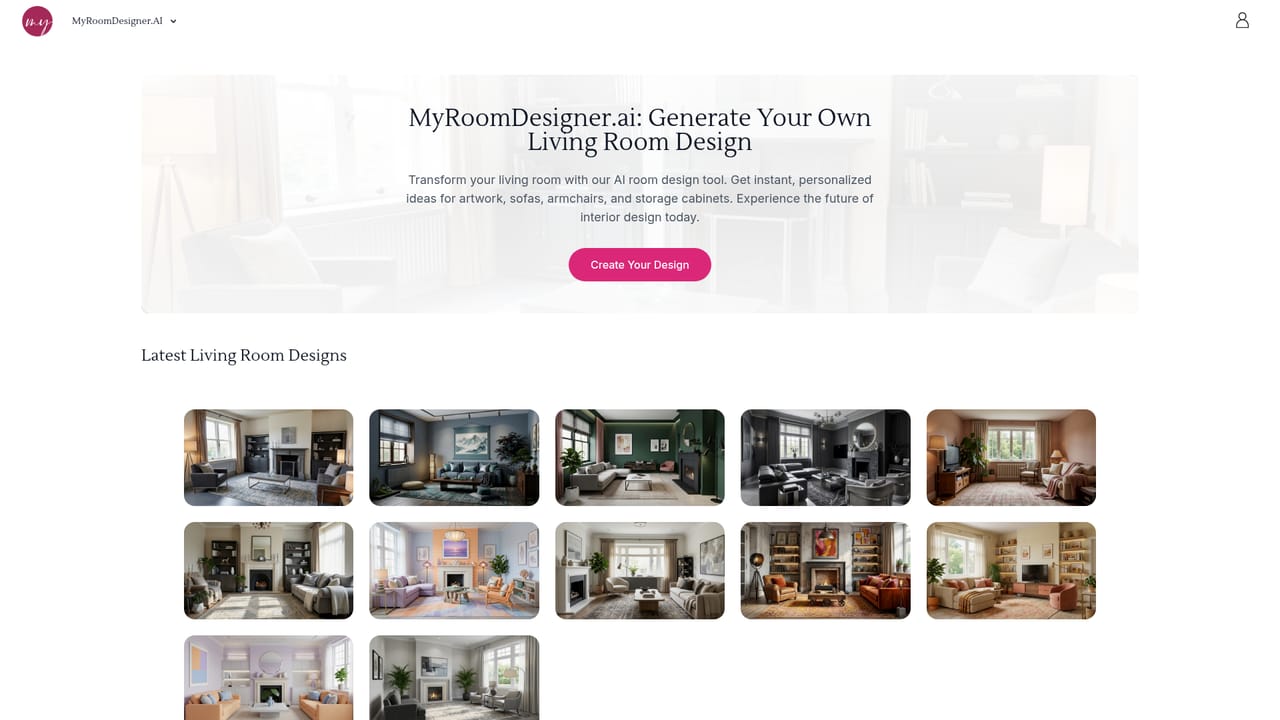
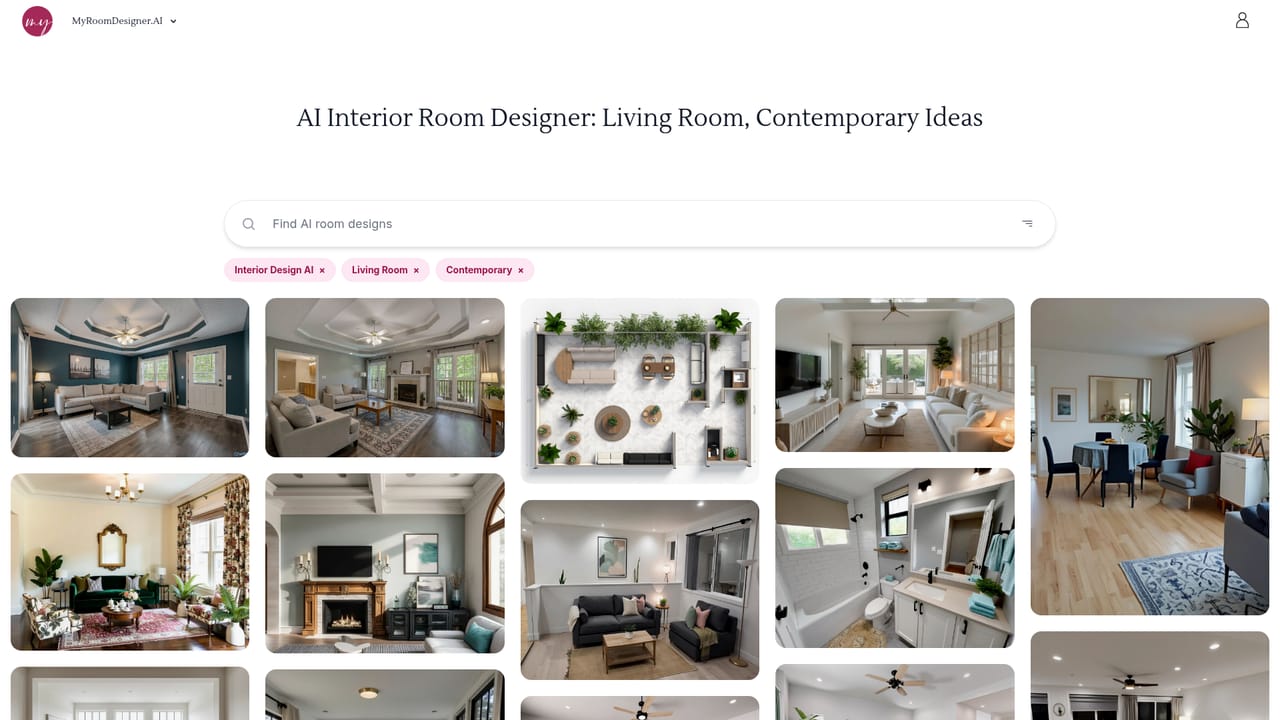
Screenshot of MyRoomDesigner, Redesign any room from a single photo, no measuring tape required

What is MyRoomDesigner?

MyRoomDesigner is a generative image tool. Photo based AI interior design tool that redraws a real room in a chosen style while keeping walls, doors and layout intact. Chat controls handle color and furniture changes, and a Design Studio adds background removal, shopping lists and product matching.

MyRoomDesigner.AI is a browser based interior design tool that turns a photograph of an existing room into a redesigned version of that same space. The workflow starts with an upload: the system inspects the photo for layout, walls, doors and viewing angle, then produces a redesigned render that keeps the architecture in place. From there the user picks a room type from a long list (living room, kitchen, bathroom, home office, nursery, wine cellar, mudroom, attic and roughly two dozen more), chooses a style from about thirty options such as contemporary, Japandi-adjacent Scandinavian, industrial or art deco, and selects a color direction from preset palettes or custom colors. The second half of the process is conversational. A chat panel accepts plain language requests like repainting walls, swapping a sofa, or restyling a room in the manner of a named designer, and the render updates accordingly. Four variations are generated per run, and product images can be uploaded so specific furniture pieces appear in the output. Higher tier work continues in a Design Studio that handles background removal, crop, flip and duplicate operations, a shopping list builder and a find similar products feature that matches items already visible in the user's photo. The target audience is broad: homeowners testing a renovation before committing, renters planning a temporary restyle, real estate agents producing virtual staging for listings, and interior designers who want fast visual options for client approval. The draw is speed (renders are claimed in under four seconds) combined with layout preservation, which is where general purpose image generators tend to disappoint when given a room photo. Where it fits: it is an ideation and visualization layer, not a CAD or floor planning package. There is no furniture dimensioning, no measured floor plan export and no contractor ready drawing set. Compared with a human designer it costs far less and iterates faster, but it cannot verify that a specific sofa will physically fit. Treat the output as a mood and concept generator that feeds into real procurement decisions.

How do you use MyRoomDesigner?

  1. 1Upload a photo of the room you want to change
    Open the designer and upload an existing photo. The tool analyzes layout, angle and key features before any generation happens, so a clear, well lit shot gives better results.
    MyRoomDesigner — Upload a photo of the room you want to change
  2. 2Pick the room type
    Choose from the room list, such as living room, bedroom, kitchen, home office or bathroom. This gives the model the right context for furniture and fixtures.
    MyRoomDesigner — Pick the room type
  3. 3Set a style and color direction
    Select one of the curated styles and a color palette, or define custom colors. Styles range from contemporary and modern to traditional, coastal and art deco.
    MyRoomDesigner — Set a style and color direction
  4. 4Add product images if specific items matter
    The optional product upload lets you include particular pieces in the design so the render reflects furniture you already own or plan to buy.
  5. 5Generate and refine through chat
    Run the design to get four variations, then use the chat box to request changes such as repainting walls or swapping a rug, and regenerate until the result is close.
  6. 6Move finished renders into the Design Studio
    Import favorites to remove backgrounds, crop or duplicate items, build a shopping list and find similar products for anything visible in the original photo.

Pros and cons

Pros

  • Keeps the original room layout, walls and doors rather than inventing a new spaceAI
  • Chat based edits let users request specific changes in plain language instead of rebuilding a promptAI
  • Wide room type coverage, from living rooms to wine cellars, mudrooms and atticsAI
  • Design Studio adds practical extras: background removal, shopping lists and find similar product matchingAI
  • Fast render turnaround, with the site claiming under four seconds per generationAI

Cons

  • No measured floor plans or dimension checks, so renders cannot confirm a piece of furniture will actually fitAI
  • Pricing tiers and credit limits are not stated on the homepage, so cost has to be checked elsewhereAI
  • Four variations per run and repetitive prompting can push users toward a subscription quicklyAI
  • Style options are preset lists plus custom colors, with limited fine control over specific materials or finishesAI
  • Output quality depends heavily on the uploaded photo quality and angle, which the tool flags but cannot fixAI

How much does MyRoomDesigner cost?

Features

Photo upload with automatic room analysis, layout preserving redesigns, 30 or so curated interior styles, preset and custom color palettes, optional product image uploads, four variations per generation, chat based editing with plain language prompts, high resolution upscaling, item removal, plus a Design Studio with background remover, shopping list creator and find similar product matching.

Learn more

Frequently asked questions about MyRoomDesigner

  • How do you use MyRoomDesigner?
    The walkthrough on this page covers 6 steps: 1. Upload a photo of the room you want to change 2. Pick the room type 3. Set a style and color direction 4. Add product images if specific items matter 5. Generate and refine through chat 6. Move finished renders into the Design Studio.
  • What platforms does MyRoomDesigner support?
    MyRoomDesigner is available on Web App.
  • What are the limitations of MyRoomDesigner?
    No measured floor plans or dimension checks, so renders cannot confirm a piece of furniture will actually fit. Pricing tiers and credit limits are not stated on the homepage, so cost has to be checked elsewhere. Four variations per run and repetitive prompting can push users toward a subscription quickly.

Status

StatusActive
Views0
Outbound clicks0
Added10/21/2026

Platforms

Web App

Pricing

Freemium