Nautex AI

Specs IDE that keeps coding agents aligned with your product intent.

Intermediate
Screenshot of Nautex AI, Specs IDE that keeps coding agents aligned with your product intent

What is Nautex AI?

Nautex AI is an AI task generator tool. A specification-driven development environment that turns raw inputs into reviewed PRDs and design docs, then feeds a mapped task plan to coding agents like Claude Code or Cursor over MCP. Aimed at product and engineering teams that want less agent drift, traceable requirements and review gates before code lands.

Nautex AI is a specifications IDE for product builders who direct coding agents. The premise is straightforward: autonomous coding agents drift when they lack context, so the product puts the specification first and treats the agent as an executor of a reviewed plan. Instead of prompting an agent and hoping it infers the right architecture, teams capture intent, review requirements, design the system and ship against a traceable document chain. The workflow runs through four stages. Capture accepts voice notes and files, pulls market and customer signals from the web, and asks focused follow-up questions until a readable PRD emerges. Review turns unresolved decisions into a navigable list, lets chat answers cite anchored spec items and supports targeted edit requests with approve or reject controls. Design handles technical tradeoffs, feasibility searches, step-by-step reasoning and splits large designs into smaller linked documents with diagrams and formulas. Ship maps each requirement to files, lays out implementation as typed tasks (Explore, Code, Test, Review, Input) with acceptance checkpoints, and connects a coding agent over MCP so it pulls tasks one at a time. The tool fits product managers, technical founders and engineering leads who already use agents such as Claude Code, Cursor, OpenCode, OpenAI Codex or Gemini CLI and want less rework and lower token burn. It sits upstream of the IDE: the agent still writes the code, but Nautex AI supplies the plan, the file mapping and the quality gates. That positions it against plain prompt libraries and chat-based PRD writers, which generate documents but do not connect them to task execution or verify the build against the original intent. Pricing starts with a free tier limited to one project, then Pro at $20 per month with unlimited projects and more daily capacity, and Pro+ at $100 per month with 10x capacity. Enterprise adds team collaboration, digesting of daily communication, on-premise deployment, boilerplate management and advanced security controls. The homepage does not detail usage limits per tier or the full integration surface beyond the named coding agents.

How do you use Nautex AI?

  1. 1Create your account
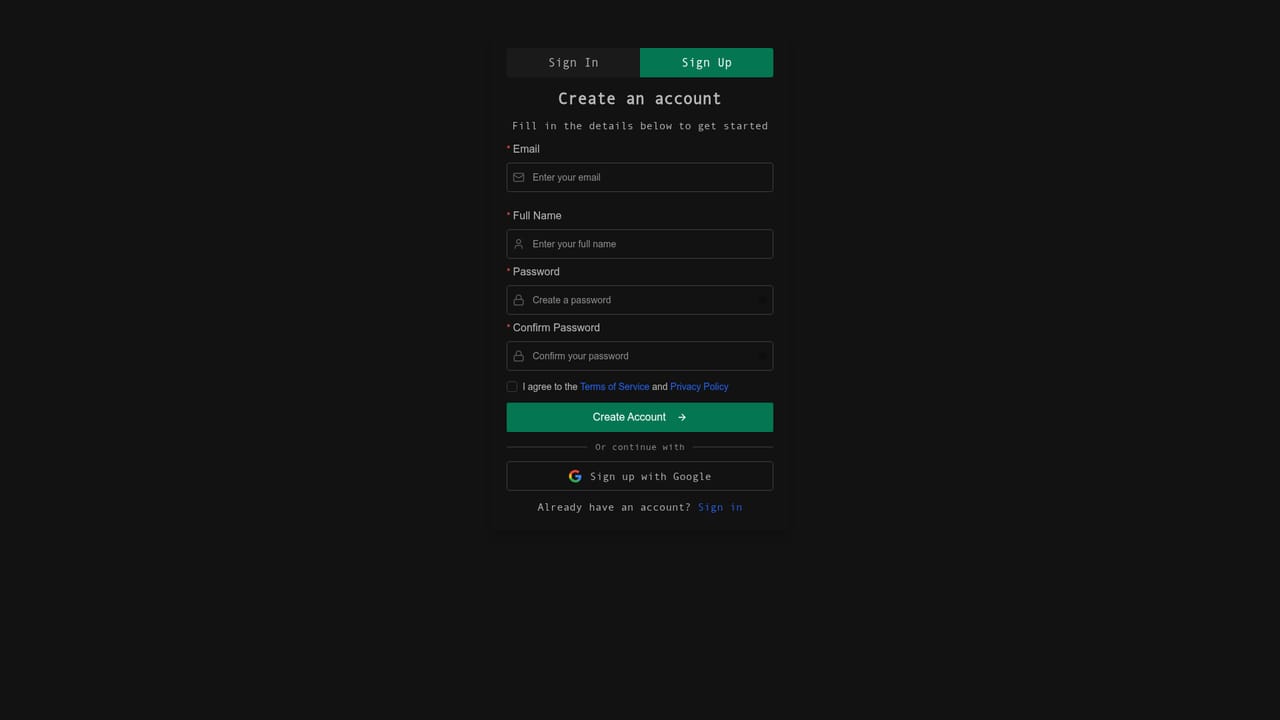
    Sign up with the registration link to open the workspace. The free tier starts with one project, enough to test the full four-stage flow.
    Nautex AI — Create your account
  2. 2Capture intent and draft the PRD
    Speak or drop files, let the tool pull market signals, then answer the short follow-up questions. The stage consolidates everything into a first product requirements document.
  3. 3Review and resolve gaps
    Work through the list of unresolved decisions, click chat references to jump to the cited spec item, and approve or reject targeted edits before the document is signed off.
  4. 4Design the system
    Explore technical options in side threads, use web search to confirm feasibility, and let the step-by-step reasoning refine the architecture. Split the design into linked specs when it grows.
  5. 5Map requirements and plan tasks
    In the Ship stage, map each requirement to files and lay out typed tasks with acceptance checkpoints so the build stays verifiable and in scope.
  6. 6Connect your coding agent
    Link Claude Code, Cursor, OpenCode, Codex or Gemini CLI over MCP. The agent pulls tasks one by one from the plan and pauses at quality checkpoints for your review.

Pros and cons

Pros

  • Four-stage workflow (Capture, Review, Design, Ship) keeps requirements, design and implementation connected rather than scattered across chat threads.AI
  • MCP connection lets agents such as Claude Code, Cursor, OpenCode, Codex and Gemini CLI pull tasks step by step without manual context transfer.AI
  • Review tools cite anchored spec items and surface unresolved decisions as a navigable list, which cuts the effort of closing gaps.AI
  • File-level mapping and typed tasks with acceptance checkpoints make scope and ownership visible before coding starts.AI
  • Free tier with one project and paid tiers at $20 and $100 per month give a low-cost entry point for solo builders.AI

Cons

  • The homepage names only a handful of agent integrations, so teams using other agents may not get the MCP task-pull workflow.AI
  • Free tier is capped at one project, which is tight for anyone testing the method across more than a single build.AI
  • Capacity differences between Pro and Pro+ are described only vaguely (more daily capacity, 10x more), with no published limits.AI
  • The product assumes a specification-first discipline; teams that prefer ad hoc prompting will find the staged workflow heavy.AI
  • Documentation is thin on the site: details on MCP setup, security and data handling are not explained on the homepage.AI

How much does Nautex AI cost?

Pricing

Free tier at $0 forever with specifications, implementation plans, coding agent guidance and one project. Pro at $20 per month adds more daily capacity and unlimited projects. Pro+ at $100 per month offers 10x more capacity. Enterprise is custom priced with team collaboration, communication digesting, on-premise deployment, boilerplate management and advanced security controls.

Learn more

Support

Enterprise buyers can contact sales by email; general inquiries go to info@nautex.ai. The homepage does not describe help centre, documentation or other support channels.

Integrations

Connects over MCP to Claude Code, Cursor, OpenCode, OpenAI Codex and Gemini CLI, letting the agent pull tasks step by step from the plan.

Features

Capture voice and file inputs, ground them with market and web signals, and generate a PRD. Review with a TODO navigator, anchored citations and approve or reject controls. Design with diagrams, formulas, tradeoff exploration via side threads, feasibility web search, multi-step reasoning and linked specs. Ship with requirement-to-file mapping, typed tasks, traceability, MCP agent connection and quality checkpoints.

Frequently asked questions about Nautex AI

  • How much does Nautex AI cost?
    Free tier at $0 forever with specifications, implementation plans, coding agent guidance and one project. Pro at $20 per month adds more daily capacity and unlimited projects. Pro+ at $100 per month offers 10x more capacity. Enterprise is custom priced with team collaboration, communication digesting, on-premise deployment, boilerplate management and advanced security controls.
  • How do you use Nautex AI?
    The walkthrough on this page covers 6 steps: 1. Create your account 2. Capture intent and draft the PRD 3. Review and resolve gaps 4. Design the system 5. Map requirements and plan tasks 6. Connect your coding agent.
  • What platforms does Nautex AI support?
    Nautex AI is available on Web App.
  • What does Nautex AI integrate with?
    Connects over MCP to Claude Code, Cursor, OpenCode, OpenAI Codex and Gemini CLI, letting the agent pull tasks step by step from the plan.
  • What are the limitations of Nautex AI?
    The homepage names only a handful of agent integrations, so teams using other agents may not get the MCP task-pull workflow. Free tier is capped at one project, which is tight for anyone testing the method across more than a single build. Capacity differences between Pro and Pro+ are described only vaguely (more daily capacity, 10x more), with no published limits.

Status

StatusActive
Views0
Outbound clicks0
Added10/21/2026

Platforms

Web App

Pricing

FreemiumSubscription