Nemo

Financial reporting and analysis built for busy CEOs

Beginner
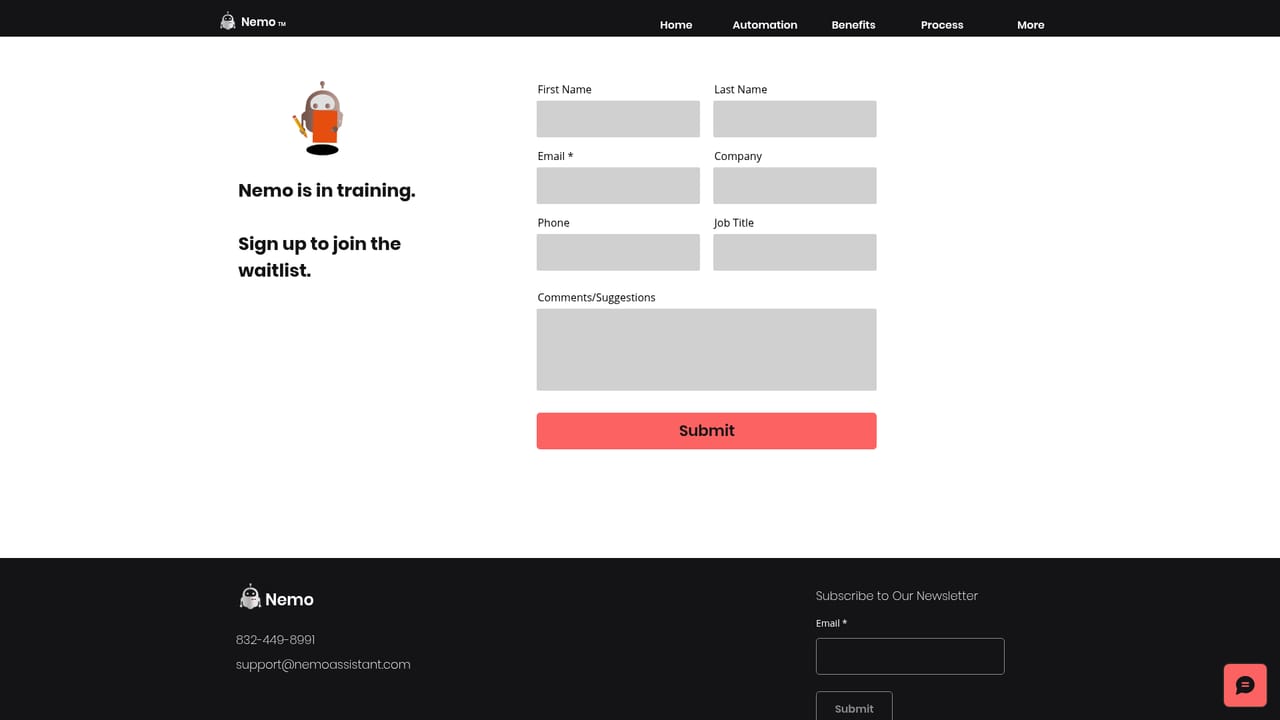
Screenshot of Nemo, Financial reporting and analysis built for busy CEOs

What is Nemo?

Nemo is a financial reporting assistant for CEOs that automates analysis of the P&L, balance sheet, cash position and accounting ratios, then condenses more than 26 figures into one visual scorecard. It supports self service and voice driven reporting, and can run on premises so that financial data stays inside the company's own network.

Nemo is a finance reporting assistant aimed at chief executives who need a fast, readable picture of how the business is doing without waiting on a monthly reporting cycle or wrestling with spreadsheets. The product centers on automating financial analysis and simplifying how the results are presented, so an executive can scan performance rather than dig for it. The two statements it leans on most are the profit and loss account and the balance sheet, which the site describes as the report cards of a company's health. The signature feature is a visual scorecard that compresses more than 26 financial figures into a single screen. From there a CEO can review the P&L, the balance sheet, cash position and accounting ratios, along with other measures the site groups under "and more". Nemo also positions itself around spending limits, giving a running view of available funds so that commitments and investments can be judged against what is actually on hand at a given moment. Analysis is meant to happen through a self service interface rather than SQL queries, and the site advertises voice driven reporting, where a spoken request produces an analysis in a single command. Two audiences are served at once. The primary one is the founder or CEO who wants trends and exceptions surfaced quickly and decisions backed by current numbers. The secondary one is the finance team, since automating recurring report preparation is pitched as a way to lift the manual, repetitive load that the site argues contributes to burnout among accountants. Nemo sits in the reporting and analysis layer rather than acting as a bookkeeping system, so it complements rather than replaces the ledger software that produces the underlying data. Security is treated as a deployment question. Data stays private on the customer's premises, IT staff set access rules and control permissions as they would on any other machine, connections are established through a unique handshake, and data moves in small chunks. A proprietary language is used to block injection attacks, and the site states that an internet connection is not required.

How do you use Nemo?

  1. 1Request a walkthrough through the contact page
    Nemo is sold through direct contact rather than self sign up. Use the contact form to describe your reporting needs and ask for a demonstration of the scorecard.
    Nemo — Request a walkthrough through the contact page
  2. 2Agree the on premises deployment with your IT team
    Data stays on your premises, so IT staff need to set the access rules and permissions before anything connects. Confirm hardware, network and handshake requirements in advance.
  3. 3Connect your financial statements as the data source
    The P&L, balance sheet and cash figures feed the analysis. Work with the vendor during setup to establish how those statements reach Nemo on your network.
  4. 4Open the visual scorecard and review the headline numbers
    The scorecard consolidates 26 plus figures, including the P&L, balance sheet, cash and accounting ratios. Use it as the first read on performance before drilling into detail.
  5. 5Ask for a specific analysis by voice
    Instead of writing queries, speak the request and let the assistant produce the report. Start with a recurring question such as the current cash position or a spending limit check.

Pros and cons

Pros

  • A single scorecard pulls 26 plus financial figures onto one screen, which suits executives who want a quick readAI
  • Covers the P&L, balance sheet, cash position and accounting ratios in one view rather than separate reportsAI
  • Voice driven, self service reporting reduces reliance on finance staff for routine questionsAI
  • On premises deployment with customer controlled access rules and no internet requirement addresses data residency concernsAI
  • Aimed at reducing the manual report preparation that consumes accountants' timeAI

Cons

  • Pricing is not published anywhere on the site, so budget planning requires a sales conversationAI
  • No integration list or data connector details are given, leaving the source of financial data unclearAI
  • The site makes broad efficiency claims but shows no sample reports, benchmarks or customer evidenceAI
  • On premises, offline operation is a heavy requirement for small teams without internal IT supportAI
  • Voice driven analysis is difficult to evaluate without a demo, and accuracy claims are unverifiedAI

How much does Nemo cost?

Features

Automated financial analysis with a visual scorecard that compresses 26 plus numbers onto one screen, covering the P&L, balance sheet, cash and accounting ratios. Spending limit tracking shows available funds at a given time. Analysis is self service rather than SQL based, and voice commands generate reports. On premises deployment keeps data private, uses a unique handshake with small data chunks and a proprietary language against injection attacks, and needs no internet.

Frequently asked questions about Nemo

  • How do you use Nemo?
    The walkthrough on this page covers 5 steps: 1. Request a walkthrough through the contact page 2. Agree the on premises deployment with your IT team 3. Connect your financial statements as the data source 4. Open the visual scorecard and review the headline numbers 5. Ask for a specific analysis by voice.
  • What platforms does Nemo support?
    Nemo is available on Web App, Windows, MacOS and Linux.
  • What are the limitations of Nemo?
    Pricing is not published anywhere on the site, so budget planning requires a sales conversation. No integration list or data connector details are given, leaving the source of financial data unclear. The site makes broad efficiency claims but shows no sample reports, benchmarks or customer evidence.

Status

StatusActive
Views0
Outbound clicks0
Added10/22/2026

Platforms

Web AppWindowsMacOSLinux

Pricing

Paid
