Free trial
New accounts receive 20 credits on signup, enough for two complete builds, and preset styles can be used at no cost.
Learn morePlan a mecha paint scheme before you spray a single drop

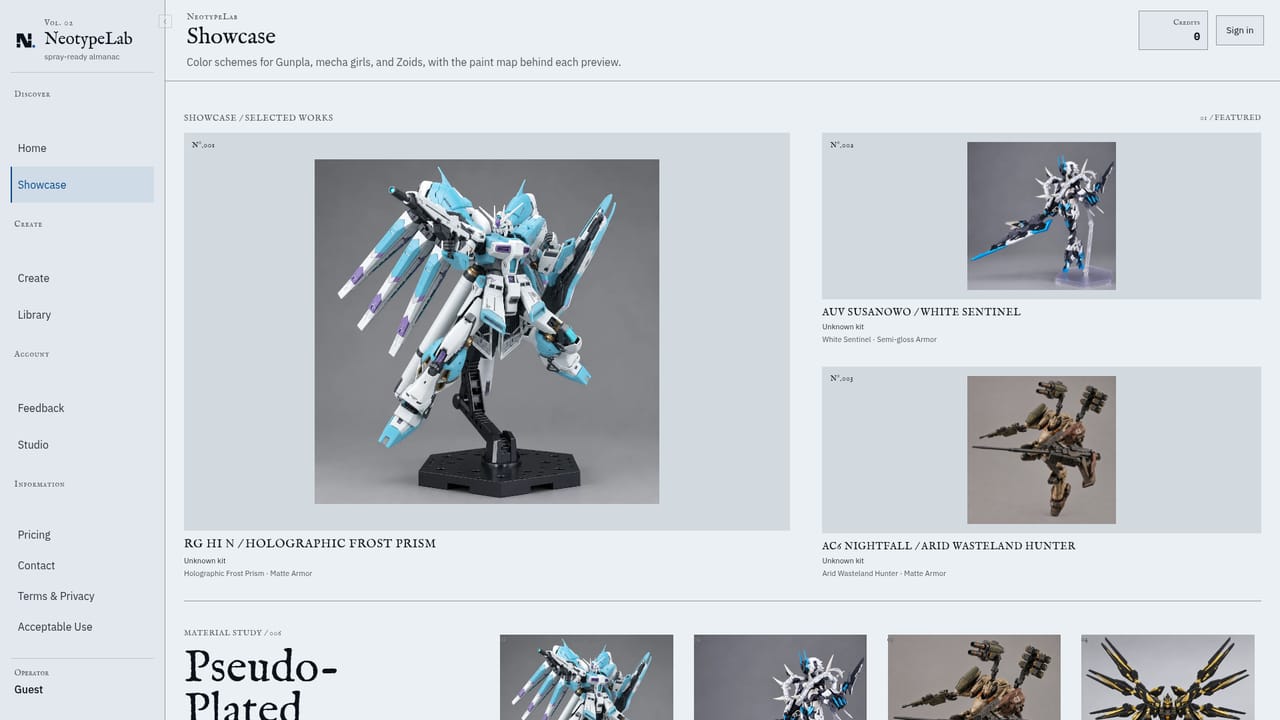
NeotypeLab is a generate concepts tool that plans a mecha paint scheme before you spray a single drop. NeotypeLab turns a written color idea and a photo of your mecha kit into a spray-ready plan: real hobby paints by brand and code, coverage percentages, a masked spray sequence, a shopping list and an HD preview on your model's own shape.
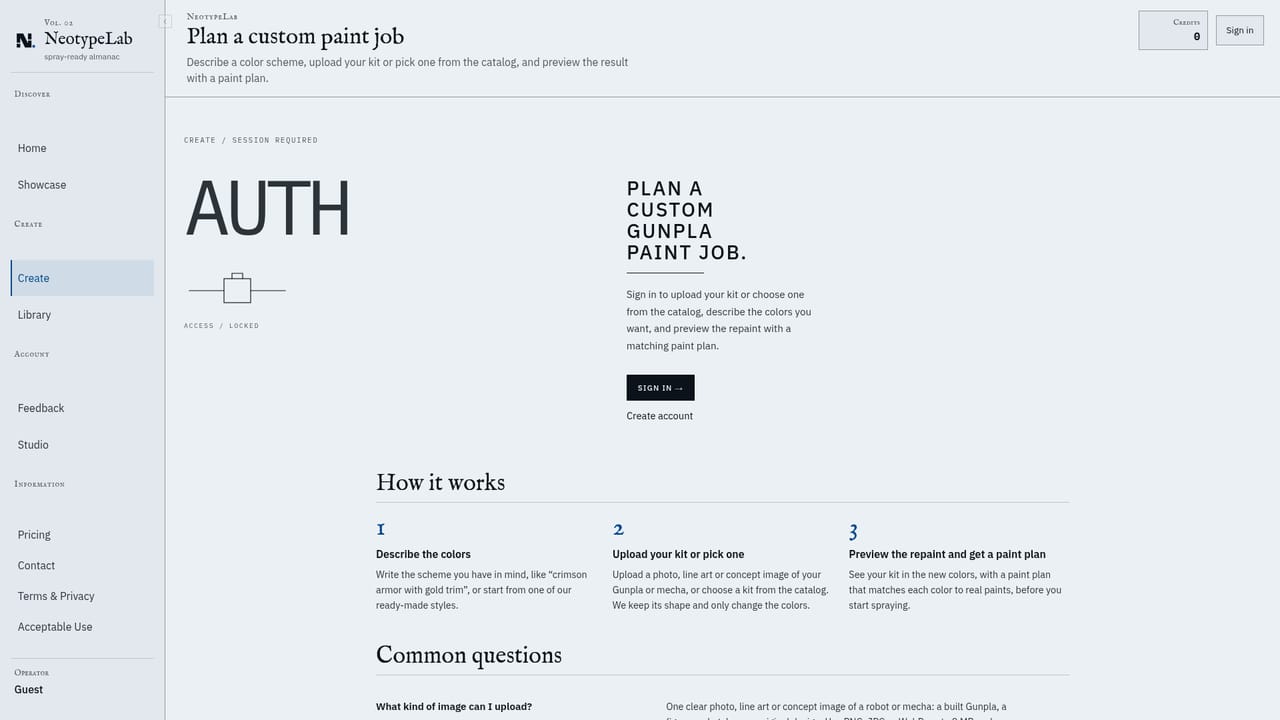
NeotypeLab is a planning tool for hobbyists who repaint mecha model kits, with Gunpla as the clearest example. You describe the look you want in ordinary language (deep navy, worn white, a little hazard orange), and the service returns a full scheme: which colors go on which parts, how much of the kit each color covers, the order to prime, mask and spray, and a paint list with brand names and product codes. The point is to settle the color direction on screen rather than discovering it halfway through an expensive can of spray. In practice the flow is three steps. You write the description or start from a free preset style, then upload a photo of the model sitting on your bench. A scan reads the visible parts and confirms the photo is usable, and the credit price of that scan is shown before it runs. From there the build arrives as a color system broken down by part group (primary armor, secondary armor, inner frame, sensors, markings), a numbered painting sequence, a shopping list, and an HD preview rendered on your kit's own shape. If you would rather skip the photo, you can select a catalog kit instead. The tool is aimed at people returning to the hobby, painters who want to test a palette before committing, and builders who like to browse other people's work. Public builds get their own page with share images, and any public build can be remixed into a variation. The paint list mixes real catalog paints with custom mixes described by hex target color when nothing in the catalog is close enough, and each plan rates its masking difficulty so a beginner can choose a forgiving one. Against alternatives, NeotypeLab sits between photo-editing recolors and forum guesswork. It is narrower than a general image generator because the output is a buying and spraying plan, not just a pretty render. A caveat worth stating plainly: paint names and codes are compiled from public sources and manufacturer ranges change, so the bottle or the maker's chart still has the final word before you buy.
New accounts receive 20 credits on signup, enough for two complete builds, and preset styles can be used at no cost.
Learn moreNew accounts start with 20 credits, described as enough for two complete builds. A complete build costs 8 credits and failed builds are refunded. Preset styles are free to use. The pricing page lists plans and credit packs.
Learn moreA feedback page is the stated route for questions, missing catalog kits and other issues. The site also publishes an acceptable use policy covering prompt screening and moderation.
Learn moreDescribe a color direction and get a full scheme: a color system with part roles and coverage percentages, an ordered prime, mask and spray sequence, a paint shopping list with brand names, product codes and hex target colors for custom mixes, and an HD preview rendered on your kit's own shape. Plans also carry a masking difficulty rating, and public builds can be shared and remixed.
 AI Angels400+ customizable AI girlfriends for NSFW chat, voice calls, and roleplay
 Candy AIExperience the future of companionship with AI friends who chat, role-play, and connect with you on a human level.
 ourdream.aiA vast AI roleplay platform with millions of characters for chat, images, video and voiceAI Angels400+ customizable AI girlfriends for NSFW chat, voice calls, and roleplayCandy AIExperience the future of companionship with AI friends who chat, role-play, and connect with you on a human level.ourdream.aiA vast AI roleplay platform with millions of characters for chat, images, video and voice