Free trial
Logo generation is described as free, with payment requested only when the user is happy with the design. No time limited trial is mentioned on the homepage.
Learn moreAI logo generator with brand kits for small businesses

Logomakerr is a font generator tool. Logomakerr.AI generates logo concepts from a short business brief, then lets you customize fonts, colors, symbols and layouts in a browser editor. A Brand Kit adds 200+ templates for cards, flyers, slides and social posts, and an in house designer can fine tune the result.
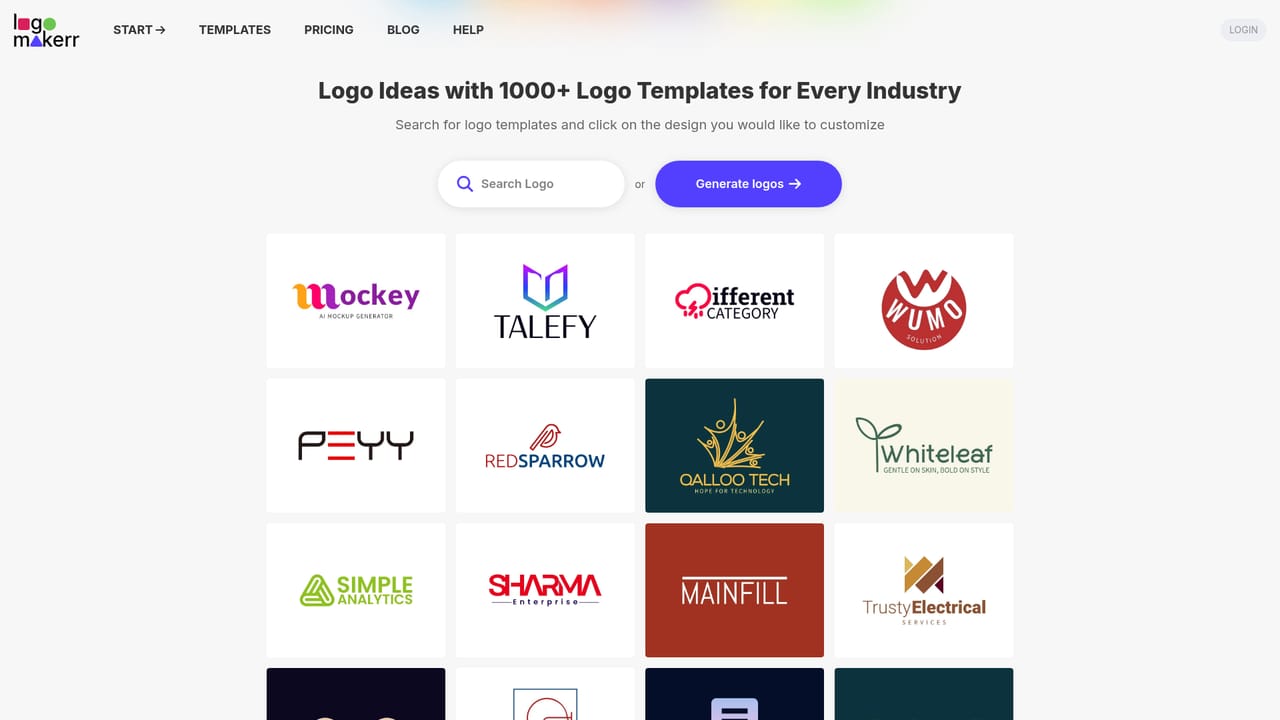
Logomakerr.AI is a browser based logo builder that turns a short brief about your business into finished logo designs. You describe the industry, the name and the look you want, and the generator returns logo concepts you can refine inside an editor. The site pitches the whole job as a five minute task, and the workflow is built around that promise: generate, customize, download. There is no design software to install and no prior design training assumed. The editor is where most of the work happens. Users pick from thousands of fonts, colors, symbols and layouts, adjusting a generated concept until it matches the brand they have in mind. A template library sits alongside the generator, covering niches such as gyms, nutrition, travel agencies, bars, pest control, abstract marks, initial based marks and Arabic lettering, so people who prefer browsing to prompting have a route in. The homepage gallery of user generated logos shows the range of directions the tool produces, from wordmarks to compact symbol marks. Beyond the logo itself, Logomakerr bundles a Brand Kit with 200 or more branded templates for business cards, flyers, social media posts and presentation slides. That positions the product as a light branding suite rather than a single purpose logo maker, which matters for solo founders and very small teams who need signage and social assets on day one. Users who get stuck can request a fix from the in house design team, an option many pure AI generators do not offer. It competes with BrandCrowd, Looka, Wix Logo Maker and DesignEvo, and the company publishes head to head comparisons against all four. The honest split is between speed and cost on one side and original, fully bespoke design work on the other. Logomakerr suits startups, side projects, local services and rebrands on a tight budget; it is not a replacement for a design studio handling a complex identity system. The homepage states that logo generation is free of charge and that payment applies only once you are satisfied, though the exact plan terms sit on the pricing page.
Logo generation is described as free, with payment requested only when the user is happy with the design. No time limited trial is mentioned on the homepage.
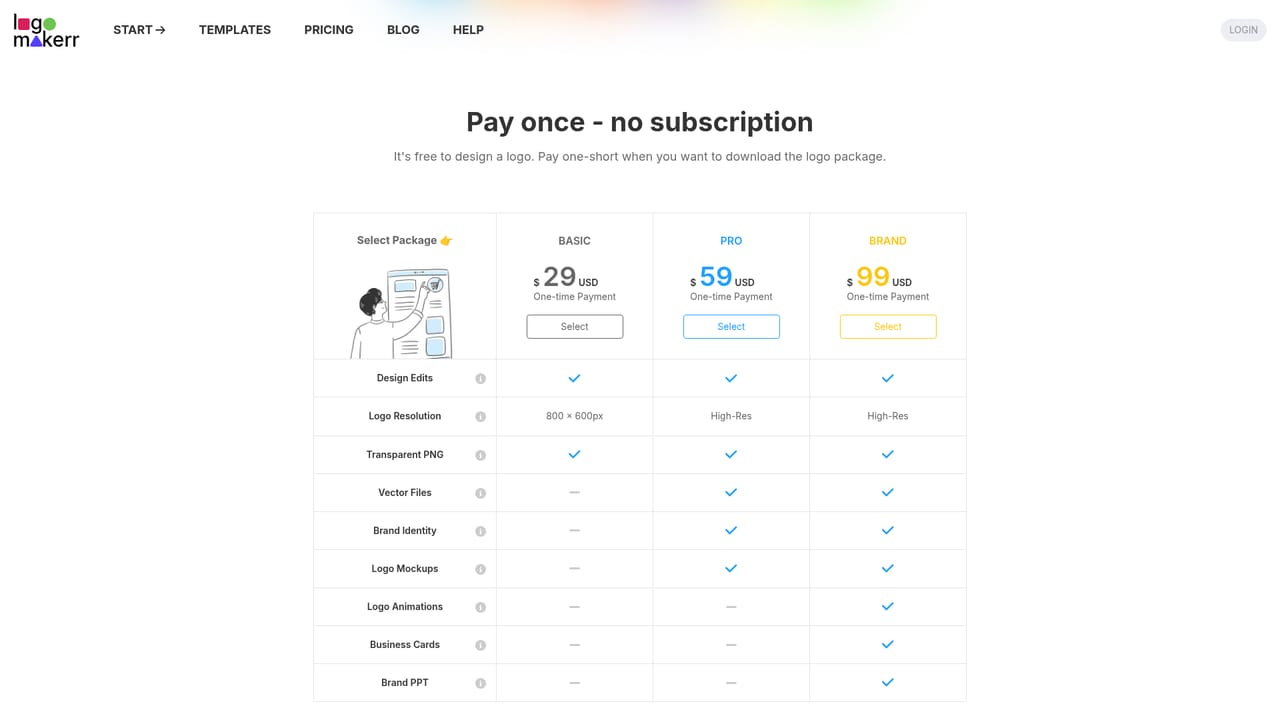
Learn moreThe homepage says the AI logo maker generates logos instantly and completely free of charge, with payment only once you are satisfied. Specific plan tiers, download rights and brand kit limits are listed on the pricing page.
Learn moreUsers struggling with a design can ask the in house design team to fine tune the logo. The site also links a help section alongside login in the header.
AI logo generation from a business description, an editor with thousands of fonts, colors, symbols and layouts, thousands of templates including niche collections (gym, nutrition, travel, Arabic, abstract, initial), a Brand Kit with 200+ branded templates for cards, flyers, slides and social posts, plus a designer fix service and blog guidance on logo variations, file naming and print proofs.
Learn more AI Angels400+ customizable AI girlfriends for NSFW chat, voice calls, and roleplay
 Candy AIExperience the future of companionship with AI friends who chat, role-play, and connect with you on a human level.
 ourdream.aiA vast AI roleplay platform with millions of characters for chat, images, video and voiceAI Angels400+ customizable AI girlfriends for NSFW chat, voice calls, and roleplayCandy AIExperience the future of companionship with AI friends who chat, role-play, and connect with you on a human level.ourdream.aiA vast AI roleplay platform with millions of characters for chat, images, video and voice


