Support
The homepage offers a sales contact route for demos and a documentation site covering the platform, primitives, AI Gateway, and CLI. Dedicated support plans are not described on the homepage.
Learn moreBuild and deploy web apps from code or an AI prompt on one platform.

Netlify is an app creation tool that builds and deploy web apps from code or an AI prompt on one platform. Netlify is a build and hosting platform where projects can start from an AI prompt, a Git push, the CLI, or a drag and drop.
Netlify is a web development platform that combines AI-assisted building with production hosting. Projects can start from a prompt in the dashboard, from a Git repository, from the command line, or by dragging a folder onto Netlify Drop. Regardless of the entry point, the result is the same kind of project, backed by a global CDN and automatic HTTPS. The homepage reports more than 10 million developers and 60 million apps deployed, with 99.99% uptime claimed for the edge network. In practice, the platform is aimed at teams that need to move from prototype to production without stitching together separate services. Agent Runners let product, marketing, or ops staff describe changes and have an AI agent generate or edit pages, while Deploy Previews give reviewers a private URL for every change before it goes public. Developers get serverless functions, managed Postgres through Netlify Database, file storage via Blobs, built-in identity for authentication, and an AI Gateway that connects apps to major model providers. Image CDN resizes and serves assets on demand, and forms can collect submissions with no extra configuration. The workflow is consistent across paths: prompt, preview, repeat. Every change receives a preview URL, and any deploy can be rolled back in one click. Access controls, secrets, and environment variables are managed per team, and the same infrastructure is meant to carry a project from its first deploy to global traffic. Use cases range from marketing sites and ecommerce storefronts to internal dashboards and AI features, and Claude, Codex, and other coding agents can be added to the workflow. Compared with static site hosts that stop at serving files, Netlify bundles backend primitives, deployment previews, and AI-assisted editing, which suits cross-functional teams where non-engineers contribute. Teams that only need a simple brochure site may find the surface area larger than necessary, and the AI path is best treated as an accelerator on top of a normal Git-based process rather than a replacement for code review.
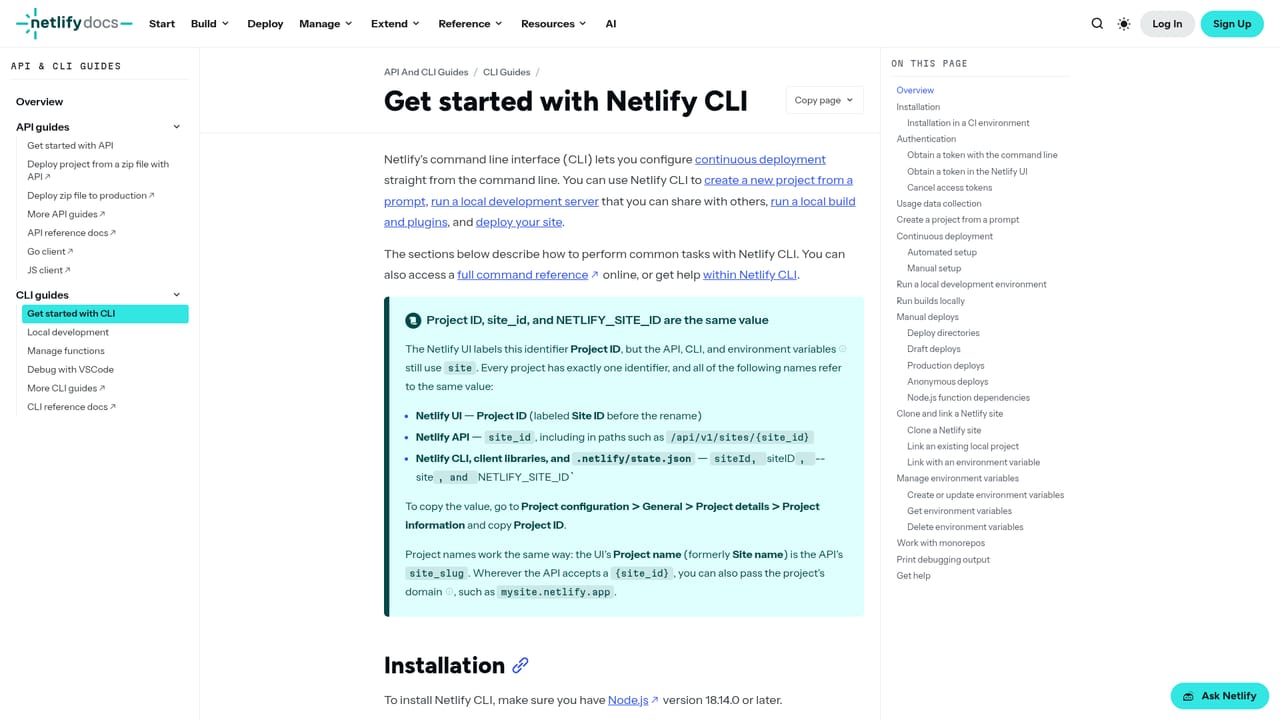
The homepage offers a sales contact route for demos and a documentation site covering the platform, primitives, AI Gateway, and CLI. Dedicated support plans are not described on the homepage.
Learn moreClaude, Codex, and other coding agents can be added to the build workflow, and AI Gateway connects apps to major AI model providers. Git-based deploys work with standard repositories.
Learn moreAgent Runners for AI-assisted page and copy changes, Deploy Previews with one-click rollback, Git, CLI, and drag and drop deploys, serverless functions, managed Postgres and file storage, built-in identity, AI Gateway for model access, Image CDN, zero-config forms, and a global edge network with automatic HTTPS.
Learn more AI Angels400+ customizable AI girlfriends for NSFW chat, voice calls, and roleplay
 Candy AIExperience the future of companionship with AI friends who chat, role-play, and connect with you on a human level.
 ourdream.aiA vast AI roleplay platform with millions of characters for chat, images, video and voiceAI Angels400+ customizable AI girlfriends for NSFW chat, voice calls, and roleplayCandy AIExperience the future of companionship with AI friends who chat, role-play, and connect with you on a human level.ourdream.aiA vast AI roleplay platform with millions of characters for chat, images, video and voice


