Free trial
The homepage offers a free start but does not define trial length, limits or what requires payment.
Learn moreAI study platform for healthcare students, from lecture notes to simulated patients
Own Neural Consult? Verify ownership to get a dofollow link

Neural Consult converts medical lectures and articles into AI flashcards, board style questions, summaries and simulated patient cases. It covers 15 healthcare fields and their licensing exams, with educator analytics for institutions.
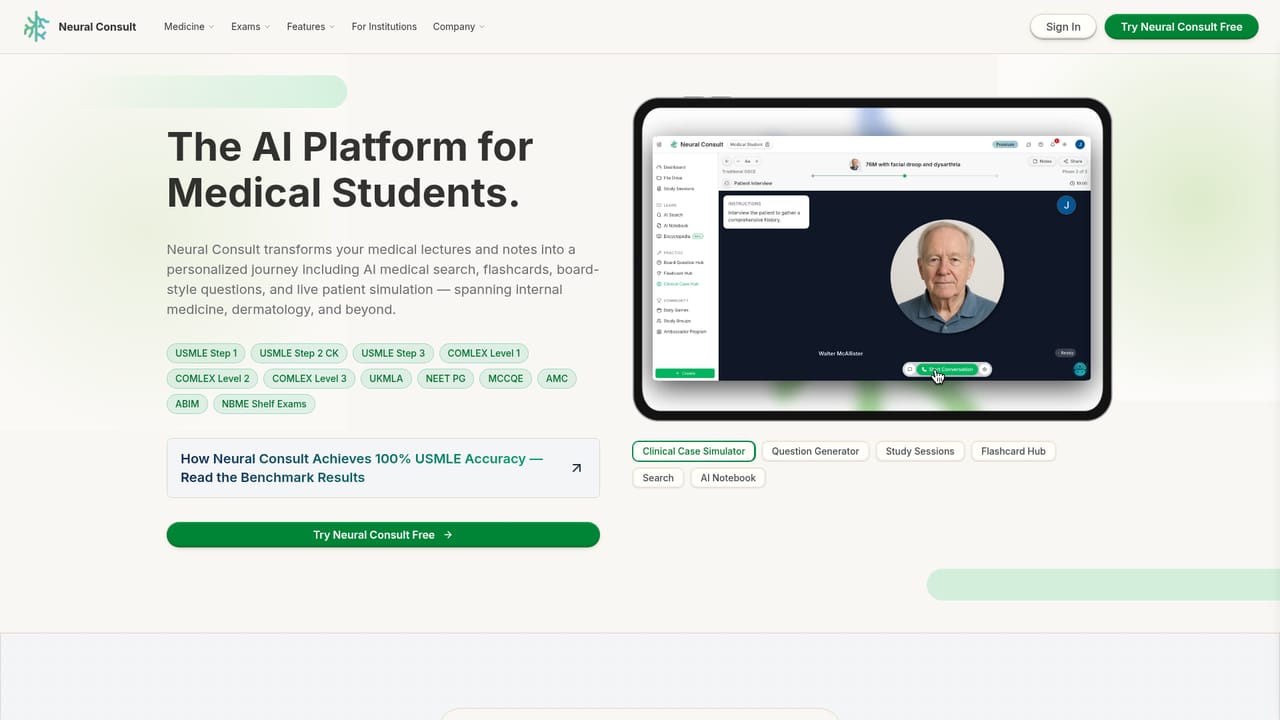
Neural Consult is a web platform that turns healthcare course material into study assets. Upload lectures, notes or articles and it produces summaries, flashcards, board style questions and clinical case simulations. The company states its content is traceable to the source, which matters for students who need to verify a fact rather than trust a chat response. It markets itself as the AI platform for healthcare education, and the homepage reports over 75,000 students using it at schools including Harvard, Johns Hopkins and Oxford. The product is organised around what the site calls a Mastery Learning Flow. A learner starts with AI medical search and the GLIA tutor to introduce a topic, drills it with flashcards generated from their own files, tests recognition with board style questions, then finishes by interviewing a simulated patient and receiving feedback on communication, diagnostic reasoning and management. Study Sessions bundle these stages into a single trackable area, and an AI notebook stores summaries and podcasts in folders. Created material can flow between features, so a search result can become a question set or a card deck. Coverage extends across 15 healthcare fields, with dedicated pages for medicine, physician assistant, nursing, nurse practitioner, and allied health programs such as physical therapy, occupational therapy, speech language pathology, audiology and EMT training, plus podiatry, dentistry, optometry, pharmacy, chiropractic and clinical psychology. Each track names the licensing exams it targets, including USMLE, PANCE, Next Gen NCLEX, NPTE, NBEO and EPPP. Faculty and institutions get assignment tools, curriculum alignment and performance analytics. It sits between conventional flashcard apps, question banks and AI chat assistants. Compared with a static question bank, Neural Consult builds material from the learner's own lectures rather than a fixed library, which suits students whose curriculum is idiosyncratic. Compared with generic AI chat, it is scoped to medical education and clinical simulation. The tradeoff is narrower coverage outside healthcare. Pricing figures are not published in the homepage text reviewed, and no free trial terms or third party integrations are stated there.
The homepage offers a free start but does not define trial length, limits or what requires payment.
Learn moreThe homepage mentions downloading generated flashcards to Anki. No other third party integrations are listed.
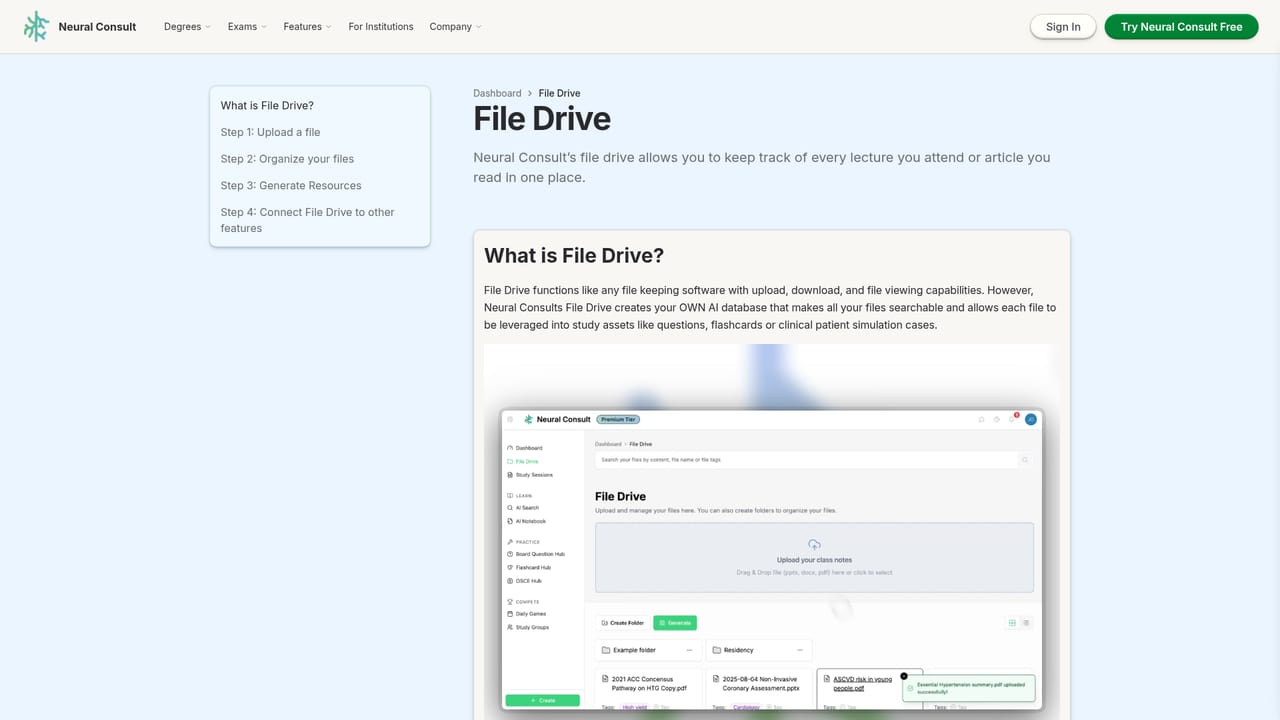
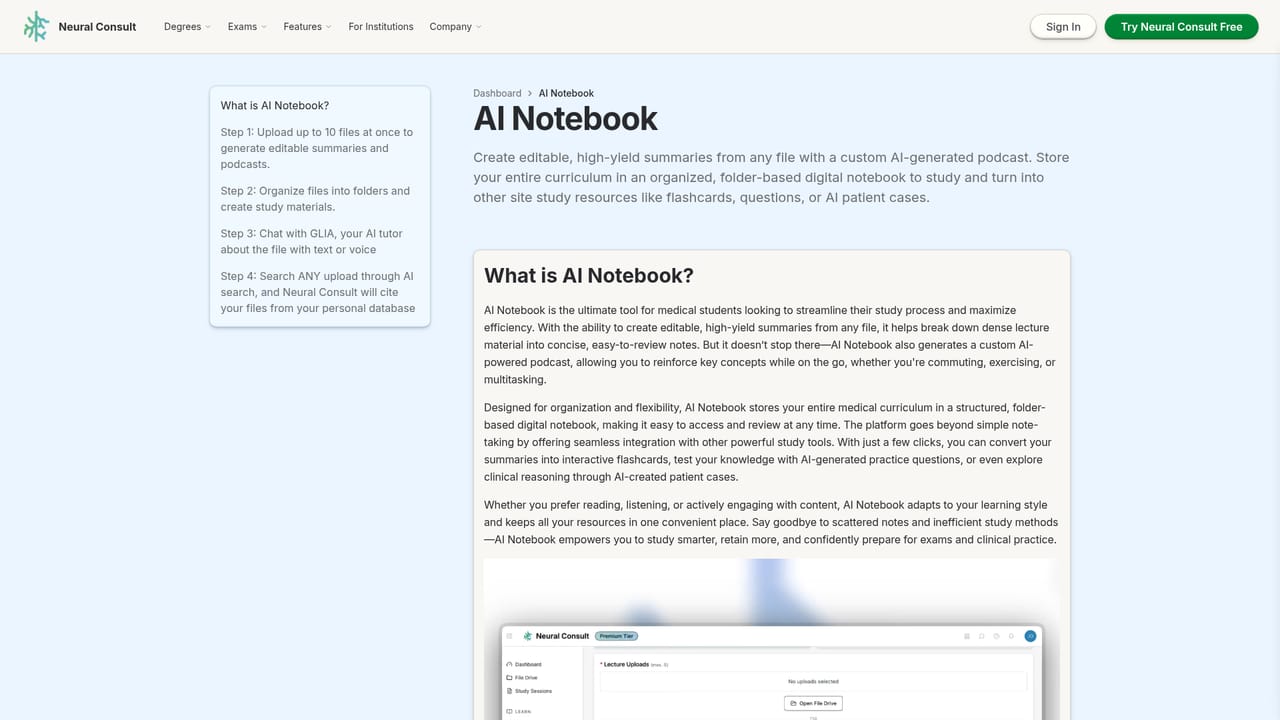
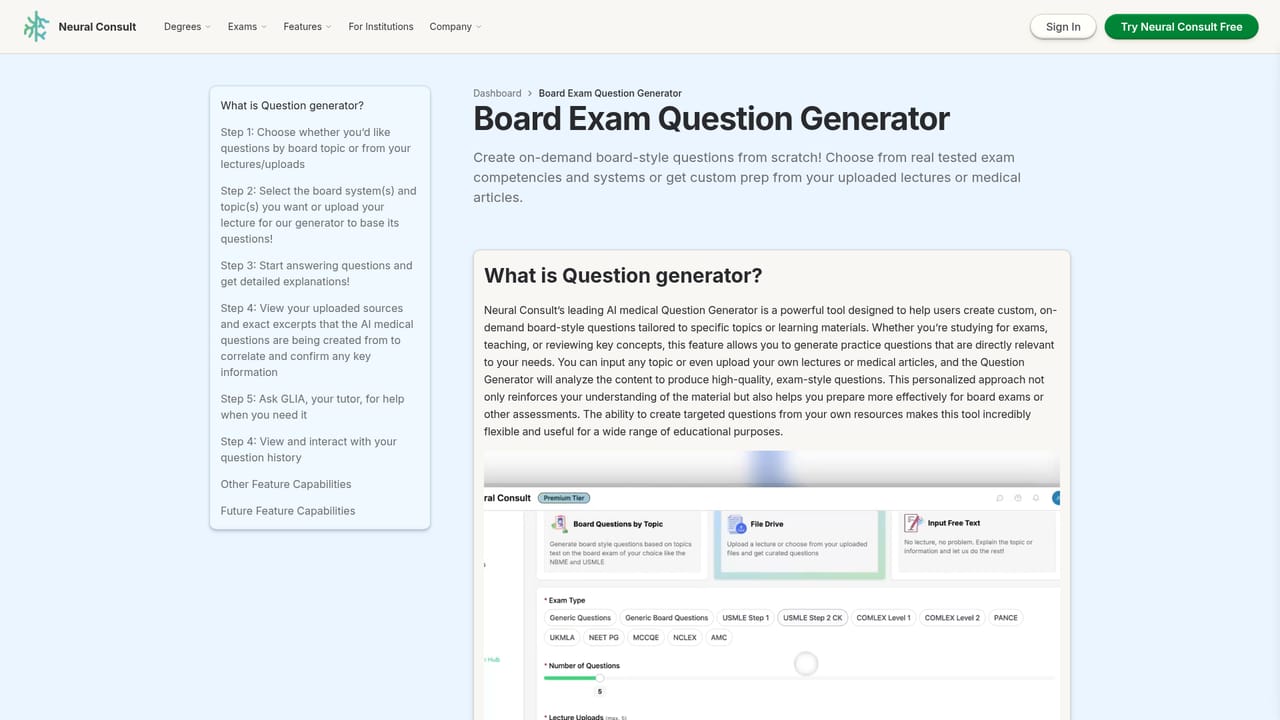
Learn moreSeven core features: Clinical Case Simulator with AI patients and feedback, AI Medical Search across files and the web, an Exam Question Generator for board style items, a Flashcard Hub with optional Anki export, an AI Notebook for summaries and podcasts, Study Sessions that bundle the workflow, and a File Drive for course material. The GLIA tutor sits across all of them with text and voice input.
Learn more AI Angels400+ customizable AI girlfriends for NSFW chat, voice calls, and roleplay
 Candy AIExperience the future of companionship with AI friends who chat, role-play, and connect with you on a human level.
 ourdream.aiA vast AI roleplay platform with millions of characters for chat, images, video and voiceAI Angels400+ customizable AI girlfriends for NSFW chat, voice calls, and roleplayCandy AIExperience the future of companionship with AI friends who chat, role-play, and connect with you on a human level.ourdream.aiA vast AI roleplay platform with millions of characters for chat, images, video and voice


