NeuronWriter

A prompt-driven writing assistant that edits and optimizes SEO copy inside your editor

Beginner
Screenshot of NeuronWriter, A prompt-driven writing assistant that edits and optimizes SEO copy inside your editor

What is NeuronWriter?

NeuronWriter is a content writing tool. Neuro is the in-editor AI assistant inside NEURONwriter. It runs short, direct text commands (add keywords, rephrase a paragraph, write meta descriptions, build FAQs) and applies the result on the spot, without a chat window.

Neuro is the built-in AI assistant inside NEURONwriter, a content optimization platform. Unlike a chat interface, it is designed as a command executor: you type a short instruction such as "Add SEO keywords" or "Paraphrase this paragraph" and the result appears directly in the document you are editing. There is no conversation thread, no back and forth suggestion loop, and no need to copy text into a separate window and paste it back. The feature set splits into three practical areas. Content creation and editing covers drafting blog articles, product descriptions and social posts, plus expanding, shortening or rephrasing existing passages and shifting tone or reading level. SEO work is where the tool is most distinctive: inserting keywords without breaking readability, writing meta titles and descriptions, generating H2 and H3 structure, formatting for scannability, producing snippet-ready answers and assembling FAQ sections from long-tail phrases. Creative support adds variants of headlines, intros and summaries, CTA writing, and reformatting one asset for another channel, such as turning a post into a LinkedIn update or email teaser. The tool is aimed at SEO specialists, content marketers and in-house writers who already work in NEURONwriter and want to cut the tab switching out of their workflow. Ready-made system prompts handle the most common actions, and prompts and output are supported in multiple languages including English, Polish, Spanish and German, which suits international teams managing several markets at once. It scales from a single product description to larger content campaigns, all handled where the draft lives. Against standalone AI writers, the difference is positioning rather than raw model power. Neuro is a layer on top of an optimization suite, so its value depends on committing to that suite. Writers who want a conversational brainstorming partner or a general purpose chatbot will find the command model limiting, and anyone outside NEURONwriter cannot use it at all.

How do you use NeuronWriter?

  1. 1Create a NEURONwriter account
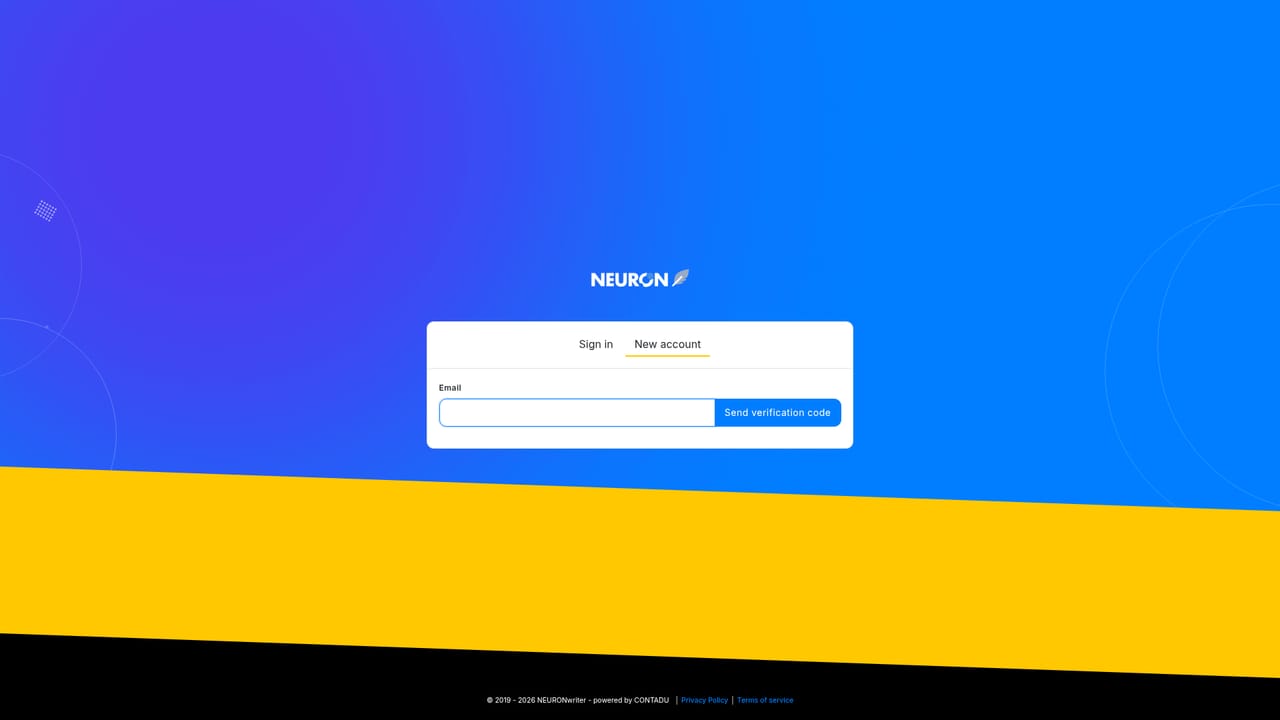
    Register through the sign-up page to get access to the platform. Neuro is part of the NEURONwriter workspace, so an account is the entry point before any prompts can be run.
    NeuronWriter — Create a NEURONwriter account
  2. 2Open or create a document in the editor
    Start a new draft or open an existing one. Neuro operates on the text where you are working, so the document needs to be open before a command is issued.
  3. 3Type a short command at the cursor
    Place the cursor where the new text should go and write a direct instruction, for example add SEO keywords or paraphrase this paragraph. Neuro executes it rather than replying in chat.
  4. 4Use a ready-made system prompt for common actions
    NEURONwriter ships preset prompts for the most frequent operations. Selecting one saves writing the instruction from scratch for routine rewrites and optimizations.
  5. 5Review and refine the output in place
    Check the generated text against your intent, adjust wording where needed, and run further commands on the same passage until it reads the way you want.

Pros and cons

Pros

  • Commands run directly in the editor, so there is no copy and paste between toolsAI
  • Strong SEO focus: keyword insertion, meta tags, header structure, snippet answers and FAQ blocksAI
  • Ready-made system prompts speed up recurring edits and rewritesAI
  • Prompts and output work across several languages, including English, Polish, Spanish and GermanAI
  • Handles both quick fixes and longer content campaigns in the same workspaceAI

Cons

  • Only available inside NEURONwriter, so it cannot be used as a standalone writing toolAI
  • The command model gives no conversational back and forth, which limits exploratory draftingAI
  • Output quality still needs a human edit pass, particularly for tone and factual accuracyAI
  • No pricing, plan or trial details are published on this feature pageAI

How much does NeuronWriter cost?

Features

Neuro executes direct text commands inside the NEURONwriter editor. It drafts and rewrites content, adjusts tone and reading level, inserts SEO keywords, writes meta titles and descriptions, builds H2 and H3 structure, produces snippet-ready answers and FAQ sections, and generates headline or intro variants. It supports multiple prompt and output languages and includes preset system prompts for common actions.

Frequently asked questions about NeuronWriter

  • How do you use NeuronWriter?
    The walkthrough on this page covers 5 steps: 1. Create a NEURONwriter account 2. Open or create a document in the editor 3. Type a short command at the cursor 4. Use a ready-made system prompt for common actions 5. Review and refine the output in place.
  • What platforms does NeuronWriter support?
    NeuronWriter is available on Web App.
  • What are the limitations of NeuronWriter?
    Only available inside NEURONwriter, so it cannot be used as a standalone writing tool. The command model gives no conversational back and forth, which limits exploratory drafting. Output quality still needs a human edit pass, particularly for tone and factual accuracy.

Status

StatusActive
Views0
Outbound clicks0
Added10/21/2026

Platforms

Web App

Pricing

FreemiumSubscription