Free trial
New accounts receive 100 free credits with no credit card required. That balance is enough for a large topic cluster or several smaller ones, depending on how many keywords, glossaries, and FAQs you generate.
Learn moreMap topics and find long-tail keywords with AI

Nichely is an AI SEO tool for building topical maps, researching subtopics, and generating long-tail keywords with volume and competition data. It runs on a pay-as-you-go credit model with 100 free credits and no subscription requirement.
Nichely is an SEO research tool that uses AI to map out topics and keywords for any niche. It is built for content site owners, bloggers, and founders who need to build topical authority by covering subjects in depth. The core idea is to help you go from a broad niche to a structured topical map, then fill it with genuinely relevant long-tail keywords and supporting content elements. The tool works in three connected layers. Topic Discovery lets you drill into any subject and surface subtopics, including ones that only specialists would know, so you can see the full breadth of a niche. Topic Research then adds context to each node: overviews, detailed descriptions, domain-specific glossary definitions, and frequently asked questions. Keyword Research generates long-tail keywords specific to the topic, with monthly search volume, competition, and cost-per-click data pulled from third-party APIs. SERP analysis is listed as coming soon. In practice, you start with a seed topic, expand it into a map of subtopics, and then generate keywords and supporting items for the topics worth pursuing. Nichely runs on credits: 1 credit per topic, keyword, glossary item, or FAQ, and 10 credits for a SERP analysis. The free starting balance is 100 credits, and paid credit packs range from 1,000 credits for $10 to 15,000 credits for $100. Credits never expire, and unused credits can be refunded. There are no subscription plans yet. Among SEO tools, Nichely sits closer to topical mapping and content planning than to rank tracking or backlink analysis. Its emphasis on AI-generated context (glossaries, FAQs, subtopic depth) makes it a planning aid for content teams rather than an all-in-one SEO suite. The homepage states that new features are added weekly, and subscriptions are planned.
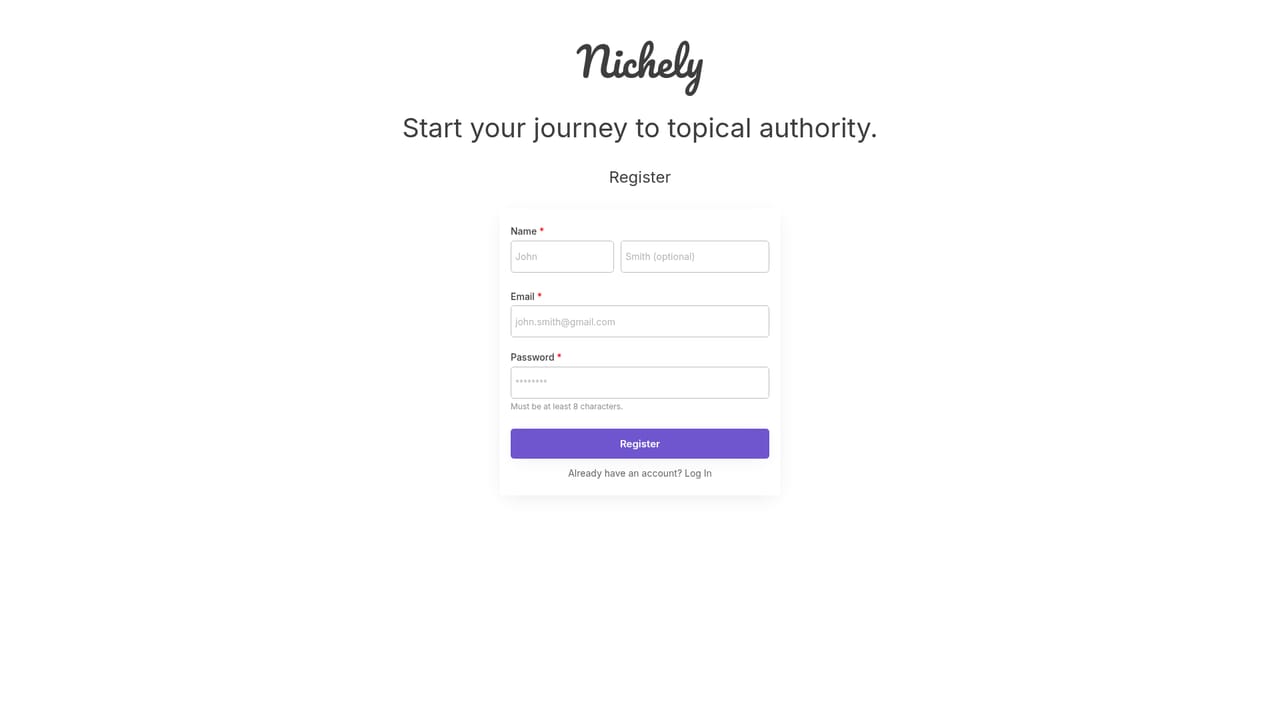
New accounts receive 100 free credits with no credit card required. That balance is enough for a large topic cluster or several smaller ones, depending on how many keywords, glossaries, and FAQs you generate.
Learn morePay-as-you-go credits: 100 free at signup, then 1,000 credits for $10 ($0.01 each), 5,000 for $40 ($0.008 each), or 15,000 for $100 ($0.0067 each). Credits never expire. Unused credits are refundable; used credits are not. No subscription plans yet.
Learn moreSupport is handled by email at team@nichely.ai. The FAQ covers product scope, credit usage, expiration, and refunds, and states that unused credits are refunded within three working days.
The homepage does not list third-party integrations. It states that trusted third-party APIs supply keyword volume, difficulty, competition, SERP, and content analysis data.
Topic Discovery surfaces subtopics within any niche, including expert-level angles. Topic Research adds overviews, domain-specific glossary definitions, and FAQs. Keyword Research generates long-tail keywords with monthly search volume, competition, cost-per-click, and 12-month trend data. SERP analysis is listed as coming soon. Every generated item costs credits.
 AI Angels400+ customizable AI girlfriends for NSFW chat, voice calls, and roleplay
 Candy AIExperience the future of companionship with AI friends who chat, role-play, and connect with you on a human level.
 ourdream.aiA vast AI roleplay platform with millions of characters for chat, images, video and voiceAI Angels400+ customizable AI girlfriends for NSFW chat, voice calls, and roleplayCandy AIExperience the future of companionship with AI friends who chat, role-play, and connect with you on a human level.ourdream.aiA vast AI roleplay platform with millions of characters for chat, images, video and voice


