Ninjachat AI

Every major AI model, plus image and video tools, in one app

Beginner API
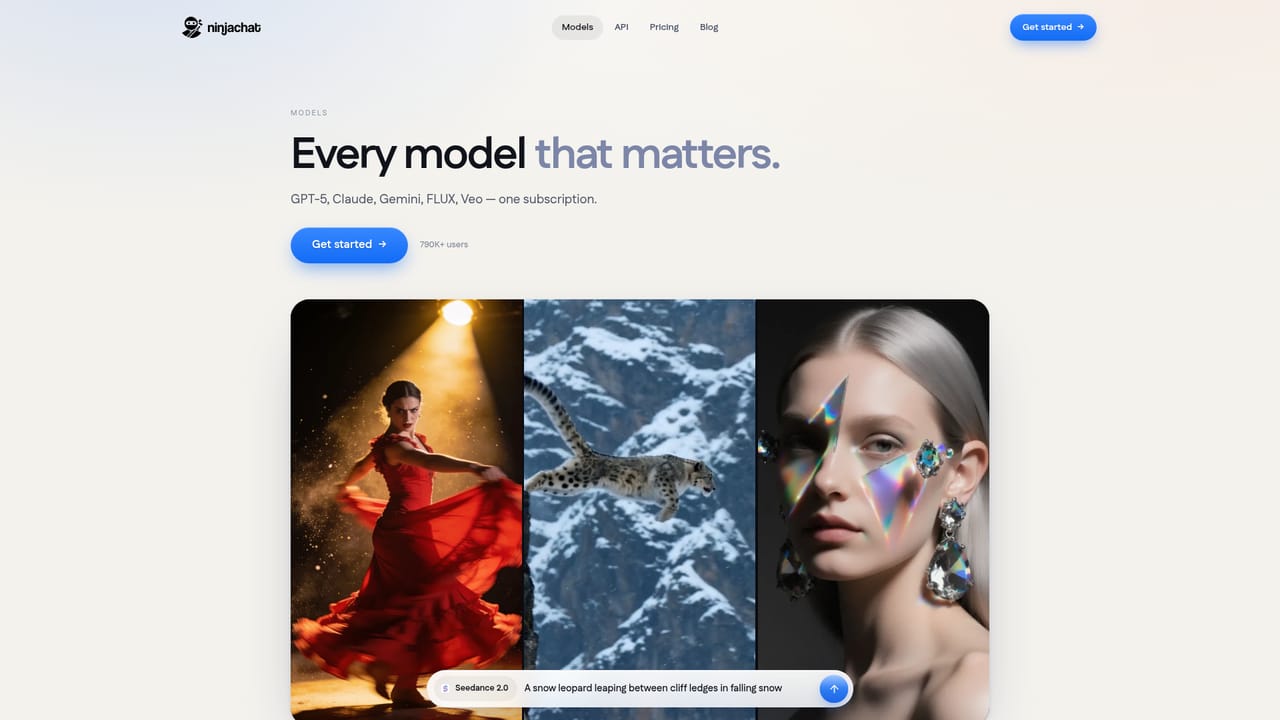
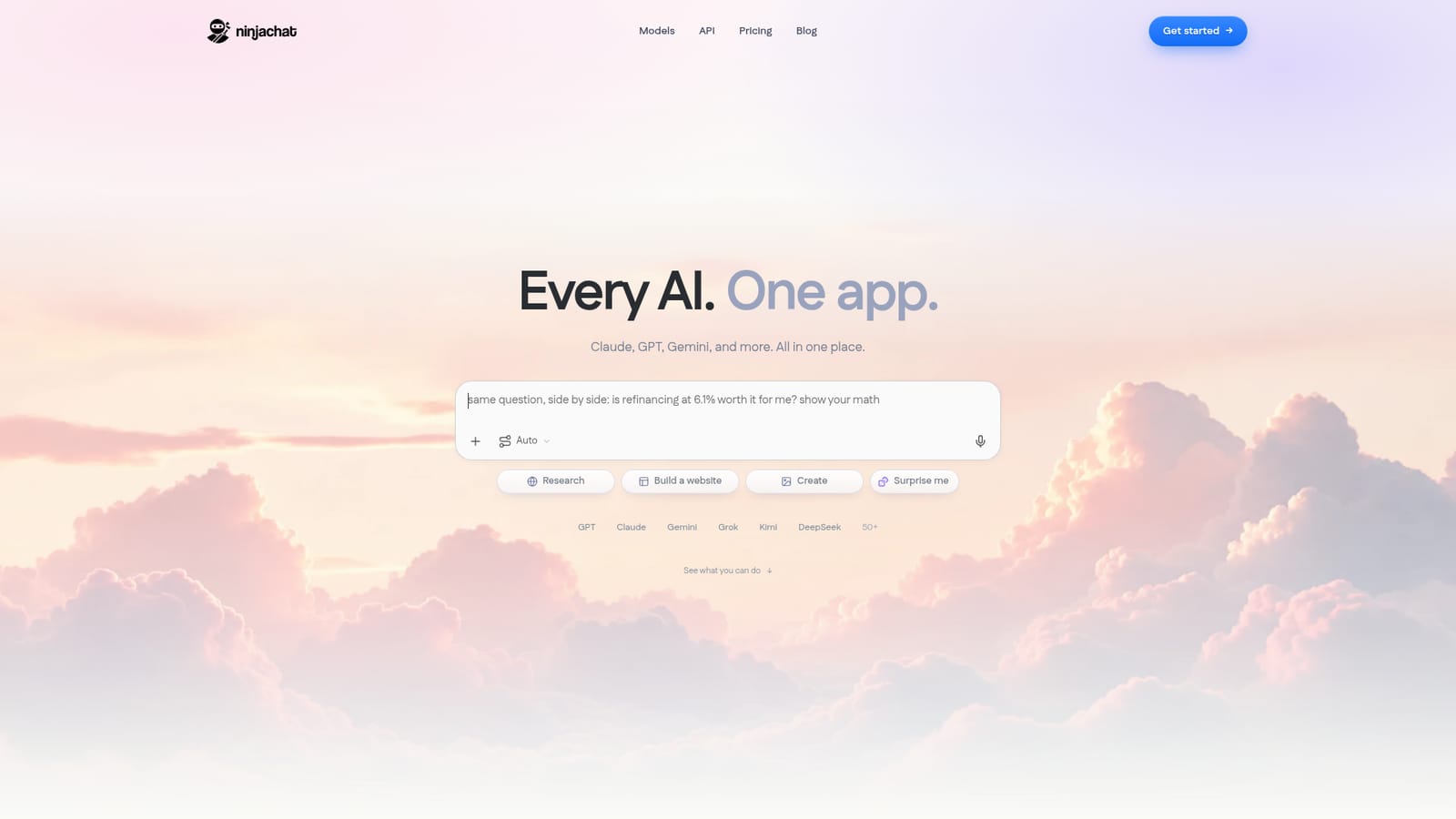
Screenshot of Ninjachat AI, Every major AI model, plus image and video tools, in one app

What is Ninjachat AI?

Ninjachat AI is a chat with images tool. NinjaChat AI bundles 50+ chat models from OpenAI, Anthropic, Google, xAI and others with an image and video studio, file-aware projects, cited web search, voice conversation and an OpenAI compatible API, all under one subscription starting at $11 per month.

NinjaChat AI is a single subscription that puts more than 50 language models behind one chat window. The roster includes GPT, Claude, Gemini, Grok, Kimi, DeepSeek, Llama, Qwen, Mistral and MiniMax, with named versions such as GPT 5.6, Claude Opus 5 and Gemini 3.1 Pro shown on the site. Instead of paying separately for each vendor, users pick a model from a menu or let the Auto option choose one, then work inside a normal conversational interface. The product's defining idea is comparison. The same prompt can be sent to several models at once and their answers read side by side, which suits people who want a second opinion on a piece of writing, a research summary or a coding question before committing to one output. Chats are organised into projects that hold PDFs, spreadsheets, voice memos and images, so every thread in a project can refer to the same files. A live web search feature reads pages and cites its sources, and a voice mode answers spoken questions out loud across several languages and accents. Beyond text, NinjaChat bundles a studio with 12 image models and 11 video models, including GPT Image 2, Nano Banana, Seedream, Flux, Kling and Veo. Templates cover product photos, headshots, sketch to UI, scene replacement, posters, storyboards, product videos and talking portraits, so a photo plus a template usually produces a result without prompt engineering. Developers get an OpenAI compatible API with routing and fallback controls, plus request logs showing tokens and cost. The pitch is consolidation: the homepage compares a stack of five separate AI subscriptions at roughly $80 per month against a Starter plan at $11 per month. Privacy controls include encryption in transit and at rest, an incognito mode that skips chat history and memory, and user-managed memory. It fits individuals and small teams who touch many models in a week; anyone whose workflow depends on a single vendor's deepest integrations should check coverage first.

How do you use Ninjachat AI?

  1. 1Create an account and open the chat
    Sign up on the homepage, then use the prompt box at the top to type a question or pick a suggestion such as Research or Build a website. Leave the model selector on Auto if you have no preference.
    Ninjachat AI — Create an account and open the chat
  2. 2Compare answers from several models
    Send one prompt to more than one model and read the replies side by side, keeping the answer that fits best.
    Ninjachat AI — Compare answers from several models
  3. 3Group related files in a project
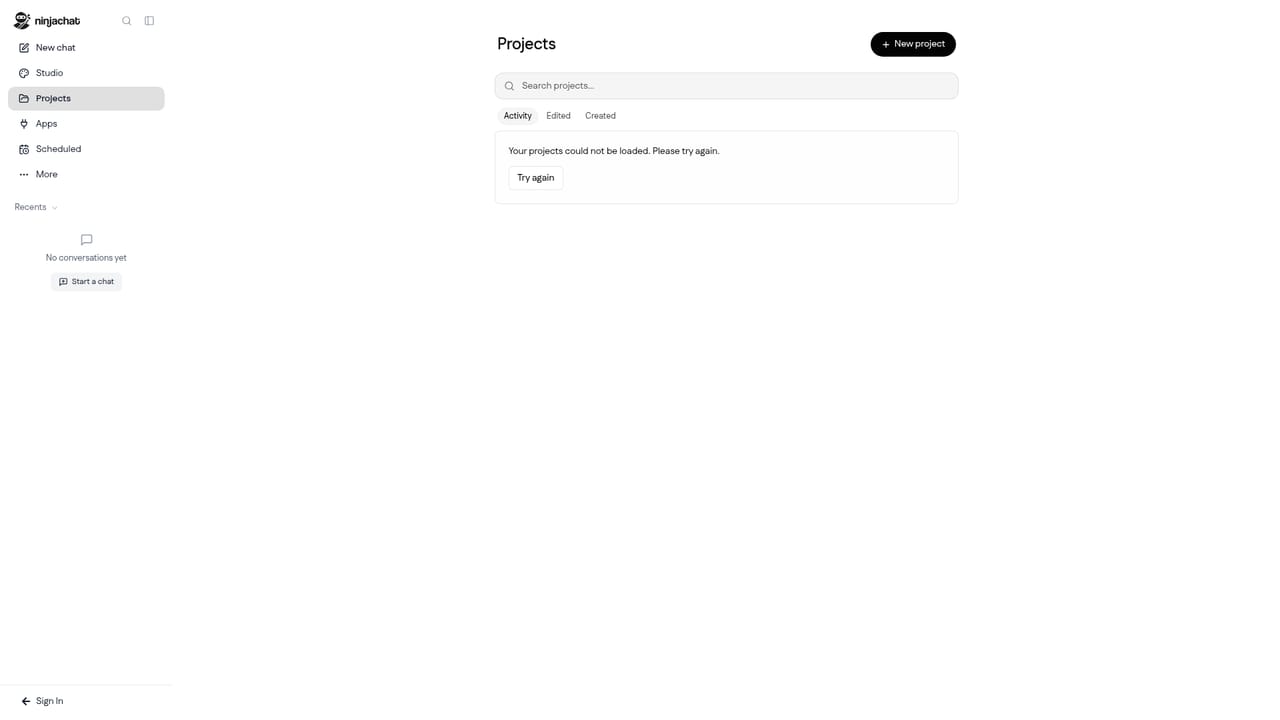
    Create a project and upload the PDFs, spreadsheets, images or voice memos it needs. Every chat inside that project can then reference those files when you ask questions.
    Ninjachat AI — Group related files in a project
  4. 4Generate images and video in the studio
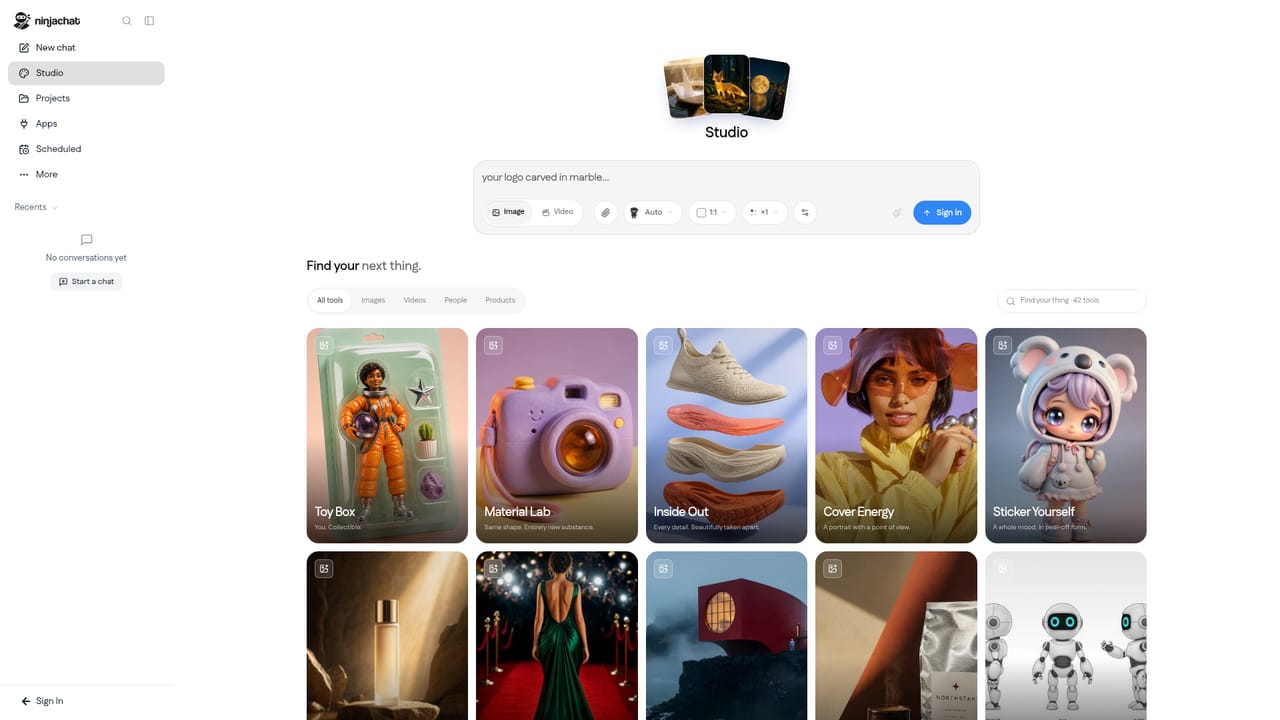
    Open Studio, choose a template such as product photos or a product video, add your own photo and let the template's model do the work.
    Ninjachat AI — Generate images and video in the studio
  5. 5Connect through the API
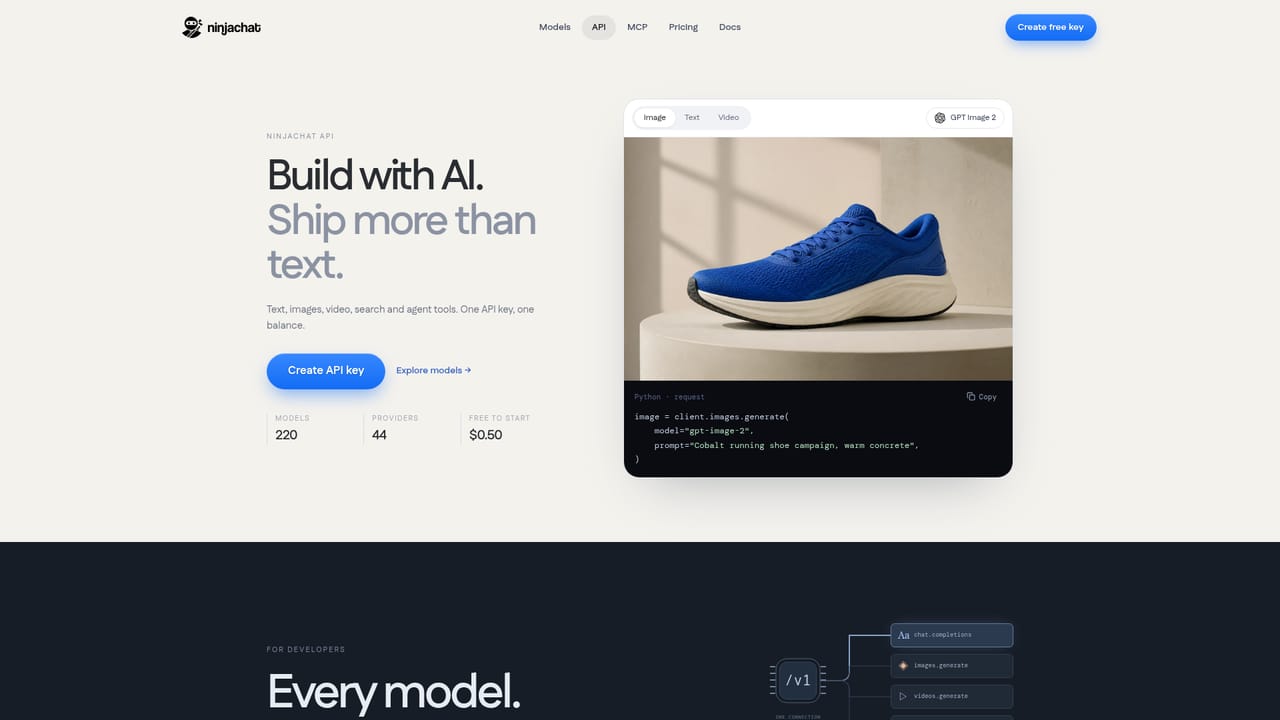
    For programmatic use, point the OpenAI SDK at the NinjaChat base URL with your API key, then set a routing strategy and fallbacks, and review request logs for token and cost data.
    Ninjachat AI — Connect through the API
  6. 6Pick a plan
    Compare Starter and other tiers on the pricing page to see which usage level matches your chat, image and video volume.

Pros and cons

Pros

  • Access to more than 50 models, including GPT, Claude, Gemini, Grok, Kimi and DeepSeek, from one account and one billAI
  • Side-by-side comparison sends the same prompt to multiple models, which is useful for judging answer qualityAI
  • Studio adds 12 image models and 11 video models plus ready-made templates for common tasksAI
  • OpenAI compatible API means existing SDK code works after changing the base URLAI

Cons

  • The homepage advertises rapid model version numbers that can shift, so plan for churn in whichever model you standardise onAI
  • Third-party app subscriptions are explicitly excluded, so heavy users of one vendor app still pay separatelyAI
  • Pricing comparison uses monthly US list prices before tax and does not detail per-plan usage limitsAI
  • Image and video generation is tied to plan allowances that the homepage describes only as Starter levelAI

How much does Ninjachat AI cost?

Pricing

Starter is listed at $11 per month billed monthly, positioned against a sample stack of five separate AI subscriptions totalling about $80 per month in US prices before tax. The homepage notes that plans differ in features and usage limits and that third-party app subscriptions are not included.

Learn more

Integrations

The homepage mentions connecting your own apps inside a chat thread and an OpenAI SDK compatible API, but does not name specific third-party integrations.

Learn more

Features

One chat window for 50+ models (GPT, Claude, Gemini, Grok, Kimi, DeepSeek and others), multi-model answer comparison, projects with file context, cited live web search, spoken voice conversations in multiple languages, a studio with 12 image and 11 video models plus templates, incognito mode and managed memory, and an OpenAI compatible API with routing, fallbacks and request logs.

Learn more

Frequently asked questions about Ninjachat AI

  • How much does Ninjachat AI cost?
    Starter is listed at $11 per month billed monthly, positioned against a sample stack of five separate AI subscriptions totalling about $80 per month in US prices before tax. The homepage notes that plans differ in features and usage limits and that third-party app subscriptions are not included.
  • Does Ninjachat AI have an API?
    Yes, Ninjachat AI offers an API.
  • How do you use Ninjachat AI?
    The walkthrough on this page covers 6 steps: 1. Create an account and open the chat 2. Compare answers from several models 3. Group related files in a project 4. Generate images and video in the studio 5. Connect through the API 6. Pick a plan.
  • What platforms does Ninjachat AI support?
    Ninjachat AI is available on Web App.
  • What does Ninjachat AI integrate with?
    The homepage mentions connecting your own apps inside a chat thread and an OpenAI SDK compatible API, but does not name specific third-party integrations.
  • What are the limitations of Ninjachat AI?
    The homepage advertises rapid model version numbers that can shift, so plan for churn in whichever model you standardise on. Third-party app subscriptions are explicitly excluded, so heavy users of one vendor app still pay separately. Pricing comparison uses monthly US list prices before tax and does not detail per-plan usage limits.

Status

StatusActive
Views0
Outbound clicks0
Added11/3/2026

Platforms

Web App

Pricing

FreemiumSubscription