Pricing
The interface advertises Free chats and shows a PRO/PLUS tier, but the homepage does not publish prices or what each tier includes.
Learn morePrivate, open source AI chat with anonymous sessions.

xPrivo is an open source, EU hosted AI chat assistant and independent search engine that keeps conversations out of vendor logs, stores chat history in your browser, and never trains on your prompts. A practical option for privacy focused users who want a verifiable alternative to mainstream chat tools.
xPrivo is an open source AI chat assistant and independent search engine built around anonymity. Unlike mainstream assistants that retain conversation logs, xPrivo states that it does not record chats, that not even the operator can read chat history, and that conversations are never used to train models. The service is made and hosted in the European Union, uses only functional cookies, and says it runs no tracking or analytics. The source code is published on GitHub, so the privacy claims can be inspected rather than taken on faith. In practice you open a new chat and type a question. Chats are stored in your browser rather than in a server side account, which means clearing browser data or switching devices removes local history. A search engine mode sits alongside the chat, giving a way to look things up without leaving the interface. An experts workspace, chat search and a settings panel round out the everyday surface. Accounts and paid tiers exist (a PRO/PLUS tier appears in the interface), but anonymous use is the default posture, not a feature you unlock. It suits privacy conscious individuals, researchers handling sensitive questions, and developers who prefer vetted open source tooling over closed black boxes. It is also a reasonable pick for users in regulated environments who need to document where their data goes. The tradeoffs are less breadth of features than a general purpose assistant, and a smaller ecosystem. Anyone who needs file handling, image generation or deep third party integrations should check the current feature list before committing. For straightforward text questions where keeping the transcript out of a vendor database matters, xPrivo is a focused, transparent alternative to the big chat products.
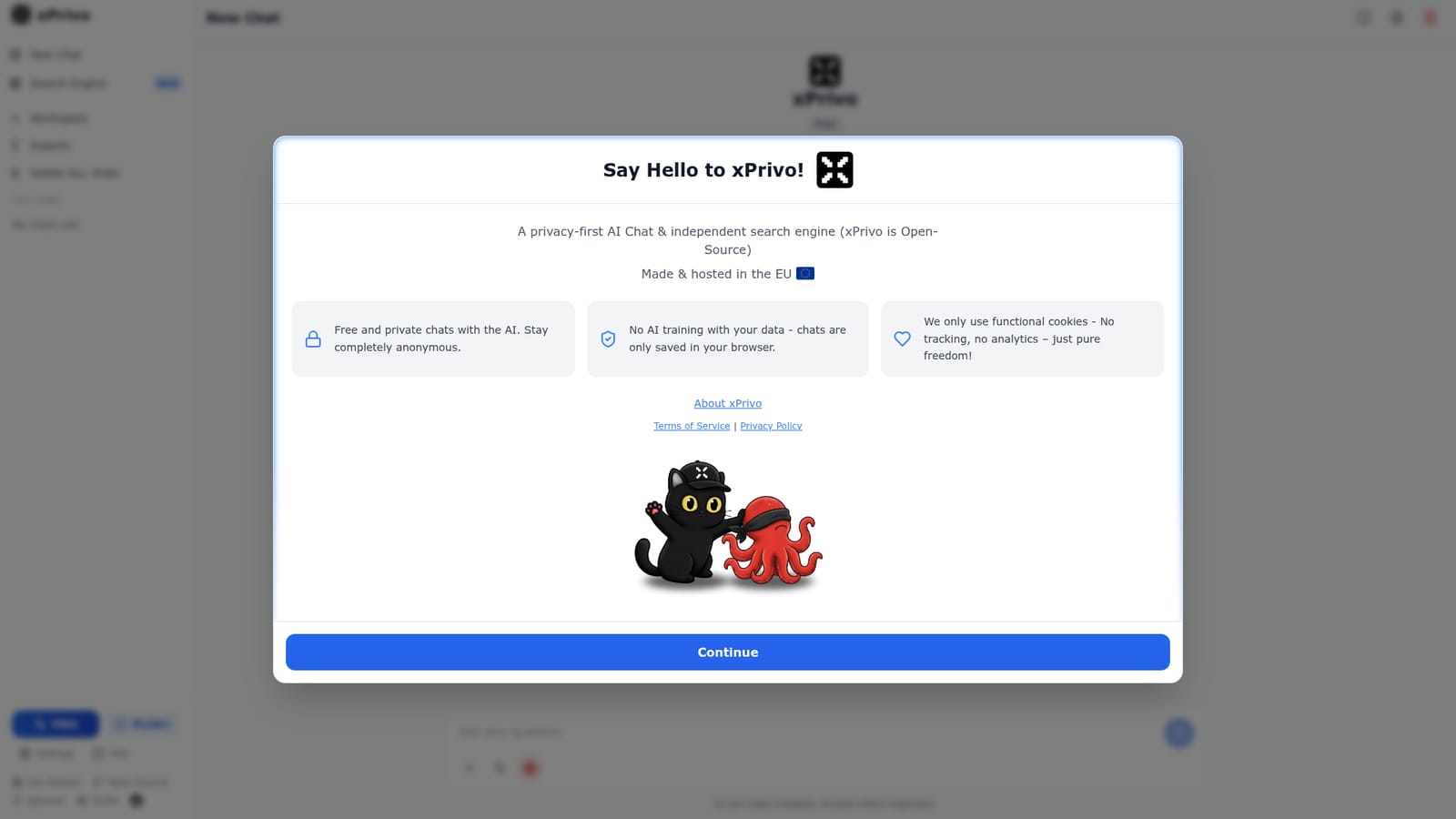
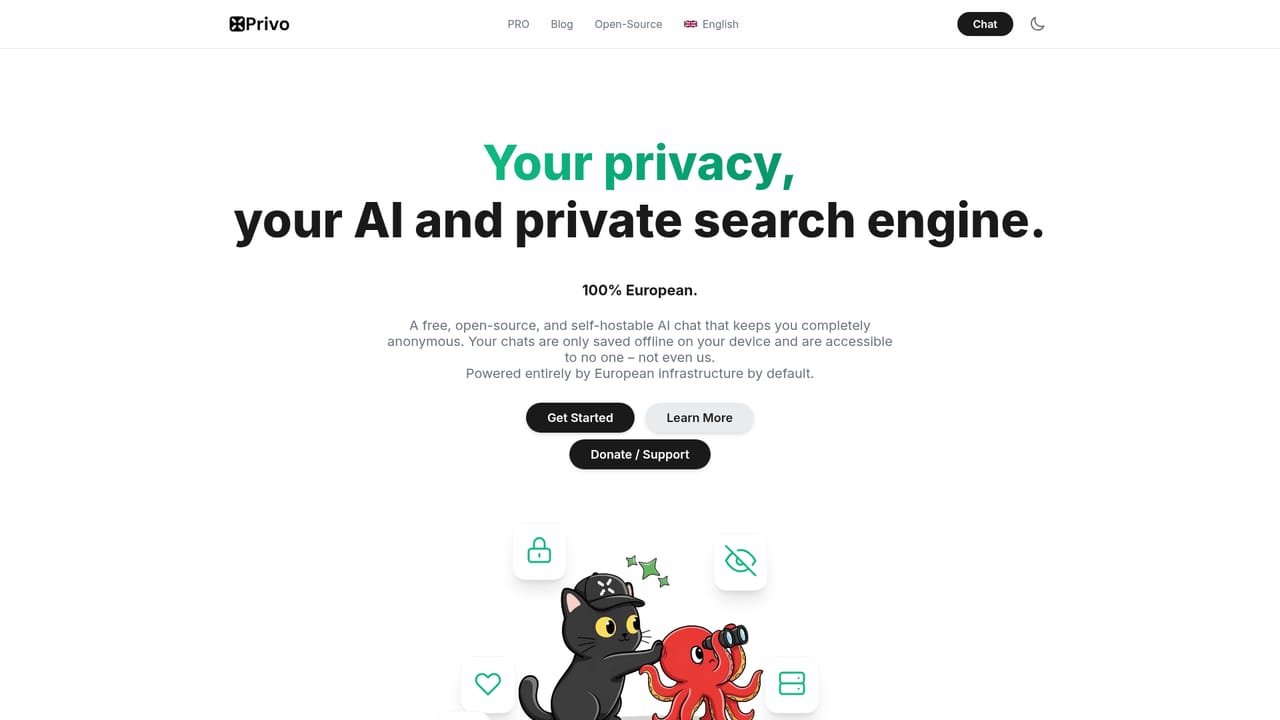
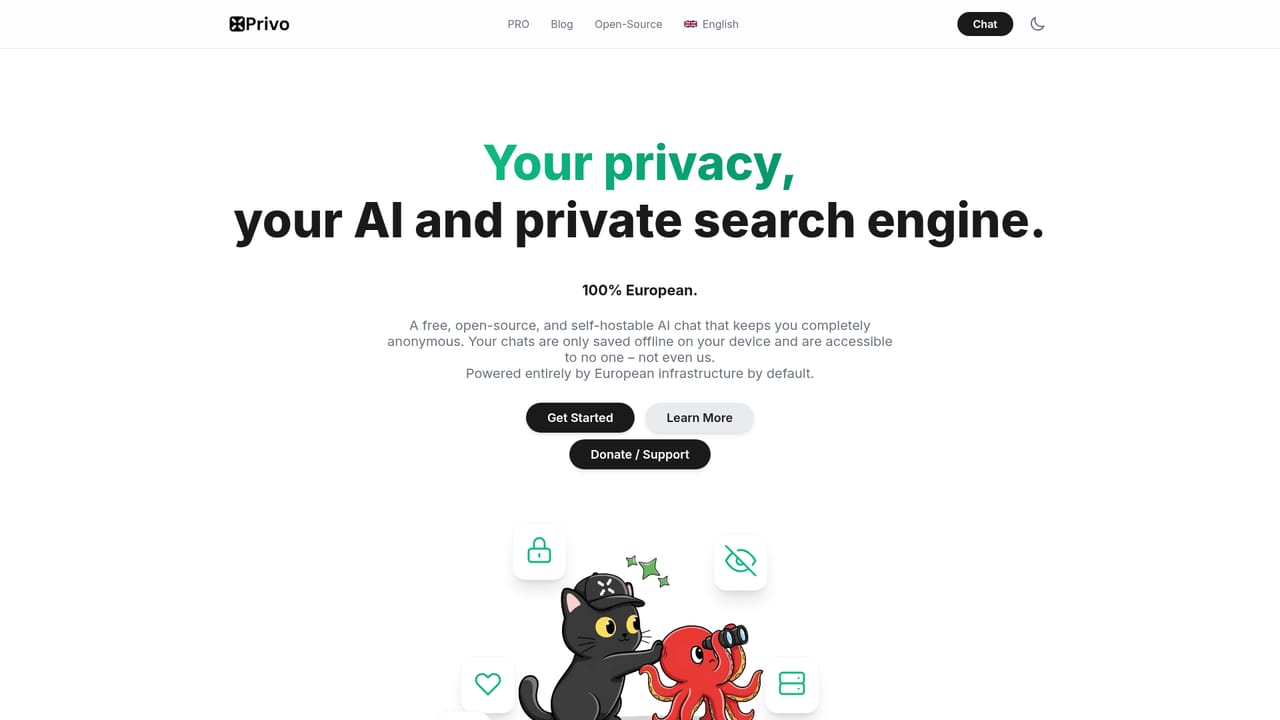
The interface advertises Free chats and shows a PRO/PLUS tier, but the homepage does not publish prices or what each tier includes.
Learn moreSupport and community channels listed are the mission page FAQ, a Reddit link and the GitHub repository; no dedicated help centre or email support is described.
Learn moreAnonymous AI chat with no conversation logging and no training on user prompts, browser stored chat history, an independent search engine mode, an experts workspace, chat search, and a settings panel. The codebase is open source and the service is hosted in the EU.
Learn more AI Angels400+ customizable AI girlfriends for NSFW chat, voice calls, and roleplay
 Candy AIExperience the future of companionship with AI friends who chat, role-play, and connect with you on a human level.
 ourdream.aiA vast AI roleplay platform with millions of characters for chat, images, video and voiceAI Angels400+ customizable AI girlfriends for NSFW chat, voice calls, and roleplayCandy AIExperience the future of companionship with AI friends who chat, role-play, and connect with you on a human level.ourdream.aiA vast AI roleplay platform with millions of characters for chat, images, video and voice


