Free trial
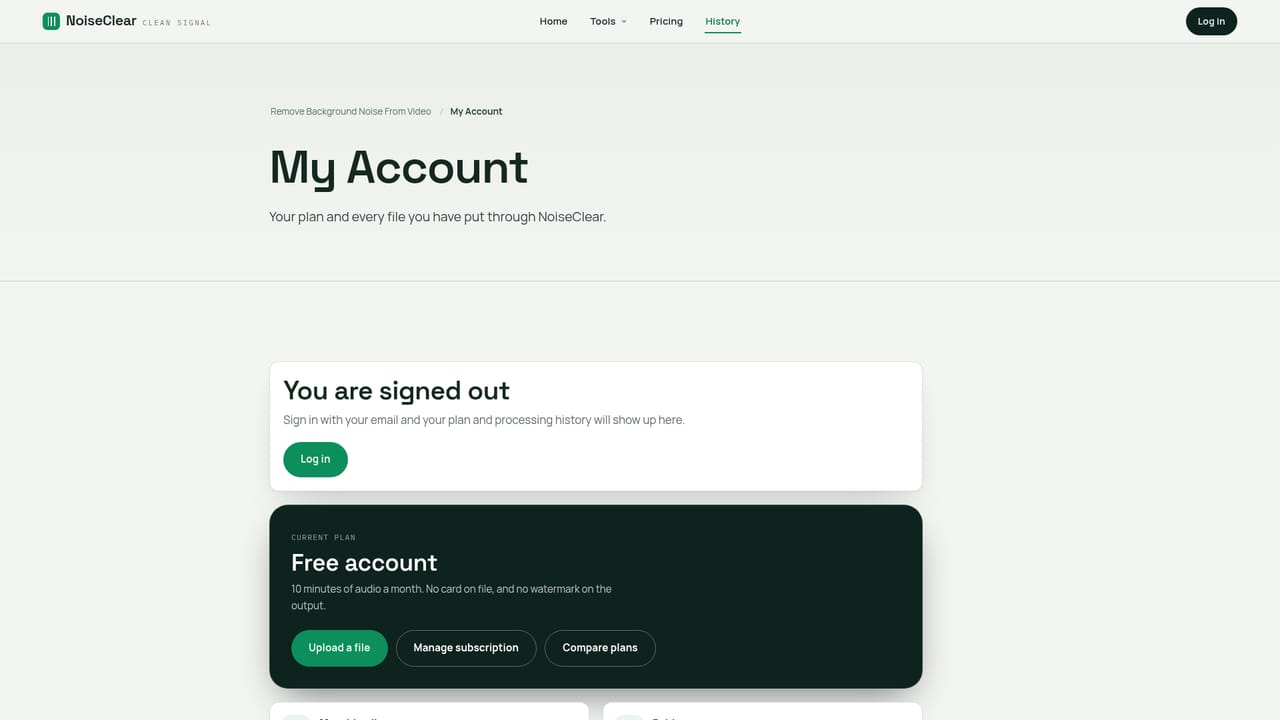
There is no separate trial; the free account itself includes 10 minutes of noise removal per month, with no watermark and no card required.
Learn moreBrowser-based noise removal that strips hum and hiss from audio and video files.

NoiseClear is a browser-based tool that removes steady background noise (hum, hiss, fan drone, room rumble) from audio and video files, aimed at podcasters, interviewers, and video creators who need a quick fix without installing editing software.
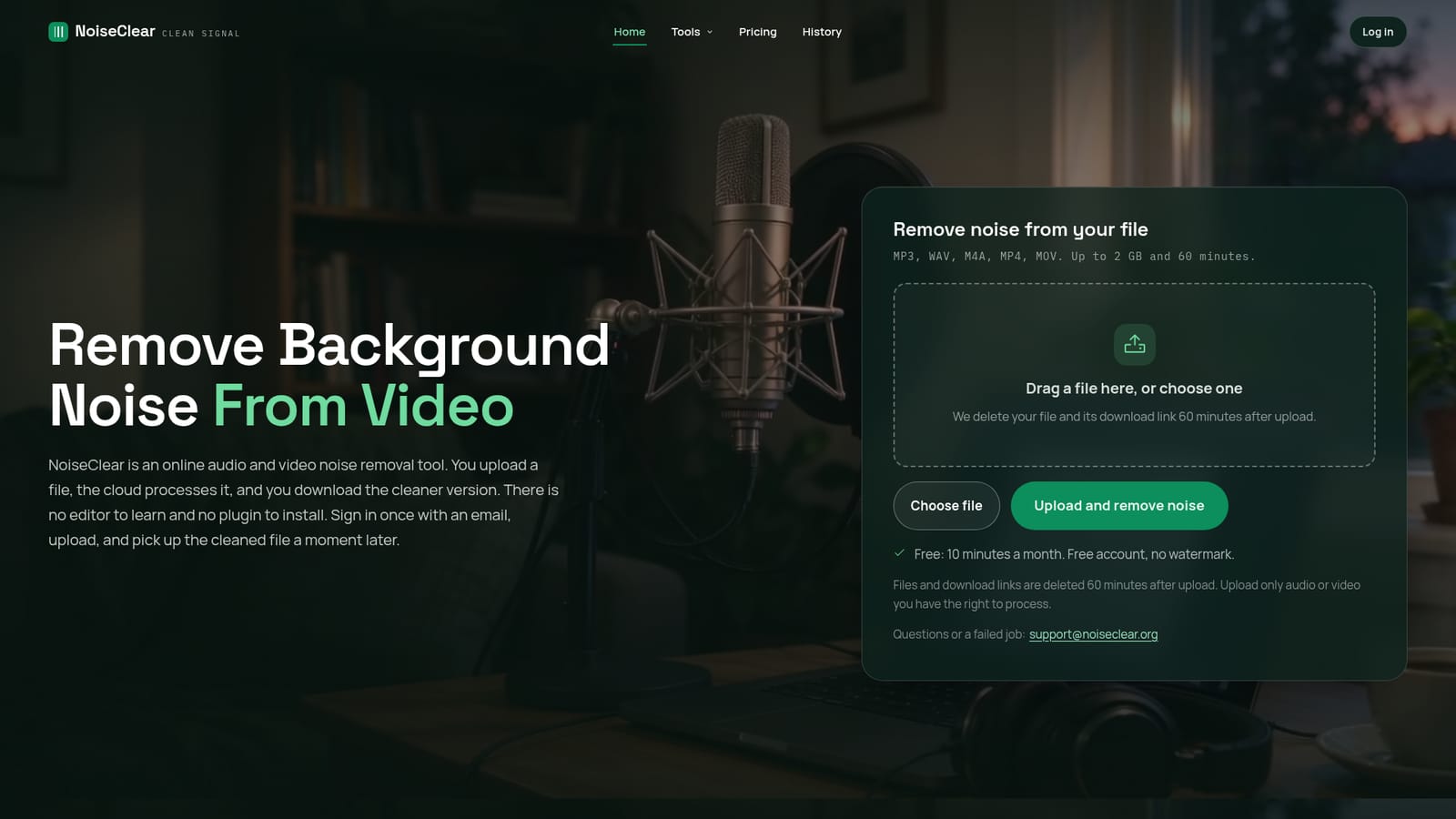
NoiseClear is a cloud-based tool that removes steady background noise from audio and video recordings. Upload an MP3, WAV, M4A, MP4 or MOV file, and the service analyzes the track, separates the constant noise floor (fridge hum, air conditioner drone, wind, tape hiss, room rumble) from speech and music, and returns a cleaned version a short time later. There is no software to install and no editor interface to learn: the entire workflow runs in a browser tab from upload to download. The tool is built for people who already have a recording worth keeping but cannot re-record it. Podcasters dealing with a guest's noisy home office, interviewers working with phone-mic audio, course creators cleaning up lecture recordings, and video creators who shot a clip in a gym or cafe are the clearest fits. Video files are handled by cleaning the audio track only, leaving the picture untouched, which makes it useful for anyone whose footage looks fine but sounds rough. In practice, a user signs in with an email, drags a file onto the page, and waits while the file processes (short clips finish in under a minute, longer files take a few minutes). Files are capped at 2GB and 60 minutes, so a long session needs to be split into segments first. Once finished, a download link appears and both the original upload and the cleaned file are deleted automatically 60 minutes later, which limits how long a user has to grab the result. Compared to full audio editing suites or DAW noise-reduction plugins, NoiseClear trades control and precision for simplicity and speed. It is not meant for fixing clipped audio, bad mic placement, or overlapping speech, and it offers no manual tuning of the noise profile. It sits closer to a single-purpose utility than a production tool, aimed at anyone who wants a quick, no-install fix for a specific noisy file rather than a complete audio workstation.
There is no separate trial; the free account itself includes 10 minutes of noise removal per month, with no watermark and no card required.
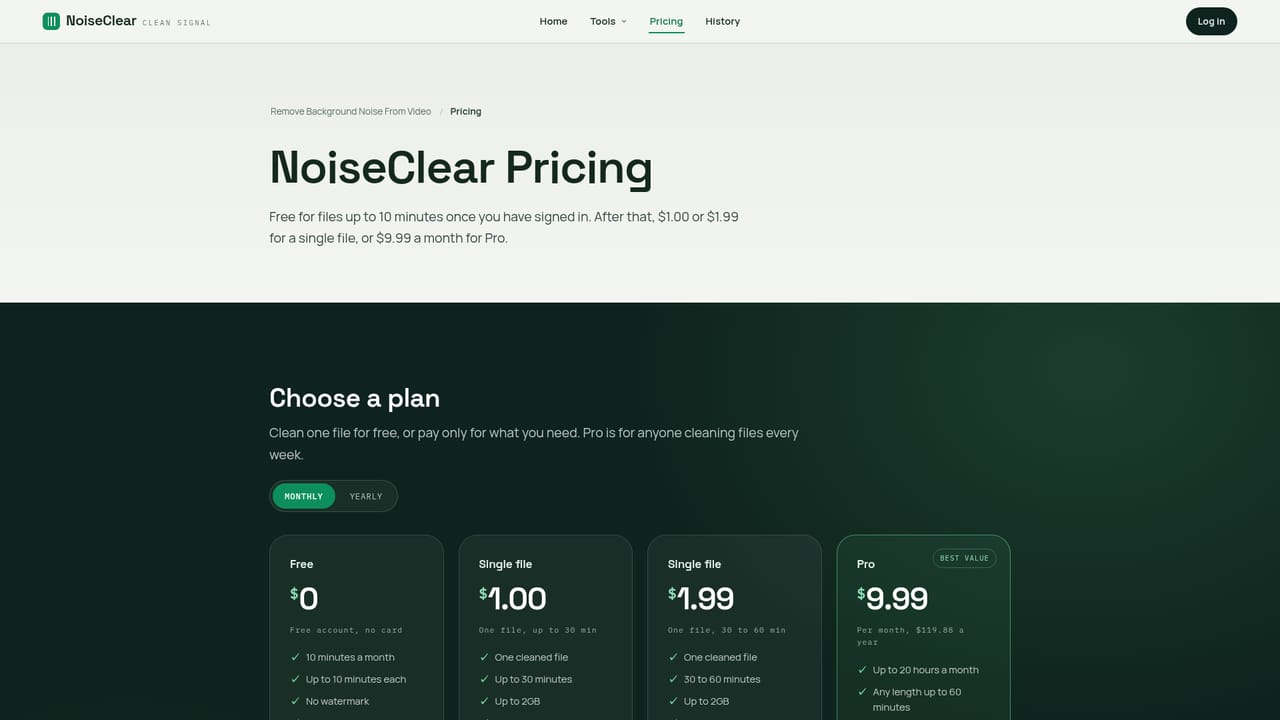
Learn moreFree accounts get 10 minutes of processing a month with no card needed. Single files cost $1.00 (up to 30 minutes) or $1.99 (30 to 60 minutes), one-time with nothing to cancel. Pro is $9.99 a month ($119.88 a year) for up to 20 hours of cleaning and batch upload.
Learn moreSupport is handled by email at support@noiseclear.org for job failures, payment issues, or refund requests; users are asked to include the file name and upload time.
Learn moreRemoves steady background noise (hum, hiss, fan drone, rumble, wind) from MP3, WAV, M4A, MP4 and MOV files up to 2GB and 60 minutes, keeping video tracks untouched. Runs entirely in-browser with no software install, with files and links auto-deleted 60 minutes after upload.


