Pricing
Nommer is free to download and use on iOS and Android, with an optional Nommer Pro upgrade. The homepage does not state Pro pricing, what Pro unlocks or whether billing is monthly or annual.
Learn moreAny recipe, split between two phones so dinner lands at the same time

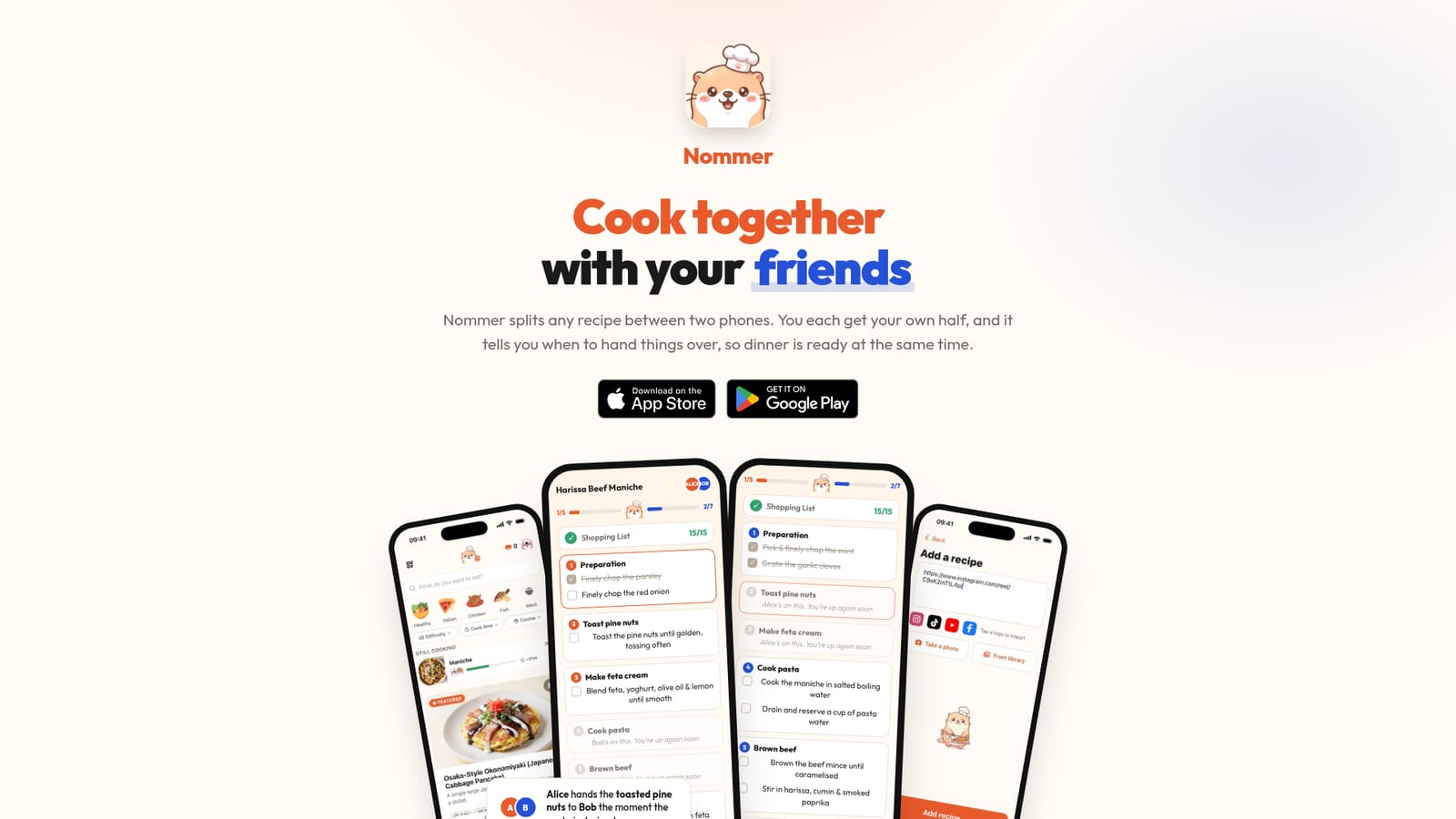
Nommer is a chore list tool. Nommer splits any recipe into two synced checklists, one per phone, with timed handoff cues so two cooks finish together. It imports from Instagram, TikTok, YouTube, websites, photos or text, adds a dinner party planner and a shared shopping list, and lets each cook read the plan in their own language.
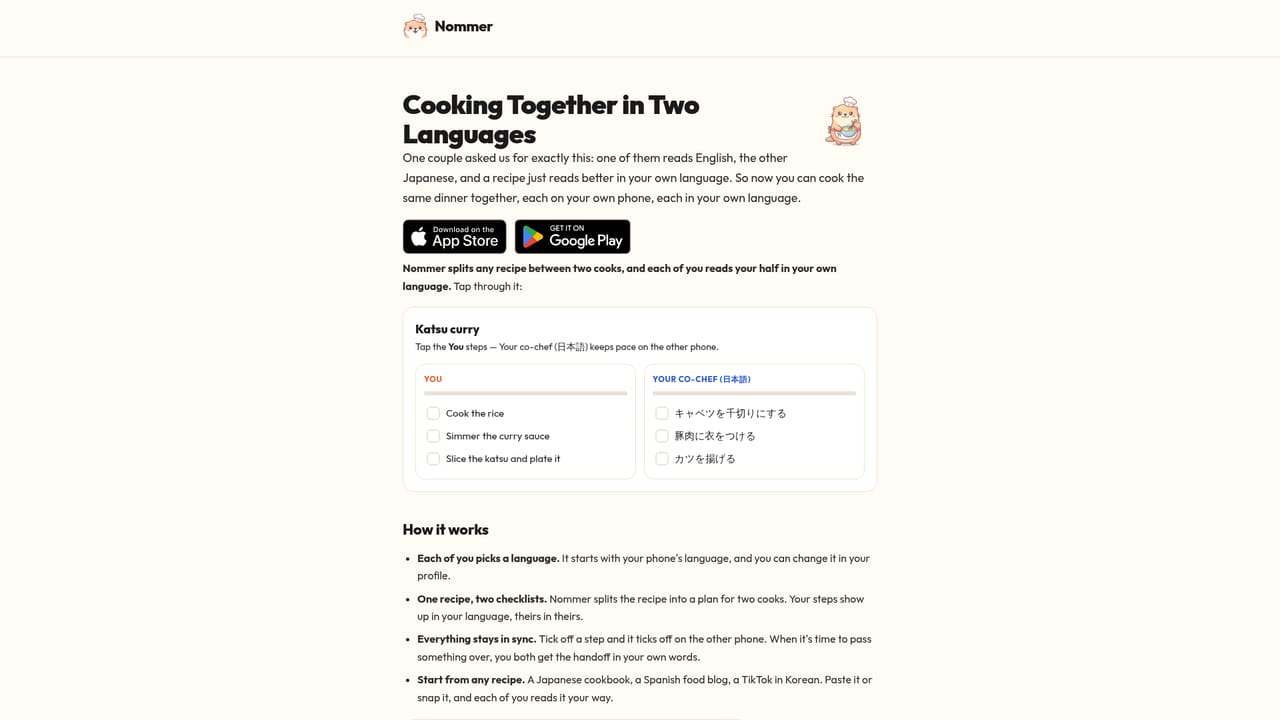
Nommer is a cooking app built around a specific problem: two people in one kitchen, one recipe, and no shared plan. Rather than handing a single screen back and forth, it rebuilds any recipe into two timed checklists, one per phone, and keeps them in sync as each cook ticks off their own steps. The app takes recipes from almost anywhere. A link from a recipe website works, and so does a shared reel from Instagram, a TikTok or a YouTube video; cookbook pages can be photographed and plain typed text is accepted too. Nommer parses the source into a step-by-step plan and divides the work between the two cooks. Where a step needs coordination, the app issues a handoff cue along the lines of one cook passing an ingredient to the other at the moment it is needed, which is the feature that separates it from a standard recipe reader. Beyond the two-person cook mode, Nommer covers the logistics around a meal. A dinner party planner lets you choose several dishes, invite guests, see who is coming and assign who cooks what, then start every dish with a single tap. One shared shopping list is sorted by aisle and each person claims the items they will buy, which avoids duplicate purchases. Couples cooking at home, roommates, friends and parent-and-child pairs are the obvious audience, and the app also supports mixed-language kitchens: each cook selects a language and sees the plan, ingredients and handoffs in it, with 30+ languages listed. The closest comparison is a conventional recipe app with a built-in timer, except Nommer treats coordination and timing as the product rather than an add-on. It is available on iPhone and Android and is free to download and use, with an optional Pro upgrade. Anyone cooking alone will get little from it, since the whole design assumes a second person with a second phone.
Nommer is free to download and use on iOS and Android, with an optional Nommer Pro upgrade. The homepage does not state Pro pricing, what Pro unlocks or whether billing is monthly or annual.
Learn moreImports recipes by link or share sheet from Instagram, TikTok, YouTube and general recipe websites, and accepts cookbook photos and plain text. No other integrations are listed on the homepage.
Recipes split into two synced per-phone checklists with live step ticking; handoff cues that time ingredient passes between cooks; import from Instagram, TikTok, YouTube, website links, cookbook photos and typed text; a dinner party planner with dishes, guest invites and cook assignment; one aisle-sorted shopping list where each person claims items; and per-cook language selection across 30+ languages.
 AI Angels400+ customizable AI girlfriends for NSFW chat, voice calls, and roleplay
 Candy AIExperience the future of companionship with AI friends who chat, role-play, and connect with you on a human level.
 ourdream.aiA vast AI roleplay platform with millions of characters for chat, images, video and voiceAI Angels400+ customizable AI girlfriends for NSFW chat, voice calls, and roleplayCandy AIExperience the future of companionship with AI friends who chat, role-play, and connect with you on a human level.ourdream.aiA vast AI roleplay platform with millions of characters for chat, images, video and voice