Pricing
The homepage promotes creating a free account and markets the flashcard maker as free. No paid tiers, upgrade paths, or price points are listed on the page, so the cost of any premium features cannot be confirmed from the source.
Learn moreA free flashcard maker with AI tools built for serious exam prep.

NoteKnight is a free flashcard maker for students, combining a rich text card editor, three active recall study modes, document to flashcard generation, and an AI assistant for reformatting or translating text. It also imports existing Quizlet sets.
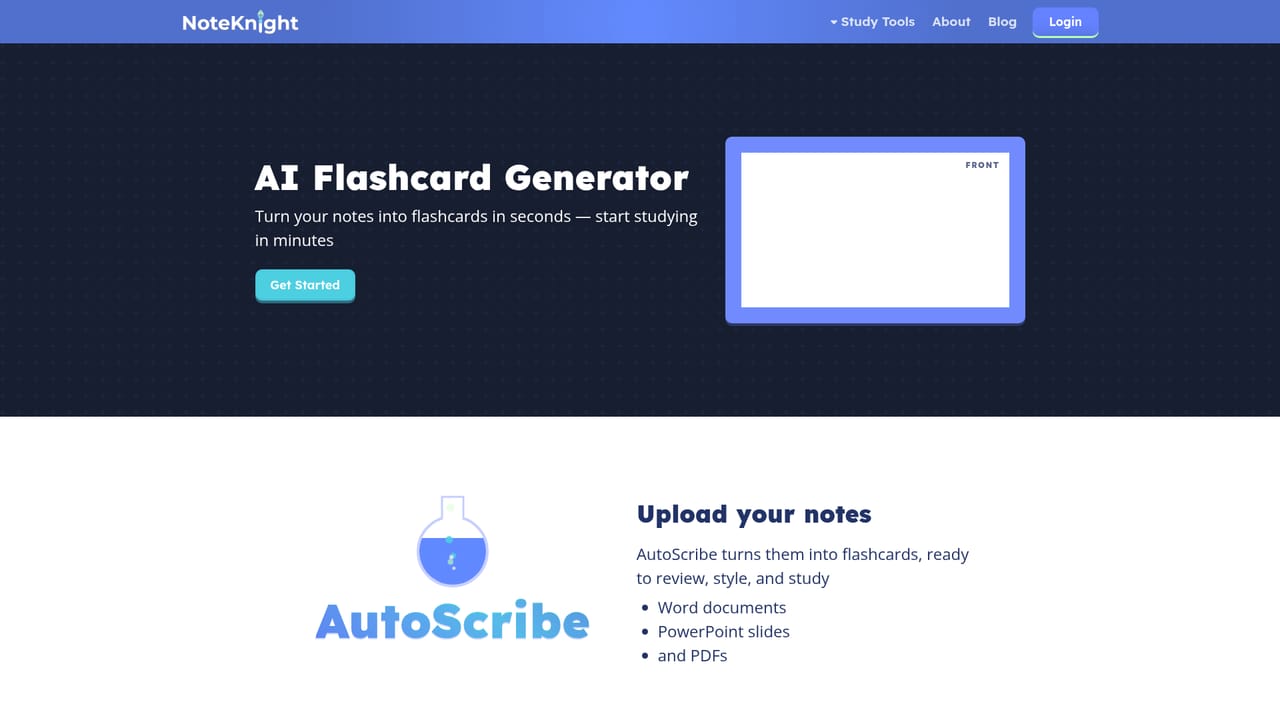
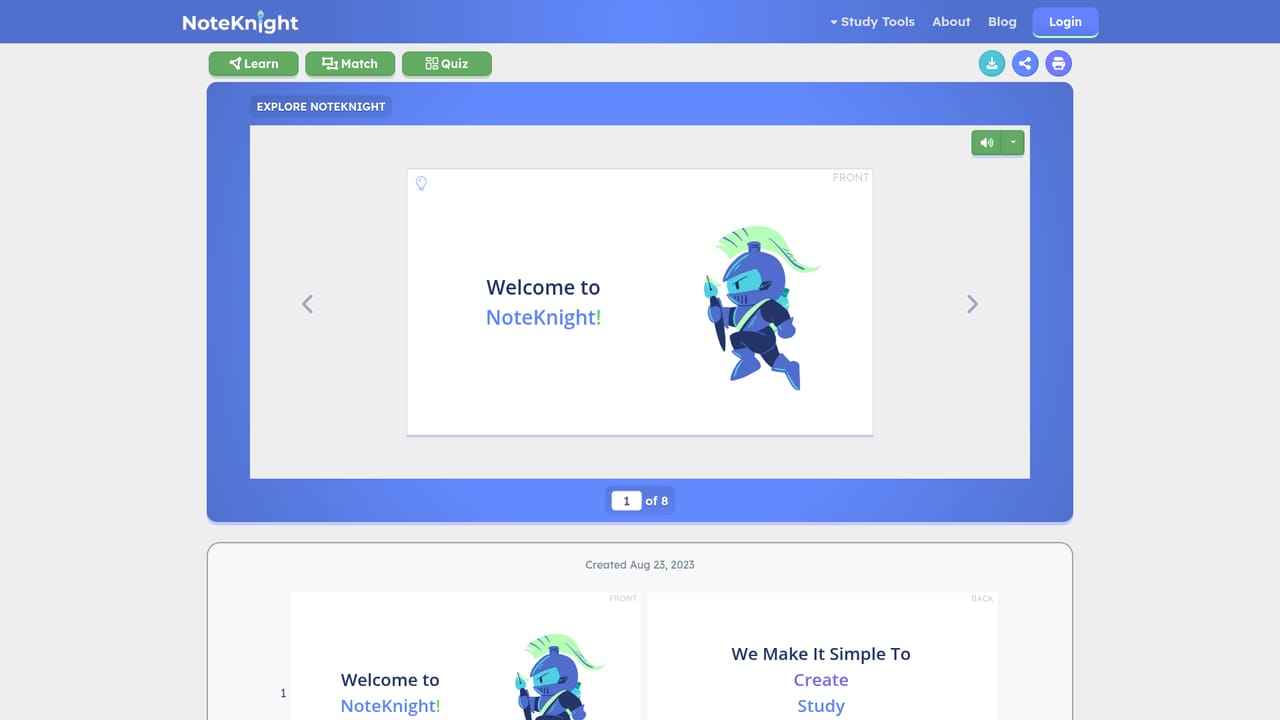
NoteKnight is a flashcard and study tool aimed at students who want more than a pile of digital index cards. Decks can hold a wide range of material: labelled diagrams such as a eukaryotic cell, math formulas rendered with KaTeX, code snippets, chemistry equations, foreign language pairs, and fill in the blank prompts. The editor is a rich text environment, which means formatting lives inside the card rather than being bolted on afterwards. Study happens through active recall rather than passive rereading. NoteKnight ships three practice modes (classic flashcards, matching, and quizzes) so the same deck can be drilled in different ways depending on how close an exam is. The AI layer sits on top of that. AutoScribe turns uploaded documents into flashcards in seconds, while Ember, the in product assistant, reformats, translates, or simplifies text on request. A separate AI flashcard generator page explains that side of the product in more depth. In practice a student would build or import a deck, generate cards automatically from lecture notes or a reading, tighten the wording with the built in assistant, then cycle through matching and quiz modes before switching to plain flashcards for final review. The site is mobile friendly, so review sessions can happen between classes rather than at a desk. Quizlet refugees are an explicit target: NoteKnight advertises flashcard import so existing sets can be moved across instead of rebuilt. The alternatives a buyer is likely weighing are Quizlet and the various Anki add-on stacks. NoteKnight positions itself as the simpler, free leaning option with generative features included rather than sold separately, and its free account is the entry point. Anyone with very large existing libraries or a heavy dependence on spaced repetition settings should compare carefully, but for course work that needs diagram, math, and language cards in one place, this is a credible candidate.
The homepage promotes creating a free account and markets the flashcard maker as free. No paid tiers, upgrade paths, or price points are listed on the page, so the cost of any premium features cannot be confirmed from the source.
Learn moreThe homepage mentions a Quizlet import path for moving existing flashcard sets into NoteKnight. No other third party integrations are described on the page.
A rich text flashcard editor that supports labelled diagrams, KaTeX math, code snippets, and fill in the blank cards. Three active recall study modes: classic flashcards, matching, and quizzes. AutoScribe converts documents into flashcards in seconds. Ember, a built in AI assistant, reformats, translates, and simplifies text. Import of existing Quizlet sets and a mobile friendly layout for studying on the go.
Learn more AI Angels400+ customizable AI girlfriends for NSFW chat, voice calls, and roleplay
 Candy AIExperience the future of companionship with AI friends who chat, role-play, and connect with you on a human level.
 ourdream.aiA vast AI roleplay platform with millions of characters for chat, images, video and voiceAI Angels400+ customizable AI girlfriends for NSFW chat, voice calls, and roleplayCandy AIExperience the future of companionship with AI friends who chat, role-play, and connect with you on a human level.ourdream.aiA vast AI roleplay platform with millions of characters for chat, images, video and voice


