Free trial
The homepage presents Nuggetize as free to try, with a get started for free button and a try now for free line. No trial length, usage cap or card requirement is stated on the homepage.
Learn moreDistill and chat with any link, video or PDF in seconds.

Nuggetize is an AI summarizer tool. A browser extension, web app and iOS app that condenses any URL, YouTube video, PDF or podcast into a short summary with a punchline and key insight, then lets you chat with the source and save it as a bookmark.
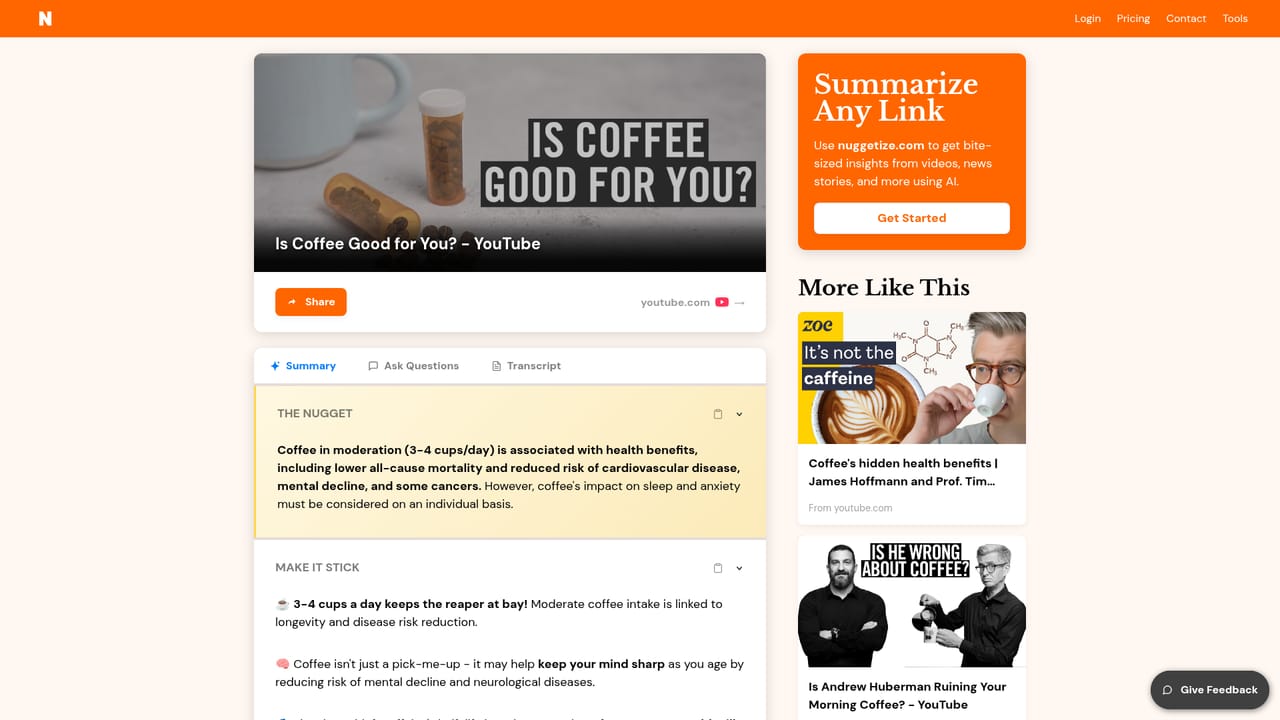
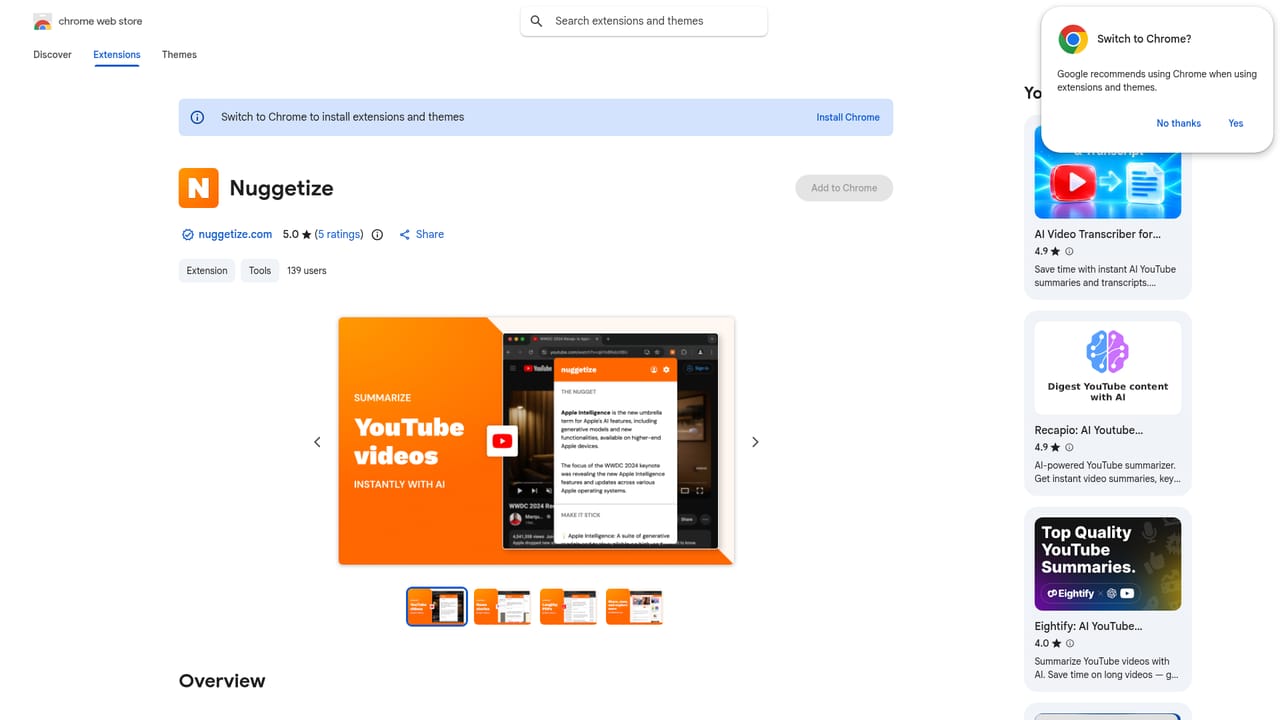
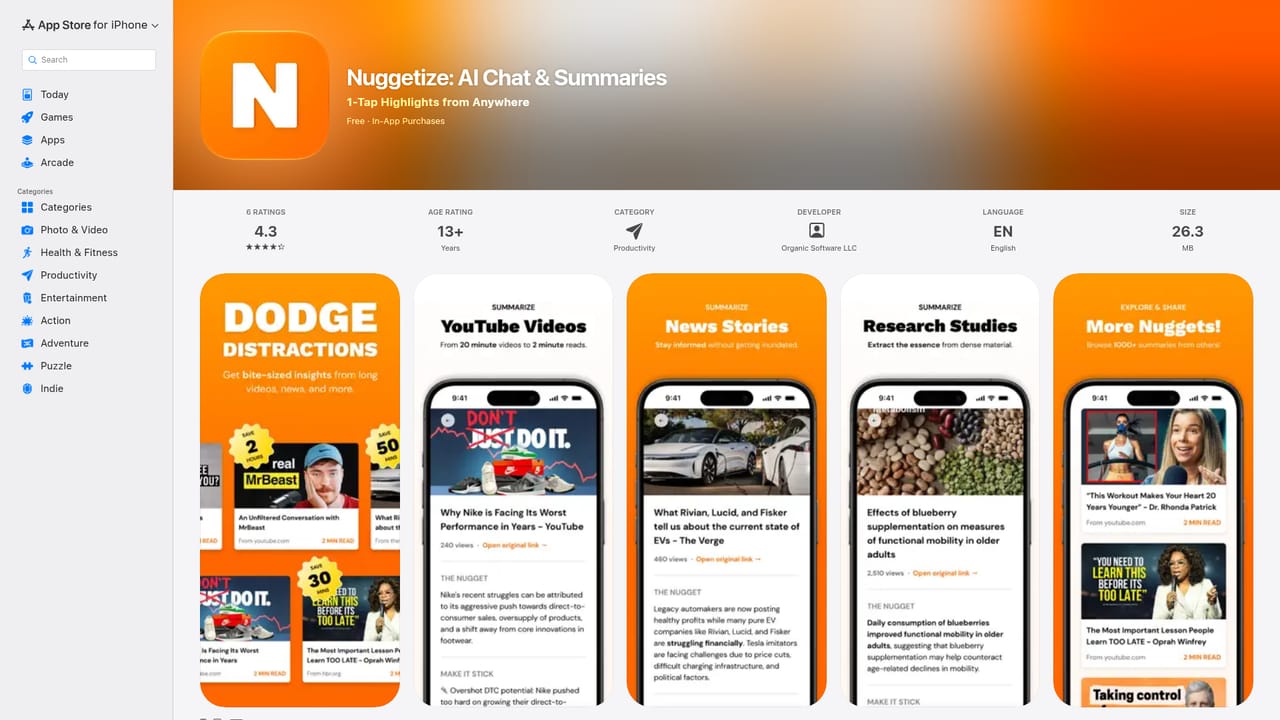
Nuggetize is a summarization tool built around a single idea: the modern web buries useful information inside long pages, videos and documents, so the fastest way to consume it is to extract the key points first. Paste a URL, or send a page from the browser extension, and the service returns a condensed version of the content along with a punchline, the top insight and a quoted highlight. Supported material spans news articles, YouTube videos, PDFs, research papers, podcasts, Wikipedia entries, TED Talks, GitHub READMEs and Substack posts. The product goes past a static digest. Any summarized link can be opened in a chat interface where questions are answered against that specific content, which turns a long video or a dense journal article into something closer to a reference you can query. Nuggets can be saved as bookmarks and revisited later, and a shared library lets users browse summaries other people have already generated, organized by topics such as finance, research, health and tech. Nuggetize ships as a Chrome extension, a web app and an iPhone and iPad app, so the same nuggets travel between devices. The practical workflow is straightforward: browse as usual, click the extension when a page looks worth keeping, then send anything lengthy to the phone app for a later read. Readers, students, researchers and knowledge workers who collect sources throughout the day are the clearest audience, and the team positions the product as a focus tool rather than an engagement trap, stating that it is self-funded and runs no ads or data selling. The competitive argument is breadth. General chatbots such as ChatGPT can summarize pasted text but do not summarize an arbitrary URL in one click, while narrower tools tend to specialize in either PDFs or YouTube. Nuggetize combines URL summarization, PDF and video support, a browser extension, cross-platform apps and a public nugget library in one product, which is convenient if you want a single inbox for everything you read and watch.
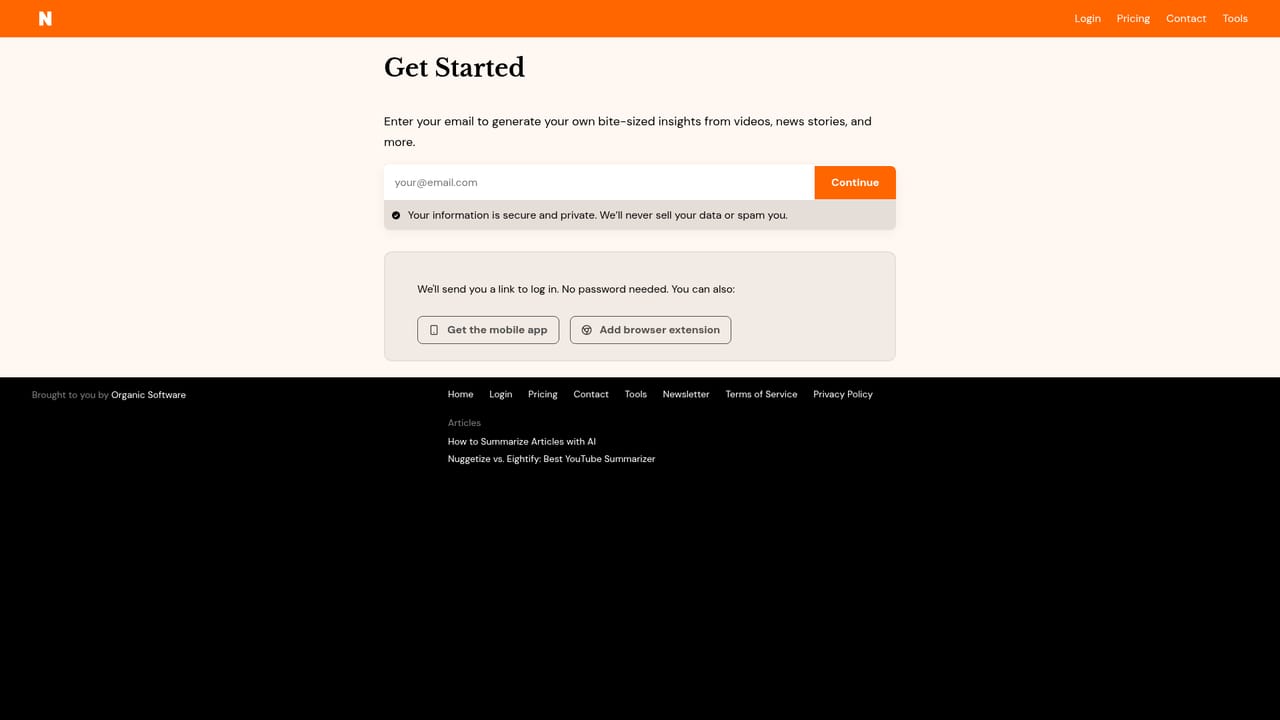
The homepage presents Nuggetize as free to try, with a get started for free button and a try now for free line. No trial length, usage cap or card requirement is stated on the homepage.
Learn moreSupport is reached through the contact page linked in the site navigation. No phone, chat or knowledge base options are described on the homepage.
Learn moreSummarizes any URL plus YouTube videos, PDFs, podcasts, news articles, research papers, Wikipedia pages, TED Talks, Medium and Substack posts and GitHub READMEs. Output includes a punchline, top insight and top quote. Users can chat with any summarized link, save nuggets as bookmarks and browse a shared library of public summaries. Available as a Chrome extension, web app and iPhone and iPad app.
Learn more AI Angels400+ customizable AI girlfriends for NSFW chat, voice calls, and roleplay
 Candy AIExperience the future of companionship with AI friends who chat, role-play, and connect with you on a human level.
 ourdream.aiA vast AI roleplay platform with millions of characters for chat, images, video and voiceAI Angels400+ customizable AI girlfriends for NSFW chat, voice calls, and roleplayCandy AIExperience the future of companionship with AI friends who chat, role-play, and connect with you on a human level.ourdream.aiA vast AI roleplay platform with millions of characters for chat, images, video and voice


