Free trial
A free trial of Nullgen Pro is offered through the signup page. The homepage does not state the trial length.
Learn moreStops AI prompts in the browser and blocks AI apps on phones and desktops.
Own Nullgen AI Blocker? Verify ownership to get a dofollow link

Nullgen AI Blocker is a productivity tool. Nullgen blocks AI at two layers: a free browser extension that stops typing and pasting into AI prompt boxes on any site, and Pro apps for iOS, Android, and (soon) macOS and Windows that block 100+ known AI apps and destinations on the device.
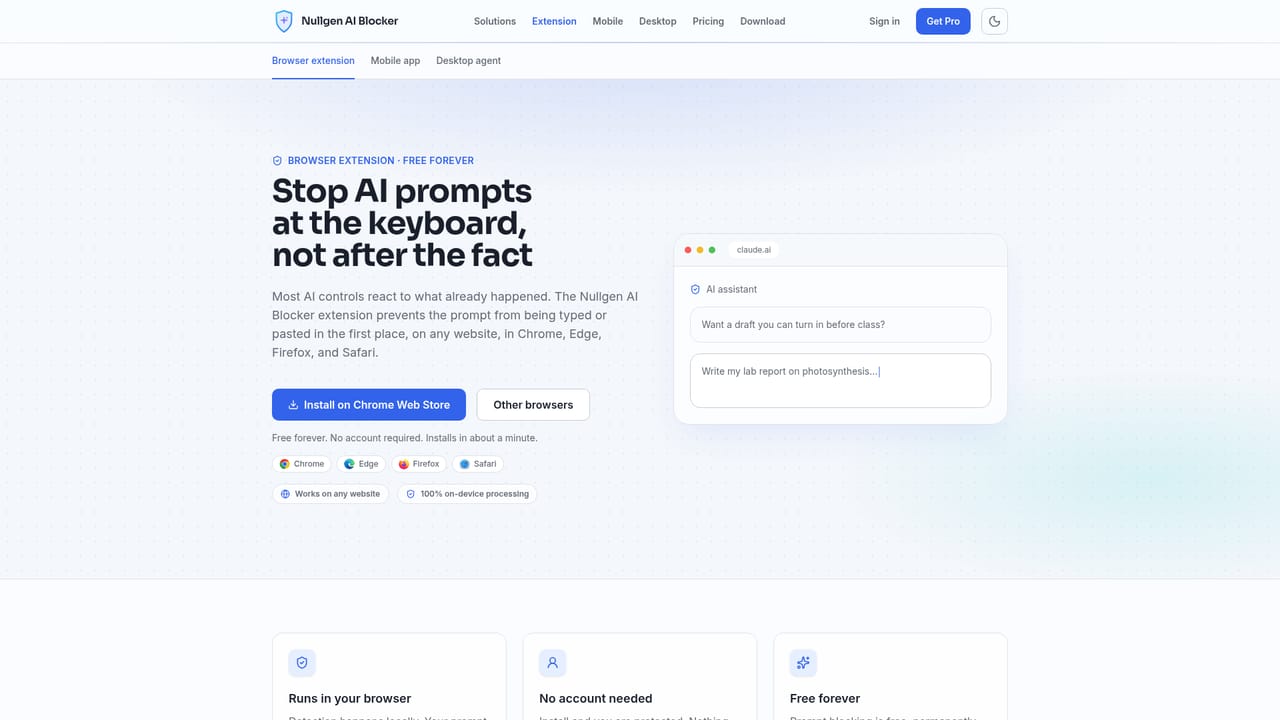
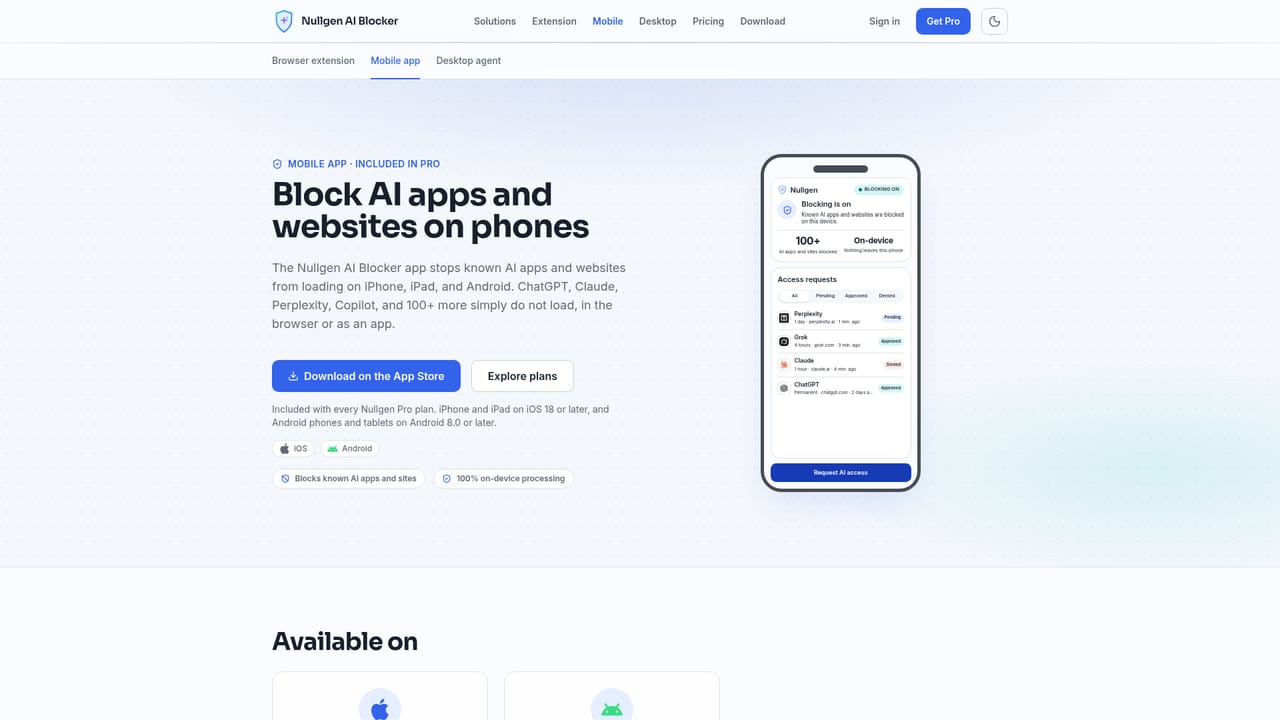
Nullgen is an AI blocking suite built around a simple split: browsers have a prompt box to intercept, while phones and desktops do not. The free browser extension for Chrome, Edge, Firefox, and Safari recognizes AI prompt fields on any website and blocks typing and pasting into them. It works without an account, runs entirely on the device, and leaves search, research, and the rest of the page usable. Because it hooks the input rather than matching a fixed list of domains, new assistants are covered without waiting for a site list update. The mobile app, available for iOS and Android and included with Pro, takes a different approach. It stops more than 100 known AI apps and websites from loading on the device, in every browser and inside the apps themselves, so it reaches destinations a browser extension cannot see. A macOS and Windows desktop agent is listed as coming soon and is intended to block AI apps across the whole computer, including native desktop clients. The Pro tier adds the management layer. A dashboard handles users and devices, access requests that can be approved or denied, real time policy sync across enrolled browsers and apps, and deployment that pins the extension so it cannot be turned off. Parents can keep homework in a child's own words, educators can enforce integrity on managed school devices, and IT teams can shut down shadow AI use and stop proprietary data reaching public models. Compared with DNS filtering or network proxies, Nullgen avoids certificates and network reconfiguration, which makes setup short but leaves enforcement dependent on the client software staying installed. Only English language websites are supported today, and the desktop agent is not yet shipping.
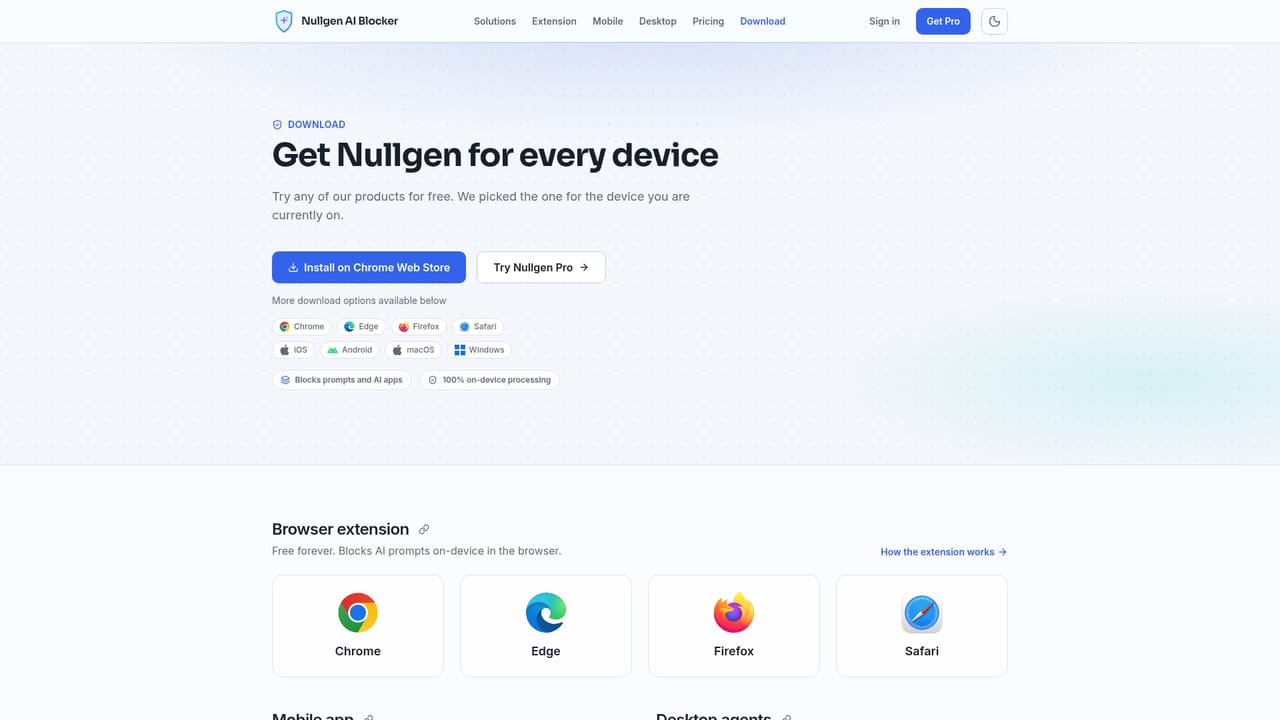
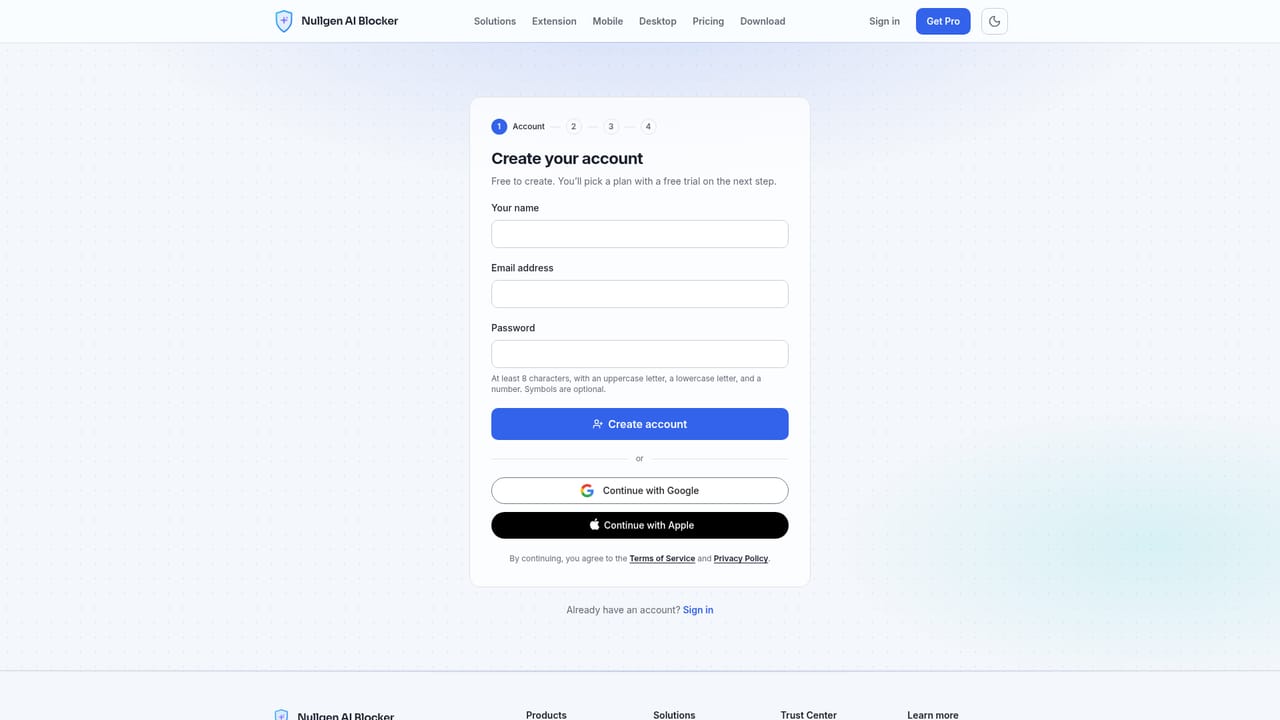
A free trial of Nullgen Pro is offered through the signup page. The homepage does not state the trial length.
Learn moreThe browser extension is free forever and is not a trial. Pro is a separate paid tier that adds the admin dashboard, fleet management, access requests, and the mobile and desktop apps. Exact plan prices are not stated in the supplied content.
Learn morePrompt blocking across Chrome, Edge, Firefox, and Safari; a mobile app that blocks 100+ known AI apps and sites on iOS and Android; a Pro dashboard for users, devices, access requests, real time policy sync, and pinned deployment; on-device detection throughout; a macOS and Windows desktop agent announced as coming soon.
Learn more AI Angels400+ customizable AI girlfriends for NSFW chat, voice calls, and roleplay
 Candy AIExperience the future of companionship with AI friends who chat, role-play, and connect with you on a human level.
 ourdream.aiA vast AI roleplay platform with millions of characters for chat, images, video and voiceAI Angels400+ customizable AI girlfriends for NSFW chat, voice calls, and roleplayCandy AIExperience the future of companionship with AI friends who chat, role-play, and connect with you on a human level.ourdream.aiA vast AI roleplay platform with millions of characters for chat, images, video and voice


