Free trial
A free plan is offered rather than a timed trial, and it includes the AI drafting and SEO tag features.
Learn moreDescribe a site in a few words, get a visual sitemap with content and SEO tags

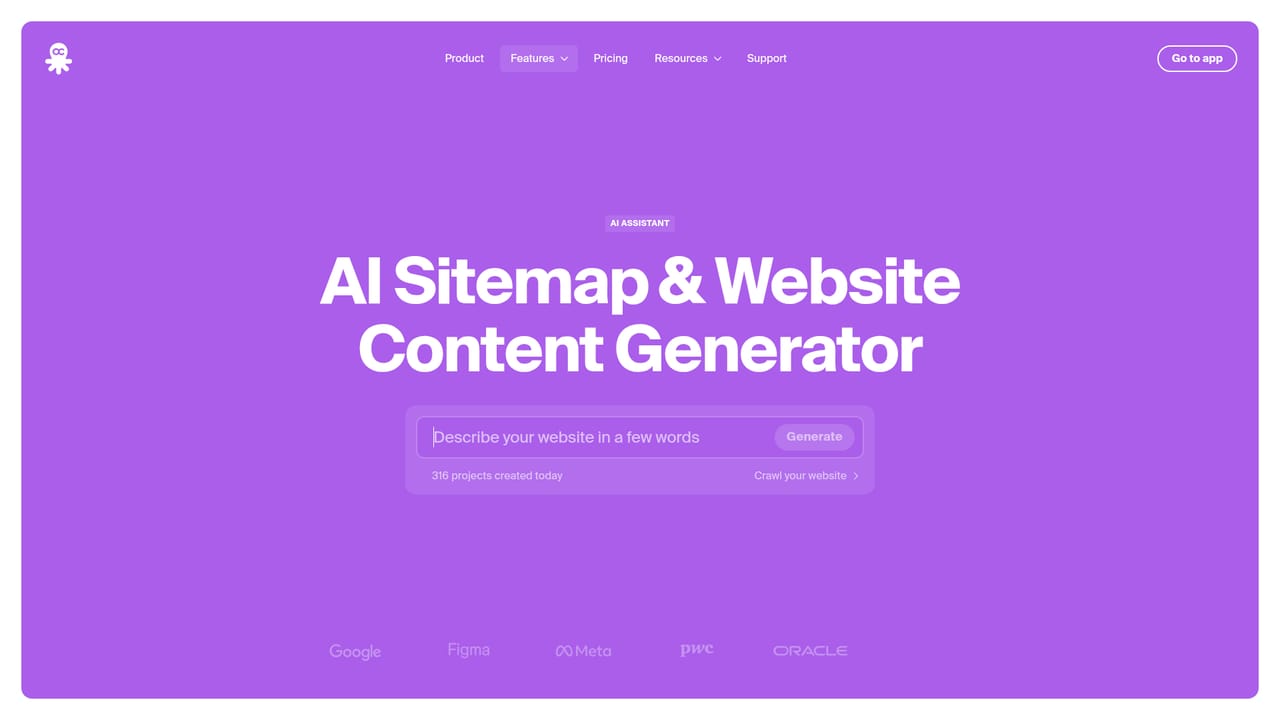
Octopus is a website redesign tool. Octopus.do generates a visual website sitemap from a short text description, including page structure, drafted content blocks and SEO meta tags. It suits designers, agencies and SEO teams planning sites, with exports to PDF, XML, WordPress, Webflow and Figma.
Octopus.do is a browser based planning tool that turns a short written description into a visual website sitemap. Rather than dragging out page boxes by hand, a planner types what the site is about and the AI assistant proposes a page hierarchy, suggests content blocks for each page, drafts the text inside those blocks, and writes SEO meta tags. The result is a structured tree that can be reviewed, edited and shared before any design or development work begins. The AI sits inside a wider sitemap editor. A prompt can generate an entire project, a single new section, or blocks for one page, and once the structure exists the assistant can rewrite text for tone or length, run a spell check, and translate pages or individual blocks into other languages. Colors can be adjusted globally or granularly, and SEO tags can be produced for the whole project in one pass. The company states that projects, prompts and generated outputs are not used to train AI models, and that the assistant runs on OpenAI's ChatGPT API. Output is where the tool separates itself from pure wireframing apps. Projects export to PNG or PDF for printing and slides, to XML or CSV for other tools, and to a sitemap.xml file that search engines can read. There are plugins for WordPress, Webflow and Figma, and a publishing option that turns the sitemap into a live website. Free plans include AI text drafting and SEO tag generation, which lowers the barrier for trying the core workflow. It is built for the discovery phase: UX designers, agencies, SEO consultants and product managers who need to agree on structure quickly, sometimes live with a client. It is not a full design or CMS replacement, and the vendor itself recommends having specialists verify AI output, since results track the quality of the prompt and the model's limits. Beginners get a usable draft in minutes; experienced teams get a fast starting point they will still refine by hand.
A free plan is offered rather than a timed trial, and it includes the AI drafting and SEO tag features.
Learn moreThe homepage says the tool is free to start and that AI text drafting and SEO meta tag generation are included on all plans, including the Free tier. It does not list paid tier prices or plan limits.
Learn moreHelp is available through an FAQ and a linked community page; the homepage does not describe email or live chat support.
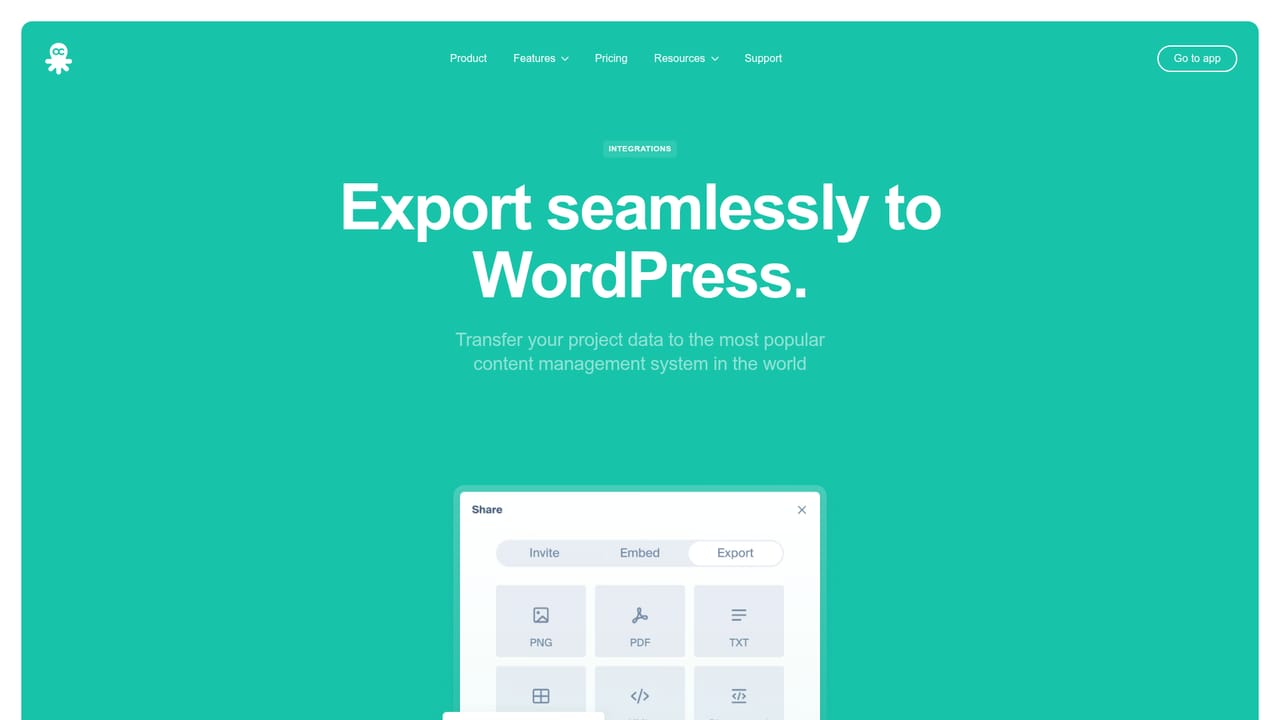
Learn morePlugins exist for WordPress, Webflow and Figma, and projects can be exported as XML, CSV, PNG, PDF or sitemap.xml for use in other tools.
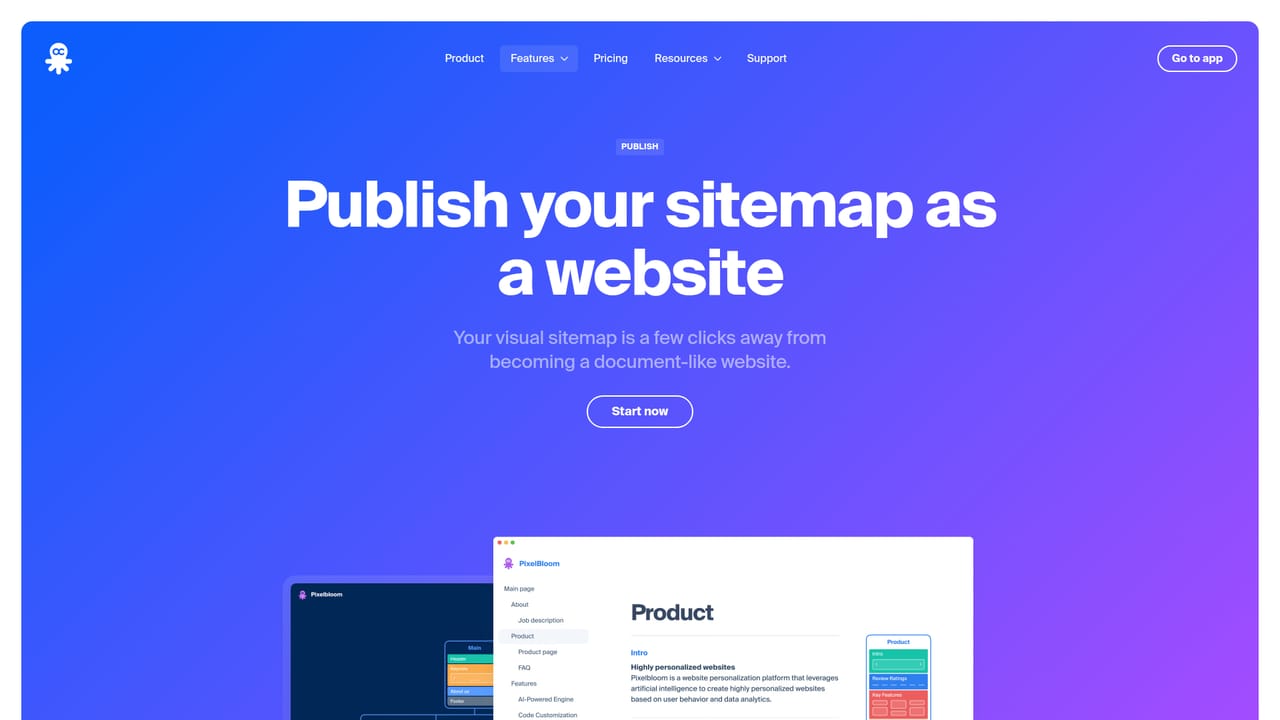
Learn moreAI generation of pages and page hierarchies from a text prompt, content block drafting, tone and length rewriting, spell check, translation of pages and blocks, project-wide SEO meta tags, global and granular color changes, exports to PNG, PDF, XML, CSV and sitemap.xml, WordPress, Webflow and Figma plugins, and publishing a sitemap as a live website.
Learn more AI Angels400+ customizable AI girlfriends for NSFW chat, voice calls, and roleplay
 Candy AIExperience the future of companionship with AI friends who chat, role-play, and connect with you on a human level.
 ourdream.aiA vast AI roleplay platform with millions of characters for chat, images, video and voiceAI Angels400+ customizable AI girlfriends for NSFW chat, voice calls, and roleplayCandy AIExperience the future of companionship with AI friends who chat, role-play, and connect with you on a human level.ourdream.aiA vast AI roleplay platform with millions of characters for chat, images, video and voice