Free trial
Three free redesign previews are available without a credit card, so you can see the generated design before paying. Downloading the code requires an upgrade.
Learn morePaste a URL, get a redesigned site in two minutes.
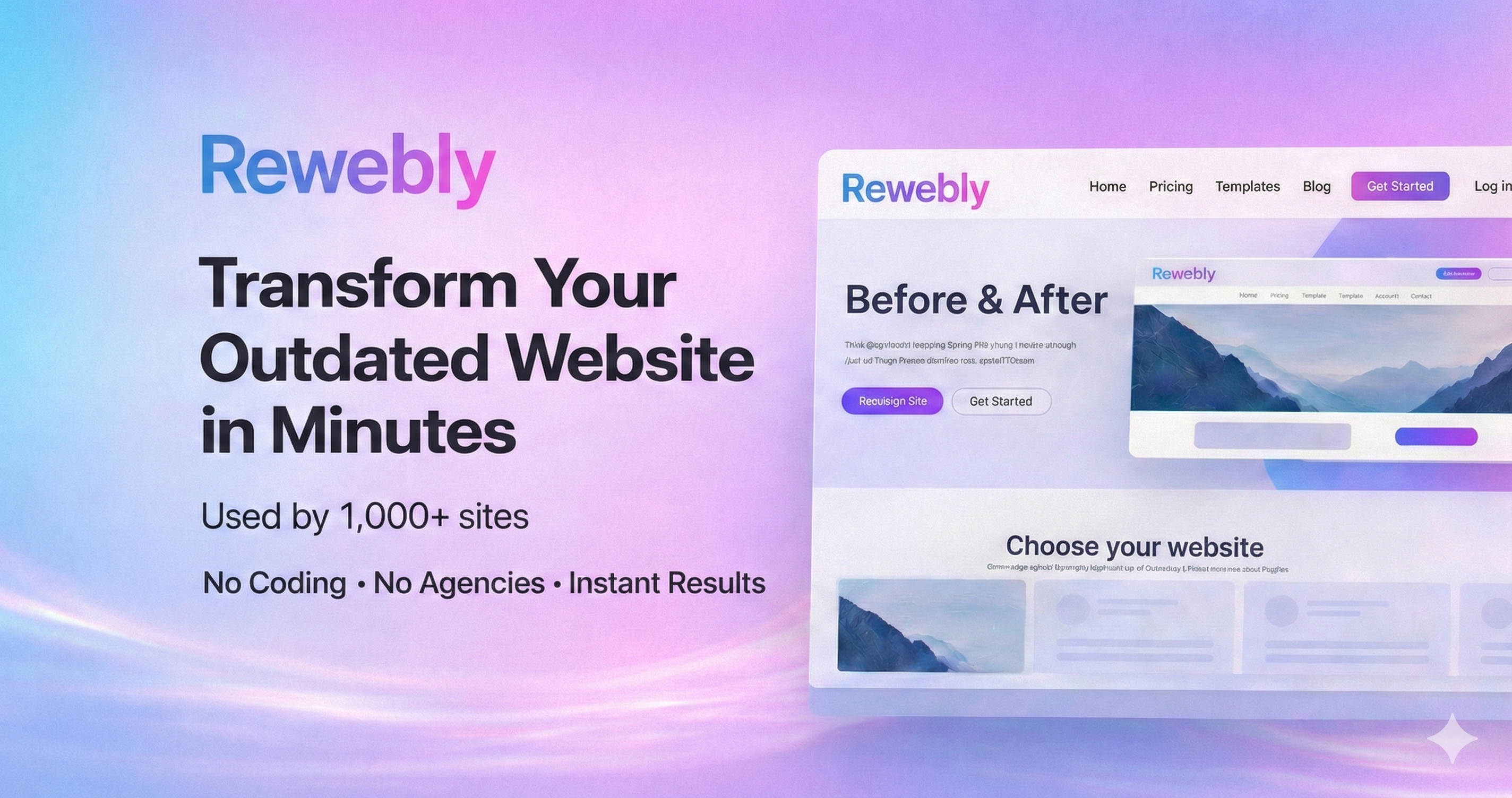
Rewebly turns an existing website URL into a modern redesign in about two minutes, with free previews and one-time paid plans for exporting clean HTML. Aimed at small business owners who want agency-quality looks without agency fees or coding.
Rewebly is an AI website redesign service built around a single, narrow promise: hand it a URL and it returns a modern-looking version of the site in roughly two minutes. The tool reads the content on your existing pages, then generates a fresh layout and visual style around it. No design software, no coding, and no prior design experience are involved. The practical workflow is paste, preview, refine, download. Previews are free, and paying unlocks the HTML export that you can then publish through your own host. The product is pitched squarely at small business owners, entrepreneurs and local retail or restaurant operators who have a workable but dated website and no budget for an agency. The cost argument is the main selling point: the vendor compares its one-time fees to typical agency quotes, and the pricing is structured as flat one-off purchases rather than subscriptions. Paid plans also include AI-assisted customization, so you can describe changes to colors, layout or copy in plain language and have them applied to the redesign. In practice, Rewebly sits in a different slot from full website builders. It does not appear to host your site or replace your CMS; it generates a redesigned code output that you take elsewhere to go live, and the site says it walks you through that launch step. That makes it a reasonable fit if you already own a domain and hosting, or if you plan to hand the exported HTML to a developer. It is less suitable if you need a hosted, self-managed platform with ongoing editing and content management built in. The free tier lets you evaluate the output before committing, and the paid tiers are scoped by page count (up to 5 pages on Premium, up to 10 pages per job on Enterprise). Redesign attempts are unlimited within a plan, so the model rewards iterating until the result is acceptable rather than accepting the first render. Anyone considering it should test the free previews against their own site first, since the quality of an automated redesign depends heavily on how structured the source content is.
Three free redesign previews are available without a credit card, so you can see the generated design before paying. Downloading the code requires an upgrade.
Learn moreFree tier gives 3 redesign previews with no credit card. Premium is $49.99 once for up to 5 pages, and Enterprise is $199.99 once for up to 10 pages per redesign job. Both paid plans include unlimited iterations, AI customization and HTML download, with no subscription.
Learn moreAI redesign from a pasted URL with results in about two minutes, free previews, AI-powered customization via plain-language instructions, unlimited design iterations on paid plans, clean HTML export, and step-by-step launch guidance. No coding or design skills required.
 AI Angels400+ customizable AI girlfriends for NSFW chat, voice calls, and roleplay
 Candy AIExperience the future of companionship with AI friends who chat, role-play, and connect with you on a human level.
 ourdream.aiA vast AI roleplay platform with millions of characters for chat, images, video and voiceAI Angels400+ customizable AI girlfriends for NSFW chat, voice calls, and roleplayCandy AIExperience the future of companionship with AI friends who chat, role-play, and connect with you on a human level.ourdream.aiA vast AI roleplay platform with millions of characters for chat, images, video and voice