Free trial
The homepage advertises starting for free with Google sign in, but the scope of the free tier is not described on the page itself.
Learn moreAI essay writer that turns your drafts into quizzes
Own Olovka AI Essay Writer? Verify ownership to get a dofollow link

Olovka AI Essay Writer is an academic research tool. Olovka is an OpenAI powered essay writing and study tool for students. It offers a guided editor with rewrite, expand and tone controls, in document research chat, academic references, and a feature that converts finished essays into practice quizzes.
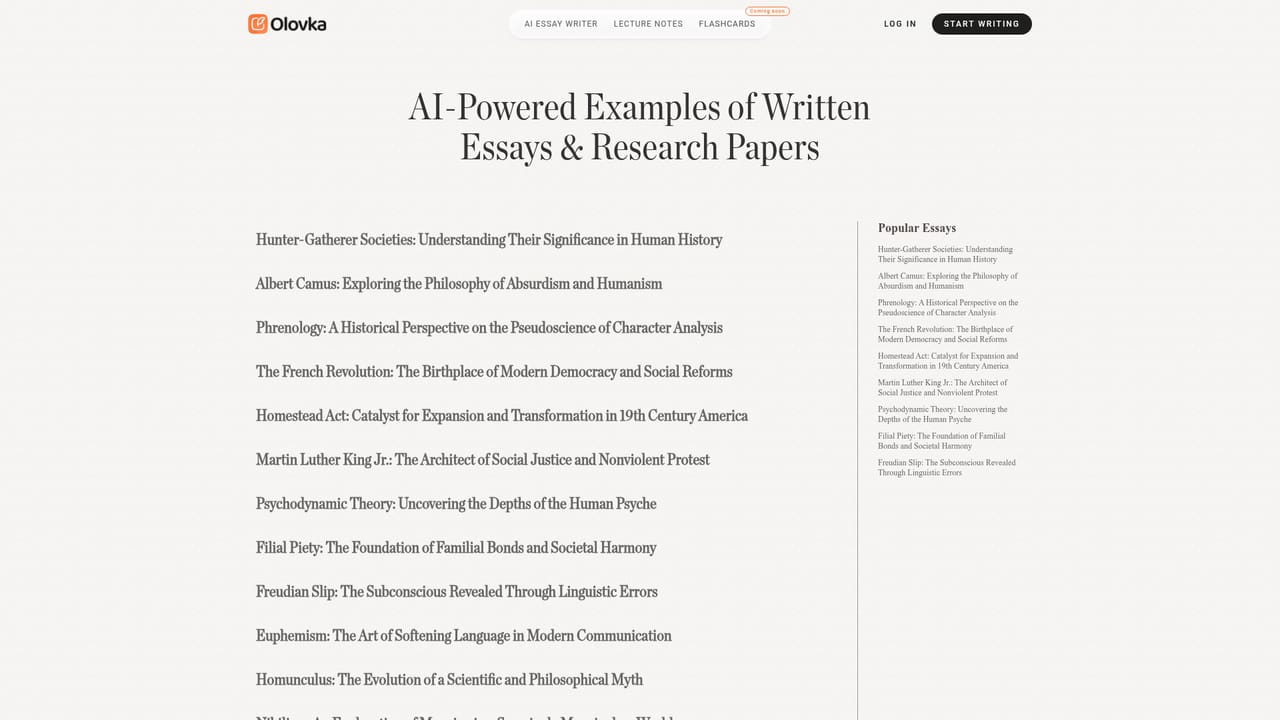
Olovka is an AI essay writer and study companion aimed squarely at students. It pairs a text editor built around an AI assistant with a set of tools for research and revision, and it runs on OpenAI models. Sign in with a Google account and you land in an editor that offers suggestions as you draft rather than dumping a finished paper on you. The company positions the product as help for writing the essay yourself in less time, which is the framing it uses when explaining its relationship with universities. The tool covers a range of academic formats: essays, theses, research papers, literature reviews, case studies, project reports, reflective journals and presentations. You set your academic level and field, and Olovka tailors its guidance to that context. Inside the editor you can rewrite, expand or shorten passages, adjust style and tone, and highlight text for targeted edits. A chat panel lets you query your own essay for explanations and insights, which is intended to keep research moving while you write instead of switching to a separate search tool. Academic references can be pulled in as you go. The feature that most distinguishes Olovka from generic writing assistants is the essay to quiz conversion. After a draft exists, the tool can generate tests from the material so you review it actively rather than rereading passively. There is also a separate lecture notes product on the same site and flashcards listed as coming soon, which suggests a broader study workflow is being assembled around the writer. Olovka suits undergraduates and graduate students who want structured assistance during writing rather than a black box generator. Compared with general purpose chatbots, the appeal is the academic framing and the built in study loop; compared with dedicated citation managers, its reference handling is lighter. The homepage markets speed gains and university collaboration but does not publish model details, word limits or per plan quotas.
The homepage advertises starting for free with Google sign in, but the scope of the free tier is not described on the page itself.
Learn moreContact is offered by email through the address listed in the site footer. No help centre or live chat is described.
Guided AI editor with rewrite, expand and shorten tools, style and tone controls, academic references, in document research chat, support for essays, theses, research papers, literature reviews, case studies and reports, plus essay to quiz conversion for active learning.
 AI Angels400+ customizable AI girlfriends for NSFW chat, voice calls, and roleplay
 Candy AIExperience the future of companionship with AI friends who chat, role-play, and connect with you on a human level.
 ourdream.aiA vast AI roleplay platform with millions of characters for chat, images, video and voiceAI Angels400+ customizable AI girlfriends for NSFW chat, voice calls, and roleplayCandy AIExperience the future of companionship with AI friends who chat, role-play, and connect with you on a human level.ourdream.aiA vast AI roleplay platform with millions of characters for chat, images, video and voice


