Free trial
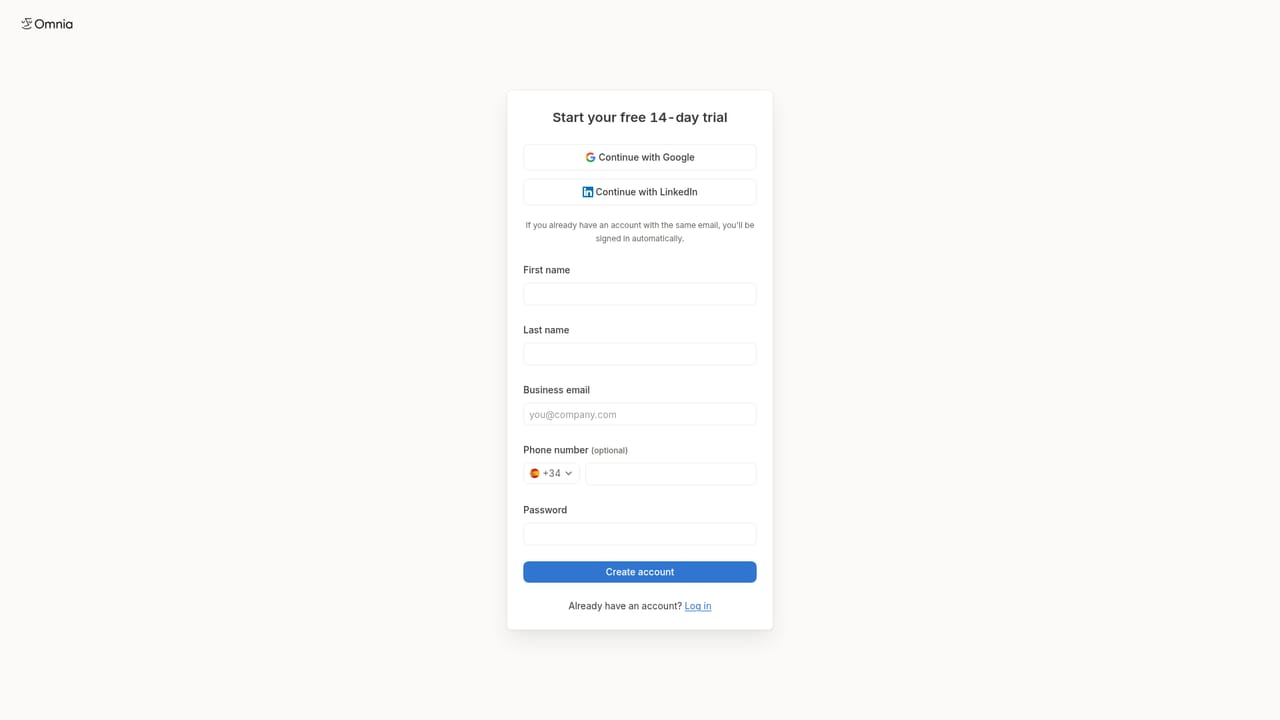
Omnia Agent offers a 14-day free trial. Sign up to explore the agent's features and see how it can automate your AEO workflows.
Learn moreThe AEO agent that researches, creates, and publishes for AI visibility.

Omnia Agent automates 95% of answer engine optimization work by analyzing AI visibility data, generating content, running outreach, and integrating with your marketing stack. It proposes daily projects and executes tasks to improve your brand's citations in AI answers.
Omnia Agent is an AI-powered agent built for answer engine optimization (AEO). It works inside your Omnia account to analyze how your brand appears in AI-generated answers across engines like ChatGPT and Perplexity. The agent reads your share of voice, citations, and sentiment data, then suggests and executes tasks to improve those metrics. It can browse the live web for competitor research, generate multi-format content such as docs, PDFs, and emails, and connect to external apps like Google Search Console, Analytics, and your CMS to pull data and push approved changes. It also saves learnings to memory and proposes three projects each day to improve your AI visibility. The tool is designed for SEO professionals, content marketers, and growth teams who need to manage their brand's presence in AI search results. It functions as a proactive assistant: it identifies gaps where competitors are cited but you are not, drafts outreach emails to publishers, creates content briefs, and even opens pull requests to add schema or llms.txt files to your site's repository. Integrations with tools like Ahrefs, Semrush, HubSpot, and LinkedIn allow it to pull in keyword data, CRM insights, and social signals. The agent operates on a daily cadence, presenting suggested projects each morning so you can orchestrate the final 5% of work while it handles the rest. In practice, Omnia Agent fits alongside traditional SEO tools but focuses specifically on AI-driven answer engines. It complements platforms like Claude by offering specialized AEO workflows and direct integrations with your marketing stack. The agent's ability to connect to multiple data sources and act on them makes it a central hub for AEO efforts, reducing manual research and content creation. However, it requires an existing Omnia account for full functionality and is tailored for teams already invested in AEO strategies.
Omnia Agent offers a 14-day free trial. Sign up to explore the agent's features and see how it can automate your AEO workflows.
Learn moreConnects with Google Search Console, Google Analytics, Google Docs, Google Sheets, Ahrefs, Semrush, Contentful, GitHub, Gmail, Outlook, HubSpot, LinkedIn, Notion, PostHog, Shopify, Webflow, Wix, and HeyReach for reading and writing data.
Omnia Agent performs web research, analyzes your AI visibility data (share of voice, citations, sentiment), creates multi-format content (docs, PDFs, emails), connects to external apps for data and actions, saves learnings to memory, and proactively suggests three projects daily to improve AI visibility.
 AI Angels400+ customizable AI girlfriends for NSFW chat, voice calls, and roleplay
 Candy AIExperience the future of companionship with AI friends who chat, role-play, and connect with you on a human level.
 ourdream.aiA vast AI roleplay platform with millions of characters for chat, images, video and voiceAI Angels400+ customizable AI girlfriends for NSFW chat, voice calls, and roleplayCandy AIExperience the future of companionship with AI friends who chat, role-play, and connect with you on a human level.ourdream.aiA vast AI roleplay platform with millions of characters for chat, images, video and voice


