Free trial
A free plan is available with AI features included, and sign up requires no credit card. Paid plan details sit on the pricing page.
Learn moreAI built into an ecommerce email and SMS marketing platform

Omnisend is a lead generation tool. Omnisend AI adds copywriting, subject line generation, product recommendations, dynamic personalization, AI segment building and an AI form assistant to an ecommerce email and SMS platform. An MCP connection lets ChatGPT or Claude query account performance and create campaigns directly.
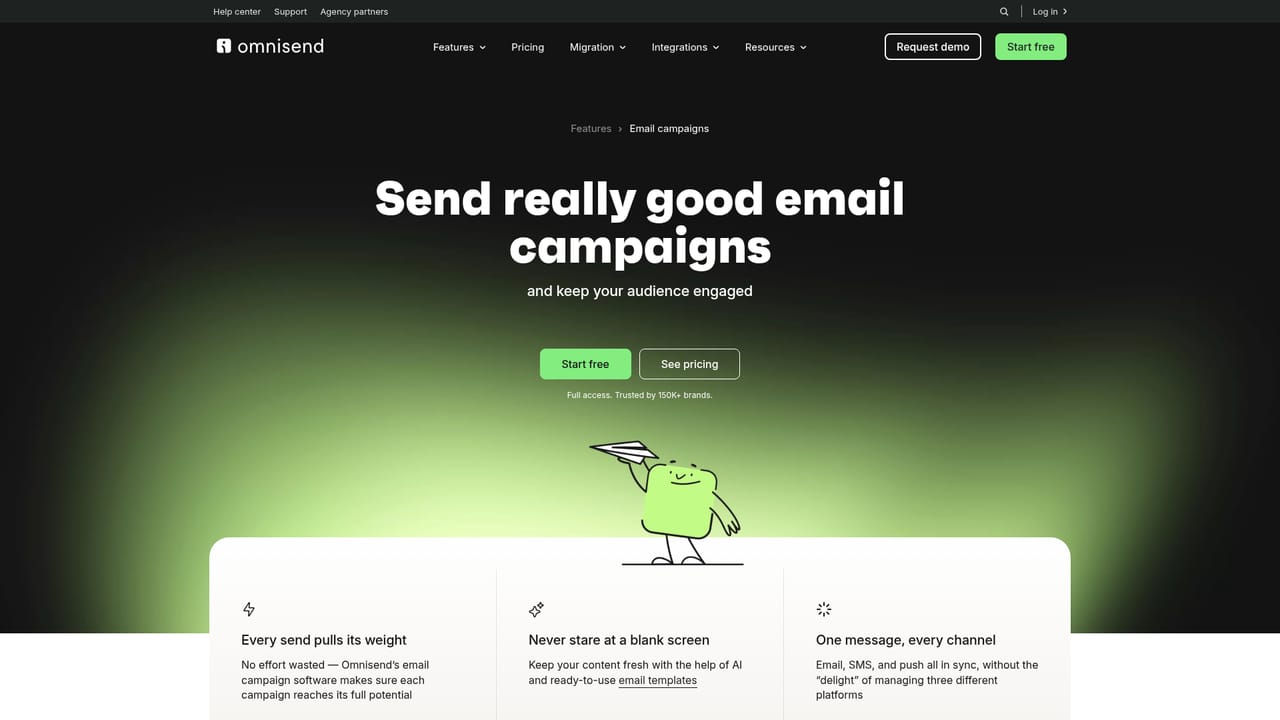
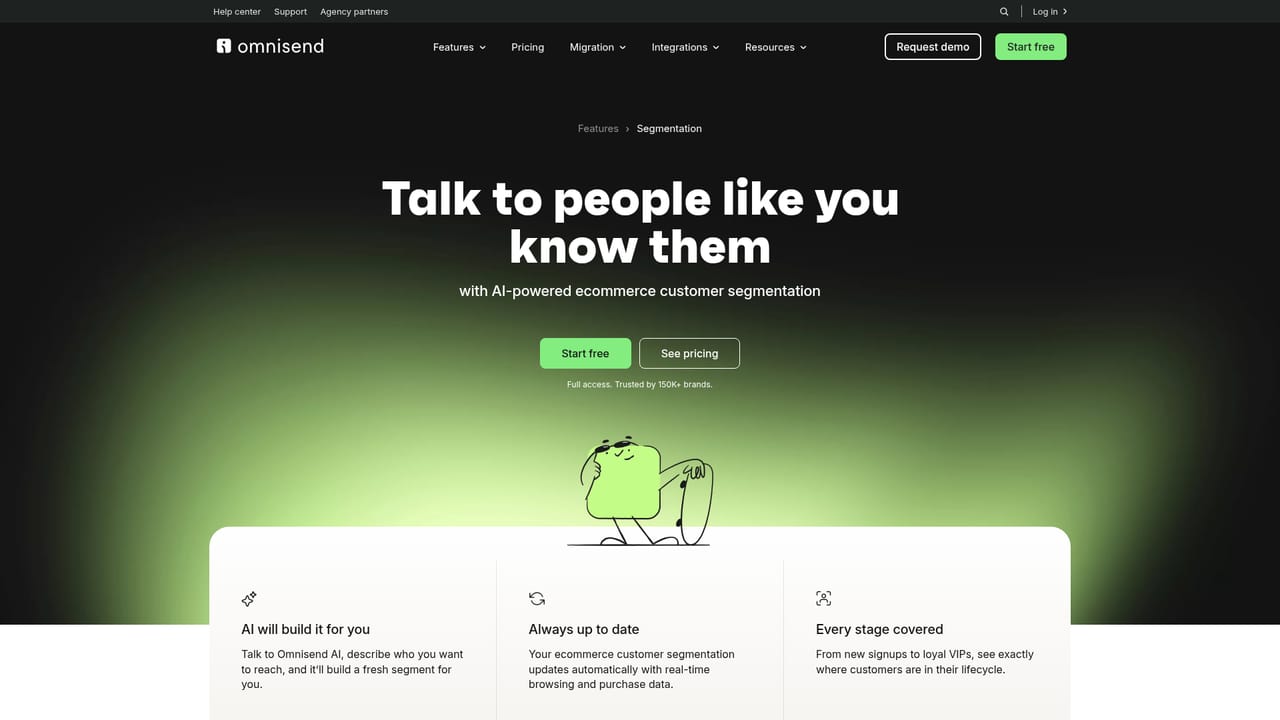
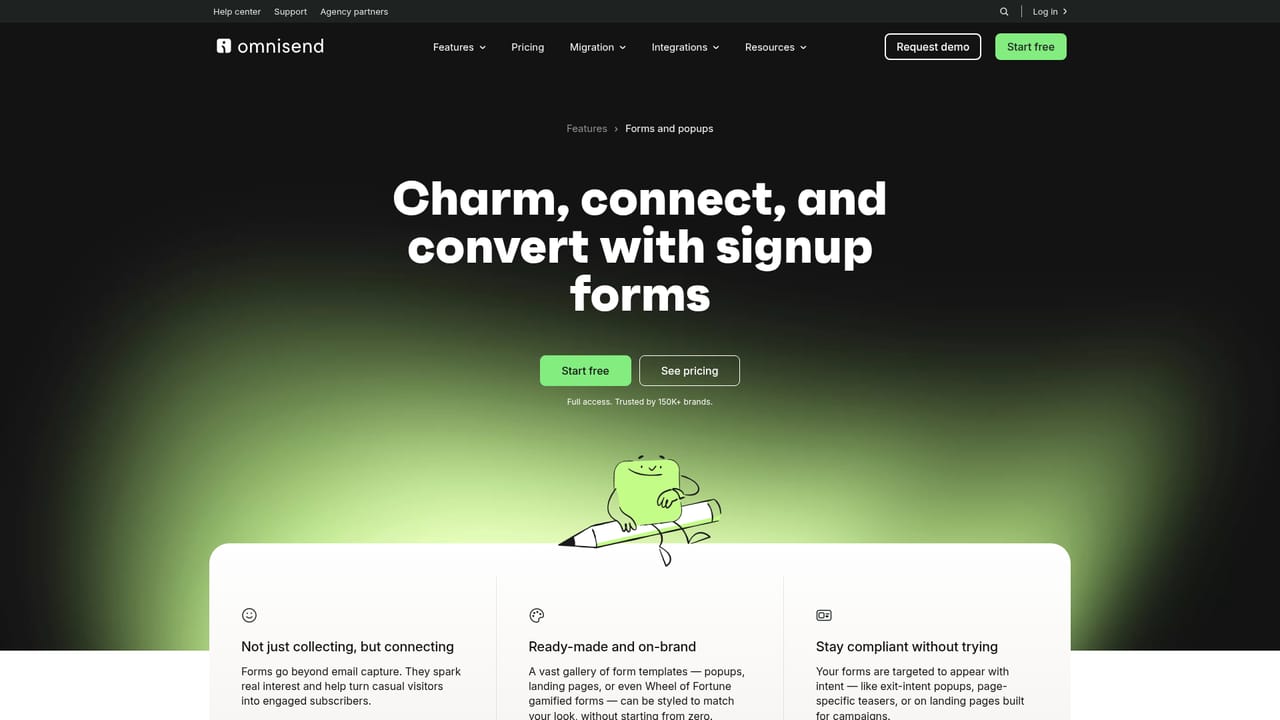
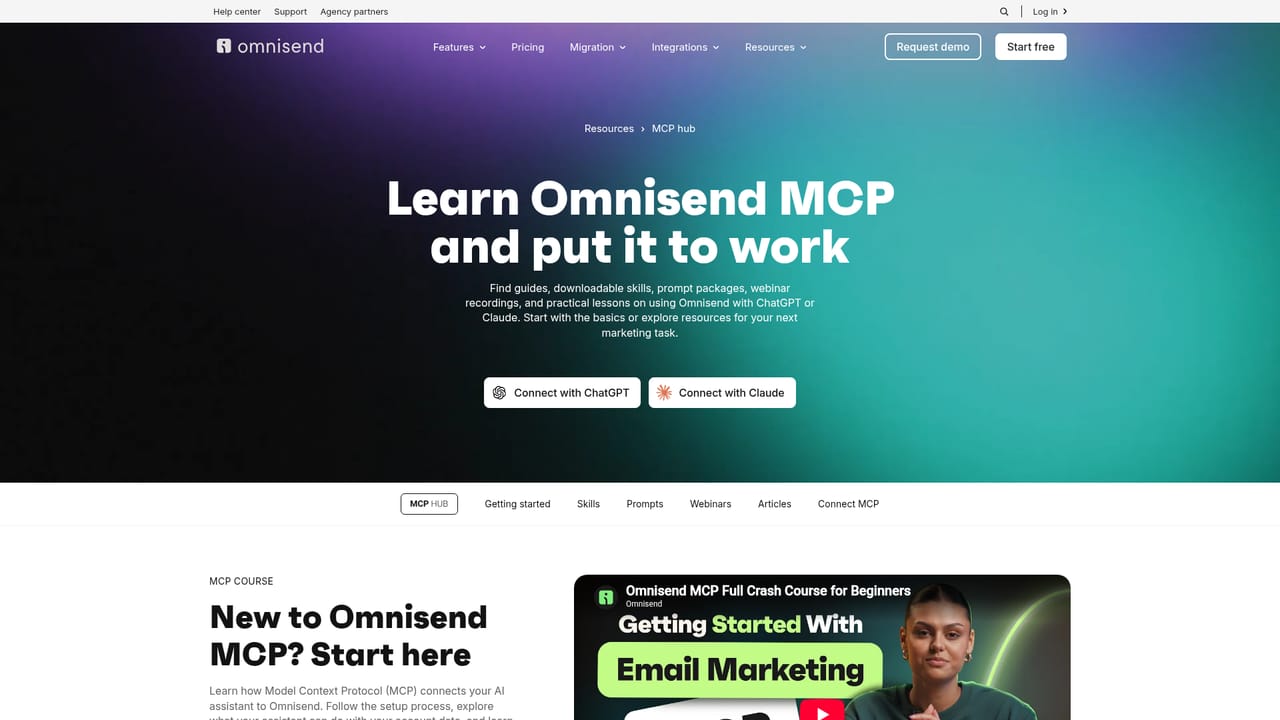
Omnisend AI is the artificial intelligence layer inside Omnisend, an email and SMS marketing platform aimed at ecommerce merchants. Rather than shipping a standalone chatbot, Omnisend puts AI features at the points where marketers already work: the email builder, the subject line field, the audience section and the form creator. The result is a tool that assists with everyday campaign production rather than replacing the platform around it. The writing features are the most visible part. AI copywriting reviews drafted content and suggests improvements to grammar, tone of voice and style based on email marketing practice, while AI-generated subject lines and preheaders can be produced in seconds or refined from existing drafts. A personalized product recommender studies browsing and purchase behavior and inserts relevant products into each email automatically, and dynamic content personalization lets one campaign adapt to different customer types instead of requiring multiple hand-built versions. Brand assets AI pulls a logo, color palette and fonts from the connected store and applies them to templates. On the audience side, RFM analysis groups customers by recency, frequency and monetary value, and the segment builder accepts a plain-language request and generates the matching segment. Omnisend also flags at-risk customers so retention work can start before churn. The Forms AI Assistant takes a written description of a signup, promo or event form, builds the structure, writes the copy and applies branding, leaving the merchant to adjust and publish. The more unusual piece is Omnisend MCP, which connects the account to ChatGPT or Claude. From that chat, a marketer can request performance breakdowns, ask why a metric dropped, explore opportunities and then create campaigns or adjust segments without leaving the conversation. Omnisend sits in a crowded field alongside Klaviyo and Mailchimp, and it publishes dedicated migration paths from both. Ecommerce teams already running on Shopify, WooCommerce, BigCommerce or Wix are the core audience. AI features are available even on the free plan, including subject line generation, content writing, segmentation and form creation, although generative form building is listed as a paid plan capability.
A free plan is available with AI features included, and sign up requires no credit card. Paid plan details sit on the pricing page.
Learn moreOmnisend offers a free plan that includes AI subject line generation, content writing, segmentation and form creation. Paid plans add capabilities such as AI form generation. Exact plan prices are listed on the pricing page rather than the AI page.
Learn moreSupport is available through a help center, a contact page, a customer support section and agency partners, alongside blog posts and webinars.
Learn moreOver 305 pre-built integrations plus open APIs, an app market, and store connectors for Shopify, WooCommerce, WordPress, BigCommerce, Wix, Ecwid and Shoplazza.
Learn moreAI copywriting with tone and grammar suggestions, AI subject line and preheader generation, a personalized product recommender, dynamic content personalization, brand asset import, an AI form assistant, RFM analysis, an AI segment builder, at-risk customer flagging and an MCP connection to ChatGPT and Claude.
Learn more AI Angels400+ customizable AI girlfriends for NSFW chat, voice calls, and roleplay
 Candy AIExperience the future of companionship with AI friends who chat, role-play, and connect with you on a human level.
 ourdream.aiA vast AI roleplay platform with millions of characters for chat, images, video and voiceAI Angels400+ customizable AI girlfriends for NSFW chat, voice calls, and roleplayCandy AIExperience the future of companionship with AI friends who chat, role-play, and connect with you on a human level.ourdream.aiA vast AI roleplay platform with millions of characters for chat, images, video and voice


