Free trial
Every plan includes a 14-day free trial, described as long enough to see whether your phone rings less. No credit card is required to sign up.
Learn more24/7 AI phone receptionist tuned to your trade

OnCallClerk is an AI calls tool. AI receptionist that answers business calls 24/7 with industry-tuned scripts, call summaries, appointment booking and urgent call alerts. Starts at $29/mo with a 14-day trial, plus API and white-label options for agencies.
OnCallClerk is an AI phone receptionist built for small service businesses that lose work when nobody picks up. A guided setup wizard asks for your industry, voice and call handling rules, then produces a live agent that answers calls around the clock. The pitch is deliberately unglamorous: the agent answers at 2am, never takes a sick day and starts at $29 a month, with billing tied to calls actually answered rather than seats or minutes purchased in advance. Number provisioning is part of onboarding, so a business can claim a local or toll-free line in seconds or forward an existing line and keep the number customers already dial. In practice the agent holds a natural conversation, follows industry-specific scripts and urgency rules, and captures structured detail rather than a loose message. The plumbing template, for example, separates an active leak from a slow drain and routes the emergency to an on-call technician; the HVAC template records equipment model and symptom before booking a dispatch window. Calls produce real-time transcripts and summaries, appointments land in a calendar, and urgent calls trigger alerts. English and Spanish are handled out of the box. Fit is clearest for trades and desk-based practices with unpredictable inbound volume: plumbers, electricians, HVAC firms, roofers, locksmiths, landscapers, cleaners, pest control, auto repair, salons, veterinary clinics, home care agencies, accountants, IT support and property managers. Real estate agents get lead qualification against budget and timeline. Anyone comparing this to a human receptionist or a traditional answering service is the intended reader. For agencies and developers the product doubles as a platform. A REST API covers agent creation, number provisioning, transcript retrieval and call event streaming, and a TypeScript SDK supports Node, Next.js and edge runtimes. White-label resale lets an agency manage client numbers from one dashboard and set its own retail price. Compared with generic voice agent builders, the draw is the vertical tuning and phone plumbing already assembled; the trade-off is that the dashboard, not a code-first canvas, defines most configuration.
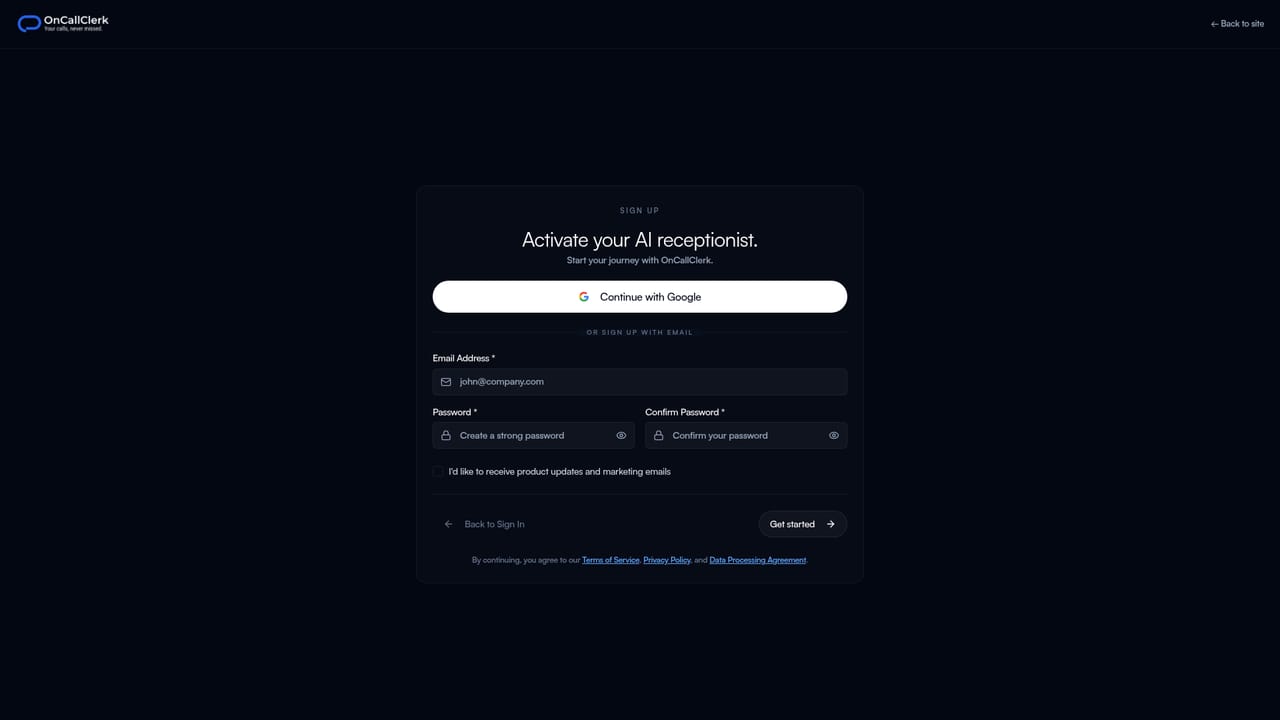
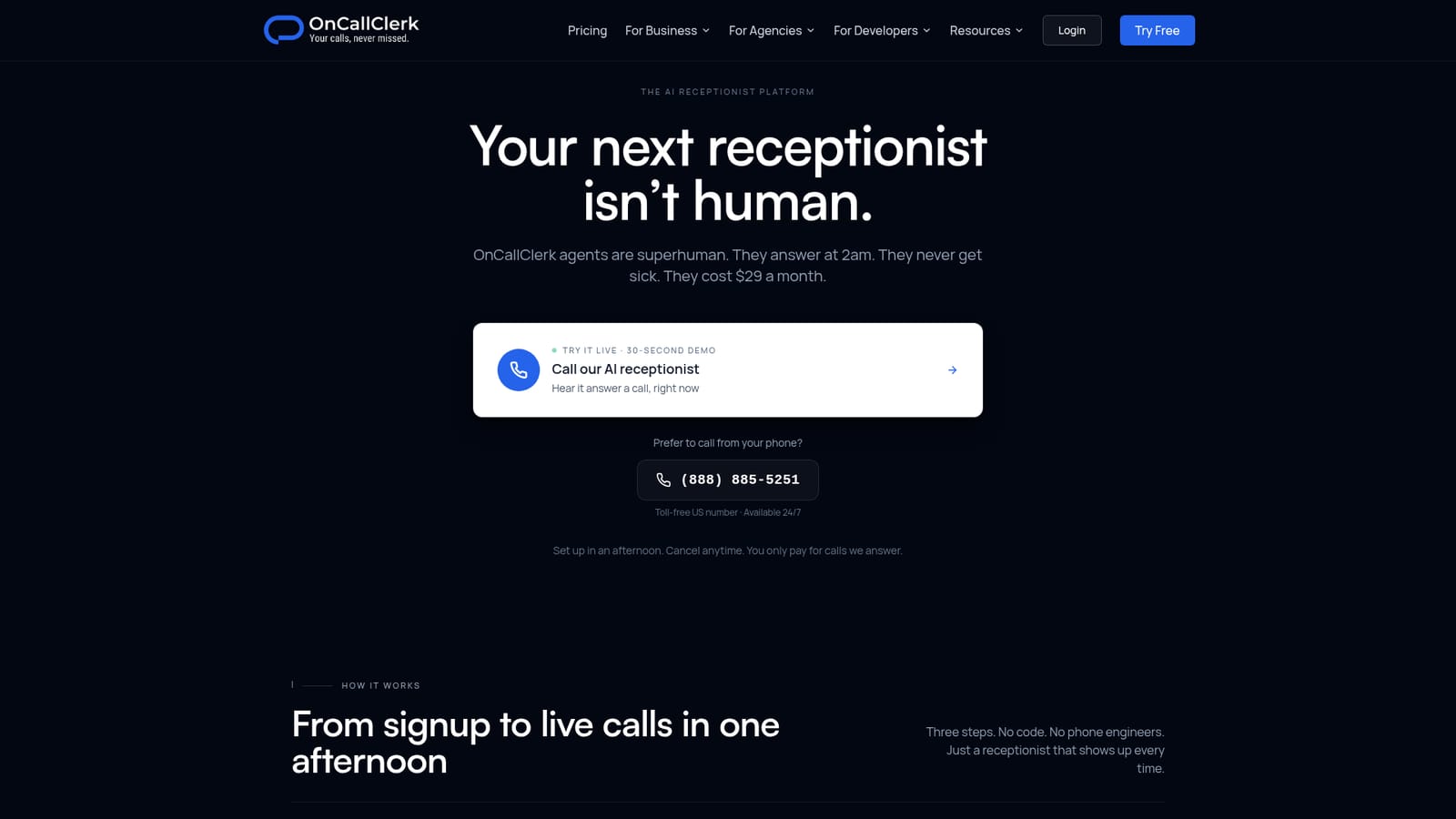
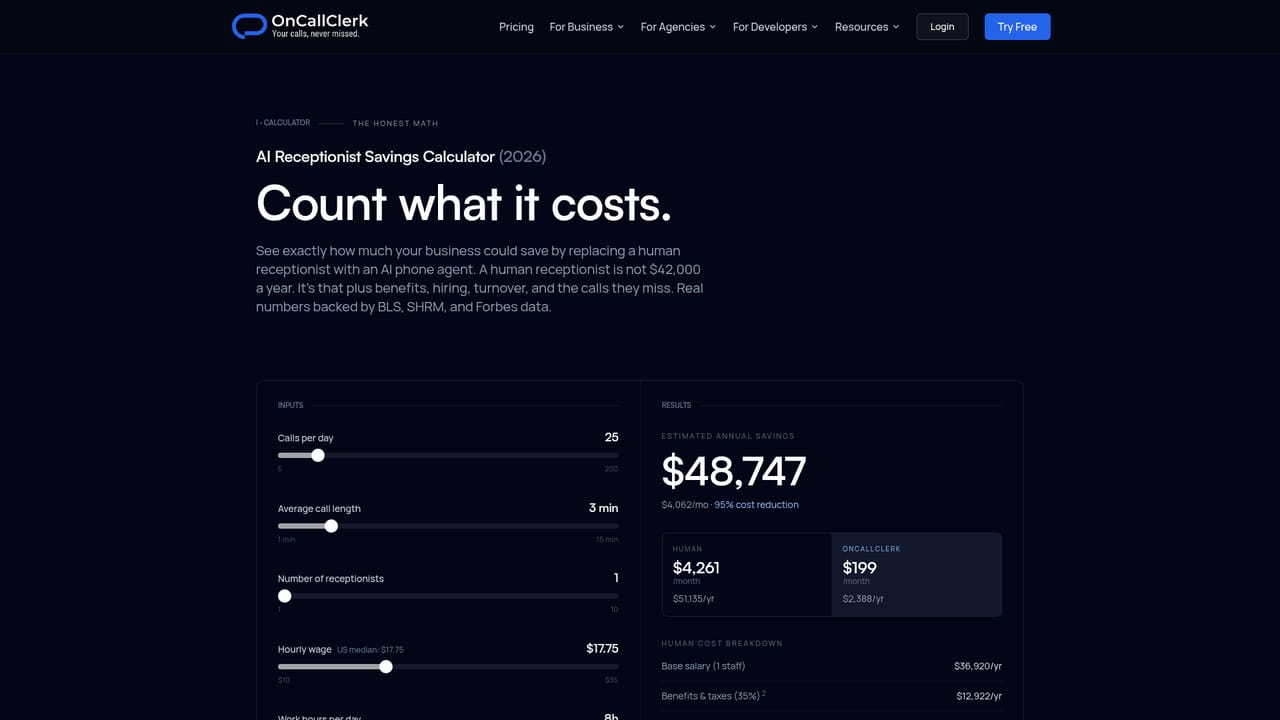
Every plan includes a 14-day free trial, described as long enough to see whether your phone rings less. No credit card is required to sign up.
Learn morePlans start at $29 per month with no setup fees, no contracts and cancellation at any time. Yearly billing is offered at two months free. Billing is tied to calls the agent answers, so quiet periods cost less. The homepage does not publish per-call rates or higher tier limits.
Learn moreA REST API handles agent creation, number provisioning, transcripts and call event streaming, and a TypeScript SDK supports Node, Next.js and edge runtimes with webhooks. White-label resale is offered for agencies.
Learn moreGuided setup wizard with 30+ voices and industry templates, local or toll-free number provisioning and call forwarding, 24/7 answering with transcripts and summaries, appointment booking, urgent call alerts, English and Spanish support, 18 industry-specific agents, and a REST API with TypeScript SDK for embedding or reselling agents.
 AI Angels400+ customizable AI girlfriends for NSFW chat, voice calls, and roleplay
 Candy AIExperience the future of companionship with AI friends who chat, role-play, and connect with you on a human level.
 ourdream.aiA vast AI roleplay platform with millions of characters for chat, images, video and voiceAI Angels400+ customizable AI girlfriends for NSFW chat, voice calls, and roleplayCandy AIExperience the future of companionship with AI friends who chat, role-play, and connect with you on a human level.ourdream.aiA vast AI roleplay platform with millions of characters for chat, images, video and voice


