Integrations
The homepage names Salesforce and HubSpot as CRM integrations, with Pipedrive appearing in the meeting workflow. Lead enrichment draws on Apollo, Google and LinkedIn as data sources.
AI agents that run research, outreach and qualification for B2B sales teams

Onsa is an AI sales automation platform that combines prospect research, personalized LinkedIn and email outreach, lead qualification and meeting preparation in one workspace. Agents build Ideal Customer Profiles, enrich leads from sources like Apollo and LinkedIn, and update Salesforce, HubSpot or Pipedrive.
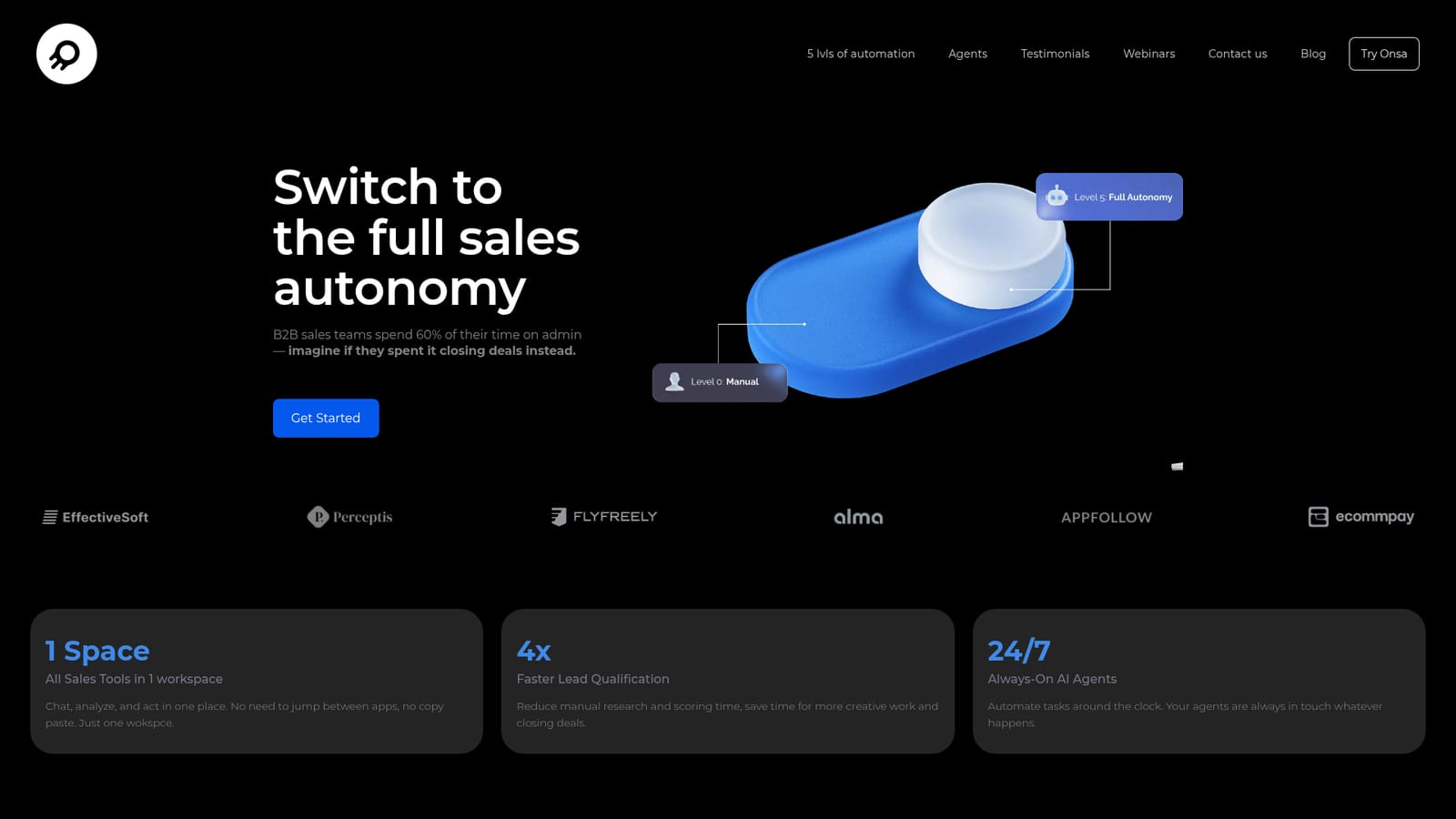
Onsa is a sales automation workspace built around AI agents that handle the repetitive parts of a B2B pipeline: finding prospects, writing outreach, scoring inbound leads and preparing account executives for calls. The product bundles these tools into a single workspace rather than spreading them across separate point solutions, and the company positions the platform as a route from manual selling to increasingly autonomous sales operations. The workflow follows four stages. Research agents analyze CRM history to construct an Ideal Customer Profile, then search open and closed databases for companies and contacts that match it. Outreach agents personalize messages per segment and channel (LinkedIn and email), enrich lead records from sources such as Apollo, Google and LinkedIn, schedule sequences and adapt follow-ups based on how prospects respond. Qualification agents research each inbound lead, apply scoring rules and trigger CRM actions according to priority. Meeting agents assemble a briefing memo before a call and analyze recordings afterward, extracting objections and updating the CRM with notes and performance feedback. Onsa frames adoption as a five-level autonomy ladder, from Level 0 where humans do everything to Level 5 where AI runs the revenue workflow end to end and people set strategy and governance. Most teams will sit in the middle: AI executes routine steps while a human approves hand-offs or intervenes on exceptions. Named CRM integrations include Salesforce, HubSpot and Pipedrive. It suits sales teams and revenue operations leads at B2B companies that already run structured outbound and want to cut manual research time. Buyers comparing it against standalone prospecting databases or LinkedIn automation tools should note that Onsa is broader in scope but narrower in data coverage claims, and pricing is not published on the homepage.
The homepage names Salesforce and HubSpot as CRM integrations, with Pipedrive appearing in the meeting workflow. Lead enrichment draws on Apollo, Google and LinkedIn as data sources.
Core agents cover ICP creation, prospect finding, outreach writing, lead qualification, meeting memos and call evaluation. Outreach spans LinkedIn and email, with lead enrichment from Apollo, Google and LinkedIn. The five-level autonomy ladder from manual to fully autonomous gives teams a framework for phasing in automation.
 AI Angels400+ customizable AI girlfriends for NSFW chat, voice calls, and roleplay
 Candy AIExperience the future of companionship with AI friends who chat, role-play, and connect with you on a human level.
 ourdream.aiA vast AI roleplay platform with millions of characters for chat, images, video and voiceAI Angels400+ customizable AI girlfriends for NSFW chat, voice calls, and roleplayCandy AIExperience the future of companionship with AI friends who chat, role-play, and connect with you on a human level.ourdream.aiA vast AI roleplay platform with millions of characters for chat, images, video and voice


