Support
Support runs through a contact form on the ScanTo3D page. An FAQ covers device compatibility, scan technique, delivery timing, and fixes for app crashes, including turning off Low Power Mode and switching texture modes on large scans.
LiDAR walkthroughs turned into 2D floor plans and BIM models

OpalAi is an office layout tool. OpalAi's ScanTo3D is an iOS app that turns a LiDAR phone walkthrough into 2D floor plans, BIM models, 3D visualisations, and ANSI compliant area calculations, with finished files typically delivered in 1 to 2 business days.
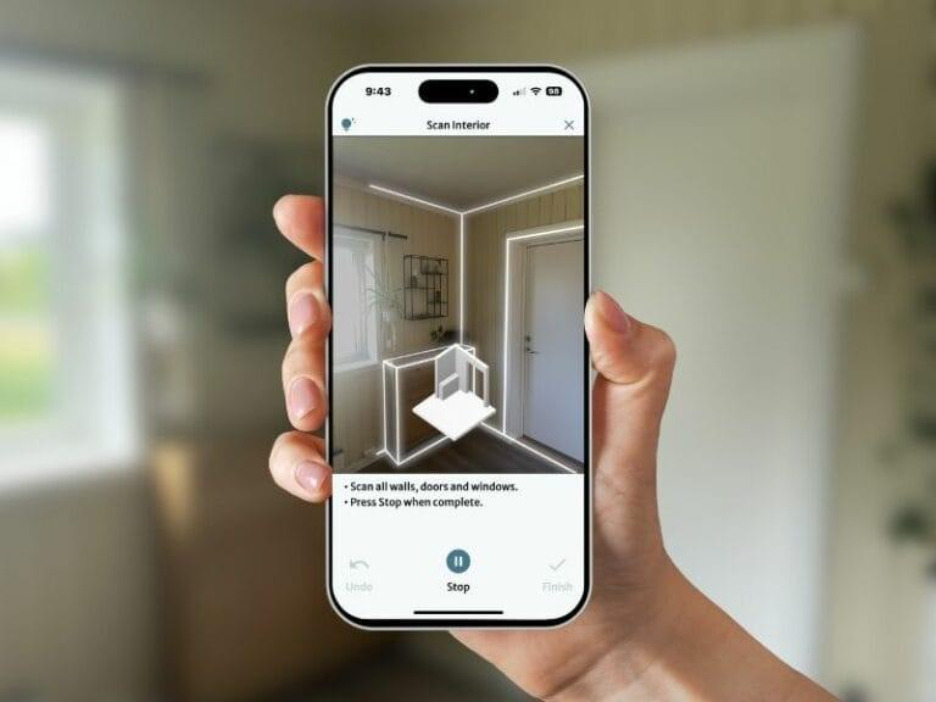
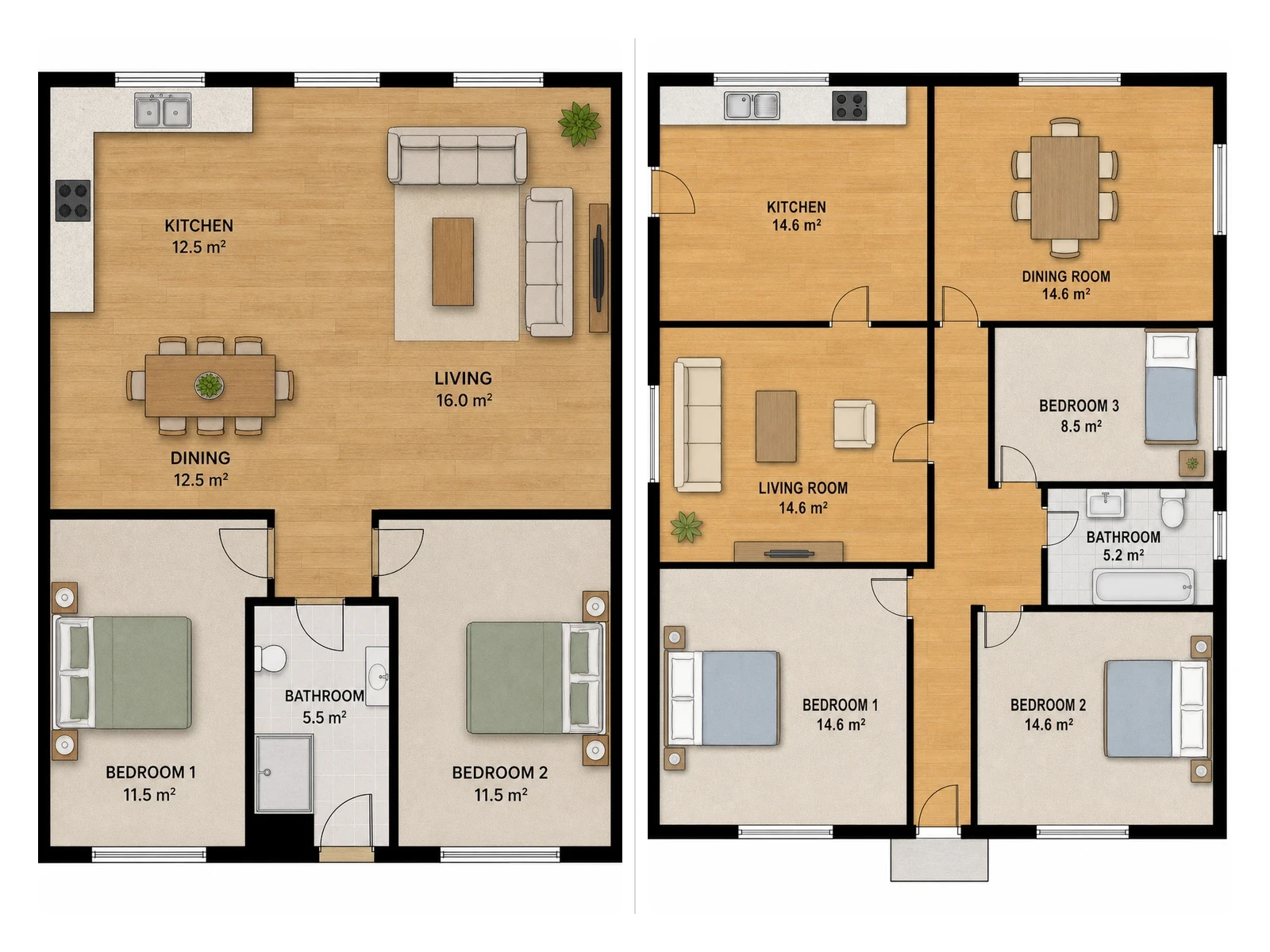
ScanTo3D is an iOS app from OpalAi that converts a LiDAR walkthrough of a building into a 2D floor plan, BIM model, and 3D visualization. The pitch is deliberately plain: walk the space with a phone, upload the capture, and let the company's machine learning pipeline do the drafting. There is no tripod, no dedicated scanner kit, and no trained operator required, which puts it in reach of small surveying firms, property assessors, and interior teams that could not justify traditional scanning hardware. The workflow runs in five stages. The app captures geometry using the LiDAR sensor on a supported device, and the property size is not capped, so the same tool covers a single room, a whole house, or a larger structure. Textures and colors can be applied inside the app to produce a digital twin, and measurements can be taken on the device before anything is uploaded. Scans can be extended and continued, so a large site does not have to be captured in one pass. After upload, OpalAi processes the file and returns 2D and 3D floor plans, with gross living area figures that the site describes as ANSI compliant. Finished models are typically delivered within 1 to 2 business days, and shareable exports include OBJ, GLTF, GLB, STL, and FBX. Accuracy claims are specific: the site states an error of less than 1 inch per 30 feet, which is the sort of tolerance that matters for floor plan and BIM work rather than casual 3D capture. OpalAi positions the app as a faster, cheaper route to a model than tripod-based scanning, and the sample work shown includes Revit models and 2D floor plan drawings alongside textured visualisations. The main constraint is hardware. ScanTo3D only runs on devices with a 3D LiDAR scanner, which the FAQ lists as iPhone 13 Pro and Pro Max, iPhone 14 Pro and Pro Max, and iPad Pro. Output is not instant: the 1 to 2 day turnaround makes this an asynchronous service rather than a self-serve tool. Anyone comparing it with photogrammetry apps or handheld scanners should weigh that processing delay and the Apple-only starting point against the low cost of entry.
Support runs through a contact form on the ScanTo3D page. An FAQ covers device compatibility, scan technique, delivery timing, and fixes for app crashes, including turning off Low Power Mode and switching texture modes on large scans.
LiDAR walkthrough capture with no property size limit, in-app texturing for digital twins, on-device measurement and scan extension, then upload for 2D and 3D floor plans, BIM models, 3D visualisations, and ANSI compliant GLA calculations. Exports include OBJ, GLTF, GLB, STL, and FBX, with a stated accuracy of under 1 inch per 30 feet.
 AI Angels400+ customizable AI girlfriends for NSFW chat, voice calls, and roleplay
 Candy AIExperience the future of companionship with AI friends who chat, role-play, and connect with you on a human level.
 ourdream.aiA vast AI roleplay platform with millions of characters for chat, images, video and voiceAI Angels400+ customizable AI girlfriends for NSFW chat, voice calls, and roleplayCandy AIExperience the future of companionship with AI friends who chat, role-play, and connect with you on a human level.ourdream.aiA vast AI roleplay platform with millions of characters for chat, images, video and voice