Free trial
A free scan runs on the homepage without an account, but the site does not describe a time limited free trial of the paid plans. Unlimited scans and the wider set of checks require a paid upgrade.
Learn moreAI detection and content quality checks for text you did not write yourself

Originality is an AI checker tool. Originality.ai is an AI detector and content integrity suite that scores text for likely AI authorship, then layers on plagiarism, readability, grammar, fact checking and content quality checks. It offers a free scan, a Chrome extension, a Moodle plugin and an API, and publishes accuracy studies against current LLMs.
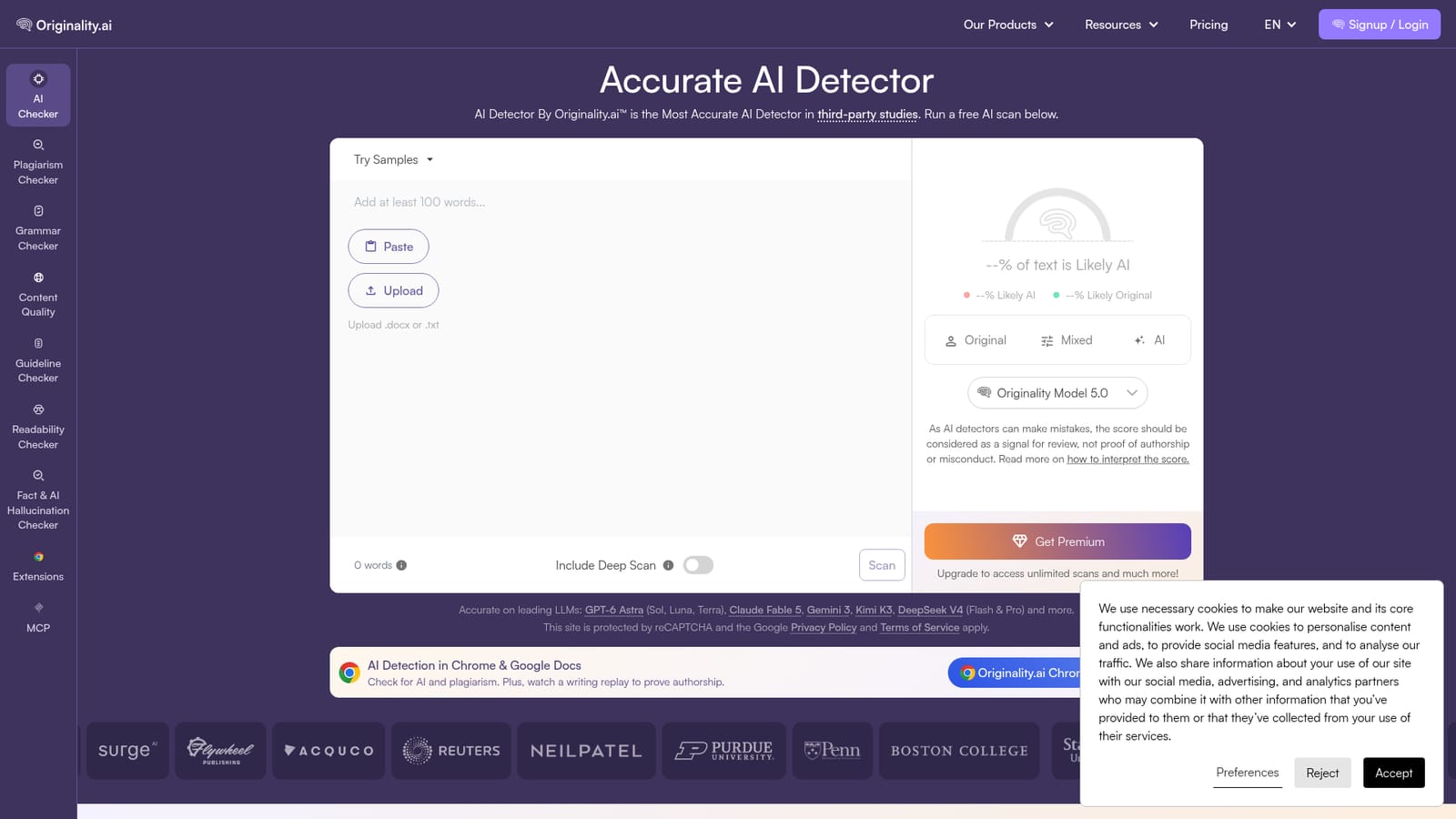
Originality.ai is an AI detector built around a single question: how much of a given piece of text was produced by a large language model? The homepage positions its detector as the most accurate in third-party studies, and the company publishes accuracy work covering current models including GPT-6 Astra, Claude Opus 5.5, Gemini 4 Argon, Kimi K3, DeepSeek V4, Grok 4.7 and Llama 4. A free scan accepts pasted text, an uploaded .docx or .txt file, or a URL, and returns a percentage split between text that is likely AI and text that is likely original, with an original, mixed or AI band. The product is aimed at people who have to make a judgement about authorship: editors and publishers reviewing submissions, SEO and content teams auditing pages, educators checking student work, and agencies vetting freelance writers. In practice a scan is not a single verdict. Users choose which checks to run alongside AI detection, including plagiarism, readability, grammar, a content quality score, an automated fact checker and a hallucination checker, then read the scores together. A Deep Scan mode offers suggestions for revising text and rescanning, which fits the common workflow of using the detector as a drafting aid rather than a final gate. The site is candid that detectors make mistakes and that a score should be treated as a signal for review, not proof of authorship or misconduct. That framing matters when the output could affect a grade, a contract or a reputation. The detector is also trained on adversarial data, meaning the team tests paraphrasing and rewriting tools such as Quillbot and Grammarly so that edited AI text remains detectable. Where it fits: Originality.ai is a broader content integrity suite than single purpose AI checkers, and it reaches users inside the tools they already work in through a Chrome extension for the web and Google Docs, a Moodle plugin and an API. A free tier exists for occasional checks, while unlimited scanning and the full set of checks sit behind paid plans.
A free scan runs on the homepage without an account, but the site does not describe a time limited free trial of the paid plans. Unlimited scans and the wider set of checks require a paid upgrade.
Learn moreSupport details are not described on the homepage. The site links to a documentation hub and to a large blog covering detection method, score interpretation and false positive guidance.
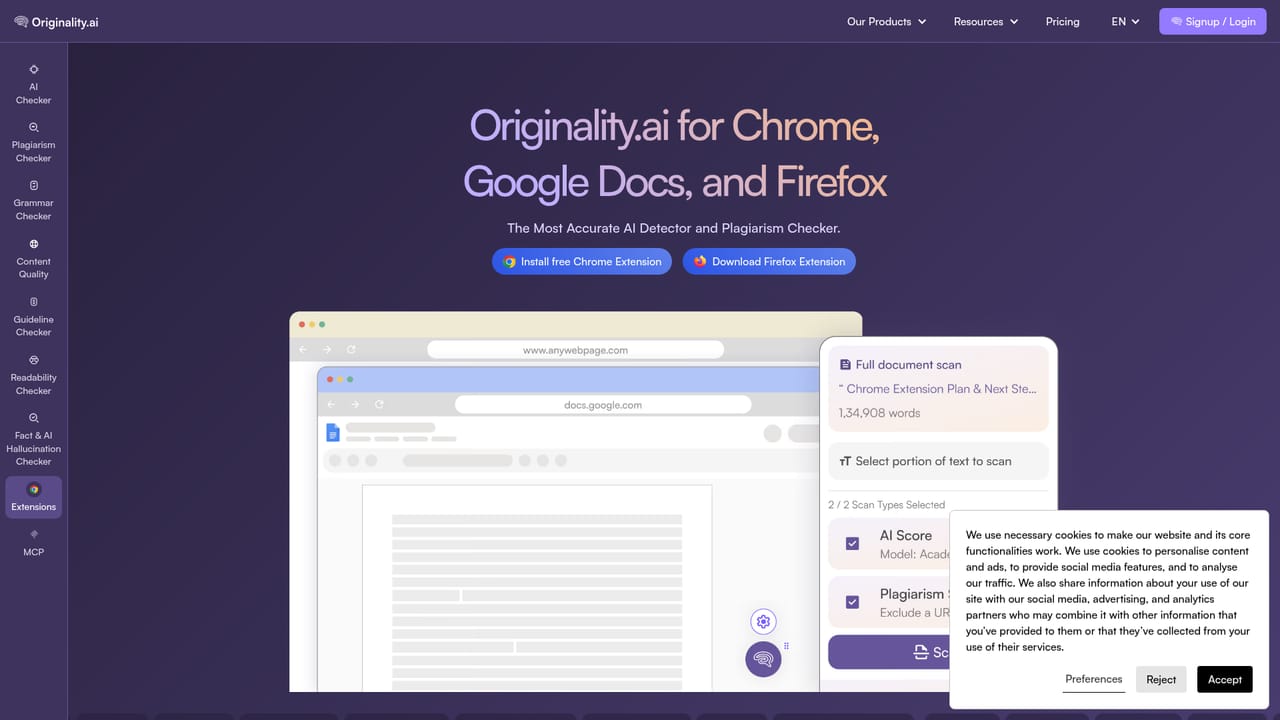
Learn moreA Chrome extension covers the browser and Google Docs, a Moodle plugin targets course workflows, and a documented API lets teams run checks from their own systems.
Learn moreCore AI detection with model specific accuracy claims, plus Deep Scan revision tips, plagiarism checking, readability and grammar checks, a content quality score, an automated fact checker and a hallucination checker. Bulk scanning, a Chrome extension for the web and Google Docs, a Moodle plugin and a documented API extend the same checks to higher volume and institutional use.
Learn more AI Angels400+ customizable AI girlfriends for NSFW chat, voice calls, and roleplay
 Candy AIExperience the future of companionship with AI friends who chat, role-play, and connect with you on a human level.
 ourdream.aiA vast AI roleplay platform with millions of characters for chat, images, video and voiceAI Angels400+ customizable AI girlfriends for NSFW chat, voice calls, and roleplayCandy AIExperience the future of companionship with AI friends who chat, role-play, and connect with you on a human level.ourdream.aiA vast AI roleplay platform with millions of characters for chat, images, video and voice


