Free trial
The homepage invites visitors to sign up and start a free trial, with subscription options reviewed separately on the pricing page. No trial length or usage cap is stated.
Learn moreBrand-aware AI writing and workflow automation in one place.

Owl at Work is a content writing tool. A web-based AI workspace for brand-consistent writing, multi-model chat, reusable workflow automation, document-grounded text generation, proofreading and custom image creation.
Owl at Work is a browser-based AI workspace built around two ideas: keeping a consistent brand voice across everything a team writes, and turning repetitive content tasks into reusable workflows. Instead of a single chat box, the product bundles a chat assistant, brand voice configuration, workflow building, document-grounded text generation, proofreading and image creation into one sign-in. The brand voice feature is the anchor. Users define how their organisation should sound, and that definition is then applied wherever text is produced, whether that is a newsletter, a website page or an internal document. The chat assistant works as a 24/7 sparring partner for ideation, and a model switcher lets users move between different language models inside the same interface rather than juggling separate subscriptions. For teams that need output grounded in their own material, documents can be uploaded and used as the basis for generated text. The workflow builder is aimed at the repetitive side of content work: campaign and marketing concept generation, social media captions, proofreading passes with specific focus points, and other recurring jobs that can be automated once and reused. A separate image feature turns described concepts into custom visuals fitted to a brief, which covers the visual side of a campaign without leaving the tool. The likely audience is marketing and communications teams, small agencies and content-heavy businesses that want brand consistency without drafting an elaborate prompt library. It sits closest to all-in-one AI writing suites, though the combination of multi-model access, brand voice and workflow automation in one product is narrower than some competitors and more focused than a general chatbot.
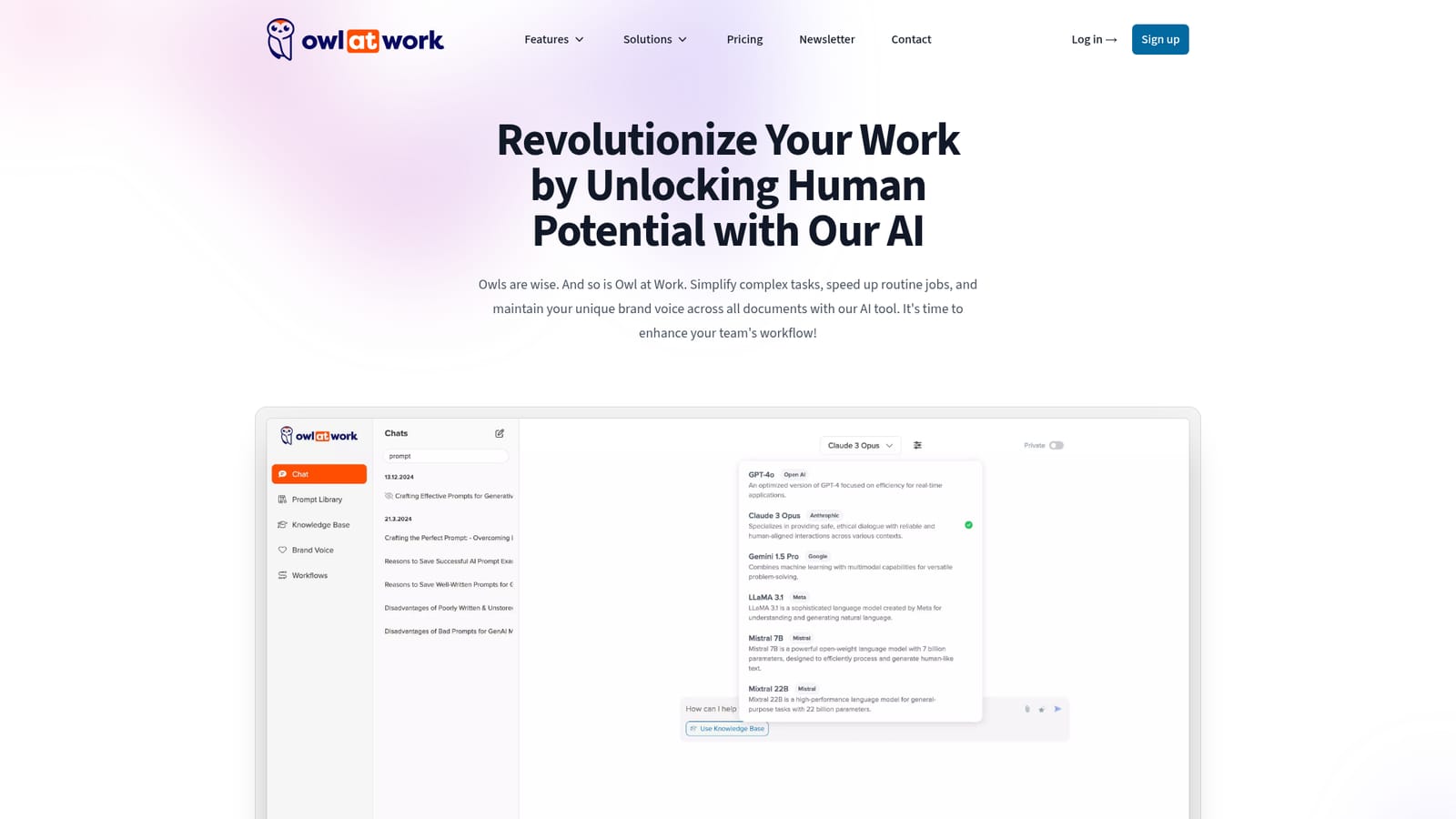
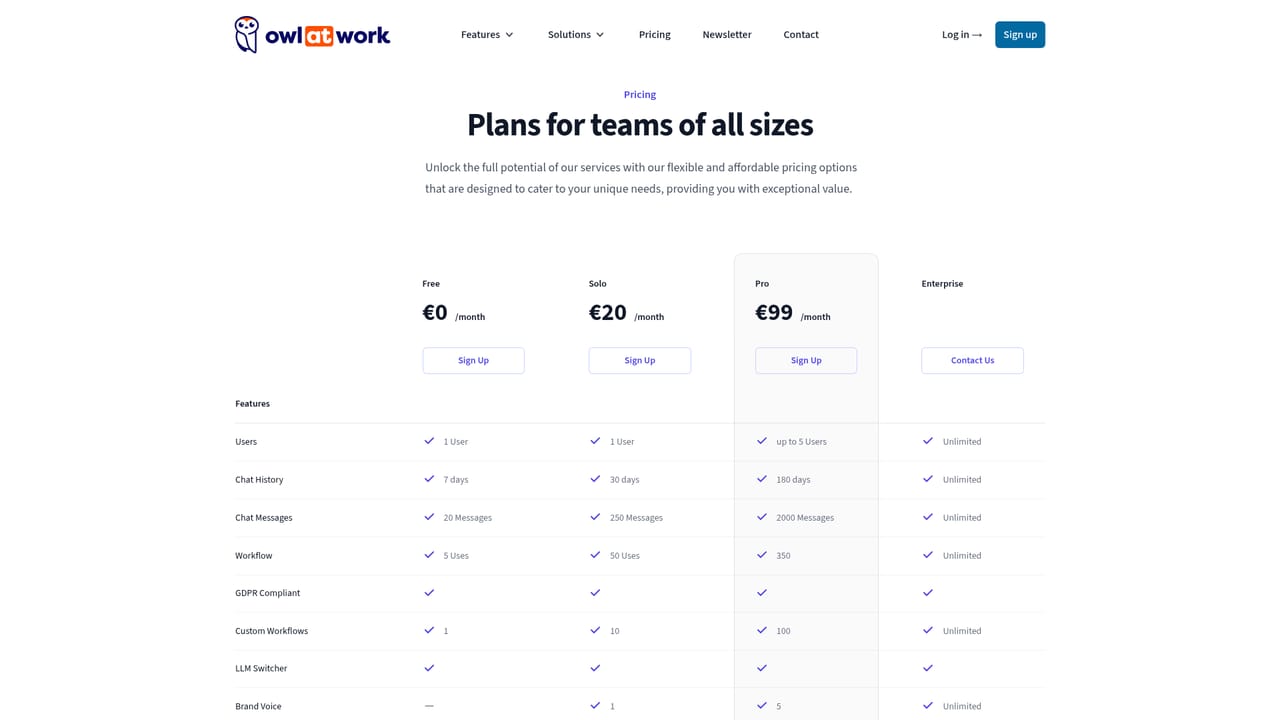
The homepage invites visitors to sign up and start a free trial, with subscription options reviewed separately on the pricing page. No trial length or usage cap is stated.
Learn moreCovers a brand voice applied across all texts, 24/7 chat for ideation, switching between multiple LLMs in one place, custom workflow automation, social media caption writing, text generation from uploaded documents, proofreading with defined focus points, campaign and marketing idea generation, and custom image creation from described concepts.
 AI Angels400+ customizable AI girlfriends for NSFW chat, voice calls, and roleplay
 Candy AIExperience the future of companionship with AI friends who chat, role-play, and connect with you on a human level.
 ourdream.aiA vast AI roleplay platform with millions of characters for chat, images, video and voiceAI Angels400+ customizable AI girlfriends for NSFW chat, voice calls, and roleplayCandy AIExperience the future of companionship with AI friends who chat, role-play, and connect with you on a human level.ourdream.aiA vast AI roleplay platform with millions of characters for chat, images, video and voice


