Free trial
No trial period is described. New ownAI Credits accounts receive free welcome credits as a bonus, which is the closest thing to a free start.
Learn moreAn open-source personal agent that remembers you and writes its own tools.

ownAI is an AI chat bot tool. Open-source desktop AI agent that remembers conversations across sessions, writes its own JavaScript programs and skills for recurring tasks, and can run fully local or through ownAI Credits or a user's Anthropic or OpenAI key.
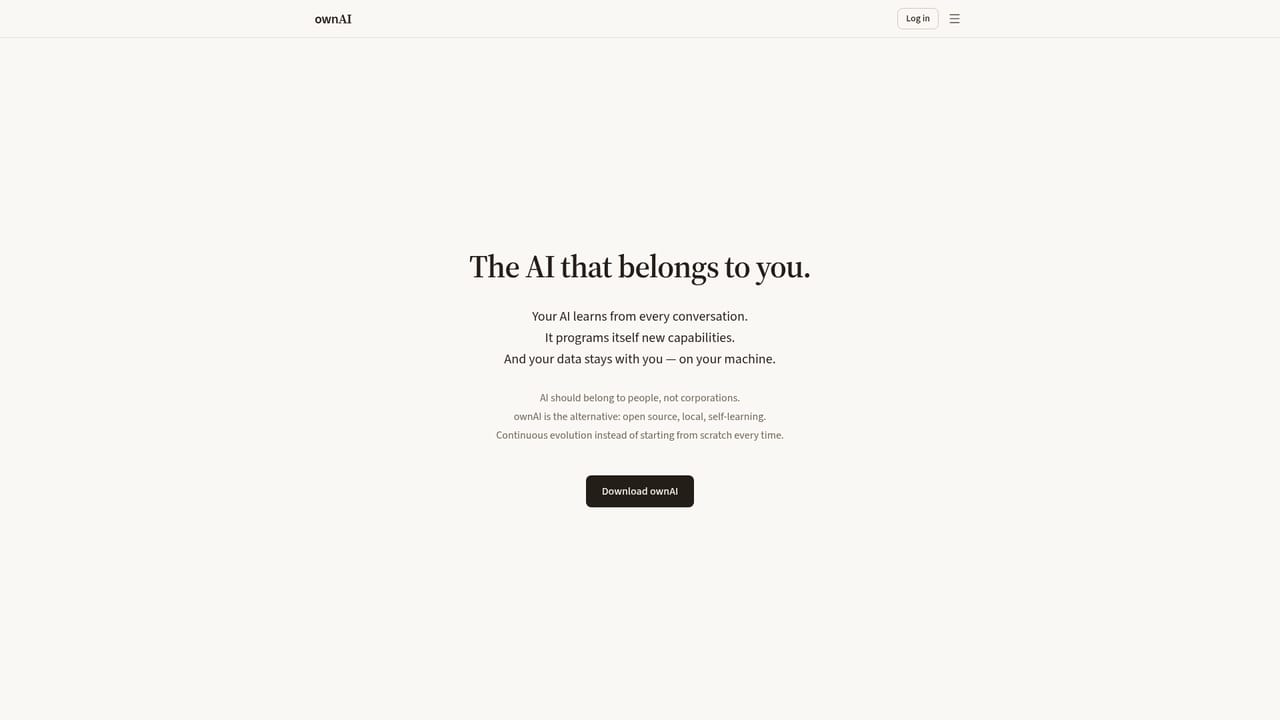
ownAI is an open-source personal AI agent that runs as a desktop application and is built around a simple premise: the assistant belongs to the person using it, not to a vendor. It is assembled with Tauri, Rust and JavaScript, and it keeps conversations and stored knowledge on the local machine. The agent is designed to accumulate context across sessions rather than resetting each time, so references to earlier discussions stay available weeks later. The makers position it against hosted assistants that keep user data on corporate servers. What separates ownAI from a conventional chatbot is self-programming. When a repeated task surfaces in conversation, the agent can generate a small JavaScript program to handle it, complete with a window and controls the user can revisit. The homepage example is a cafe owner who describes a recurring weekly supply order; the agent builds an order form, pre-fills quantities from what was discussed and presents it each Monday. Skills follow the open SKILL.md format, so programs and skills can be read, edited and shared. Compute is a deliberate choice with three routes. ownAI Credits give a single account and balance across supported models, with infrastructure in Europe and carbon removal attached to estimated emissions. Bringing an Anthropic or OpenAI API key lets users pay their provider directly. Self-hosted mode keeps models on local hardware with no external requests at all, which is the option for sensitive material and full sovereignty. External models receive only the information needed for a given request. The tool suits independent professionals, small business owners and knowledge workers who want a persistent assistant without handing their archive to a cloud service, and it rewards users comfortable with inspecting or extending code. A single hosted assistant with a large integration library will still be simpler for many buyers; ownAI trades that convenience for ownership and customization. Linux is the current download target.
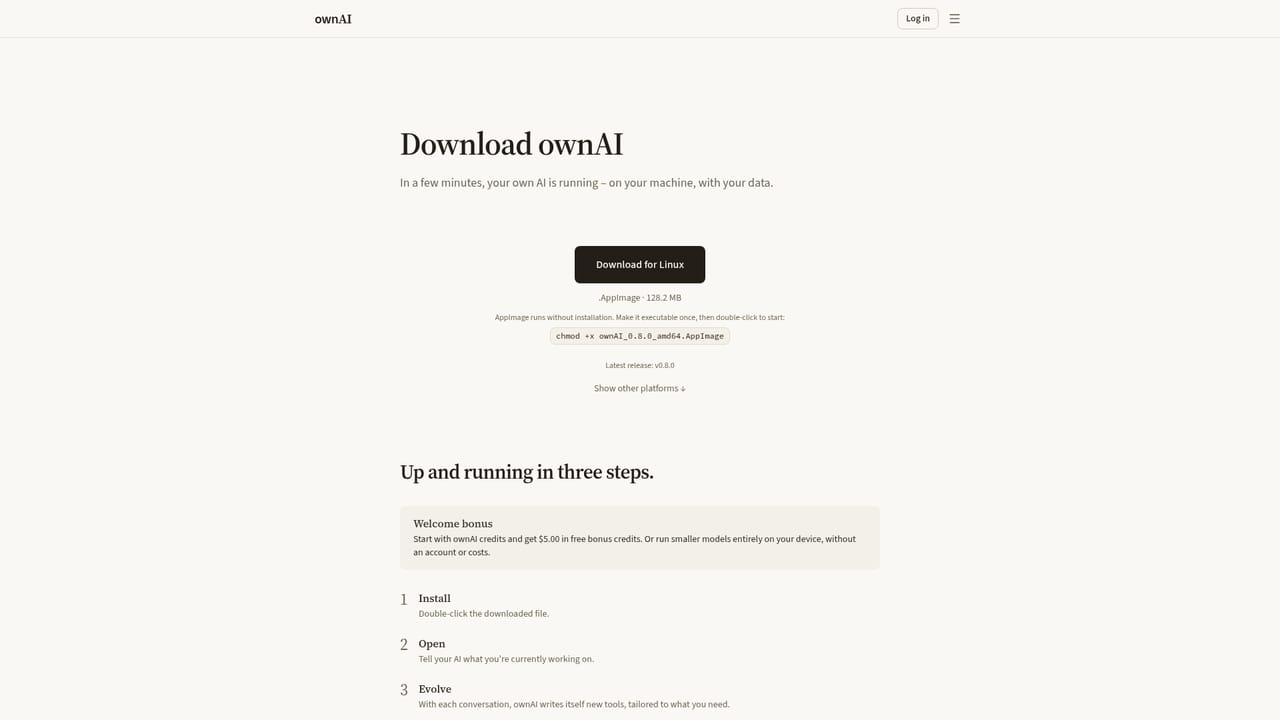
No trial period is described. New ownAI Credits accounts receive free welcome credits as a bonus, which is the closest thing to a free start.
Learn moreThree routes rather than fixed tiers: ownAI Credits (one prepaid balance across supported models, welcome credits included, Europe-hosted infrastructure), bring your own Anthropic or OpenAI key with billing through that provider, or self-hosted local models on your own hardware at no platform fee. Per-credit rates are not published on the homepage.
Learn moreNo help centre, documentation portal or contact channel is described on the homepage or download page. Source code and release downloads sit on Codeberg.
Model access covers Anthropic and OpenAI with your own key, Europe-hosted models through ownAI Credits, and local models in self-hosted mode. No third-party app connectors are listed on the homepage.
Persistent memory across conversations, self-programming of JavaScript programs for recurring tasks, editable skills in the open SKILL.md format, proactive briefings that combine stored context with reminders, a choice of hosted credits, your own Anthropic or OpenAI key, or fully local models, and an open Tauri, Rust and JavaScript codebase.
 AI Angels400+ customizable AI girlfriends for NSFW chat, voice calls, and roleplay
 Candy AIExperience the future of companionship with AI friends who chat, role-play, and connect with you on a human level.
 ourdream.aiA vast AI roleplay platform with millions of characters for chat, images, video and voiceAI Angels400+ customizable AI girlfriends for NSFW chat, voice calls, and roleplayCandy AIExperience the future of companionship with AI friends who chat, role-play, and connect with you on a human level.ourdream.aiA vast AI roleplay platform with millions of characters for chat, images, video and voice


