Free trial
No credit card is required to start. The Free plan is a permanent tier rather than a timed trial, with monthly caps on leads, sends and content pieces.
Learn moreCold outreach and content marketing in one tool for small teams

Ozigi is a content tool. Ozigi bundles lead scraping, cold email and LinkedIn outreach with newsletter and blog content generation, all sharing one saved brand voice. It targets solo founders and small teams who need pipeline and visibility without hiring a sales or content function.
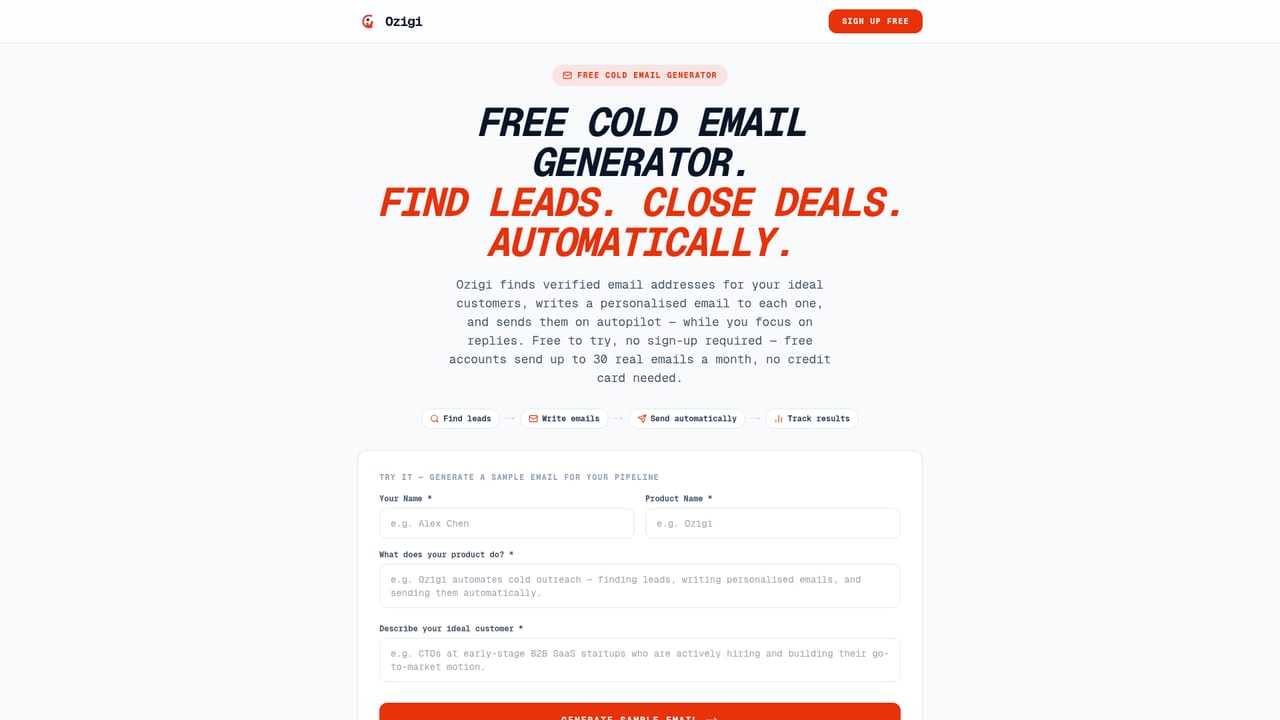
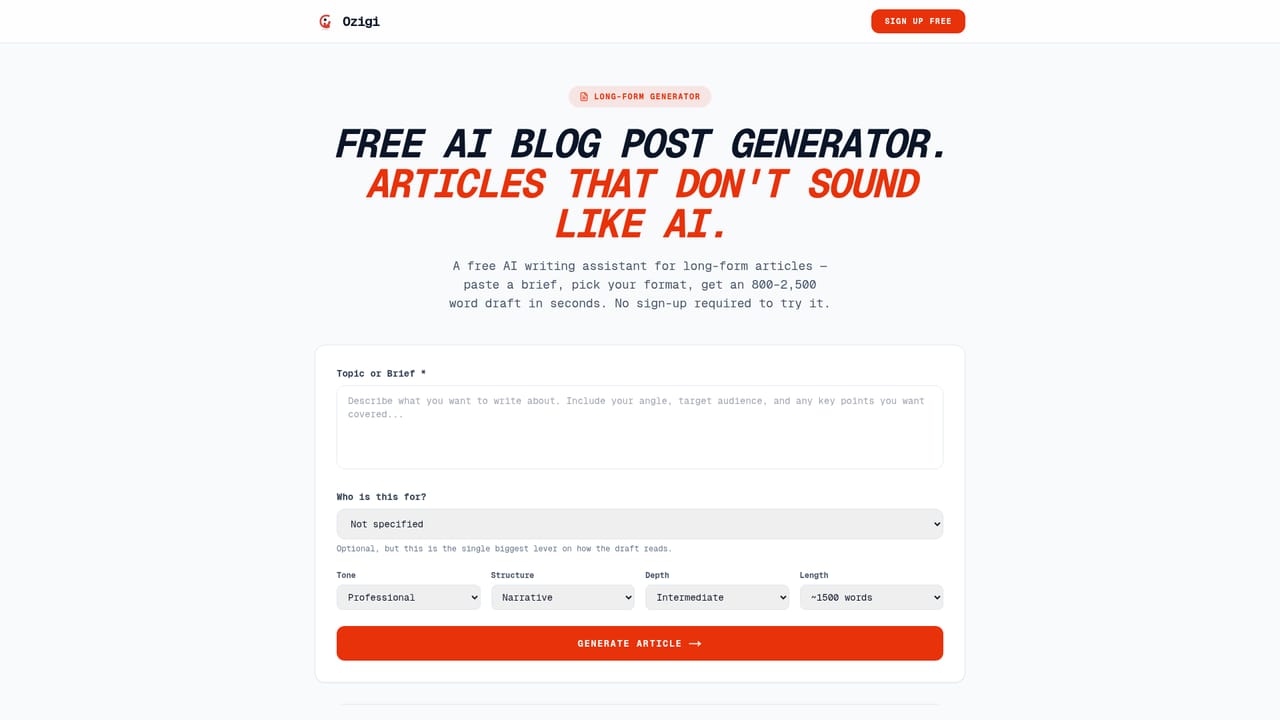
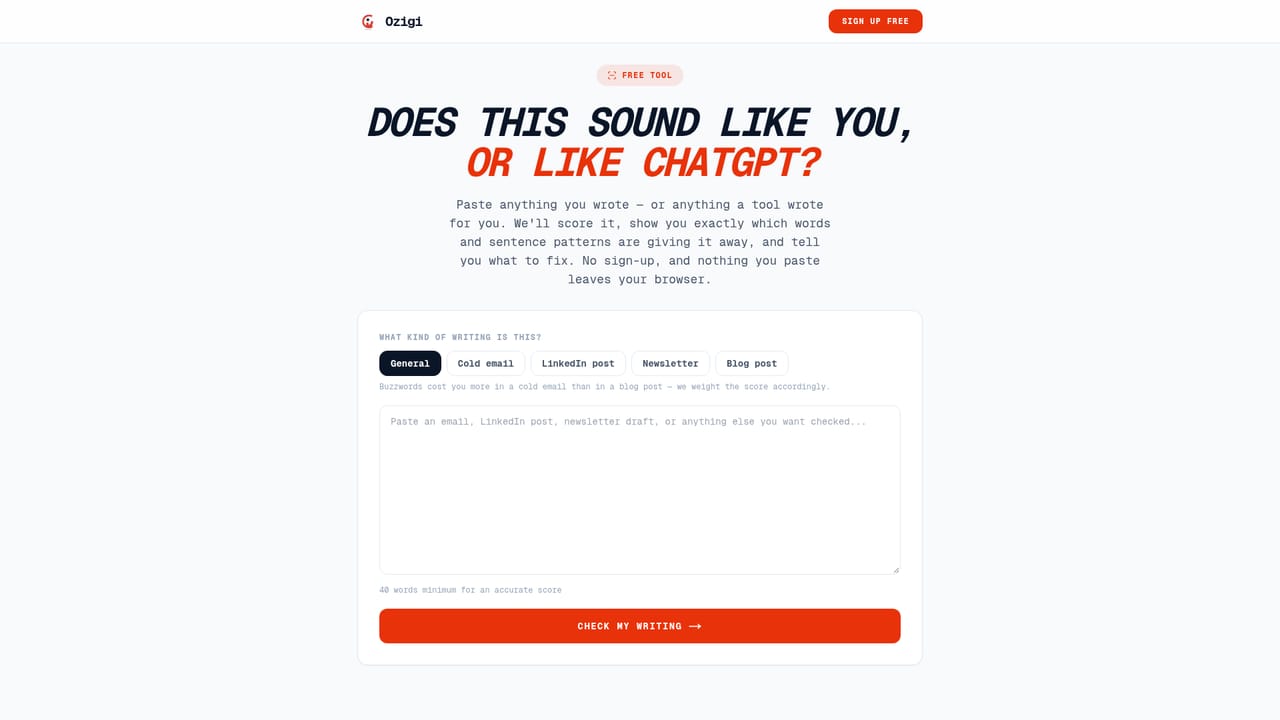
Ozigi is a go-to-market workspace that combines outbound prospecting with a content publishing engine. Rather than pairing a sequencer with a separate writing tool, it puts lead sourcing, cold email, LinkedIn outreach and content production in a single dashboard. The product is aimed squarely at founders and very small teams who handle sales and marketing themselves and cannot justify hiring a dedicated SDR or content writer. On the outbound side, Ozigi scrapes candidate leads from GitHub, Dev.to and LinkedIn, then scores each one against a defined ideal customer profile before it reaches the pipeline. Personalised email sequences and LinkedIn connection requests are written from each lead's actual profile, using a saved persona so the tone stays consistent. Reply detection stops sequences when someone responds, and leads sync to a CRM on first contact. Sending runs through Gmail or SMTP, with multiple inboxes rotated to protect deliverability. The dashboard tracks sends, connections, replies and a per-campaign reply rate. The content half covers newsletters, LinkedIn posts, X threads and blog posts, with a publish path directly from the tool. A long-form generator handles articles in the 800 to 2,500 word range, and a checklist of banned phrases is applied at generation time so output avoids stock AI vocabulary. The free tools on the site, an AI slop checker, a cold email generator, a LinkedIn message generator and a newsletter generator, let people test output quality before signing up. Compared with dedicated cold email platforms, Ozigi offers less sequencing depth but bundles content production that those tools lack. Compared with general writing assistants, it adds the prospecting layer. The free tier is small but functional, and paid tiers split between content-only, outreach-only and a combined Pro plan.
No credit card is required to start. The Free plan is a permanent tier rather than a timed trial, with monthly caps on leads, sends and content pieces.
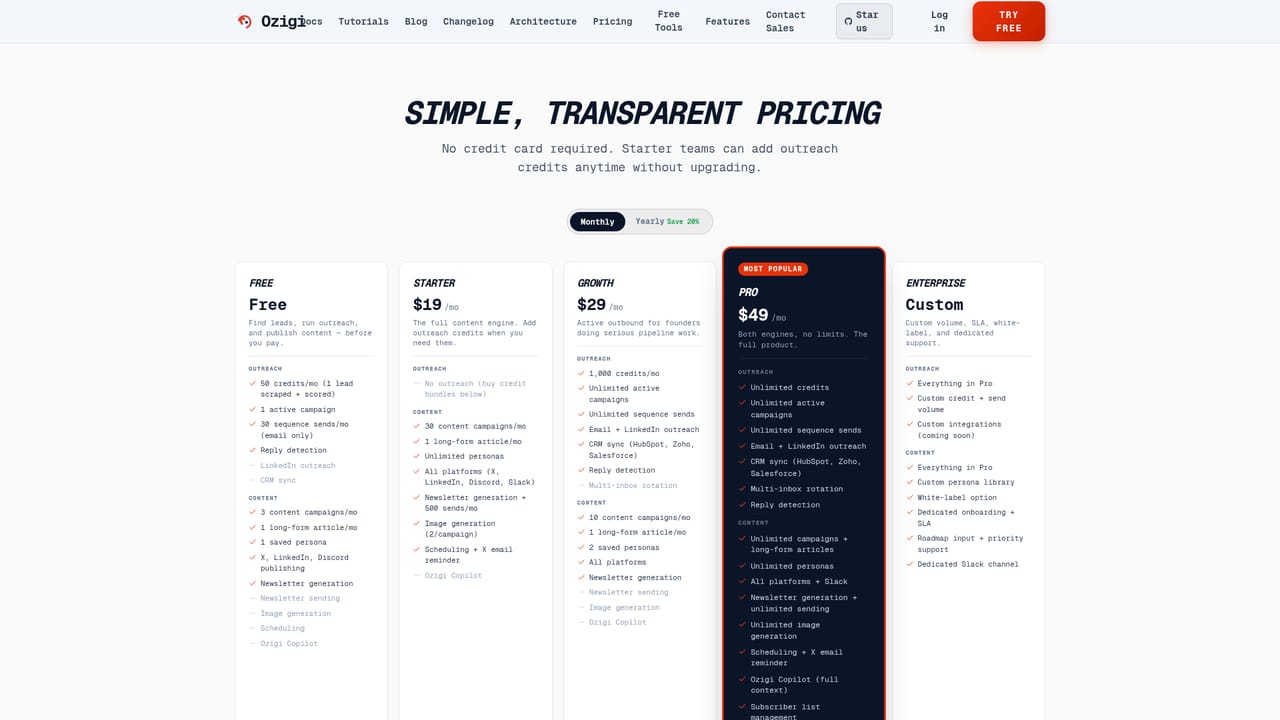
Learn moreFree tier at $0 with 50 lead credits, 30 email sends and 3 content pieces per month. Starter is $19/mo for content only, Growth is $29/mo for outbound with 1,000 credits and CRM sync, Pro is $49/mo with unlimited credits, sends and long-form, and Enterprise is custom. Credit bundles are available for Starter users.
Learn moreThe homepage names HubSpot, Zoho and Salesforce for CRM sync, plus Gmail and SMTP accounts for sending. No other third-party integrations or a public API are documented.
Lead scraping from GitHub, Dev.to and LinkedIn with AI scoring against an ideal customer; personalised email sequences and LinkedIn outreach; reply detection and CRM sync; Gmail and SMTP sending with multi-inbox rotation; newsletter, social and blog content generation with direct publishing; long-form articles of 800 to 2,500 words; a persona system and a banned-phrase filter applied at generation.
 AI Angels400+ customizable AI girlfriends for NSFW chat, voice calls, and roleplay
 Candy AIExperience the future of companionship with AI friends who chat, role-play, and connect with you on a human level.
 ourdream.aiA vast AI roleplay platform with millions of characters for chat, images, video and voiceAI Angels400+ customizable AI girlfriends for NSFW chat, voice calls, and roleplayCandy AIExperience the future of companionship with AI friends who chat, role-play, and connect with you on a human level.ourdream.aiA vast AI roleplay platform with millions of characters for chat, images, video and voice


