Free trial
A free Trial tier includes 1 credit (one generation), downloads in PNG and PDF, and early access to new features. No credit card is required to create an account.
Learn moreAI packaging design concepts from your product details
Own PackageDesign? Verify ownership to get a dofollow link

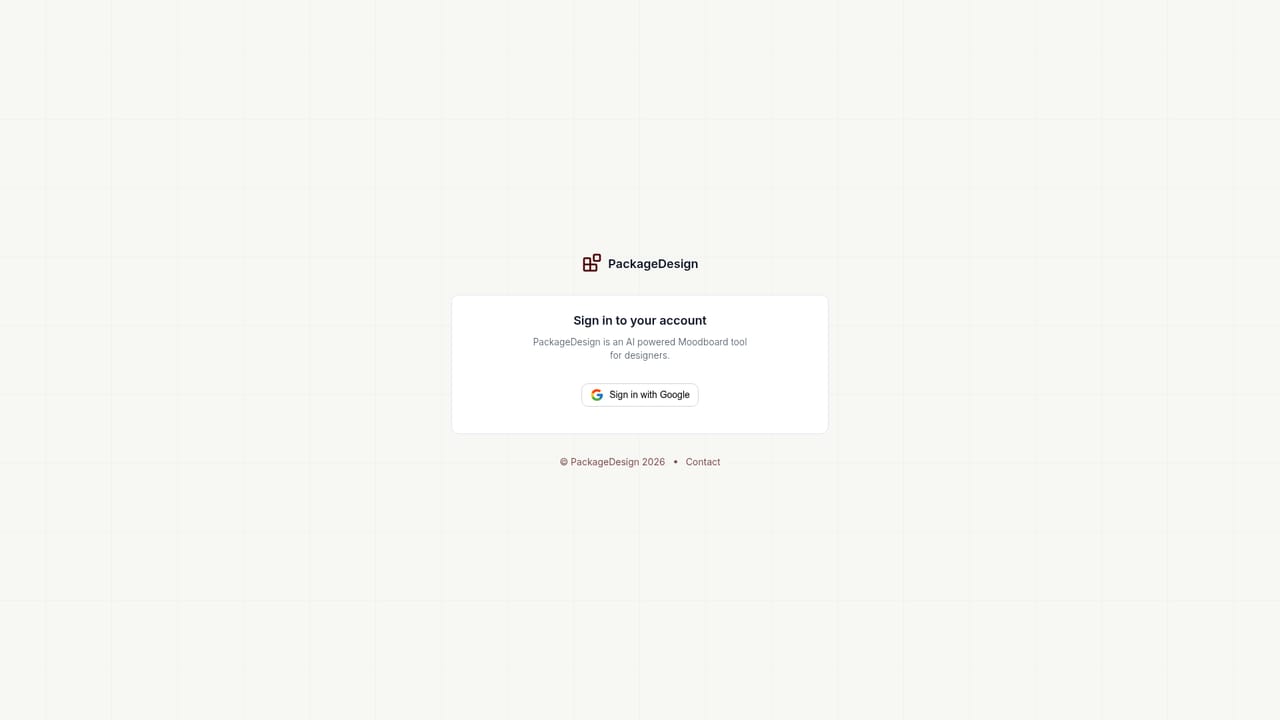
PackageDesign is a generate concepts tool. A web based generator that turns product details and a chosen package theme into packaging design concepts, with download and regenerate options. Aimed at designers who want fast visual directions before final artwork.
PackageDesign is a web app that generates product packaging concepts from a short written brief. Instead of drawing a mockup from scratch, a designer enters the product details, picks a package theme and style, and the system returns a rendered design. The site pitches this squarely at designers who want a fast starting point and a wider spread of ideas before committing time to a polished layout. The workflow is deliberately short. You create an account (the site notes no credit card is required for that step), fill in the product information, choose the thematic direction, and press generate. Each result can be downloaded, shared, or regenerated as a different variation using the same configuration, which makes it practical to compare several directions for one product without re-entering the brief. Outputs are available in PNG and PDF formats, so the files can move into a review deck or a print conversation. Pricing is credit based rather than a recurring seat licence in the usual sense. The Trial tier is free and includes one generation. The Standard plan is listed at $5 (down from $9) for 10 credits, and Pro at $19 (down from $39) for 80 credits, both described as pay once. A discount code, PKG50, is advertised for 50 percent off across plans. Credits are allocated on a monthly cycle that starts on the day of purchase, and the site states that subscriptions can be cancelled from the dashboard and that refunds are not offered. Where it fits: this is a concept and inspiration tool, not a full packaging production suite. It does not claim die-line precision, dieline editing, or press-ready file preparation, so it sits upstream of the tools studios use for final artwork. Compared with general purpose image generators, the appeal is the narrower brief form (product type, theme, style) and packaging shaped output. The natural user is a packaging designer or small brand team that wants volume and variety early, then finishes the chosen route in their usual design software.
A free Trial tier includes 1 credit (one generation), downloads in PNG and PDF, and early access to new features. No credit card is required to create an account.
Learn moreTrial is free with 1 credit. Standard is listed at $5 (from $9) for 10 credits and Pro at $19 (from $39) for 80 credits, both marked pay once. A code, PKG50, is advertised for 50 percent off across plans. Credits are allocated on a monthly cycle starting from the purchase date. Refunds are not offered.
Learn moreHelp is handled by email at info@packagedesign.app, listed on the site for users who cannot find an answer to their question.
Brief driven packaging generation: enter product details, choose a package theme and style, and generate a concept. Each result is unique to the inputs. Designs can be downloaded in PNG and PDF, shared, or regenerated as a new variation from the same configuration in one click.
 AI Angels400+ customizable AI girlfriends for NSFW chat, voice calls, and roleplay
 Candy AIExperience the future of companionship with AI friends who chat, role-play, and connect with you on a human level.
 ourdream.aiA vast AI roleplay platform with millions of characters for chat, images, video and voiceAI Angels400+ customizable AI girlfriends for NSFW chat, voice calls, and roleplayCandy AIExperience the future of companionship with AI friends who chat, role-play, and connect with you on a human level.ourdream.aiA vast AI roleplay platform with millions of characters for chat, images, video and voice