Free trial
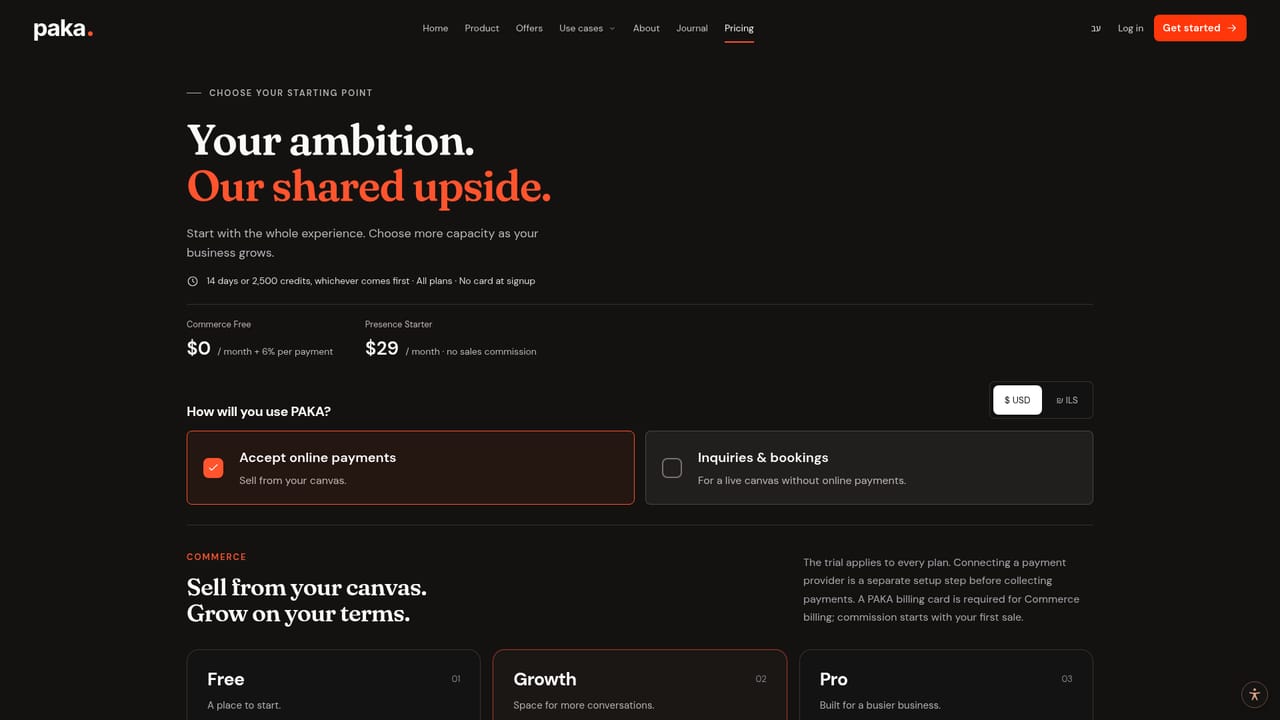
Every plan can be tried for 14 days or 2,500 credits, whichever comes first. No card is required at signup, and connecting a payment provider is a separate setup step outside the trial.
Learn moreAn adaptive business canvas with an AI agent that sells, books and supports

Paka AI is an AI calls tool. An AI agent paired with an adaptive canvas, letting independent businesses answer questions, surface the right offer and complete a booking or purchase in the same conversation. Products, courses, downloads, sessions and memberships share one customer space that remembers what each person bought.
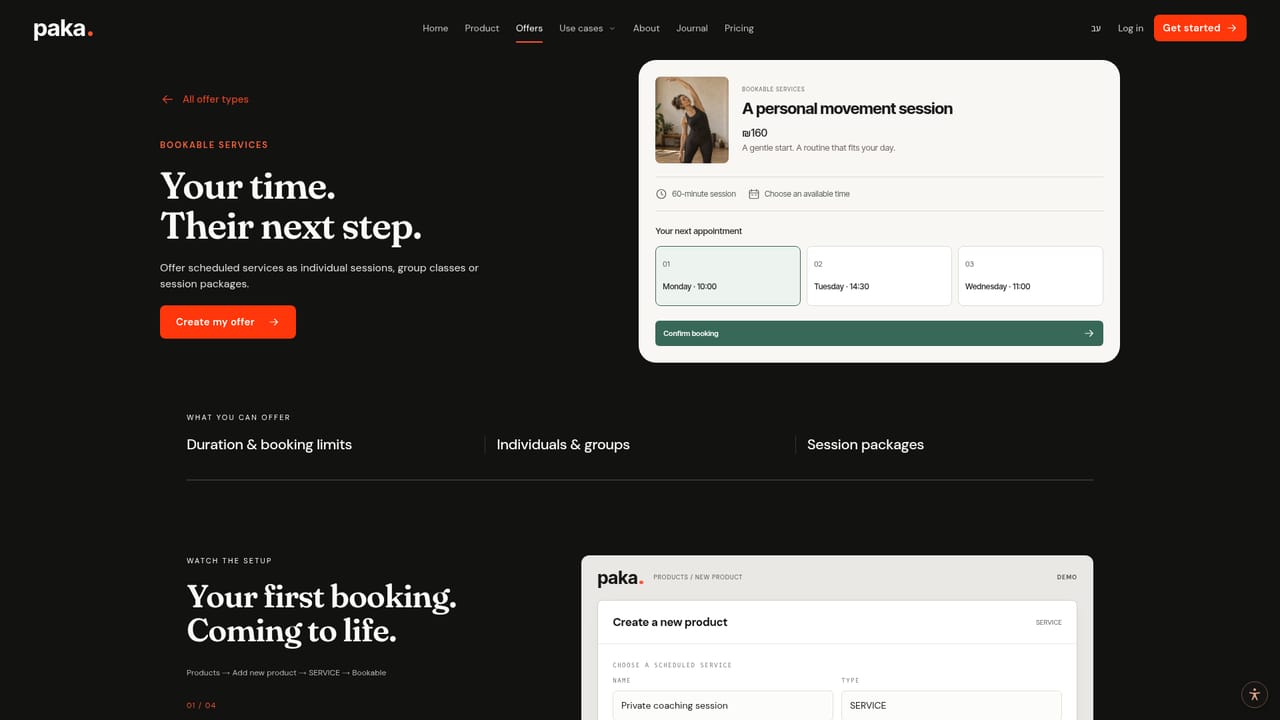
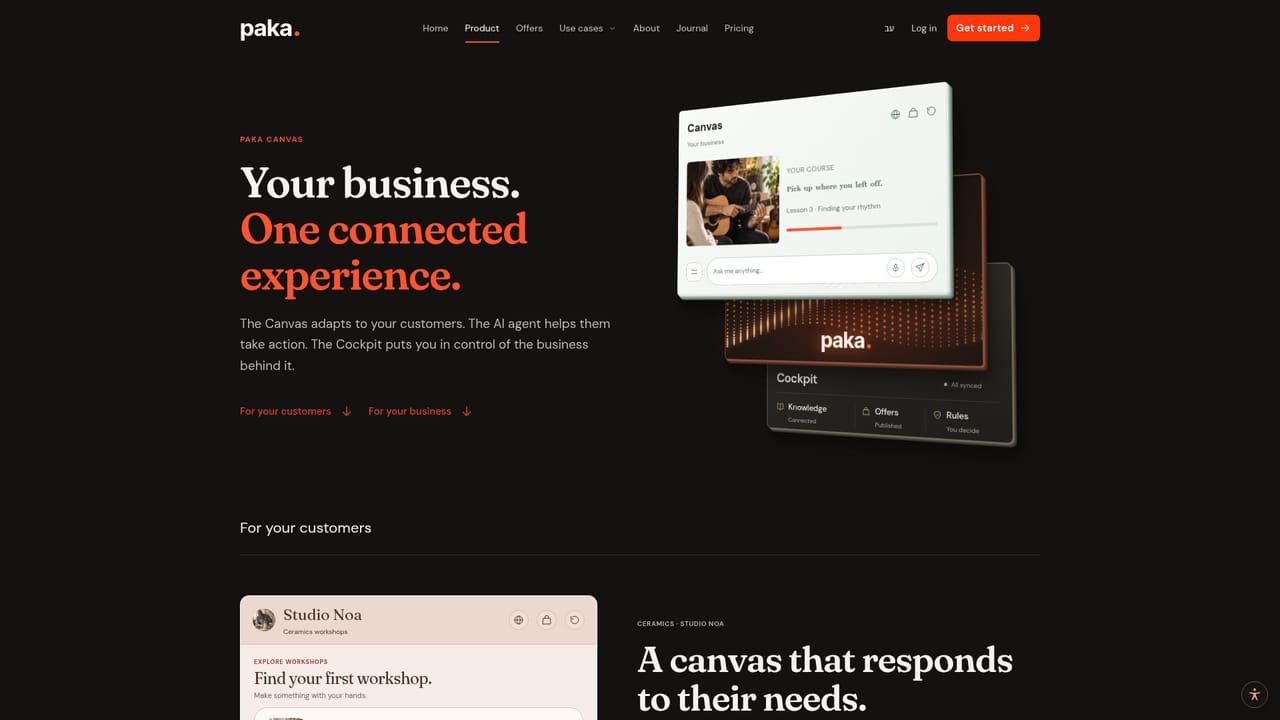
Paka AI is a business website builder with a conversational agent at its center. Instead of a fixed set of pages plus a chat widget bolted on top, it pairs an AI agent with a canvas that reshapes itself as a visitor talks. A ceramics studio suggests a beginner workshop, a cooking business surfaces an evening booking, a course explains a lesson again, and a returning client sees the sessions already in their package. The pitch is that discovery, purchase and follow-up happen in one continuous experience rather than across disconnected pages. The canvas is built to carry a range of offers under one roof: physical products with stock and shipping or pickup details, recorded courses with lessons and progress, digital downloads, bookable sessions and workshops, deliverable services, memberships and affiliate recommendations. A customer can ask a question, be shown a comparison or a relevant product variant, choose a time slot, review the details and complete a purchase without leaving the conversation. Purchases, course progress and remaining sessions stay in a personal customer space. It is aimed at independent operators rather than large teams: coaches, consultants, workshop and studio owners, music teachers, home services, beauty studios, food experiences, digital product sellers and small retailers. The appeal is for someone working hands on who wants the next conversation handled while their attention is elsewhere, with business rules setting the boundaries of what the agent will do. Where it differs from a plain chatbot add-on is the direct tie between dialogue and commerce. Where it differs from a standard storefront builder is the fluidity of the layout. The trade-off is that payments are not native: Stripe or PayMe must be connected separately, and the Commerce Free plan takes a percentage of successful payments on top of provider fees. Existing sites are not replaced; URL Prompts can route visitors from an existing page into a specific Paka journey, so it works best as a layer over one part of a business.
Every plan can be tried for 14 days or 2,500 credits, whichever comes first. No card is required at signup, and connecting a payment provider is a separate setup step outside the trial.
Learn moreCommerce Free costs $0 per month with a 6 percent fee per successful payment, and collecting payments requires a connected provider plus a Paka billing card. Presence Starter is $29 per month for inquiries and bookings with no sales commission. Prices are base rates before taxes, and provider fees are separate.
Learn moreStripe and PayMe are listed for accepting payments inside the experience. No other integrations are stated on the homepage.
Learn moreAn AI agent works with an adaptive canvas that reconfigures offers and actions mid conversation. Support is built for physical products, recorded courses, digital downloads, bookable sessions, deliverable services, memberships and affiliate recommendations. A customer space holds purchases, course progress and remaining sessions. URL Prompts route visitors from an existing site into a specific journey, and rules define the agent's boundaries.
Learn more AI Angels400+ customizable AI girlfriends for NSFW chat, voice calls, and roleplay
 Candy AIExperience the future of companionship with AI friends who chat, role-play, and connect with you on a human level.
 ourdream.aiA vast AI roleplay platform with millions of characters for chat, images, video and voiceAI Angels400+ customizable AI girlfriends for NSFW chat, voice calls, and roleplayCandy AIExperience the future of companionship with AI friends who chat, role-play, and connect with you on a human level.ourdream.aiA vast AI roleplay platform with millions of characters for chat, images, video and voice


