Free trial
The free plan works as a hands-on trial: build and share a map with up to 30 spots before deciding whether paid features are needed.
Learn moreAI map maker for custom, travel and animated maps

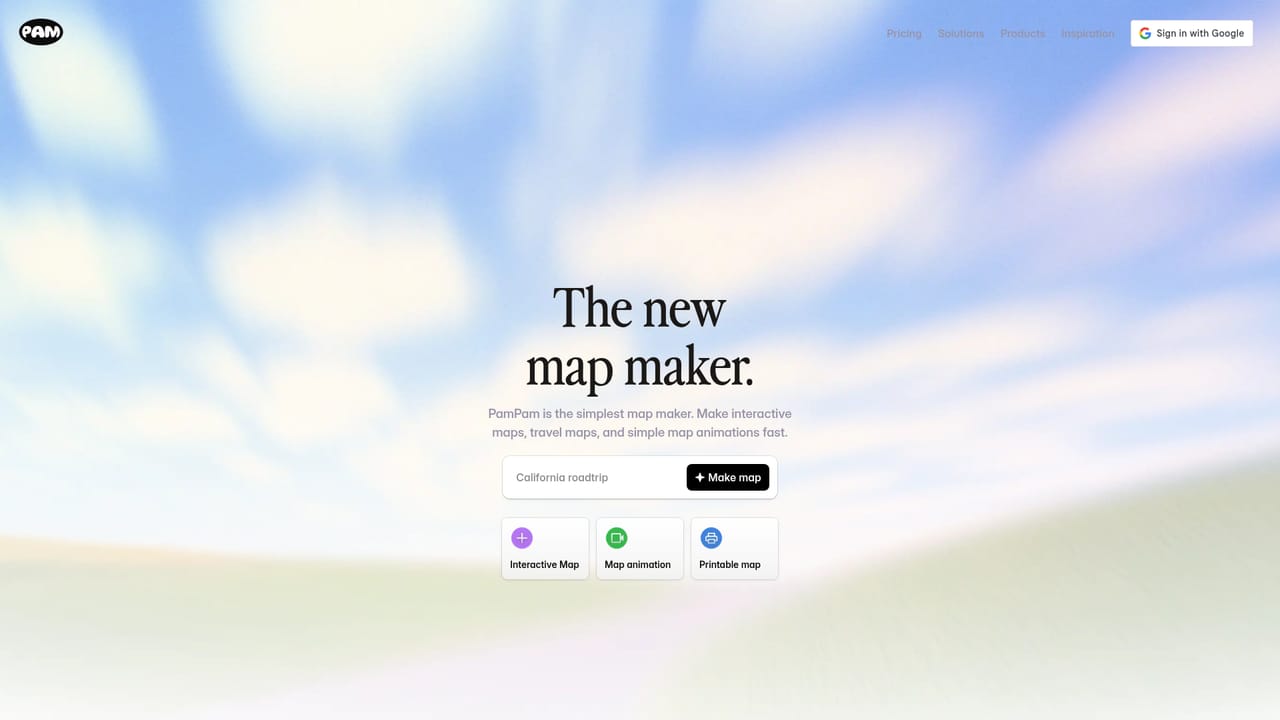
PamPam turns a short prompt, a CSV or a Google Sheet into an interactive, printable or animated custom map that can be shared by link or embedded on a site with no code.
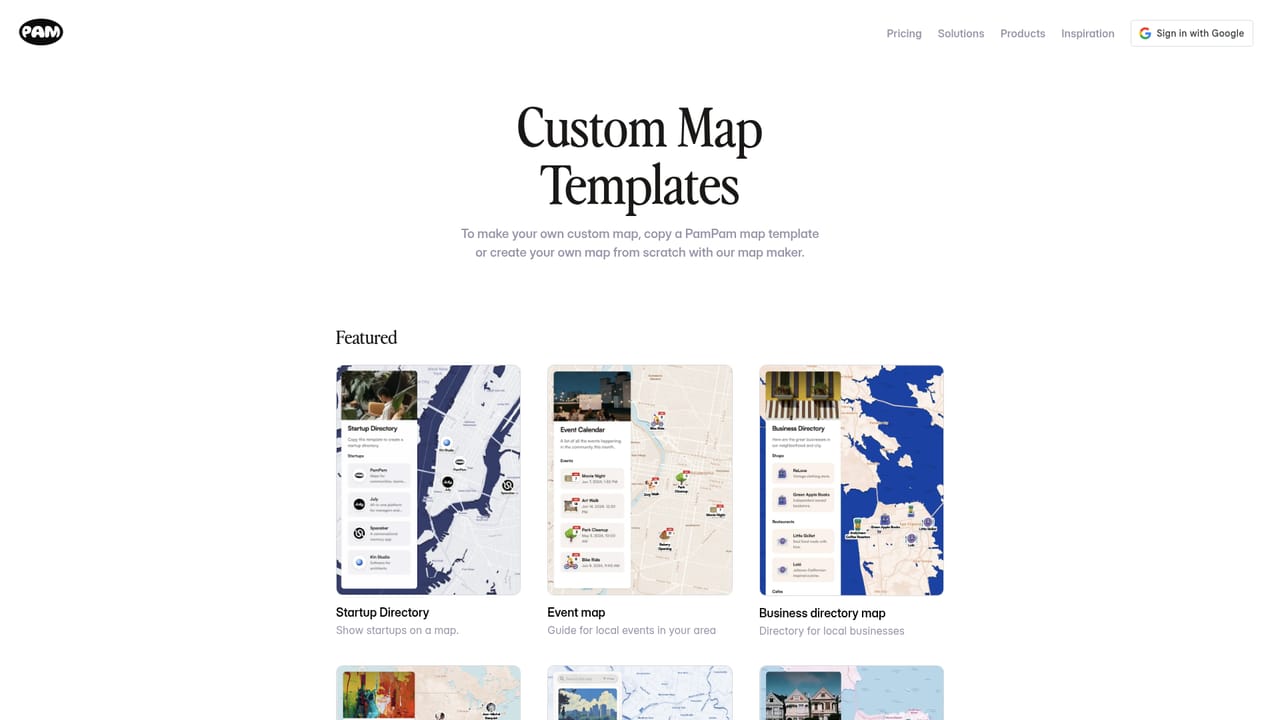
PamPam is an AI map maker for building custom maps without any coding. A prompt such as "bookstores in Paris" or "California road trip" is enough to generate an interactive map with places already pinned, or you can bring your own list through a CSV file or a Google Sheet and let the tool plot every location automatically. Once the map exists, colors, photos and styles can be adjusted to match a brand or a personal aesthetic. Three output formats define the product: interactive maps that can be shared through a link or embedded on a site with an iframe snippet, printable maps, and short map animations. Because the embeds are responsive, the same map works on a website, a blog or a Notion page. That range makes PamPam useful to quite different audiences: travelers assembling itineraries and trip guides, tourism boards and destination marketers, nonprofits mapping community resources, real estate teams plotting listings, and media outlets that need a locator graphic quickly. Startup ecosystems, event schedules, business directories and wedding logistics all have dedicated starting points. In practice the workflow leans on templates. A user picks a format such as a city guide, a member directory or a community resource map, then fills it with AI suggestions or imported rows, edits the styling and publishes. Templates lower the blank-page problem, and the AI handles the tedious part of finding and placing venues. The result sits between no-code website builders with basic map widgets and full GIS software: far less powerful than the latter for spatial analysis, far quicker than hand-plotting points in either. The free tier caps maps at 30 spots, which suits a weekend itinerary but not a large directory; paid plans unlock animations, custom themes and embeds, with pricing starting at $8 per month.
The free plan works as a hands-on trial: build and share a map with up to 30 spots before deciding whether paid features are needed.
Learn moreA free plan allows up to 30 spots on a custom or travel map. Paid plans start at $8 per month and add map animations, custom themes and website embeds for larger projects.
Learn moreA help and docs centre is linked from the site, alongside a public feature request board and community programs for ambassadors and affiliates.
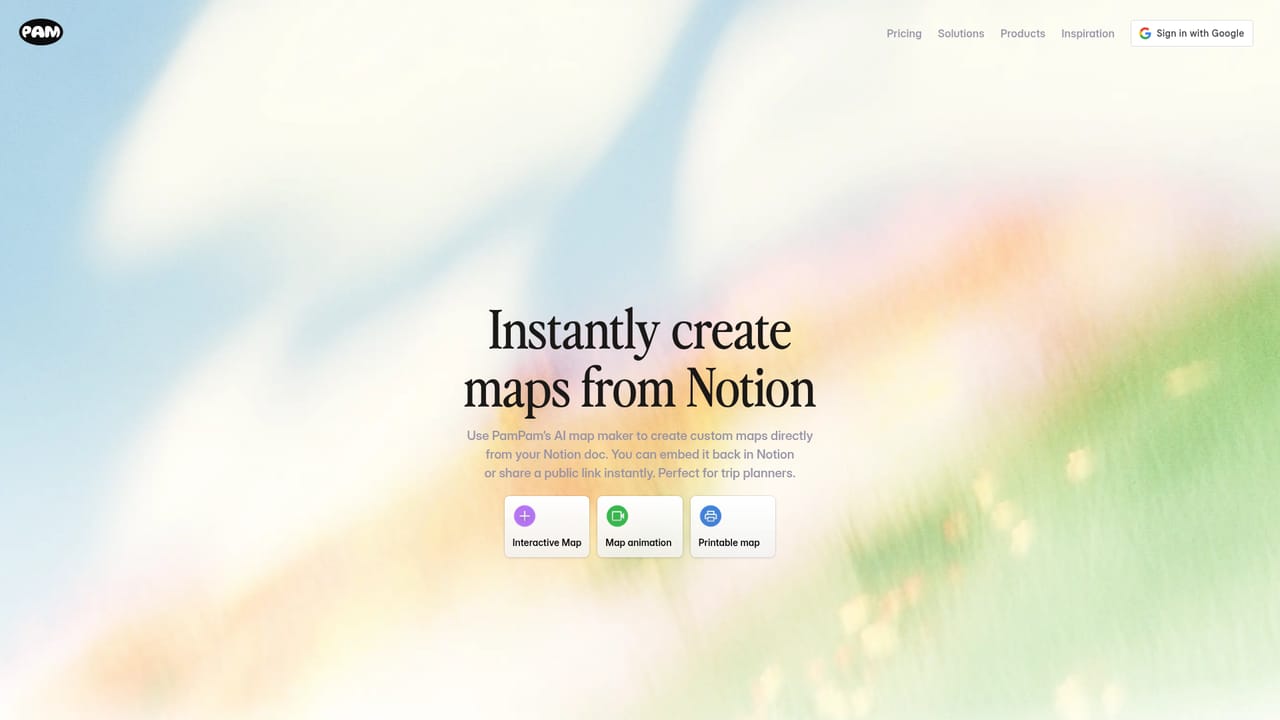
Maps can be embedded with an iframe on websites and Notion pages, and location data can be imported from CSV files or Google Sheets.
Learn moreAI generation from a text description, CSV and Google Sheet import, interactive and printable maps, short map animations, custom colors and photos, responsive iframe embeds, Notion support, and templates for travel, events, directories, community resources and startup ecosystems.
Learn more AI Angels400+ customizable AI girlfriends for NSFW chat, voice calls, and roleplay
 Candy AIExperience the future of companionship with AI friends who chat, role-play, and connect with you on a human level.
 ourdream.aiA vast AI roleplay platform with millions of characters for chat, images, video and voiceAI Angels400+ customizable AI girlfriends for NSFW chat, voice calls, and roleplayCandy AIExperience the future of companionship with AI friends who chat, role-play, and connect with you on a human level.ourdream.aiA vast AI roleplay platform with millions of characters for chat, images, video and voice


