Free trial
New accounts receive 50 free credits with no credit card required and no watermark on outputs. That is enough for one Economy tier render, since a generation costs 50 credits.
Learn moreTurn a prompt or a photo into a full 360° panorama

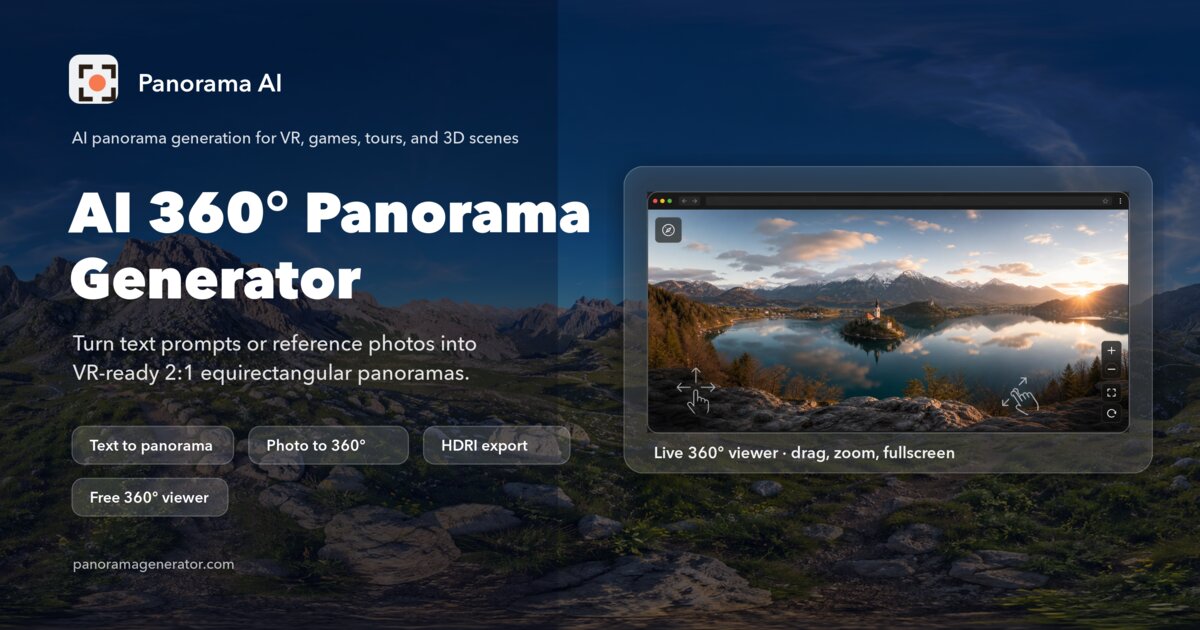
PanoCraft is an AI panorama tool that turns a prompt or a photo into a full 360° panorama. A web app that generates seamless 2:1 equirectangular panoramas from a text prompt or reference photos, then turns them into walkable 3D worlds and shareable virtual tours with hotspots.
PanoCraft is a browser based generator that produces complete 360 degree panoramic images from either a written prompt or one or more reference photographs. Rather than cropping a wide frame, the engine paints an entire equirectangular sphere at a 2:1 ratio, with matched seams and correct convergence at the poles. Outputs are delivered at 2048x1024 in WebP, PNG or JPEG, which means they can be opened in any standard 360 viewer or imported directly into Unity, Unreal, Blender or Three.js without conversion. The image to panorama mode is the more distinctive half: a few 16:9 snapshots are enough to hold a subject in place and invent everything the camera did not capture. The product goes further than a flat image file. Any generated panorama can be lifted into a walkable 3D Gaussian splat world with a downloadable collider mesh, and those worlds can be linked with panoramas and your own 360 photos into a virtual tour that carries scene links, info hotspots and a branded visitor link. Tours are marked beta on the site. This puts PanoCraft in the same conversation as skybox generators and photogrammetry tour platforms, but it is unusual in covering both ends of that chain inside one account. The audience is fairly specific: environment artists and indie game developers building skyboxes, real estate and architectural studios staging unbuilt interiors or replacing a dull sky, and creative technologists prototyping immersive storytelling or exhibition backdrops. Hobbyists get a straightforward path too, since browsing, pricing and shared tours need no account at all. Commercial rights are included on paid plans, prompts and results are not used for training unless the user opts in, and content screening blocks sexual and non consensual imagery. Renders are not instant: the site quotes 2 to 8 minutes per generation on the Economy tier of Pano Model 1.0, and credits are only deducted once a generation succeeds.


New accounts receive 50 free credits with no credit card required and no watermark on outputs. That is enough for one Economy tier render, since a generation costs 50 credits.
Learn moreSubscription plans are credit based rather than per seat: Starter at $19 per month for 2,000 credits (roughly 40 2K panoramas or 10 3D worlds), Pro at $49 for 4,000 credits, and Max at $99 for 9,000 credits. All three tiers include text, image and multi-image to 360, walkable worlds, tours and a commercial licence.
Learn moreSupport is handled through documentation rather than a stated help desk: a five minute virtual tours guide and a FAQ covering projections, credits, ownership and content rules. Privacy policy and terms of service are published.
Learn moreNo direct integrations are listed. Standard equirectangular exports are stated to work in Unity, Unreal, Blender, Three.js, WebXR and VR headsets, and 3D worlds export as PLY or GLB.
Text to panorama and image to panorama (single or multiple references), 2:1 equirectangular output at 2048x1024 in WebP, PNG or JPEG, a built in 360 viewer, conversion to Gaussian splat 3D worlds with downloadable collider mesh, and beta virtual tours with scene links, hotspots and a shareable visitor link. Pano Model 1.0 runs in Economy mode with a quoted 2 to 8 minute render time.
 AI Angels400+ customizable AI girlfriends for NSFW chat, voice calls, and roleplay
 Candy AIExperience the future of companionship with AI friends who chat, role-play, and connect with you on a human level.
 ourdream.aiA vast AI roleplay platform with millions of characters for chat, images, video and voiceAI Angels400+ customizable AI girlfriends for NSFW chat, voice calls, and roleplayCandy AIExperience the future of companionship with AI friends who chat, role-play, and connect with you on a human level.ourdream.aiA vast AI roleplay platform with millions of characters for chat, images, video and voice