What these tools do
An AI panorama generator takes a short text prompt, or sometimes a source photo, and produces a 360° scene. Output is normally an equirectangular image: one wide file that wraps around the viewer, so it can be dropped into a VR headset, a 360° video pipeline or a browser viewer without stitching separate shots.
The main use cases are environment concept art, virtual tours, game and simulation backdrops, and interior ideas. Compared with the old workflow (book a location, shoot multiple frames, stitch them, retouch the seams), the tool replaces the shoot and the stitching with a prompt and a few minutes of iteration. It does not replace a photographer when a real place has to be documented accurately.
The audience is fairly narrow: VR and 360° content creators, environment and level artists, architectural visualisers and marketers producing spatial previews. If you only need a flat wide shot, a standard image generator is the simpler choice.
How to choose one
Start with the input you actually have. Prompt-only tools are fine for invented places; if you need a specific room or site, check whether the tool accepts a photo reference and how faithfully it follows it.
Next, confirm the output format. Ask whether the export is truly equirectangular and at what resolution, because a panorama that looks good flat can show stretching at the poles and a visible seam once wrapped into a viewer. Test one file in your target headset or player before committing.
Then look at the style range and the licensing terms for commercial use, and at how the pricing scales: trials are common, and subscriptions usually gate resolution or export rights. Finally, check the editing loop. Being able to re-prompt a section or regenerate without losing the rest of the scene matters more than the first render.
Notable tools
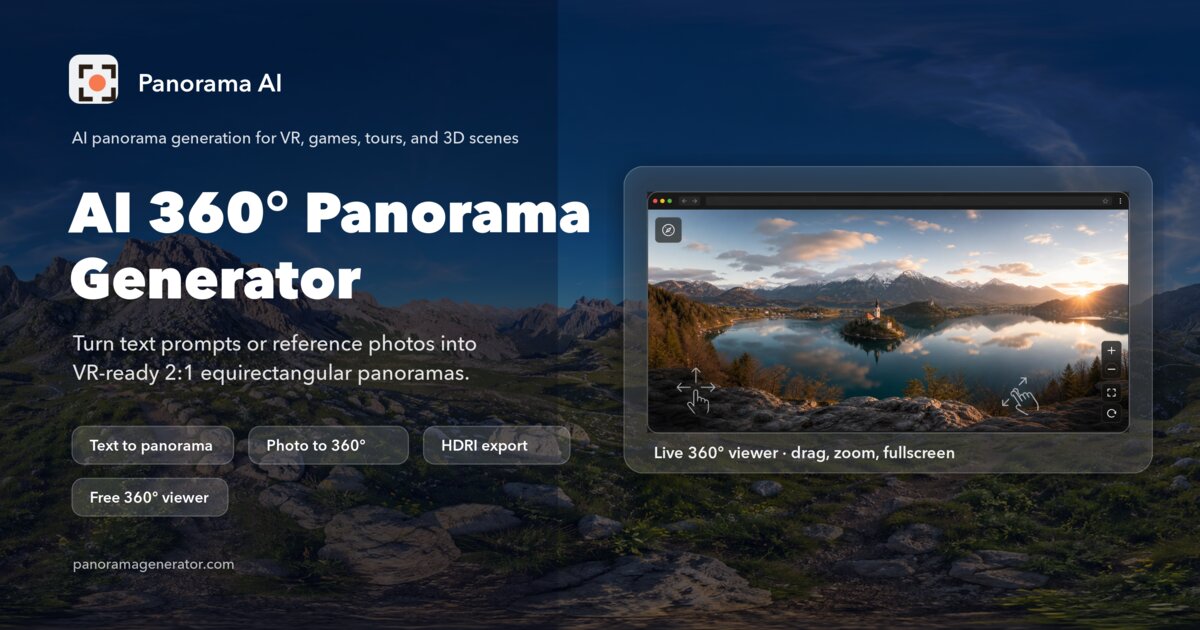
Panorama AI converts text or photo prompts into VR-ready 360° equirectangular panoramas, which makes it the most direct fit when the deliverable has to go into a headset or a 360° player. It is a web app with a free trial and subscription tiers.
PanoCraft turns a prompt or a photo into a full 360° panorama, with a freemium entry point and subscription options. The photo route is useful when an existing image should be extended into a surrounding scene rather than replaced.
Izbaviz is the adjacent option: photo-based AI room redesign, staging and rendering with more than 20 styles. It is aimed at interior work rather than full 360° output, so treat it as a way to explore a room before producing a true panorama elsewhere.
Common questions
What is panorama ai?
The phrase refers to AI tools that generate 360° panoramic images from a text description or a reference photo. The result is an equirectangular file meant to be viewed from the inside, not a normal flat picture. Most tools in this group run in the browser and offer a trial before a paid plan.
Is ai panorama output really usable in VR?
Only if the export is properly equirectangular and high enough resolution for your viewer. Always test a sample in the headset or player you plan to use, and check the top and bottom of the frame for distortion and the horizontal edges for a visible seam.
Can I make a panorama from an existing photo?
Some tools accept a photo as the starting point and extend it into a surrounding 360° scene, while others are prompt-only. If a real location has to be preserved, check photo support and how much the tool is allowed to invent around it before you rely on it.
When to look elsewhere
If the goal is a single flat image, logo, avatar or product shot rather than a wraparound scene, the broader Image Generator category covers it with more suitable tools. For anime-style artwork in a conventional frame, the Anime Generator is the better starting point.