Free trial
New accounts get 25 free panorama generations, no credit card required, and outputs carry no watermark.
Learn moreText or photo in, seamless 360 degree world out.

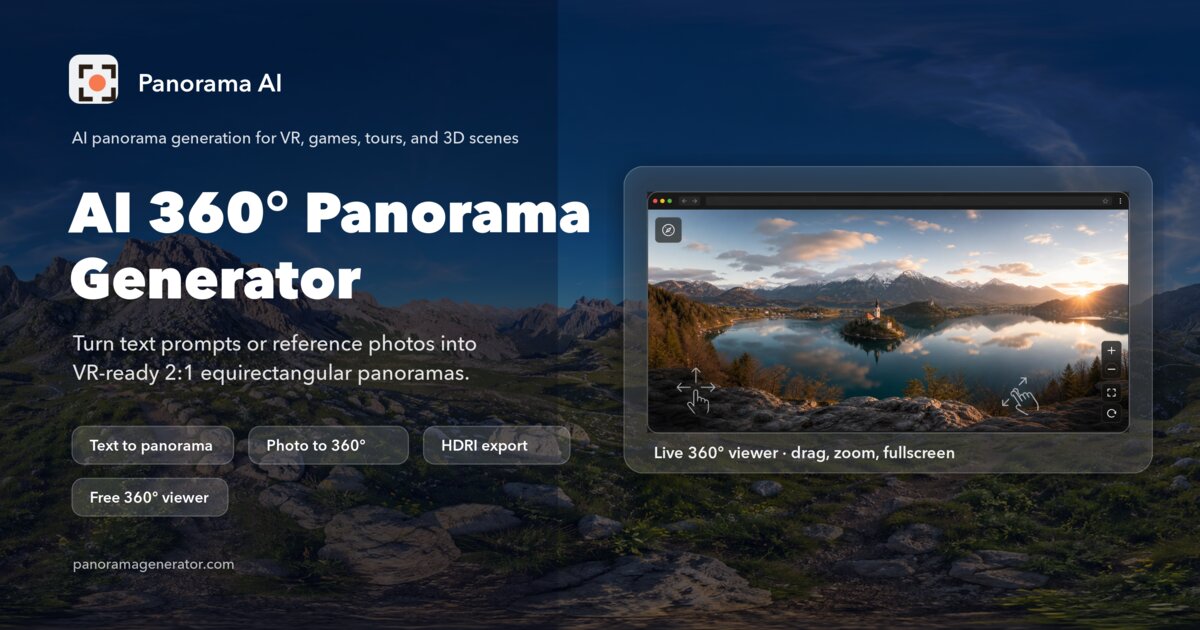
PanoPulse generates 360 degree panoramas from text prompts or a single flat reference photo, outputting 2:1 equirectangular images with cubemap and fisheye exports for VR, game skyboxes, virtual tours and architectural visualization.
PanoPulse is an AI panorama generator that produces full 360 degree images either from a written prompt or from a single flat reference photo. Typed prompts go through a text to panorama route, while an uploaded landscape, interior or mood board is expanded by palette aware outpainting into a complete surrounding sphere. Output defaults to a 2:1 equirectangular projection, the format that 360 viewers, WebXR and game engines expect, with cubemap and fisheye stereographic options available at export. Files can be written as WebP or JPEG for compact delivery, or PNG when lossless detail matters. In everyday use the workflow is short. A creator enters a prompt, optionally appends style modifiers such as golden hour or volumetric fog, picks a resolution and quality preset, and renders. A run costs 12 credits. Up to four mood references can be attached to steer palette, lighting and composition so a series of panoramas keeps a consistent look. Finished spheres open in a built in viewer where the seam can be checked before the file is downloaded. The tool targets people who need immersive backdrops rather than single frames: VR and game developers building skyboxes for Unity, Unreal or Three.js, real estate marketers staging unbuilt homes or replacing a dull sky, architects pre-visualizing sightlines and daylight, and creative teams prototyping exhibition or music visuals. A companion virtual tours feature, still in beta, links multiple panoramas, interactive 3D world splats and imported 360 images into one guided experience with scene links, annotation details and a branded visitor URL. Against general purpose image generators, the pitch is projection correctness and practical output formats rather than raw artistic range. PanoPulse also states that generated outputs can be used commercially and that prompts, references and results are not used for training unless the account owner opts in. Pricing sits alongside these claims as a credit system rather than a flat monthly fee.
New accounts get 25 free panorama generations, no credit card required, and outputs carry no watermark.
Learn moreCredit based. Each panorama generation costs 12 credits, and new accounts include 25 free generations with no credit card and no watermark. The homepage links formats and resolutions to presets rather than listing subscription tiers.
Learn moreThe homepage points to a help center for longer documentation and an API reference; no other support channels are listed.
No native plugins are documented; exports are designed to be imported into Unity, Unreal, Three.js, WebXR viewers and VR headsets. API reference is mentioned as living in the help center.
Text to panorama and image to panorama generation, equirectangular 2:1 output by default with cubemap and fisheye stereographic export, WebP, JPEG and PNG files, up to four mood references for palette and lighting control, a built in 360 viewer, a world view that converts panoramas into walkable 3D splats, and a beta virtual tours builder with scene links and branded visitor URLs.
Learn more AI Angels400+ customizable AI girlfriends for NSFW chat, voice calls, and roleplay
 Candy AIExperience the future of companionship with AI friends who chat, role-play, and connect with you on a human level.
 ourdream.aiA vast AI roleplay platform with millions of characters for chat, images, video and voiceAI Angels400+ customizable AI girlfriends for NSFW chat, voice calls, and roleplayCandy AIExperience the future of companionship with AI friends who chat, role-play, and connect with you on a human level.ourdream.aiA vast AI roleplay platform with millions of characters for chat, images, video and voice