Free trial
A free account is offered directly from the homepage and the site invites users to write for free, but no separate time limited trial terms are described.
Learn moreAn AI writing assistant that fixes, replies, and edits wherever you type

Paragraph AI is a grammar checker tool. ParagraphAI is a cross platform AI writing assistant delivered through a Chrome extension and a mobile keyboard. It fixes grammar, drafts email replies, generates and edits text, translates across 40+ languages and summarizes documents, with a stated focus on dyslexic and ESL users.
ParagraphAI is an AI writing assistant built around a simple premise: most people know what they want to say but freeze when it comes to putting it into words. The product handles four core jobs. Fix corrects grammar across any message with a single tap. Reply drafts a response to an email or message in one action. Create produces original text, from casual notes to reports and articles. Edit runs real time filters that shift formality, friendliness and length so the output sounds like the person who sent it. The tool is designed for students and professionals, with an explicit focus on dyslexic and ESL writers. Translation covers more than 40 languages with adjustable input and output settings, which makes it useful for anyone corresponding across a language gap. Summaries work on web pages and PDFs, so long documents can be condensed without leaving the current task. A humanize function is offered for making AI generated text read more naturally, and templates let users save tailored instructions for writing tasks they repeat. Distribution is the real differentiator. ParagraphAI is not a separate destination site you visit to write. It ships as a Chrome extension and a mobile keyboard for iOS and Android, which puts the assistant inside email clients, chat apps and any other text field on the device. That placement matters for the target user: someone who needs help in the moment of writing rather than in a dedicated editor tab. A Pro tier unlocks unlimited edits, replies and creates across devices under one account, and an Enterprise offering adds on brand interactions with enterprise level security. The site states that workplace adoption includes NASA and more than 25 percent of Fortune 500 companies. Privacy claims are specific: data is not sold, used or shared for advertising, and the company says it works only with models that hold a zero data retention policy. Against general purpose chatbots, ParagraphAI trades breadth for friction removal. It does fewer things, but the things it does are one tap away in the place where writing already happens.
A free account is offered directly from the homepage and the site invites users to write for free, but no separate time limited trial terms are described.
Learn moreThe homepage promotes a free account and a ParagraphAI Pro upgrade that unlocks unlimited edits, replies and creates across all devices under one account. No prices, tiers or billing periods are published on the homepage, so exact Pro cost is not stated.
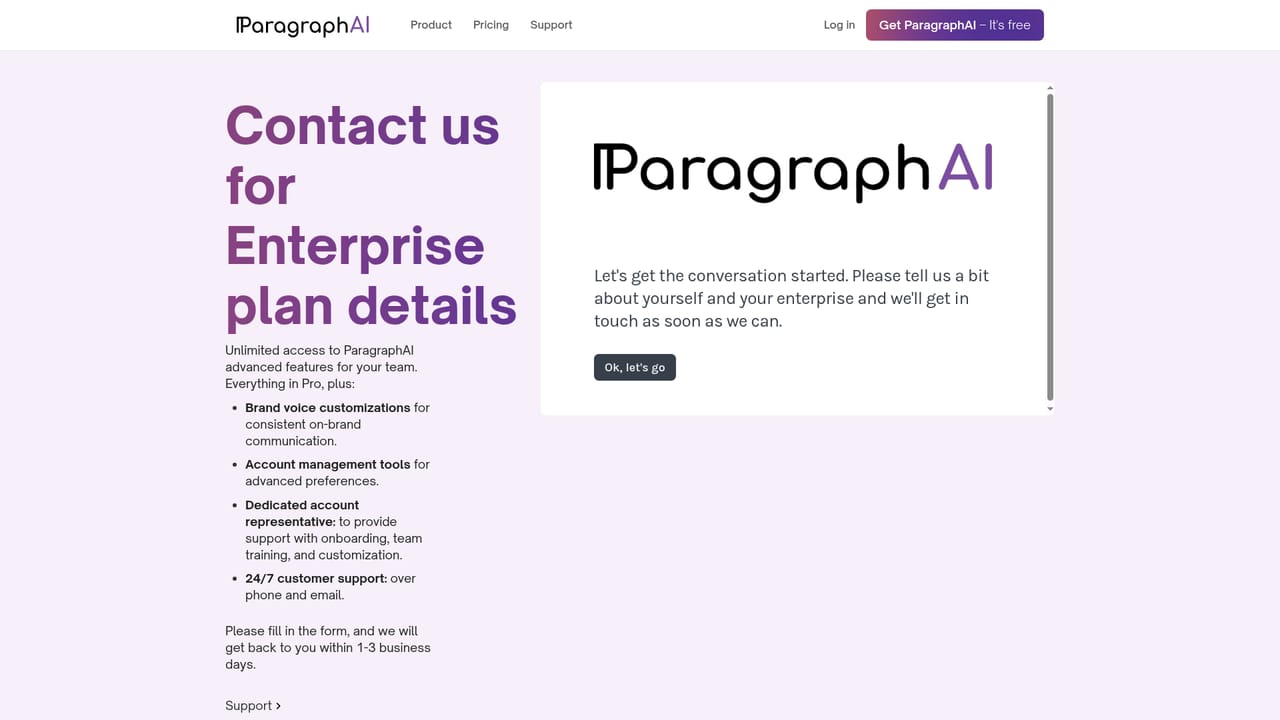
Learn moreSupport details are not described on the homepage. Enterprise buyers are routed to a contact form for sales conversations about deployment, security and on brand output.
Learn moreDistribution is through a Chrome web extension and an iOS and Android keyboard rather than named third party integrations. No app marketplace or API integrations are listed on the homepage.
Fix grammar in one tap, draft email replies, generate original text, and refine tone with real time filters for formality, friendliness and length. Also includes translation across 40+ languages, AI humanizing, reusable templates, and summarization of web pages and PDFs.
 AI Angels400+ customizable AI girlfriends for NSFW chat, voice calls, and roleplay
 Candy AIExperience the future of companionship with AI friends who chat, role-play, and connect with you on a human level.
 ourdream.aiA vast AI roleplay platform with millions of characters for chat, images, video and voiceAI Angels400+ customizable AI girlfriends for NSFW chat, voice calls, and roleplayCandy AIExperience the future of companionship with AI friends who chat, role-play, and connect with you on a human level.ourdream.aiA vast AI roleplay platform with millions of characters for chat, images, video and voice